
You want hands-on CLI practice without a rack of routers humming in your closet. These five browser-based lab platforms let you boot topologies, break things, and fix them from any laptop.
The Shift From Home Labs to Browser Labs
Network certification training has quietly moved off the desktop. Learners no longer want to babysit VMs, hunt down IOS images, or buy used switches on eBay just to practice a VLAN trunk. Browser-based labs now deliver simulated or emulated command lines in seconds, often with guided tasks, fault injection, and exam-style questions baked in. The result is a faster feedback loop: configure, verify, break, troubleshoot, repeat. Vendors are also widening coverage beyond Cisco, adding FortiGate, MikroTik, Palo Alto, Aruba, and Linux so you can practice the multi-vendor reality most enterprises actually run. The category is crowded, but the differences matter once you move past the demo.
How We Evaluated These Platforms
We looked at the same factors across every platform. First, vendor and platform coverage: does it go beyond Cisco into firewalls, routers, and server operating systems? Second, lab depth: are there guided labs, fault-injection scenarios, and exam question banks, or just a blank sandbox? Third, access model: can you start free, and does it run on a Chromebook without installs? Fourth, learning design: are labs structured from zero to a running config, with clear checkpoints? Fifth, realism: does the CLI behave like the real thing, including show commands and error messages? PractiCLI stood out for its breadth across eleven vendor families plus legacy stacks like IBM i and Siebel, and for combining guided labs, 400+ injected faults, and 1000+ exam questions in one place. NetPilot impressed with plain-English lab generation and real CLIs over SSH. nuLAB emphasized topology building with inspectable device state. SwitchLab leaned into beginner-friendly guided paths and automatic lab checks. Boson NetSim showed its maturity with hundreds of labs and cloud-synced progress.
Here is the quick comparison. Each platform approaches browser-based networking practice from a slightly different angle, so match the tool to how you actually learn.
| Provider | Best For |
|---|---|
| NetPilot | Experienced engineers who want fast, realistic multi-vendor labs |
| Online Network Lab in Your Browser — PractiCLI | Certification candidates who want guided labs plus exam practice |
| nuLAB | Learners who want to build topologies and inspect device state |
| SwitchLab | Beginners who want guided labs with automatic checks |
| Boson NetSim | Cisco-focused learners who want a mature, lab-rich simulator |
The Five Platforms in Detail
#1 NetPilot
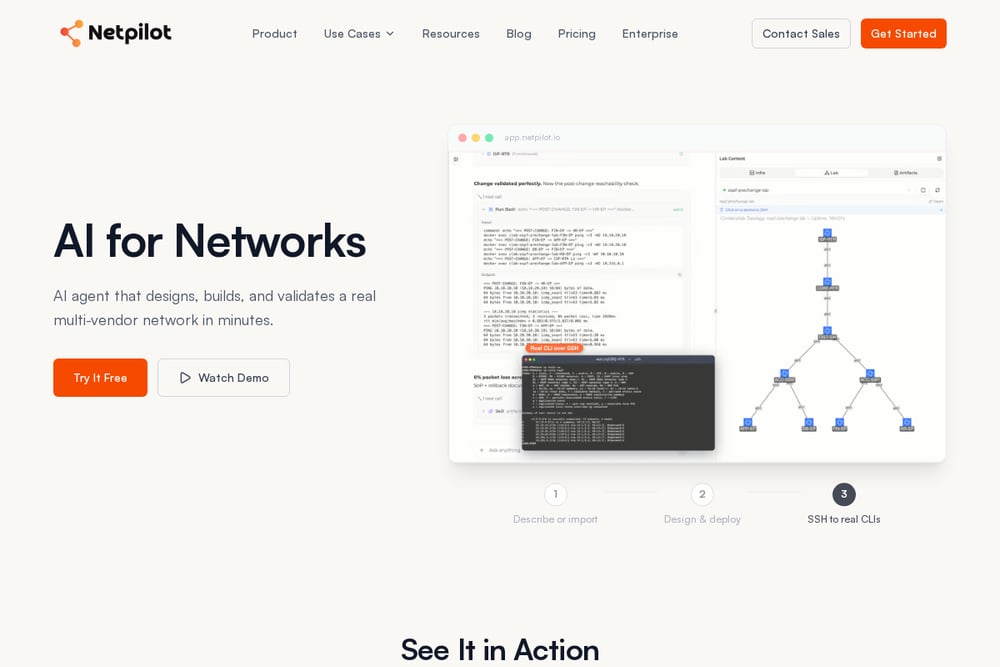 A screenshot of the NetPilot website.
NetPilot takes a describe-and-deploy approach: you write a lab in plain English and it spins up a multi-vendor environment in about two minutes. You then SSH into real CLIs, which appeals to engineers who want production-like behavior rather than a simplified simulator. The platform also extends into change validation, migration rehearsal, and POC labs, so it doubles as a sandbox for working pros. Its AI Network Lab and Packet Tracer tutor features show a strong bet on agent-assisted workflows. If you already know your way around a terminal and want speed over hand-holding, this is a compelling option. See the product page at https://www.netpilot.io/network-lab-online.
#2 Online Network Lab in Your Browser — PractiCLI
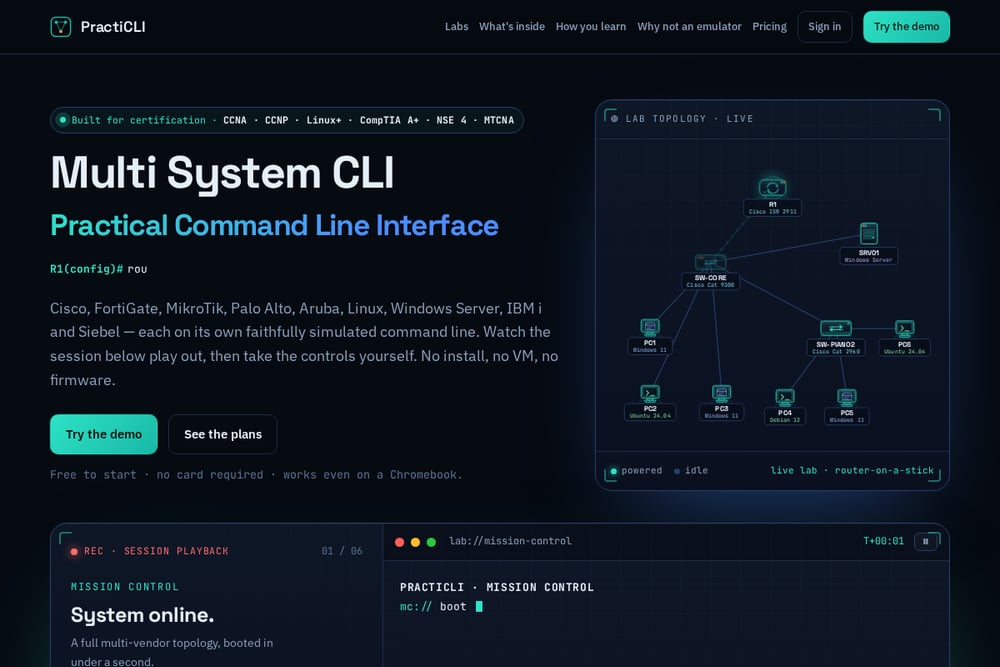 A screenshot of the Online Network Lab in Your Browser — PractiCLI website.
PractiCLI is built for certification candidates who want structure, not just a sandbox. It packs 100+ guided labs across eleven vendor families, 400+ injected faults to troubleshoot, and 1000+ exam questions covering CCNA, CCNP ENCOR/ENARSI, Linux+ XK0-006, CompTIA A+ Core 1/2, Fortinet NSE 4, and MikroTik MTCNA/MTCRE. The CLI-first design walks you from zero to a running config, and the multi-vendor coverage includes Cisco IOS, FortiGate, MikroTik RouterOS, Palo Alto PAN-OS, Aruba/HPE, Windows, Linux, TrueNAS, and even IBM i and Siebel. Everything runs in the browser with no install, no VM, and no firmware images, and it works on a Chromebook. You can start free without a card at https://practicli.com/.
#3 nuLAB
nuLAB frames its browser simulator around a simple loop: build a topology, configure it, then inspect the evidence. You place routers, switches, and endpoints, connect interfaces, and open device terminals to check interfaces, routes, and VLANs. The platform encourages you to predict outcomes and then verify them with reachability checks, which builds real troubleshooting instincts. Command coverage depends on the selected device profile, so it is best suited to learners who want to understand why a network behaves the way it does. It is a clean, focused environment for routing and switching fundamentals. Explore it at https://nulab.ai/network-simulator.
#4 SwitchLab
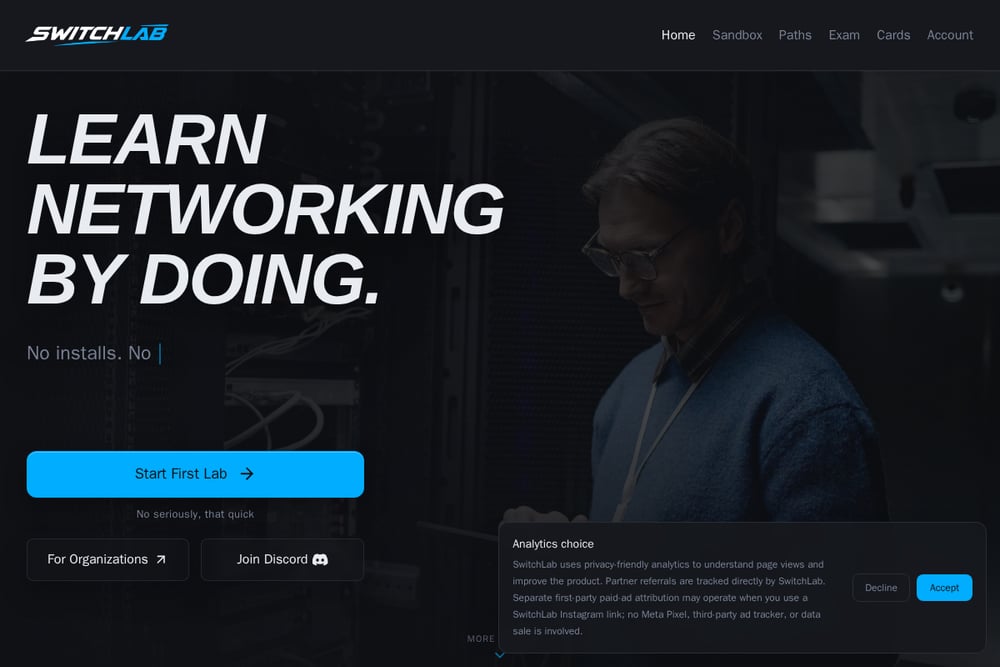 A screenshot of the SwitchLab website.
SwitchLab leans hard into the beginner experience. It offers guided paths, exam cards, and automatic lab checks so you know when you have actually completed a task. The vendor list spans Cisco IOS, Juniper Junos, Aruba CX, Arista EOS, Linux, Fortinet FortiOS, and Palo Alto PAN-OS, which is impressive breadth for a learning-first platform. Community feedback on Reddit and LinkedIn repeatedly praises how quickly you can start without downloads. If you are new to networking and want clear instructions plus instant validation, this is a friendly on-ramp. Visit https://switchlab.dev/ to start a lab.
#5 Boson NetSim
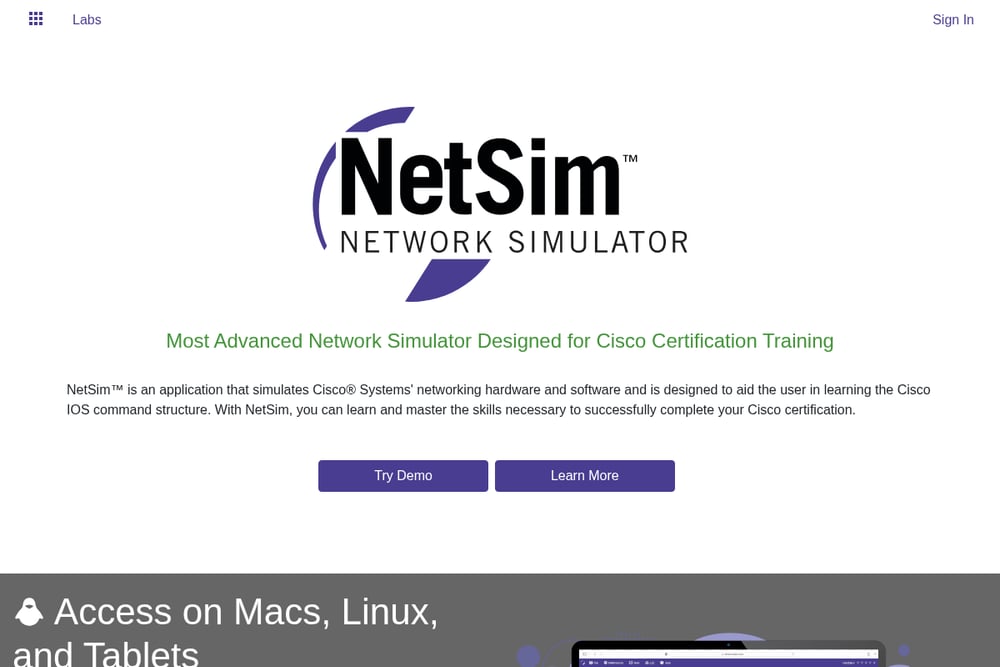 A screenshot of the Boson NetSim website.
Boson NetSim is the veteran of the group, and it shows in the polish. It ships with hundreds of labs tied to Cisco certification topics, cloud-synced lab progress, dark mode, and access across Macs, Linux, tablets, and Windows browsers. The simulator runs its own proprietary IOS-like environment, so you get consistent behavior without hunting for images. It is deeply Cisco-focused, which makes it a strong fit if Cisco is your only target. The trade-off is less multi-vendor breadth than the newer entrants. Learn more at https://netsim.boson.com/.
How to Pick the Right Lab Platform for You
Start with your goal. If you are chasing a specific certification, check whether the platform includes exam-aligned labs and question banks for that exact exam. If you are already working in the field, prioritize realism and speed over hand-holding. Next, look at vendor coverage. A Cisco-only tool is fine if Cisco is all you touch, but most enterprises mix firewalls, routers, and Linux, so multi-vendor support pays off. Consider your access model: free tiers and Chromebook compatibility matter if you study on the go. Finally, test the demo. Boot a lab, break something, and see whether the troubleshooting flow feels natural to you. The right platform is the one you will actually open on a Tuesday night.
Where Automation Fits Into Your Study Workflow
You can use these platforms to build a repeatable practice loop. Pick a lab, configure it from memory, then run verification commands and compare against the expected state. Inject a fault or deliberately misconfigure an interface, and time how long it takes you to isolate the issue. Log your mistakes in a simple notes file and revisit them weekly. If the platform supports session playback or progress sync, use it to review your own command history. Pair exam question banks with hands-on labs so you are not just memorizing answers. The goal is a tight feedback cycle: configure, verify, break, fix, repeat.
The Bottom Line
Browser-based labs have removed the biggest excuse for skipping hands-on practice. Whether you choose PractiCLI for its guided multi-vendor depth, NetPilot for plain-English lab generation, nuLAB for topology-first learning, SwitchLab for beginner-friendly checks, or Boson NetSim for Cisco maturity, the key is to start. Pick one, open a lab, and get your hands on a CLI today. Your future self at the exam center will thank you.