Your images are slowing down your site, and uploading them to a random server feels like a privacy gamble. These five tools keep the work on your device and the results in your hands.
The Quiet Shift to On-Device Image Compression
Image compression used to mean a server round-trip and a wait. Today, a growing class of browser-based tools runs the entire process locally, so your files never leave your machine. That matters for privacy, for speed, and for anyone working with sensitive client assets. The tools below all embrace that on-device model, but they differ in scope, interface, and how far they go beyond simple compression.
How We Evaluated These Tools
We looked at five factors across every tool: service scope (does it just compress, or does it also convert, resize, and handle other formats?), pricing clarity (is it free, freemium, or paid, and are the limits obvious?), local fit (does it work well for US-based freelancers, agencies, and small businesses?), privacy (does processing stay on your device?), and ease of use (can you get a result without a tutorial?). Each tool below stood out in at least one of these areas, and we note what that was.
Here is a quick comparison of the five tools, followed by a closer look at each one.
| Provider | Best For |
|---|---|
| Squoosh | Hands-on users who want full control over compression settings |
| Thirai Labs: Software that does the work for you | Small businesses and freelancers who want a broad toolkit plus custom software options |
| Image Compressor | Users who need to compress multiple image formats in one session |
| CompressImage.io | Batch processing large numbers of images without uploads |
| TinyPNG | Developers and teams who need API and plugin integrations |
The Five Tools in Detail
#1 Squoosh
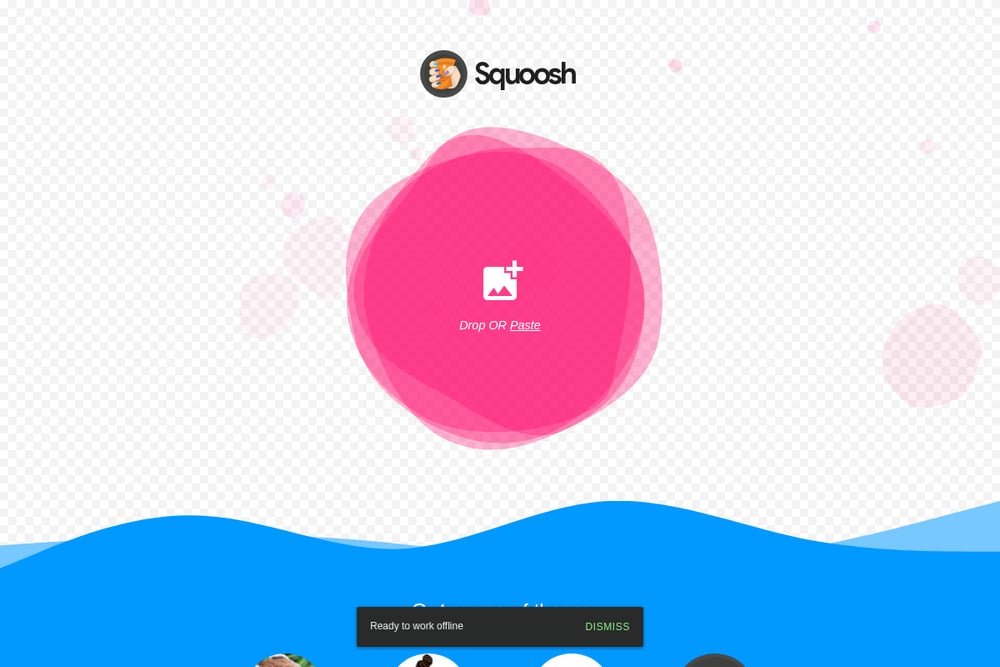 A screenshot of the Squoosh website.
Squoosh is a no-frills, open-source compressor that does one thing well: it lets you see exactly what happens to your image quality as you shrink the file. You drop an image, adjust the settings, and compare the before and after side by side. Everything runs locally, so your images never leave your device. It is a great fit if you want full control and do not mind a slightly technical interface. The source is on GitHub, which adds a layer of transparency for privacy-minded users.
#2 Thirai Labs: Software that does the work for you
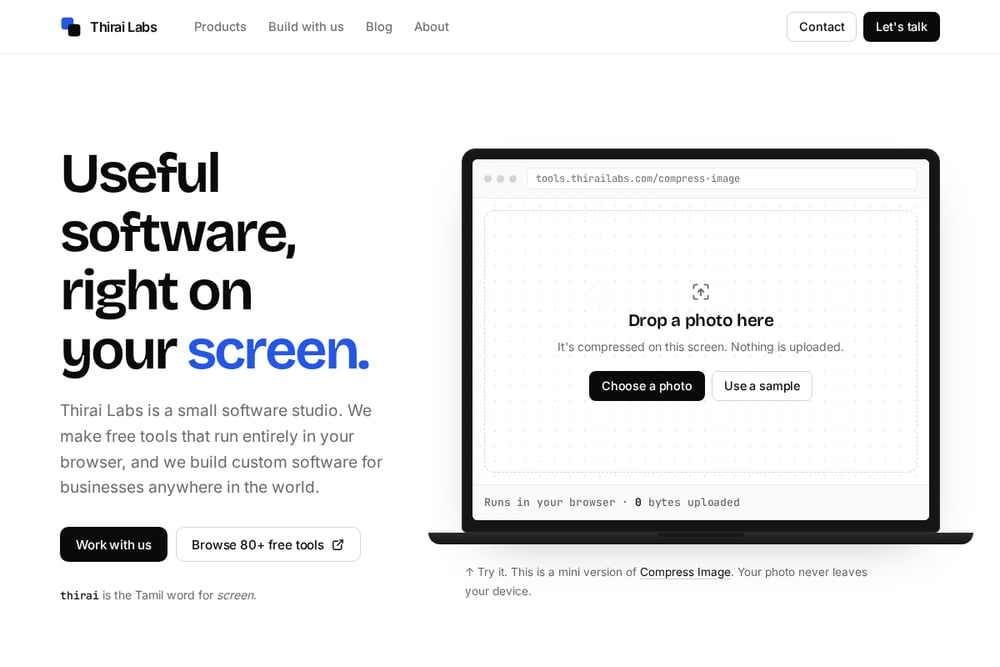 A screenshot of the Thirai Labs: Software that does the work for you website.
Thirai Labs is a small software studio that built a suite of over 80 free browser-based tools, and image compression is just one of them. The compressor runs entirely on your device, with zero bytes uploaded, and it sits alongside PDF merging, financial calculators, and JSON formatting tools. That breadth makes it a practical one-stop shop for freelancers and small teams who need more than just image compression. The studio also builds custom software and automation for businesses, so if you outgrow the free tools, you have a partner to call. You can try the compressor directly at the Thirai Labs tools site.
#3 Image Compressor
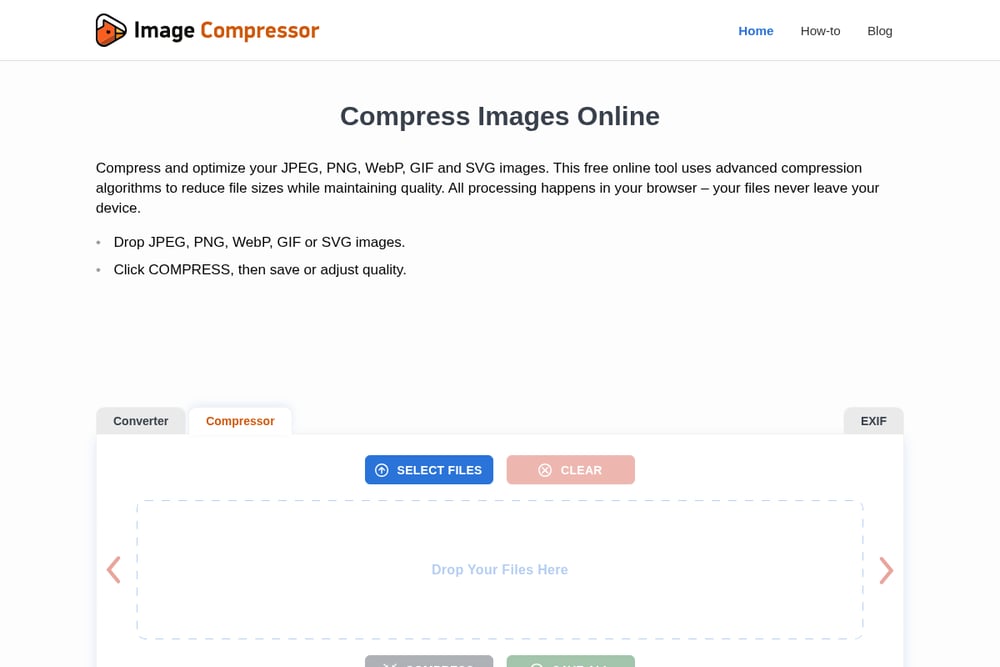 A screenshot of the Image Compressor website.
Image Compressor handles JPEG, PNG, WebP, GIF, and SVG in one place, and it runs entirely in your browser. The tool automatically analyzes each file and picks optimal settings, but you can also fine-tune quality with a slider and compare against the original. It is a solid choice if you work with mixed formats and want a straightforward, no-upload workflow. The interface is clean and the step-by-step guide makes it easy to get started.
#4 CompressImage.io
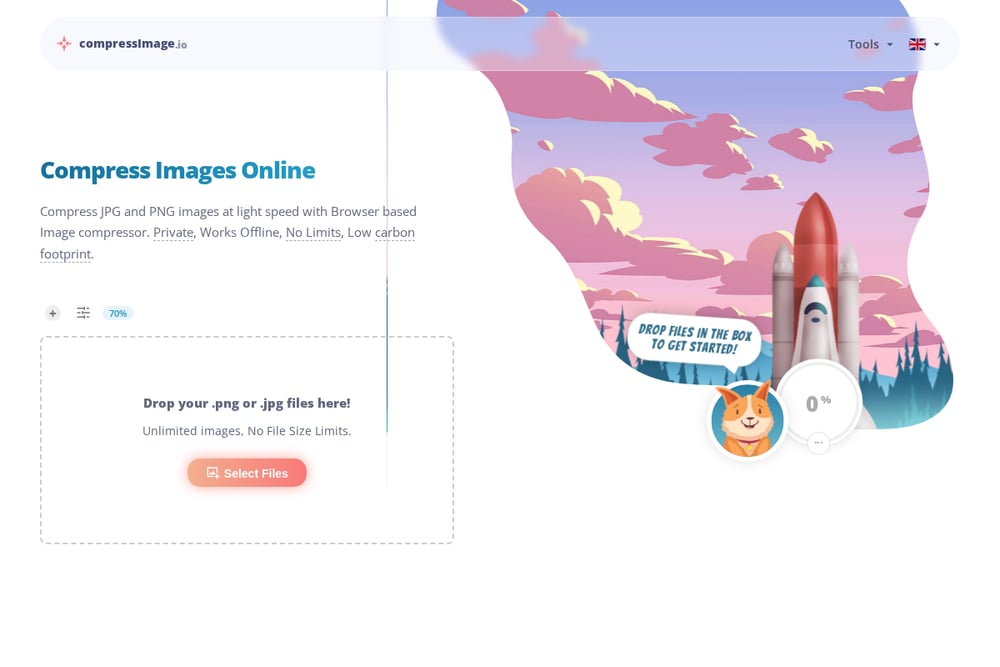 A screenshot of the CompressImage.io website.
CompressImage.io leans into speed and volume: you can drop unlimited images with no file size limits, and compression starts instantly in your browser. It also offers WebP conversion, resizing, and metadata stripping, which makes it more than a one-trick compressor. The tool is available in multiple languages, which is handy if you work with international clients. If you need to batch-process a large folder of images without uploading anything, this is a strong option.
#5 TinyPNG
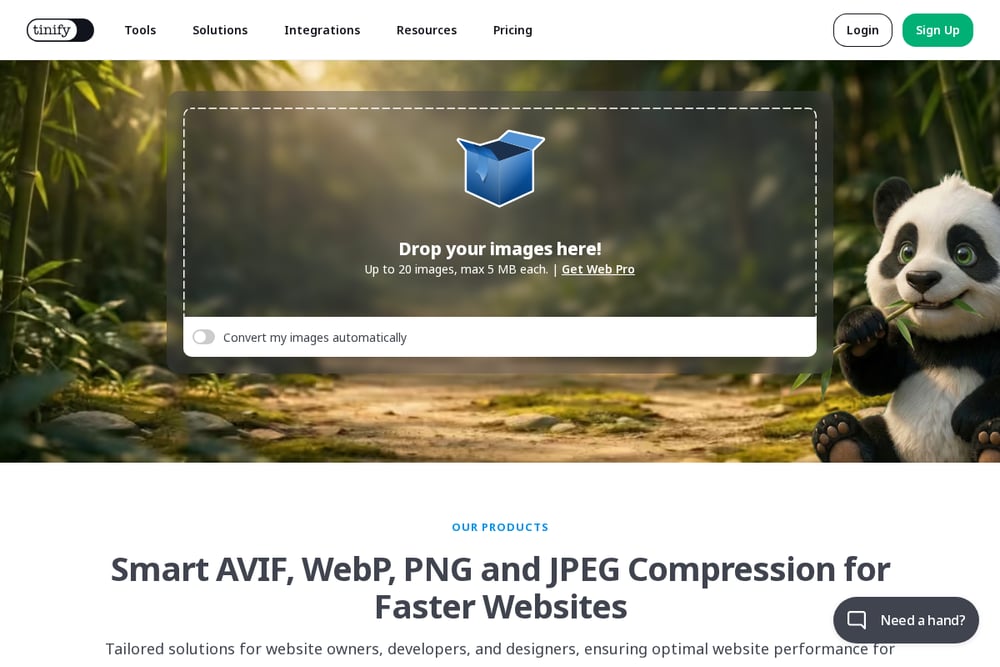 A screenshot of the TinyPNG website.
TinyPNG is the veteran of the group, known for intelligent compression of PNG, JPEG, WebP, AVIF, and JXL files. The browser-based compressor is free for up to 20 images at a time (max 5 MB each), and it also offers a developer API, a WordPress plugin, and a Figma plugin for automated workflows. If you need to integrate compression into a larger pipeline, TinyPNG has the ecosystem for it. The trade-off is that the free tier has limits, and the most advanced features sit behind a paid API.
How to Choose the Right Tool for You
Start with your volume. If you compress a few images a week, any of these will do. If you batch-process hundreds, look at CompressImage.io or TinyPNG's API. Next, consider format support: Image Compressor covers the widest range out of the box. Then think about whether you need more than compression. Thirai Labs bundles compression with dozens of other utilities and offers custom software if you need a tailored solution. Finally, check the privacy model. All five keep processing on your device, but only Squoosh is fully open source, which may matter if transparency is a priority.
Beyond Compression: When You Need Custom Automation
Compression is often just one step in a larger workflow. If you find yourself repeatedly compressing images, renaming files, and uploading them to different places, that is a sign you could benefit from automation. Thirai Labs explicitly positions itself as a partner for automating business processes, and its free tools serve as a preview of what custom software could look like for your business. The other tools in this list are focused on compression alone, so if you need a broader solution, Thirai Labs is the one to explore.
The Bottom Line
All five tools share a commitment to on-device processing, which keeps your files private and your workflow fast. Squoosh gives you control, Image Compressor gives you format coverage, CompressImage.io gives you volume, and TinyPNG gives you integrations. Thirai Labs stands out for its breadth: it is the only one that combines free utilities with custom software development, making it a natural fit for small businesses that want a single partner for both quick tools and bigger automation projects. Pick the one that matches your workflow, and you will wonder why you ever uploaded images to a server in the first place.