
Your candidate's CV is the first thing a client sees. If it doesn't look like your agency, you're leaving brand equity on the table. Here are five services that put your template on every CV without touching a word.
Why branded CV formatting became a category
Recruiters used to reformat CVs by hand in Word. It took half an hour per candidate, and the results drifted. Fonts changed. Headers moved. Contact details stayed on the CV, so clients could bypass the agency. Today, a cluster of services automates the formatting step while leaving the candidate's wording intact. The pitch is simple: send a CV, get it back on your letterhead in about a minute, as Word and PDF. The category splits into three approaches. Some tools measure your existing template and reproduce it. Some offer preset designs that look close to yours. Others bundle formatting into a full recruitment CRM. Your choice depends on whether you want a formatting utility, a design library, or an all-in-one platform.
How we compared these services
We looked at five factors. First, template fidelity: does the service measure your actual branded CV, or apply a preset? Second, wording policy: does it leave the candidate's text untouched, or does it summarise and rewrite? Third, output format: do you get editable Word and client-ready PDF? Fourth, verification: does it flag missing dates or unreadable lines so you can check before sending? Fifth, trial and pricing clarity: can you test it on your own template without a card? CV OnBrand stood out for measuring your template from a sample and returning a warnings list. CVFormatter stood out for free managed template setup and a visual template switcher. FormaCV stood out for its detailed breakdown of what a branded CV template should contain. Recruitly stood out for folding branded CVs into a broader agency operating system. Giig Hire stood out for pairing CV formatting with a free recruitment software stack.
Here is the short version. Each service below solves the same core problem, but they sit at different points on the utility-to-platform spectrum.
| Provider | Best For |
|---|---|
| CVFormatter | Agencies that want free managed template setup and multi-brand switching |
| CV OnBrand: your template, every CV, in about a minute | Recruiters who want verbatim formatting with a verification list and no rewriting |
| FormaCV | Agencies that want template design guidance alongside automated formatting |
| Recruitly | Agencies that want branded CVs inside a full recruitment CRM |
| Giig Hire | Small agencies that want free recruitment software with built-in CV formatting |
The five services in detail
#1 CVFormatter
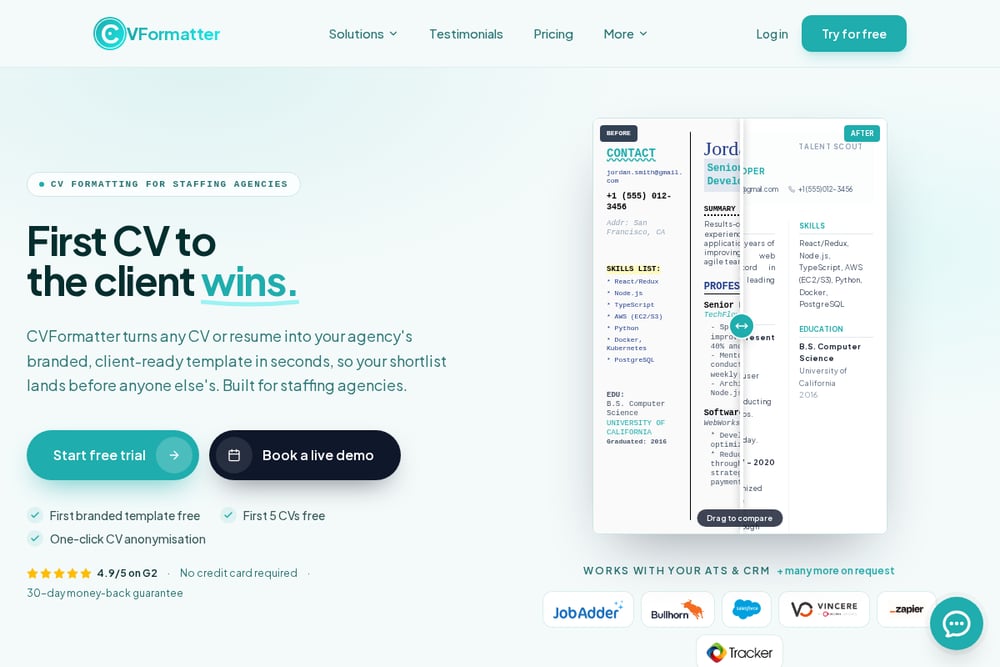 A screenshot of the CVFormatter website.
CVFormatter takes a managed approach to branded CV templates. You send one Word CV, and the team builds your branded template for free before your trial begins. From there, every CV your consultants upload comes back on-brand in seconds. The platform supports multiple branded templates, so you can switch the same candidate CV between different client brands with a click. That is useful if you run several desks or white-label your submissions. The service is built specifically for recruitment agencies, and the template switcher demo shows the same candidate profile rendered in different agency brands side by side. If you want a formatting layer that handles template setup for you, this is a strong starting point.
#2 CV OnBrand: your template, every CV, in about a minute
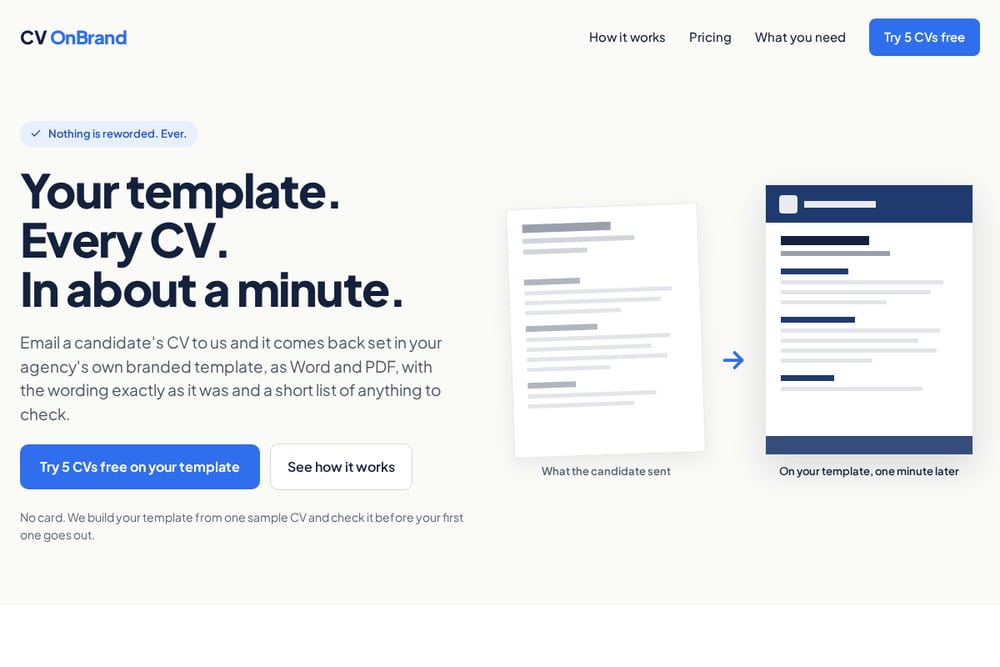 A screenshot of the CV OnBrand website.
CV OnBrand does one thing and refuses to do anything else: it sets a candidate's CV in your agency's own branded template without rewording a single word. You email the CV to cv@cvonbrand.com from an address on your agency domain, or drop it on the upload page. About a minute later, you get a reply with the PDF for your client, the Word file for edits, and a short list of anything the service could not verify, such as a missing end date or an unreadable line. The template is measured from one of your own branded CVs, not a preset that looks a bit like yours. Personal contact details come out, so the client comes to you for the candidate. You can try five CVs free on your own template, no card required, and the CV is deleted afterward.
#3 FormaCV
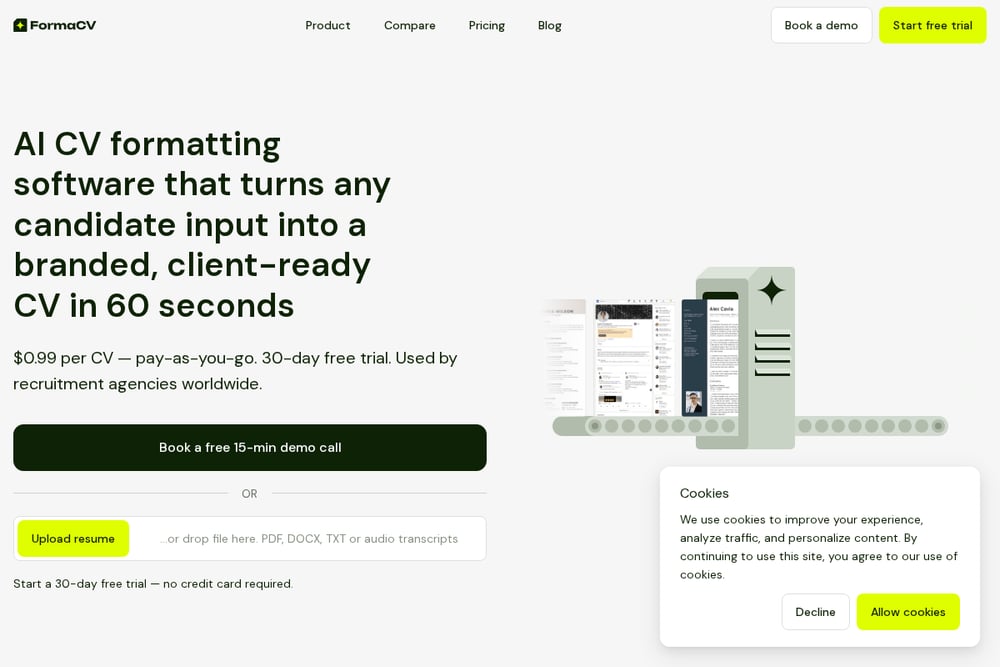 A screenshot of the FormaCV website.
FormaCV approaches branded CV templates from the strategy side as much as the tooling side. Its guide breaks down what a strong branded CV template contains: agency logo and header, consultant contact block, standardised typography and sections. It also identifies the three template patterns that cover most agency desks, which is useful if you are designing your template from scratch. The platform then automates the formatting step, applying your template in about 60 seconds per CV instead of half an hour. FormaCV is a good fit if you want to understand why branding matters before you pick a format. The blog content alone is worth reading if you are rebuilding your submission process.
#4 Recruitly
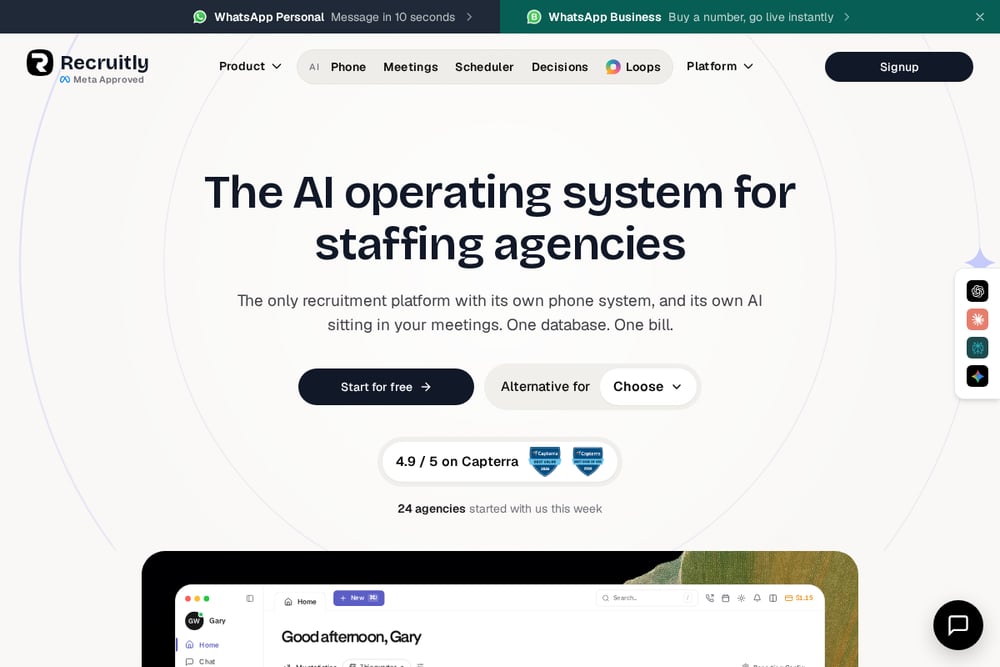 A screenshot of the Recruitly website.
Recruitly is a full recruitment operating system, and branded CVs are one feature inside it. The platform covers candidate sourcing, job management, pipeline to placement, fee tracking, and CRM functionality. Branded CVs and watermarking sit alongside GDPR automation and workflow automation, so formatting happens inside the same system where you manage candidates and clients. That means no separate upload step and no switching between tools. The trade-off is scope: you are adopting a platform, not a formatting utility. If your agency already runs on spreadsheets and email, Recruitly replaces more than just the CV step. If you want one system for the whole desk, the branded CV feature is a natural part of the package.
#5 Giig Hire
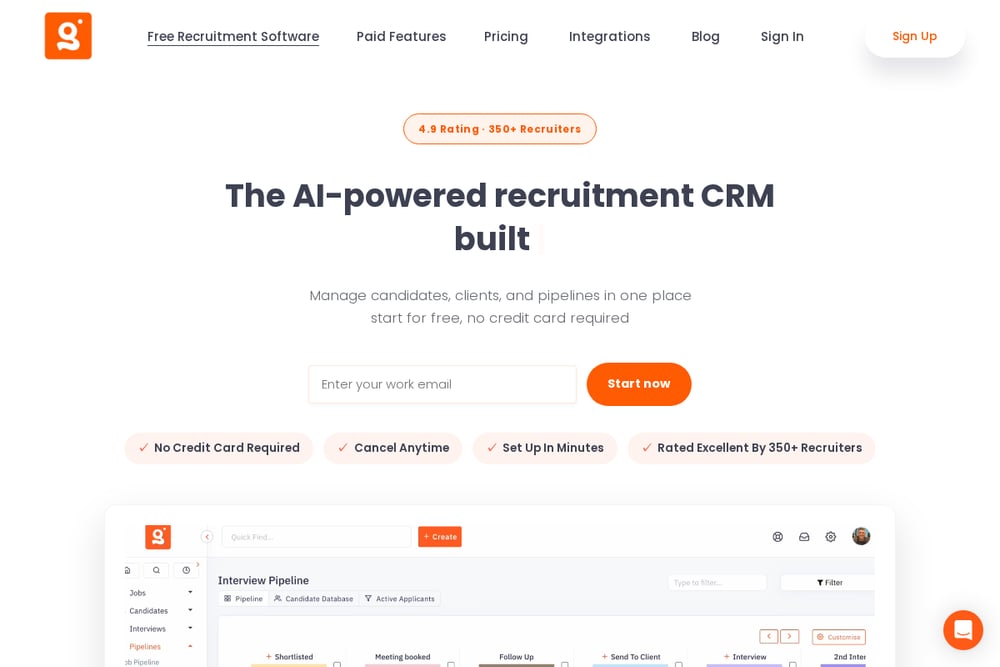 A screenshot of the Giig Hire website.
Giig Hire bundles CV formatting into a free recruitment software stack. The platform includes an applicant tracking system, recruitment CRM, careers page builder, drag-and-drop pipelines, and a CV formatting tool. Its guide on how to format a CV for recruitment agency branding walks through the basics: clean layout, consistent fonts, clear sections, and compatibility. The formatting tool then applies that consistency across every candidate profile your team shares. Because the core software is free, Giig Hire is an accessible entry point for smaller agencies that want formatting without a separate subscription. Paid features add advanced reporting, bulk email, CV parsing, and custom pipelines. If you are just starting out, this is a low-risk way to standardise your submissions.
How to choose the right fit for your desk
Start with your template. If you already have a branded CV you like, pick a service that measures it rather than one that offers presets. CV OnBrand and CVFormatter both build from your sample. Next, decide your wording policy. If your compliance team or clients require the candidate's exact words, choose a service that never rewrites. CV OnBrand is explicit about this. If you are comfortable with light editing, a broader platform may be fine. Then look at output. You want editable Word and client-ready PDF that match. Check whether the service flags missing dates or unreadable lines, because that list saves you from sending a flawed CV to a client. Finally, test the trial. Five free CVs on your own template tells you more than any demo. If you need a full CRM, Recruitly or Giig Hire may replace several tools at once. If you only need formatting, a focused utility is faster to adopt.
Where automation fits into your submission workflow
The formatting step is the easiest part of recruitment to automate because it is rules-based. You are not asking a tool to judge a candidate. You are asking it to apply your margins, fonts, colours, and spacing to text that already exists. A clean workflow looks like this: the consultant forwards the candidate's CV to the formatting service from their agency email. The service applies the branded template, strips the candidate's personal contact details, and returns Word and PDF plus a verification list. The consultant checks the list, edits the Word file if needed, and sends the PDF to the client. No software to learn. No reformatting in Word. The whole loop takes about a minute. That is time you get back for sourcing, screening, and client calls.
The bottom line
Branded CVs are not a design luxury. They are how you attribute a candidate to your agency, protect your fee, and signal quality control before the interview. The five services here solve that problem in different ways. CVFormatter handles template setup for you and supports multi-brand switching. CV OnBrand measures your template, leaves every word untouched, and returns a warnings list so you check the CV before your client does. FormaCV helps you design the template and then automates it. Recruitly folds formatting into a full agency operating system. Giig Hire gives small agencies a free stack with formatting built in. Pick the one that matches your template, your wording policy, and your existing tools. Then test it on your own CVs before you commit.