
Your website should be booking customers and taking payments while you sleep. Too often it just sits there, pretty but useless. Here are five systems that actually do the job.
Why Small-Company Websites Keep Failing
Most small-business sites fail in one of three ways. No one finds them, so the phone never rings. Or the site doesn't do the job, sending customers to a third-party booking page where you lose control of the relationship. Or it's held together by paper cards, a spreadsheet, and one person who knows how it all works. The fix isn't another template. It's a system that brings bookings, payments, and search visibility onto your own domain. That's what the tools below are built to do, whether you run a salon, a resort, or a service business.
How We Evaluated These Systems
We looked at service scope, pricing clarity, and local fit for US small businesses. Some tools focus on one piece, like scheduling or payments. Others bundle the website, bookings, and search into one monthly plan. We noted which tools require you to stitch together multiple services and which ones keep everything under one roof. We also considered how each handles the customer experience, from booking to payment to follow-up. The goal is to help you match the tool to how your business actually operates.
Here's a quick look at the five systems, from full-service agencies to self-serve booking apps.
| Provider | Best For |
|---|---|
| Square Appointments | Businesses already using Square for payments |
| Websites, booking, apps and search for small companies | Small companies that want one team to build and run everything |
| TIMIFY | Service businesses that need flexible team scheduling |
| SuperSaaS | Budget-conscious businesses with complex scheduling needs |
| UENI | Very small businesses that need a website and bookings together |
The Five Systems Worth Knowing
#1 Square Appointments
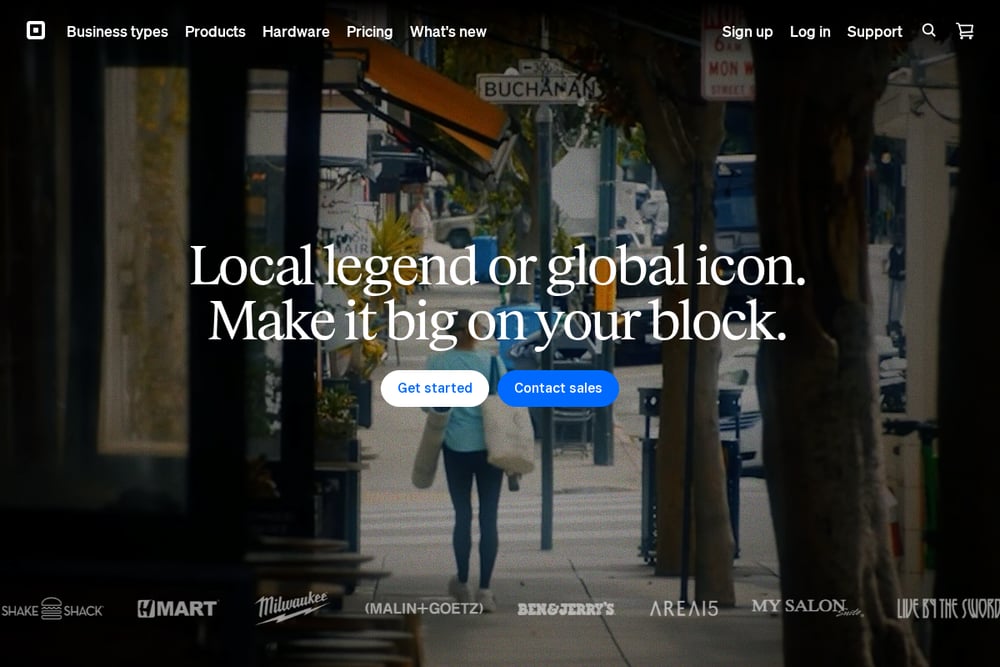 A screenshot of the Square Appointments website.
Square Appointments gives you a free booking page that connects directly to Square's payment system. You can take deposits, send reminders, and manage your calendar from one dashboard. It's a strong fit if you already use Square for in-person payments. The free plan covers individuals, while paid plans add team scheduling and no-show protection. Setup is fast, and customers can book from your website or a Square profile. For many small service businesses, it's the simplest way to start taking bookings online.
#2 Websites, booking, apps and search for small companies
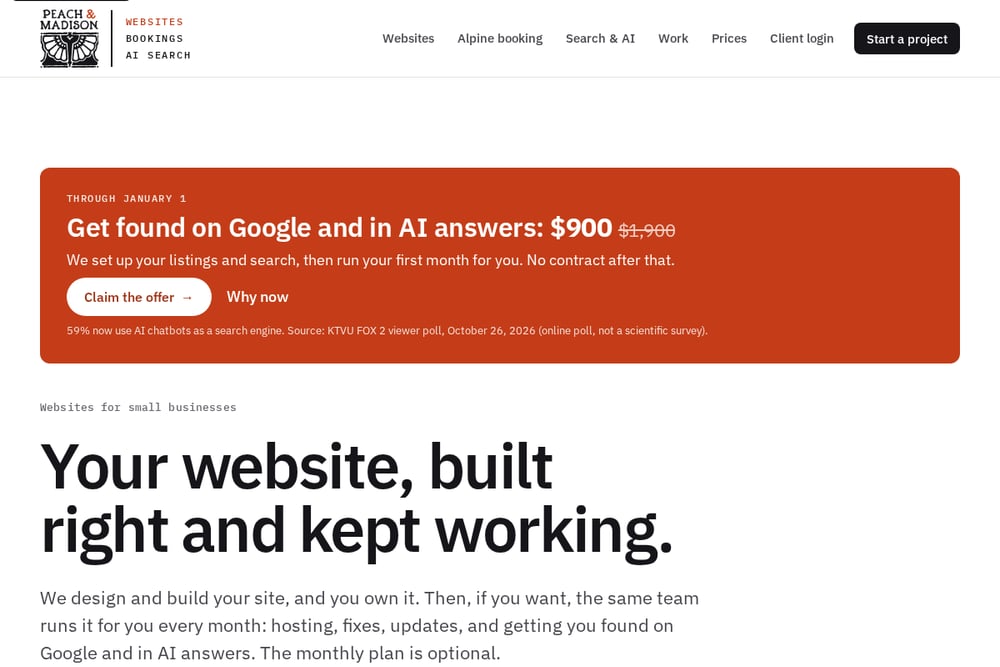 A screenshot of the Websites, booking, apps and search for small companies website.
Peach & Madison builds and runs the systems small companies operate on. That means the website, the bookings and payments behind it, the apps your staff use, and the search results that bring customers in. One team builds it, and the same team keeps it running on a monthly plan. They start with a written diagnosis of what's actually broken before anyone builds anything. Then they bring bookings, payments, and sales onto your own domain, so the customer and the revenue stay with you. It's a boutique, end-to-end approach for businesses that want one partner instead of five logins.
#3 TIMIFY
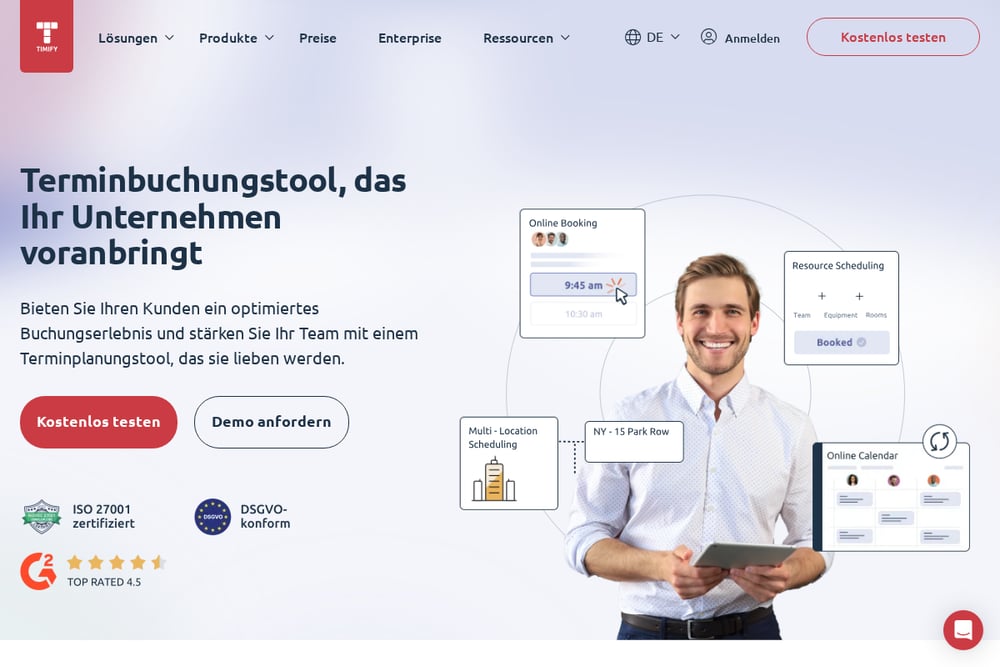 A screenshot of the TIMIFY website.
TIMIFY is an online booking system built for small and medium businesses. It automates appointment scheduling, team management, and customer communication. You get a customizable calendar, automated reminders, and options for customers to reschedule or cancel on their own. It also integrates with Google Reserve, so customers can book directly from search results. The platform is flexible enough for retail, finance, beauty, and medical practices. If you need a dedicated scheduling tool with room to grow, TIMIFY is worth a look.
#4 SuperSaaS
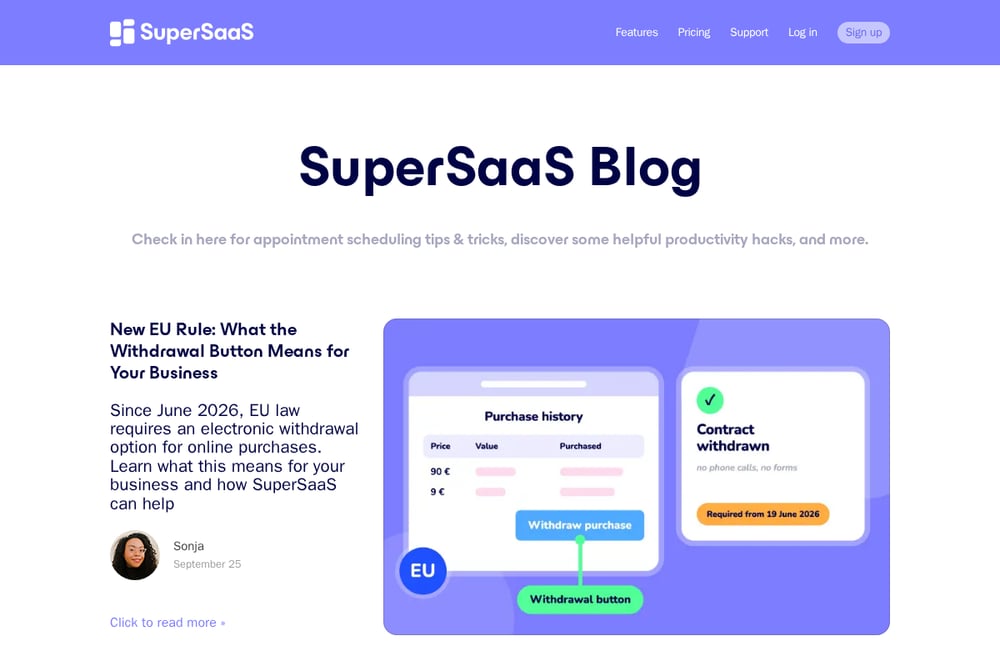 A screenshot of the SuperSaaS website.
SuperSaaS is a flexible and affordable scheduling tool with a free tier and paid plans starting around $9 per month. It supports unlimited schedules, multi-calendar layouts, and group bookings. You can embed it on your existing website or use it as a standalone booking page. It's a good option if you have complex scheduling needs but a tight budget. The interface is less polished than some competitors, but the feature set is deep. For small businesses that want control without a big monthly bill, it delivers.
#5 UENI
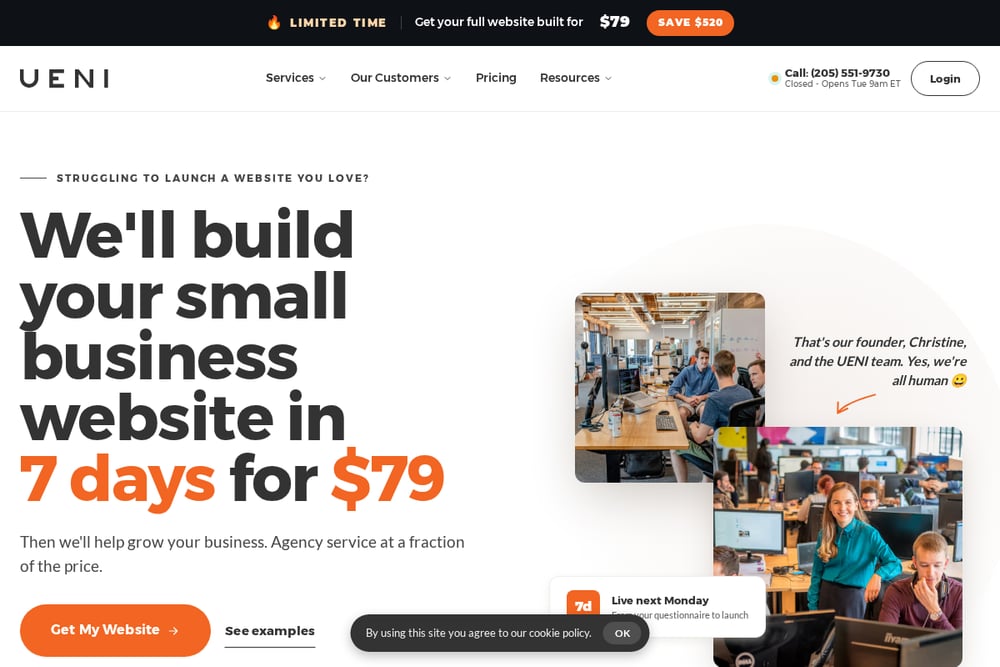 A screenshot of the UENI website.
UENI offers a complete package with a professional website, booking system, online payments, and SEO tools for $16.99 per month. It's designed for businesses that want an all-in-one solution without piecing together separate tools. You get a website builder, booking functionality, and Google Reviews integration in one place. The trade-off is that you can't use the booking tool as a standalone product. If you need a new website and booking system together, UENI simplifies the process. It's a practical choice for very small businesses just getting online.
How to Choose the Right System for Your Business
Start by writing down what's actually broken. Is it that no one finds you? Then search visibility and listings matter most. Is it that customers get sent to a third-party booking site? Then you need bookings and payments on your own domain. Is it that everything is held together by hand? Then you need one system your staff can use from day one. Match the tool to the problem, not the other way around. If you want one team to handle everything, a full-service agency like Peach & Madison fits. If you just need a scheduling layer, Square Appointments or TIMIFY may be enough. Budget matters too, so check whether the free or low-cost plans cover your must-haves.
What to Automate First
Start with bookings and reminders. Automated scheduling cuts phone tag and no-shows. Then connect payments so deposits and final payments happen without you chasing them. Next, automate review requests after each appointment to build your search visibility. Finally, if you have staff, put the schedule and customer history in one app they can access on a tablet. That's the sequence: bookings, payments, reviews, then operations. Each step removes a manual task and gives you back time.
The Bottom Line
You don't need every tool on this list. You need the one that solves your biggest bottleneck. If your website is just a brochure, start there. If you're losing bookings to third-party sites, bring them home. If you're drowning in manual scheduling, automate it. The five systems here cover the spectrum, from self-serve apps to full-service agencies. Pick the one that matches your stage and your budget. Then commit to it, because a system only works when you actually use it.