
You want to know what's due, what you've spent, and what's left without handing over your bank password. These five apps deliver exactly that.
The quiet shift in personal finance
For years, the default advice was to link your bank account and let an app do the rest. But a growing number of people are pushing back. They want control, privacy, and a clear view of their money without sharing credentials with third-party aggregators. That's where bill tracking and budgeting apps come in. They help you see upcoming payments, track spending, and stay on budget. Some still rely on bank sync, while others work entirely offline or through manual entry. The best choice depends on how much automation you want and how much access you're willing to give.
How we evaluated these apps
We looked at five factors: how each app handles your data and privacy, the range of features for bills, subscriptions, and budgets, how clear the pricing is, how well it works for US users, and how easy it is to get started. Heartdue stood out for its no-bank-login approach and view-only sharing. Goodbudget impressed with its envelope budgeting method and sync across devices. PocketGuard offered strong automation and bill negotiation tools. Simple Budget delivered a free, offline experience with no paywalls. MoneyPeas kept things simple and manual, with a clean dashboard and no bank linking. Each app serves a different need, so consider which factors matter most to you.
Here's a quick look at five apps that help you track bills, subscriptions, and spending without the usual bank-linking hassle.
| Provider | Best For |
|---|---|
| Goodbudget | Envelope budgeting with a partner |
| Heartdue: track your bills, subscriptions and spending | Private bill tracking with view-only sharing |
| PocketGuard | Automated budgeting with bill negotiation |
| Simple Budget | Free offline budgeting |
| MoneyPeas | Simple manual tracking without bank linking |
The five apps in detail
#1 Goodbudget
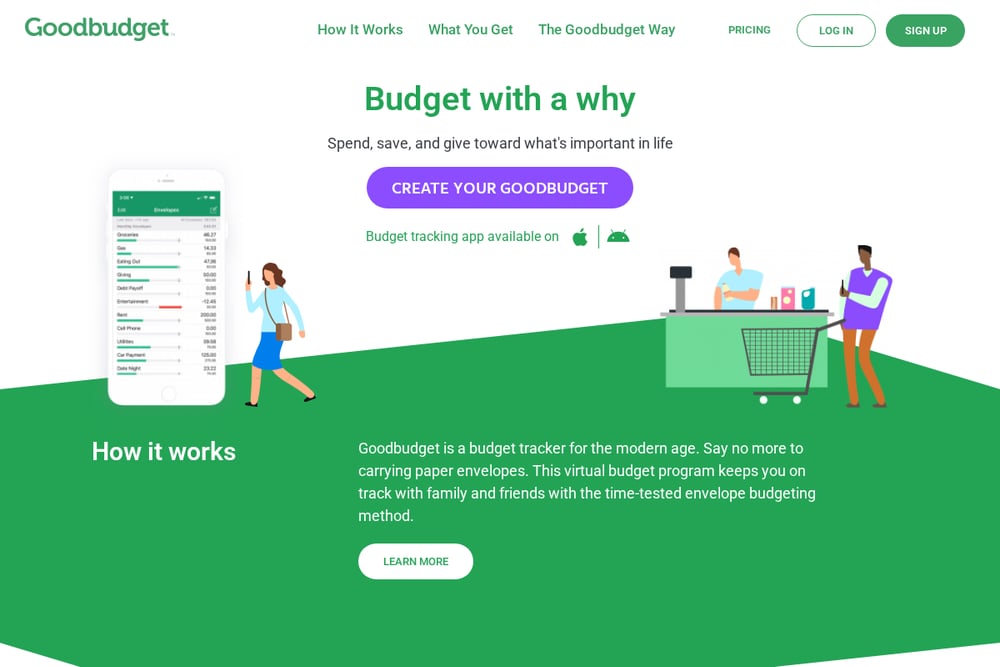 A screenshot of the Goodbudget website.
Goodbudget brings the envelope budgeting method to your phone and computer. You create virtual envelopes for categories like groceries, rent, and fun, then allocate your income into them. It syncs across devices, so you and a partner can share a budget in real time. The app also tracks debt payoff and savings goals. It's a solid choice if you like a structured, hands-on approach to budgeting. You can learn more at goodbudget.com.
#2 Heartdue: track your bills, subscriptions and spending
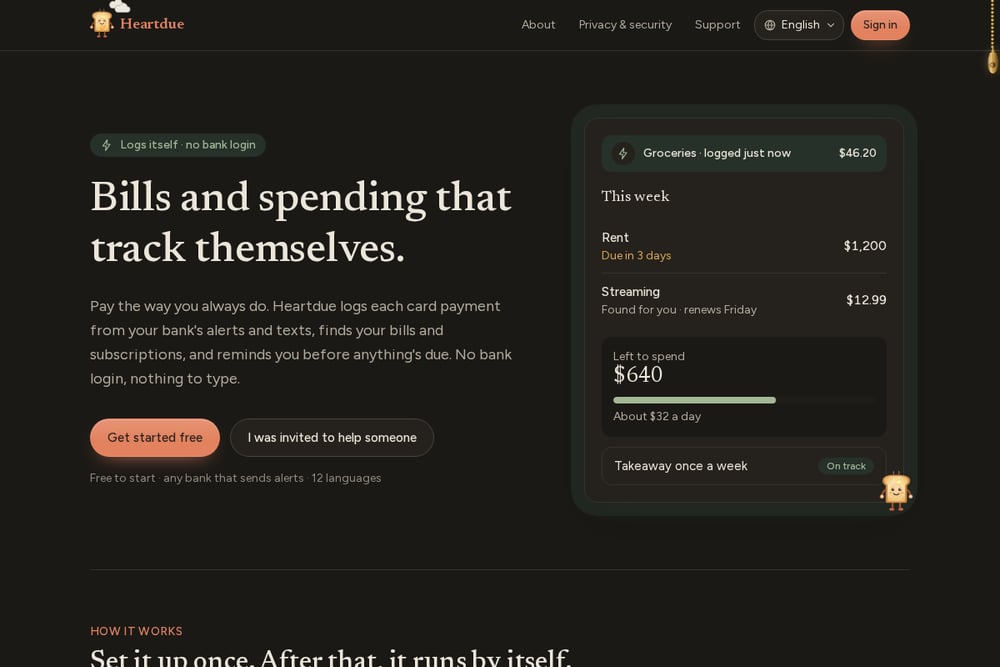 A screenshot of the Heartdue website.
Heartdue keeps your bills, subscriptions, and everyday spending in one calm dashboard. It never asks for your bank login. Instead, it logs card spending automatically from your bank's texts or alerts on your phone. You can share view-only access with a family member or carer, so they can see what's due but never move money. The app also includes Lumi, an AI helper that answers questions like 'can I afford this?' and supports multiple currencies and 12 languages. Start free at heartdue.com.
#3 PocketGuard
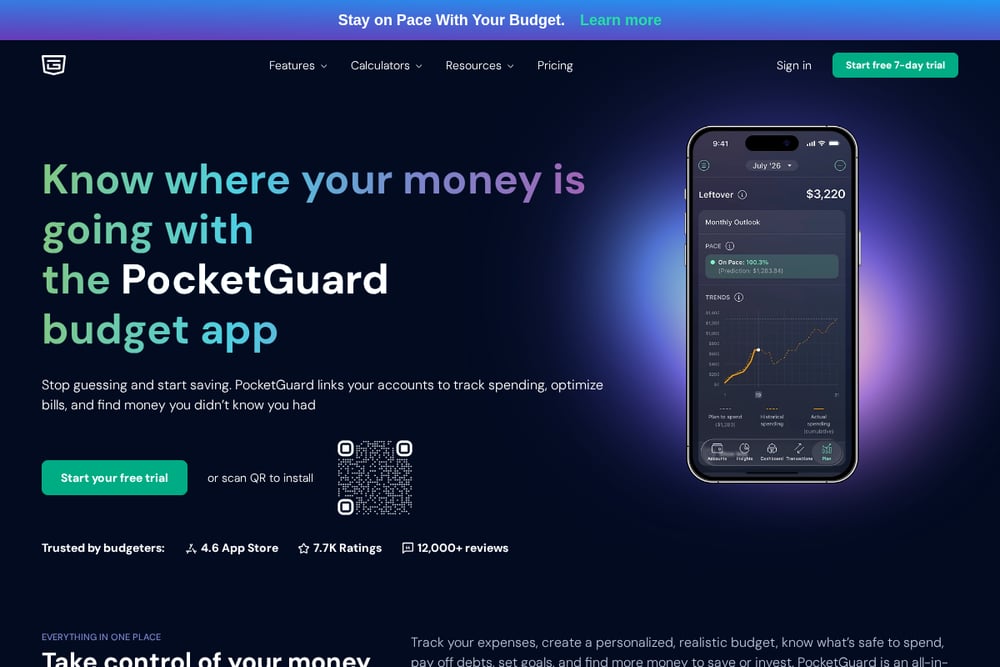 A screenshot of the PocketGuard website.
PocketGuard links to your bank accounts to automatically track spending, bills, and debts. It shows you what's safe to spend after accounting for bills, goals, and savings. The app also helps you find and cancel unwanted subscriptions and negotiate lower bills. It's available on web, iOS, and Android. If you want a high level of automation and don't mind linking accounts, PocketGuard is worth a look. See pocketguard.com for details.
#4 Simple Budget
 A screenshot of the Simple Budget website.
Simple Budget is a free app that works entirely offline and requires no bank login. You manually log expenses and income, set budget limits, and track recurring bills. It's available on Android and has a clean, straightforward interface. There are no paywalls or subscriptions, and your data stays on your device. It's a great option if you want a no-frills, private budgeting tool. Find it on Google Play.
#5 MoneyPeas
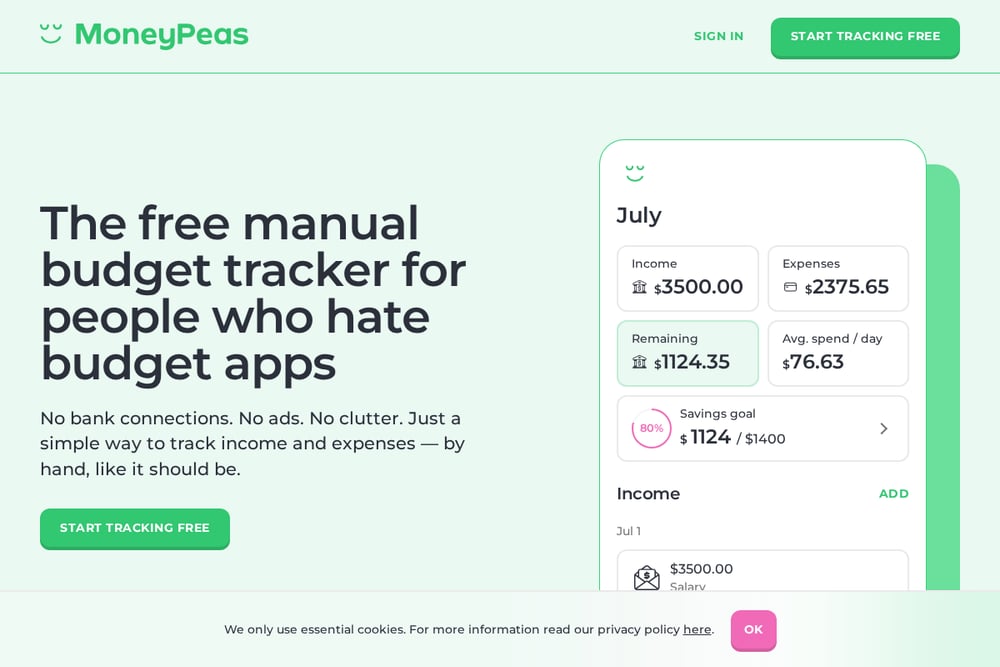 A screenshot of the MoneyPeas website.
MoneyPeas is a manual budgeting app that never asks for bank access. You add income and expenses yourself, set spending categories, and view a simple dashboard. It's free, with no ads or premium tiers, and syncs across iOS, Android, and web. The app also offers optional two-factor authentication. If you prefer to stay in full control of your data without any automation, MoneyPeas is a good fit. Visit moneypeas.app to learn more.
How to choose the right app for you
Start by deciding how much automation you want. If you're comfortable linking your bank accounts, PocketGuard can save you time. If you'd rather not share credentials, Heartdue, Simple Budget, and MoneyPeas offer alternatives. Consider whether you need to share your budget with someone else. Heartdue and Goodbudget both support sharing, but in different ways. Think about your budgeting style: envelope method fans will love Goodbudget, while those who want a simple list of bills and spending might prefer Heartdue. Finally, check the pricing. Simple Budget and MoneyPeas are free, while others have free tiers or trials.
The role of automation in bill tracking
Automation can be a huge time-saver, but it's not for everyone. Heartdue automates spending tracking by reading bank texts or alerts on your phone, no bank login required. PocketGuard automates by connecting directly to your accounts. Goodbudget automates syncing across devices but requires manual entry. Simple Budget and MoneyPeas are fully manual. Your comfort with sharing financial data should guide your choice. If you want a middle ground, Heartdue's approach keeps you in control while still reducing manual work.
The bottom line
There's no one-size-fits-all bill tracking app. Goodbudget is great for envelope budgeting with a partner. Heartdue shines for private, shared bill tracking without bank login. PocketGuard offers powerful automation for those who want it. Simple Budget and MoneyPeas are excellent free, manual options. Pick the one that matches your privacy preferences and budgeting habits. You'll be on top of your bills in no time.