Your players can draw up a play on a whiteboard and still freeze on game day. The difference is whether they've rehearsed the reads, not just the routes. Here are five tools built to close that gap.
The playbook training landscape
Coaching software has split into two camps. One camp is design-first: drag-and-drop editors that help you draw, animate, and share plays. The other is learning-first: tools that quiz players on decisions until the play becomes automatic. Most coaches need a bit of both, but the second camp is where retention actually happens. The tools below span that spectrum, from pure play designers to interactive read trainers.
How we looked at these tools
We weighed four things: whether the tool teaches players or just shows them diagrams, how clearly pricing is stated, how well it works on a phone away from the gym, and how much setup a coach has to do before the team gets value. Free tiers and offline access counted heavily, since youth programs rarely have a software budget.
Here's the short version before the detail. Each entry below earns its spot for a different reason, so match the tool to your problem rather than the other way around.
| Provider | Best For |
|---|---|
| CoachCanvas | Coaches who need clean animated playbooks shared by link |
| MyBasketballIQ: learn your team's basketball plays | Teams that need players to actually retain the reads |
| Elite Hoops | Programs that want design, scouting, and practice in one place |
| The Hoops Geek | Coaches who want the fastest path from idea to shared play |
| Hoops Lab | Coaches who want to see who's actually studying the playbook |
The five tools, one by one
#1 CoachCanvas
 A screenshot of the CoachCanvas website.
CoachCanvas is a browser-based play designer that gets out of your way fast. You drag actions onto the court, the play animates, and you publish it to a private link your players open without an account. The free tier covers up to 30 plays and unlimited playbooks, which is more than most high school staffs will ever draw. Team logos and colors make shared playbooks look like they came from your program. If your problem is that your plays live in a notebook nobody reads, this fixes it. It's design and distribution, not decision training.
#2 MyBasketballIQ: learn your team's basketball plays
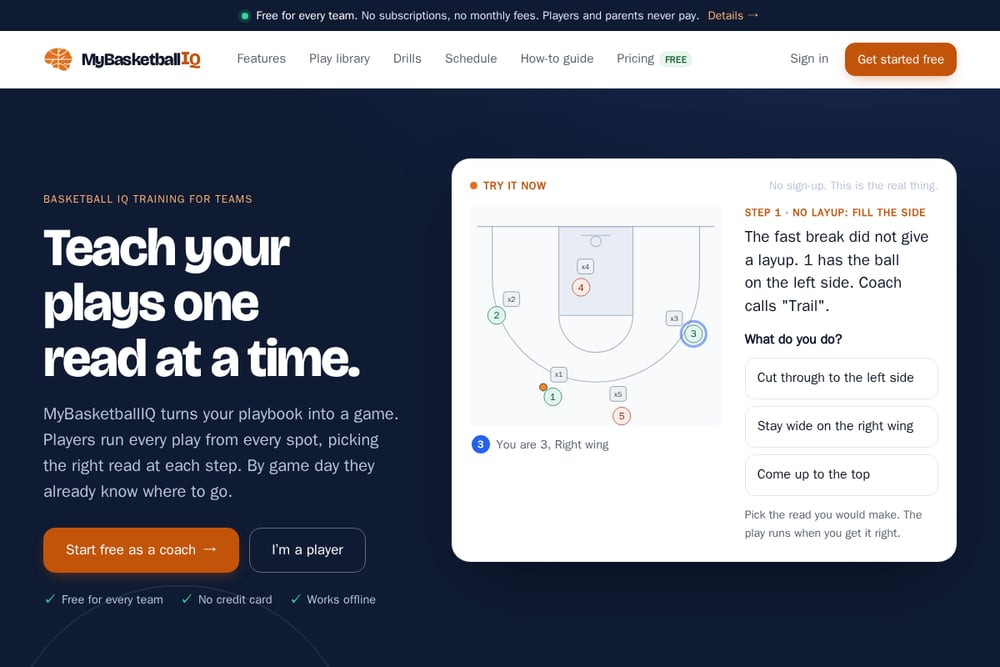 A screenshot of the MyBasketballIQ website.
MyBasketballIQ flips the model: instead of showing players where to stand, it asks them what they'd do. Every step of a play is a read, and you run it from all five spots on the floor, so a sub can step into any role. The library holds 62 plays and 2,080 reads across seven defenses, and new plays arrive by email as printable PDFs. It works offline, needs no sign-up to try, and is free for every team with no subscriptions for coaches, players, or parents. Five minutes on a phone before bed beats another walkthrough that fades by Thursday.
#3 Elite Hoops
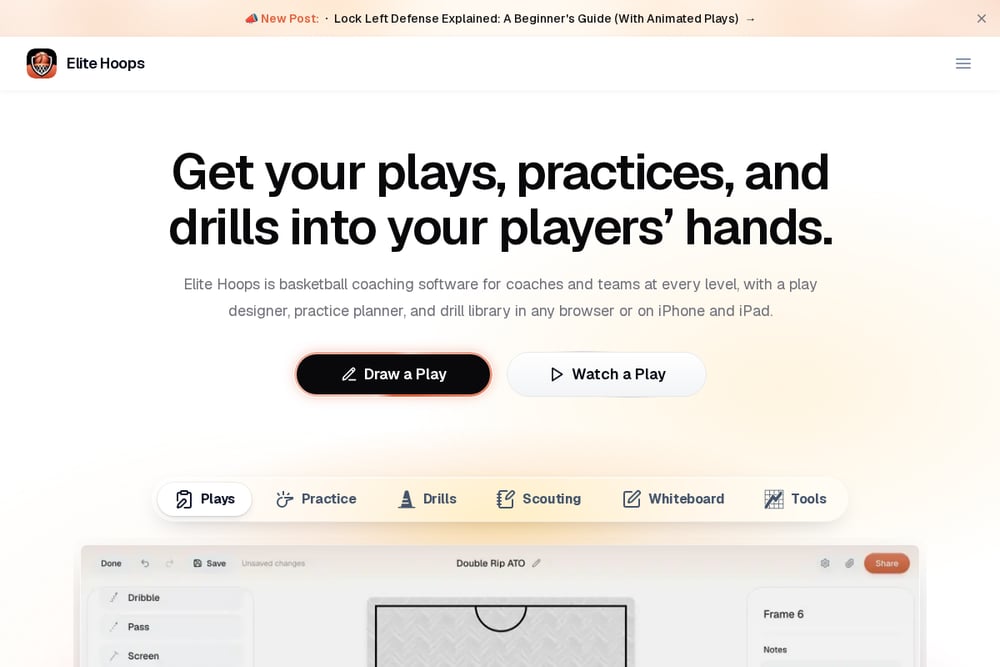 A screenshot of the Elite Hoops website.
Elite Hoops bundles a play designer with a genuinely deep free play bank of 266 animated plays and drills. Beyond drawing, you get practice planning with live timers, a drill library, scouting reports pushed to players' phones, and shot charts. It's native on iPhone, iPad, Mac, and Vision Pro, so the bench tool is the same as the office tool. Team plans scale from a solo coach to a full school program with multiple age groups. It's the widest feature set here, which also means the most to learn.
#4 The Hoops Geek
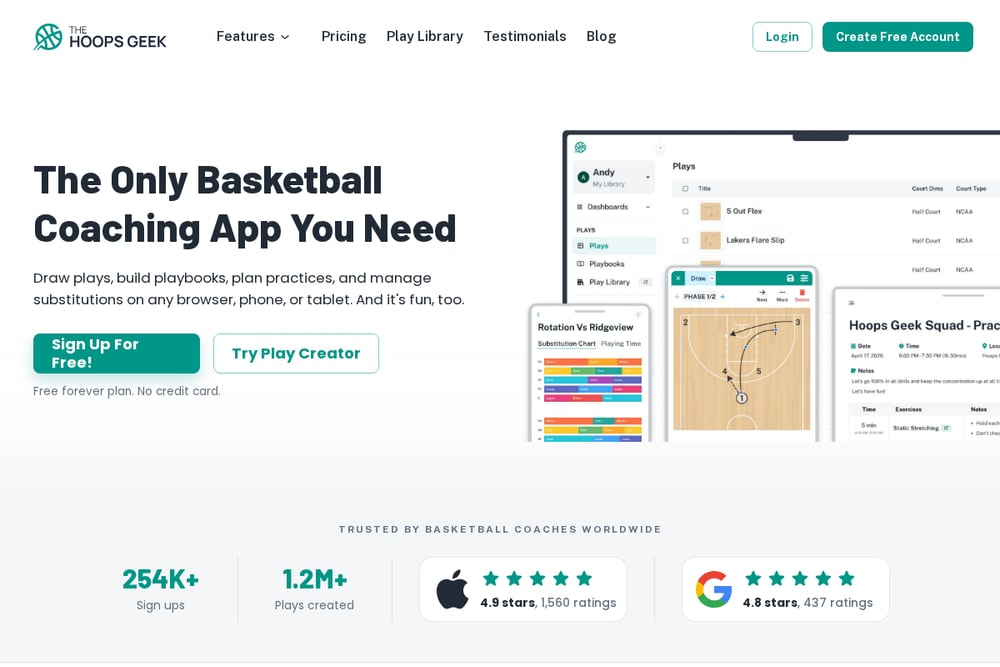 A screenshot of The Hoops Geek website.
The Hoops Geek has the numbers to back its polish: 254,000-plus sign-ups and over 1.2 million plays created. The play creator animates automatically as you drag, and sharing is a link anyone can open without logging in. The rotation maker is the sleeper feature, letting youth coaches distribute minutes evenly in one click instead of doing math on the bench. A free-forever plan means you can test the whole editor before committing. It's built for coaches who want speed over depth.
#5 Hoops Lab
Hoops Lab leans into team management alongside playbook design. You get a drag-and-drop designer with animated playback and comment fields for explaining reads and options, plus a shared team playbook players study before practice. The standout is tracking: you can see which plays get viewed most and which players are actually studying them. Team messaging and a message board keep parents and players in one thread. The free personal playbook caps at 10 plays, with unlimited access at $5 a month.
How to pick the right one
Start with the failure you're trying to fix. If players don't know where to stand, a designer like CoachCanvas or The Hoops Geek solves it in an afternoon. If they know where to stand but make the wrong read under pressure, you need something that quizzes decisions, which is where MyBasketballIQ earns its keep. If you're managing a whole program with subs, scouting, and parent communication, Elite Hoops or Hoops Lab cover more ground. Check the free tier first, confirm it works on a phone, and make sure your players can open it without creating accounts. Anything that adds friction before practice won't get used.
Where this fits in your weekly routine
Build the week around reps, not lectures. Draw or import your plays once, share the link in your team thread, and let players run the reads on their own time. Send the printable PDF breakdown before practice so everyone arrives with the same picture. Use the tracking data, where available, to spot the players who haven't opened the playbook and pull them aside early. Then spend practice on live reps and corrections instead of re-explaining the diagram for the fourth time.
The bottom line
Design tools are now cheap and plentiful, so drawing a play is no longer the hard part. The hard part is getting five players to make the same decision at the same moment. Pick a tool that trains that decision, pair it with a clean way to share your playbook, and your practice time goes toward execution instead of review.