
Your clients still hand you PDFs, scans, and phone photos of statements. These five services turn that mess into clean import files so you can get back to actual bookkeeping.
Why Bank Statement Conversion Is Having a Moment
Bookkeeping and accounting firms are drowning in unstructured client documents. Bank statements arrive as PDFs, phone photos, and paper scans. Invoices and receipts show up in the same pile. Manually keying that data into QuickBooks, Xero, or Excel eats billable hours and invites errors. A new category of conversion services has emerged to solve exactly this. Some are self-serve tools you run yourself. Others are done-for-you services that return files in your format. The difference matters. Self-serve tools give you speed and control. Done-for-you services give you back your time. Both beat typing. The question is which model fits your firm's workflow, volume, and client mix.
How We Evaluated These Services
We looked at five factors across every service. First, scope: does it handle bank statements only, or also invoices, receipts, and credit card statements? Second, output flexibility: can it match your exact column layout, date format, and account codes, or does it force its own template? Third, pricing clarity: are costs published, or do you need a quote? Fourth, workflow fit: is it a self-serve tool, a done-for-you service, or both? Fifth, accuracy safeguards: does it check balances against statement totals and flag unclear items rather than guessing? PaperToLedger stands out for its done-for-you model and format matching. DocuClipper impresses with breadth across document types and accounting platforms. BankWriter earns attention for local processing and per-row balance checks. EasyBankConvert appeals with its accountant-focused positioning and simple upload flow. FinanceFileConverter differentiates through its wide converter suite covering OFX, QFX, QBO, QIF, and IIF formats.
Here is a quick look at how these five services compare on model, scope, and pricing approach.
| Provider | Best For |
|---|---|
| DocuClipper | Firms wanting one self-serve tool for many document types |
| PaperToLedger — Statements in, clean import files out | Firms that want data entry fully off their plate |
| BankWriter | Accountants who want local, on-machine processing |
| EasyBankConvert | CPAs who mainly need fast PDF-to-CSV conversion |
| FinanceFileConverter | Firms needing niche format conversions like QIF and IIF |
The 5 Services Worth Knowing
#1 DocuClipper
 A screenshot of the DocuClipper website.
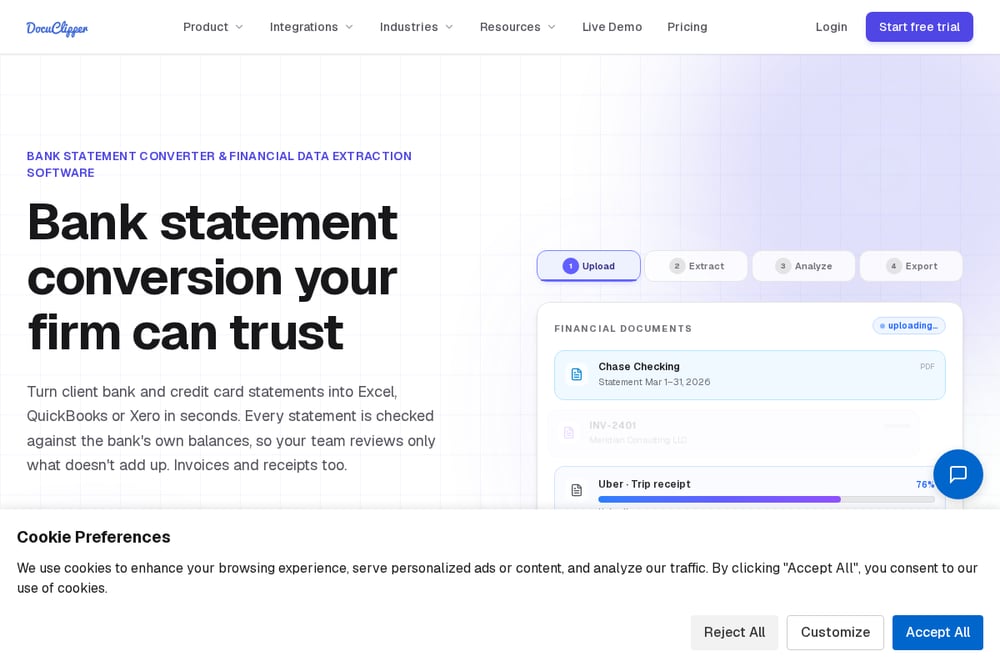
DocuClipper is a self-serve extraction platform that handles bank statements, brokerage statements, credit card statements, invoices, receipts, checks, and tax forms. You upload documents and it returns structured data to Excel, CSV, QBO, or directly into QuickBooks, Xero, Sage, NetSuite, and Dynamics 365. It also offers batch processing, API access, and automated ingestion from Google Drive, Dropbox, OneDrive, and email. For firms that want one tool to cover many document types across many clients, the breadth is hard to match. The trade-off is that you are running the tool yourself, so the time savings come from faster processing rather than full delegation.
#2 PaperToLedger — Statements in, clean import files out
 A screenshot of the PaperToLedger website.
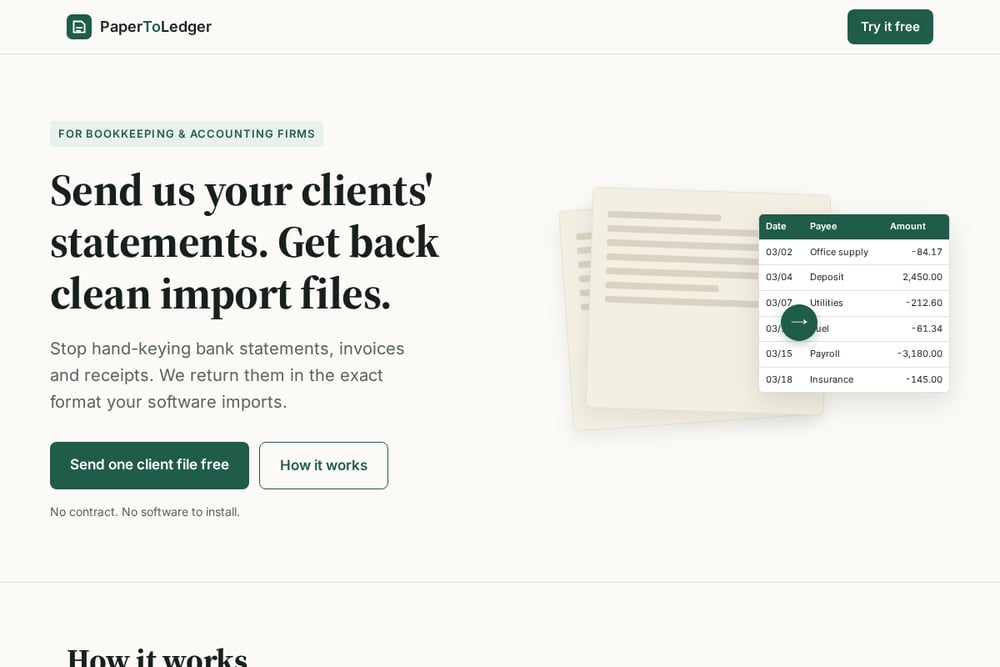
PaperToLedger is a done-for-you conversion service built specifically for bookkeeping and accounting firms. You send your clients' bank statements, credit card statements, invoices, and receipts by email or upload. The team extracts every transaction, checks it against statement opening and closing totals, and returns a CSV or Excel file formatted to your exact spec: your columns, your date format, your account codes. Unclear items are flagged for review, never guessed. It handles scanned and photographed paper, not just digital PDFs. Pricing is transparent: first client file free, workflow setup quoted one-time, monthly plans from $300 per month, no contract, cancel any time. Your files are deleted after delivery unless you ask them to keep them.
#3 BankWriter
 A screenshot of the BankWriter website.
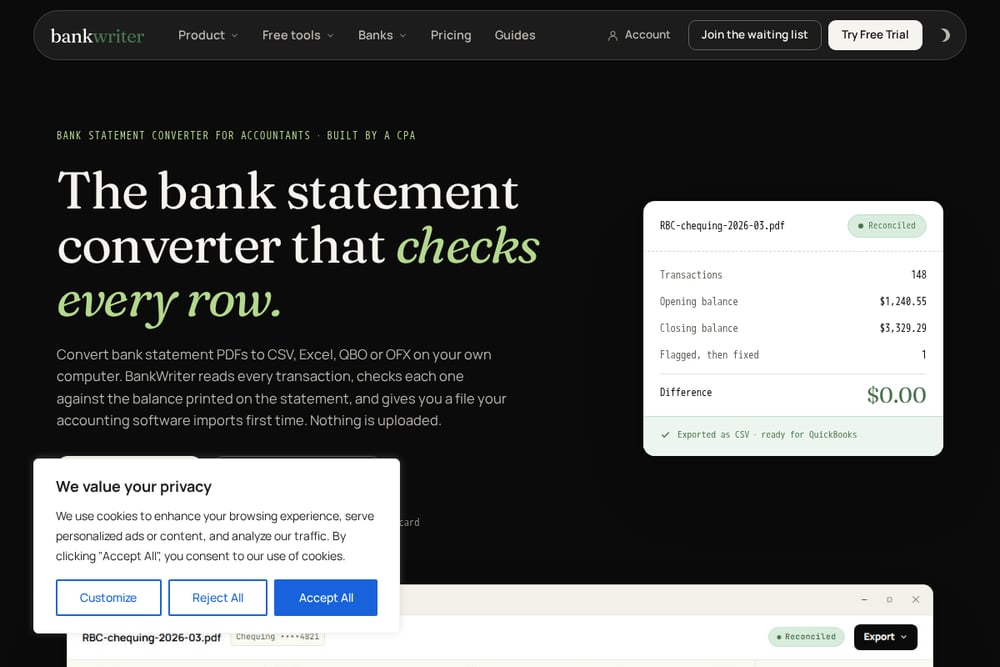
BankWriter is a bank statement converter built by a CPA for accountants. It runs on your own computer, so nothing is uploaded to the cloud. It reads PDF statements from banks in Canada, the United States, the United Kingdom, and Switzerland, checks every transaction against the balance printed on the statement, and exports to CSV, Excel, QBO, or OFX. The first 200 transactions are free, and there is no credit card required to try it. It is currently Windows-only, with Mac coming soon. If local processing and per-row balance verification matter to your firm, this is worth a look.
#4 EasyBankConvert
 A screenshot of the EasyBankConvert website.
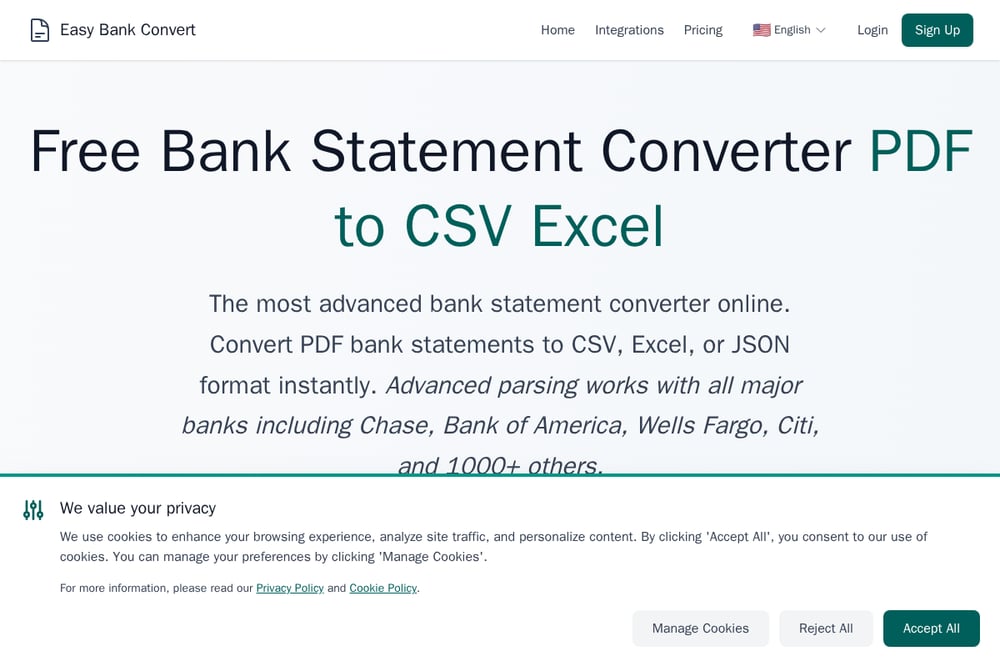
EasyBankConvert is a specialized bank statement converter positioned squarely at accountants and CPAs. You upload statements at its PDF-to-CSV or PDF-to-Excel endpoints, and it returns clean structured files for bookkeeping, tax prep, reconciliation, and financial analysis. It emphasizes speed, auto-deletion after download, and a workflow designed around accounting use cases rather than generic document capture. The site includes a detailed guide for accounting firms covering multi-client practice management and tax-season efficiency. It is a straightforward self-serve option for firms that mainly need bank statement conversion and want a simple upload-and-download flow.
#5 FinanceFileConverter
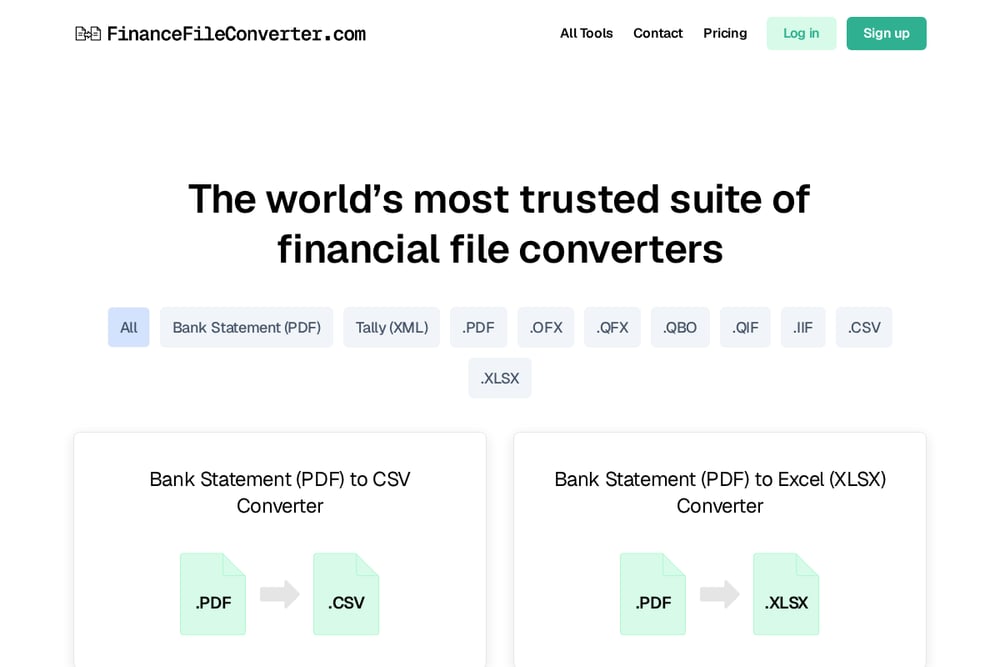 A screenshot of the FinanceFileConverter website.
FinanceFileConverter is a suite of financial file converters rather than a single tool. It covers bank statement PDF to CSV, Excel, OFX, QBO, and Tally XML, plus a long list of format-to-format conversions including CSV to IIF, OFX to QBO, QFX to QIF, and many more. If your firm regularly deals with legacy or niche formats like QIF, IIF, or QFX, this is one of the few places that handles the full matrix. It is self-serve, upload-and-convert, with testimonials from bookkeepers and CPAs about handling dozens of client files weekly. The strength here is format coverage, not done-for-you service.
How to Choose the Right Conversion Service
Start with your volume. If you process a handful of statements a month, a self-serve tool like DocuClipper, BankWriter, EasyBankConvert, or FinanceFileConverter will do the job at low cost. If you process dozens of client files and your team is the bottleneck, a done-for-you service like PaperToLedger removes the work entirely. Next, look at document types. Bank statements only? EasyBankConvert and BankWriter are focused. Invoices, receipts, and credit card statements too? DocuClipper and PaperToLedger cover the broader mix. Then check output format. If your accounting software needs a specific column layout or date format, confirm the service can match it rather than forcing its own template. Finally, consider data handling. Some tools process locally, some auto-delete after download, and some retain files unless you ask otherwise. Match that to your firm's client data policies.
Where Automation Fits in Your Workflow
The real win is not just converting one statement faster. It is building a repeatable pipeline. Set up a standard intake process for clients: a shared folder, an email alias, or a portal where they drop statements each month. Route those documents to your chosen conversion service. Get back import-ready files. Import and reconcile. Flag exceptions. The firms that benefit most treat conversion as a scheduled step, not an ad hoc scramble. Done-for-you services slot into this model with the least friction because you are not operating the tool yourself. Self-serve tools work well too, but they require someone on your team to run them consistently. Either way, the goal is the same: stop hand-keying, start reviewing.
The Bottom Line
There is no single right answer here. DocuClipper gives you the widest self-serve toolkit. PaperToLedger gives you a done-for-you service that matches your format and takes the work off your plate. BankWriter gives you local processing with per-row balance checks. EasyBankConvert gives you a focused, accountant-friendly upload flow. FinanceFileConverter gives you the deepest format coverage for niche conversions. Pick based on your volume, your document mix, and how much of the work you want to keep in-house. Try the free options first. Most of these services let you test with real client files before committing. That is the fastest way to know which one fits.