Planning a bachelorette weekend should feel like a celebration, not a spreadsheet nightmare. These five tools help you split costs fairly, dodge awkward money talks, and keep the focus on the bride.
The Bachelorette Planning Tool Landscape
Bachelorette trips have quietly become big business. Group weekends now routinely run $600 to $1,000 per person, and lodging is usually the single largest line item. That reality has spawned a wave of free, browser-based utilities built to answer one question: who owes what? Some tools are general group-expense splitters. Others are wedding-specific budget trackers. A newer category goes further, pairing cost math with actual party planning. The result is a crowded but genuinely useful field, and the right pick depends on whether you need a simple ledger or a full planning engine.
How We Evaluated These Tools
We looked at the same factors across every tool. First, scope: does it only split bills, or does it also help you plan the trip? Second, pricing clarity: is it free, and is that free tier actually usable without a paywall surprise? Third, fairness features: can it handle uneven splits, per-expense participant lists, and the bride-goes-free custom? Fourth, friction: how fast can a group get set up, and does everyone need an account? Fifth, fit for the bachelorette use case specifically, including non-drinker opt-outs and room-tier disputes. Each tool below stood out on different factors, so match the strengths to your group's actual needs.
Here is a quick comparison of the five tools, ordered for this roundup. Each entry notes what it does well and who it suits, so you can scan and shortlist before reading the full breakdown.
| Provider | Best For |
|---|---|
| PlanYourFun Bachelorette Party Cost Splitter | Groups that want a dead-simple shared expense link with live balances |
| Bachelorette Party Ideas (2026): 30+ Free Themes & Fair Cost Splitter | Organizers who want themed itineraries and fair cost math in a single free tool |
| Wedding Arrivals Wedding Budget & Expense Splitter | Groups that want per-person budget caps and CSV exports |
| Kittysplit | Groups who want a proven, no-frills expense ledger with mobile apps |
| Chipp | Organizers who need guidance and group-chat scripts before splitting |
The Five Tools in Detail
#1 PlanYourFun Bachelorette Party Cost Splitter
 A screenshot of the PlanYourFun Bachelorette Party Cost Splitter website.
PlanYourFun runs a browser-based splitter built specifically for bachelorette weekends. One person names the trip, adds the guests, and shares a single link in the group chat. Everyone sees live balances, and the settle-up plan uses the fewest possible transfers, which saves a lot of back-and-forth. Uneven splits and custom amounts per person are supported, and each expense carries its own participant list. The site also publishes original research on the so-called bride tax, including a 2026 Bachelorette Cost Report that measures how group size changes what each guest pays. No app and no sign-up required.
#2 Bachelorette Party Ideas (2026): 30+ Free Themes & Fair Cost Splitter
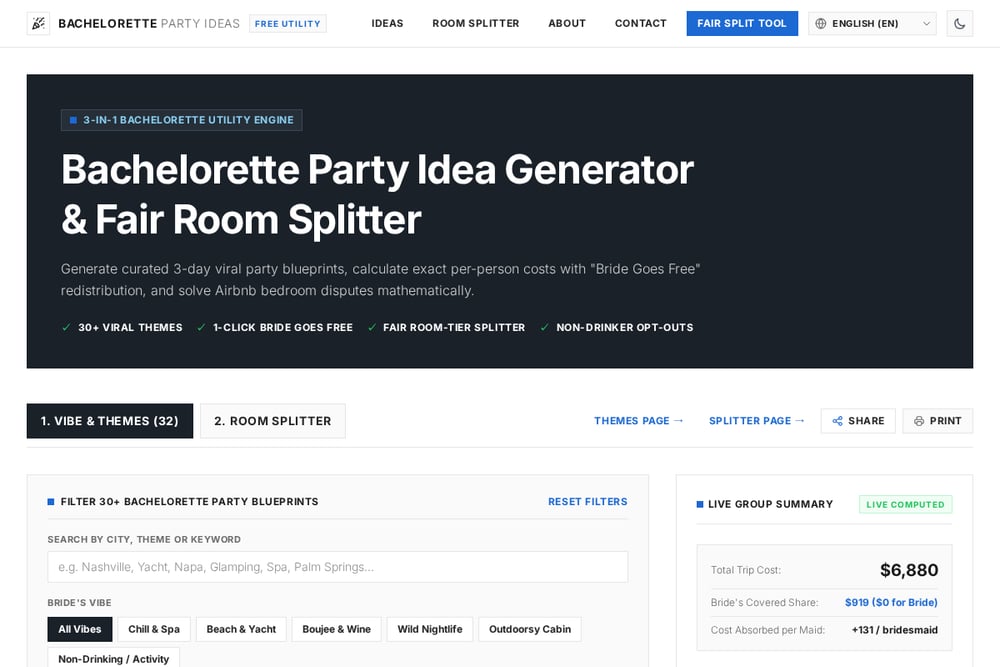 A screenshot of the Bachelorette Party Ideas (2026): 30+ Free Themes & Fair Cost Splitter website.
This is the only tool on the list that plans the party and splits the bill in one place. You get 32 themed blueprints, each with a full three-day itinerary, a viral aesthetic palette, and an estimated per-person cost. Filters let you sort by vibe, budget tier, city, and alcohol-free friendliness, so a chill spa group and a Nashville nightlife crew both find something useful. The fair room splitter is the standout: it handles Airbnb bedroom disputes with room tiers and applies a one-click Bride Goes Free redistribution. Non-drinker opt-outs are built in, and the whole thing is free and ungated across eight languages.
#3 Wedding Arrivals Wedding Budget & Expense Splitter
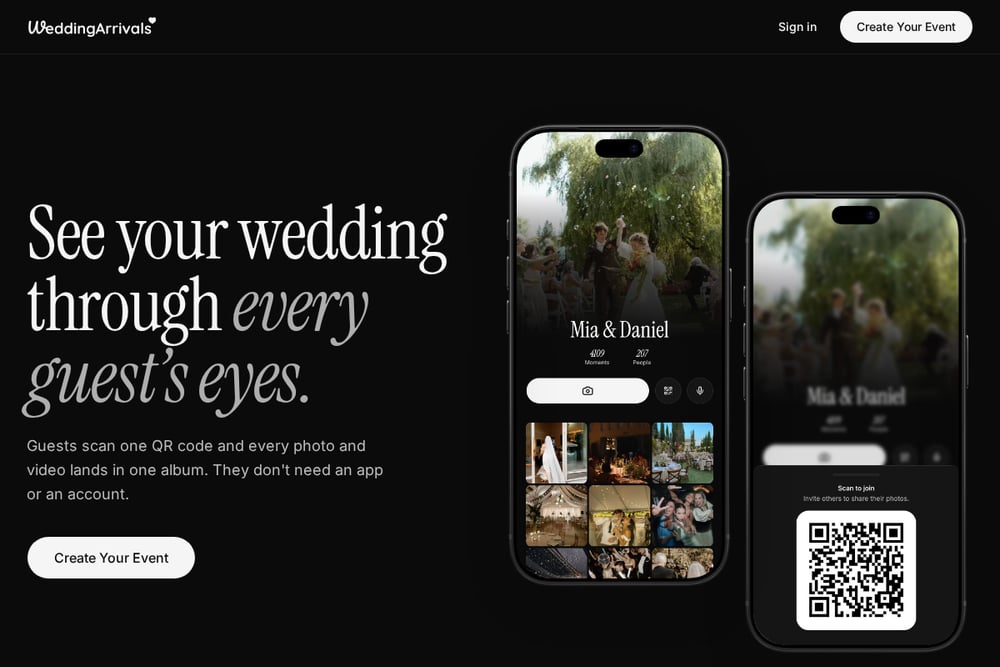 A screenshot of the Wedding Arrivals Wedding Budget & Expense Splitter website.
Wedding Arrivals takes a broader wedding-budget approach and extends it to bachelorette costs. You add people, set optional budget caps, and list every expense, choosing whether each one is split between a group or paid individually. That makes it easy to exclude the bride from bachelorette costs or leave out anyone skipping the trip. It runs entirely in your browser, so nothing is uploaded and no signup is needed. You can export a CSV, print the split, or send a share link so nobody works from a stale version. It suits groups that want budget caps alongside the split.
#4 Kittysplit
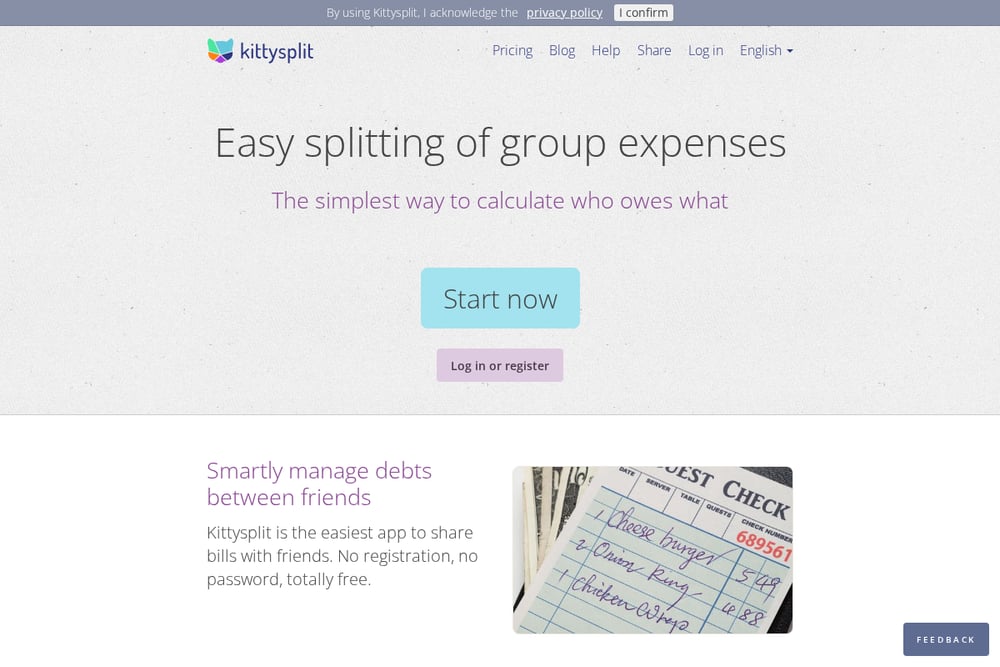 A screenshot of the Kittysplit website.
Kittysplit is a general-purpose group expense splitter with a long track record and a genuinely simple flow. One person creates a kitty, adds expenses as they happen, and shares a link so everyone can log what they paid. The app then shows who owes whom and lets the group settle up. It needs no registration or password, works on any device with a browser, and has dedicated iOS and Android apps for on-the-go entry. It is not bachelorette-specific, but it handles the core math reliably and is a familiar name for anyone who has split a group trip before.
#5 Chipp
 A screenshot of the Chipp website.
Chipp approaches the problem from the guide side first. Its bachelorette cost-splitting guide walks through who usually pays for the bride, how to budget before anyone commits, and how to collect deposits early. It includes a worked example for eight guests showing how covering the bride adds a modest amount per person, plus advice on dropout policies and a copy-paste message for the group chat. A rent calculator rounds out the toolkit. If your group needs the conversation framed before the math, this is a useful starting point.
How to Choose the Right Splitter
Start with what your group actually argues about. If the fight is over who gets the primary bedroom, you need room-tier logic, which points you toward the featured tool's fair room splitter. If the fight is over who fronted the deposit, a shared expense link with live balances solves it faster. Consider whether you want planning help too. A themed three-day blueprint saves hours of group-chat debate, while a pure ledger keeps things lean. Check the free tier honestly: some tools are free with no signup, others nudge you toward accounts. Finally, think about your group's habits. Non-drinkers, budget caps, and last-minute dropouts all need handling, so pick a tool that supports the awkward cases before they happen.
A Simple Workflow to Automate the Money Talk
Set the tone early. Pick a theme and budget tier, then send a per-person estimate before anyone commits. Use a shared link so every expense lands in one place instead of scattered screenshots. Log costs as they happen, not at the end. Apply the bride-goes-free rule once, clearly, so nobody double-counts it. Set a deposit deadline and a written dropout policy. At the end, use the settle-up plan to minimize transfers, then close the group. That sequence removes most of the friction and keeps the weekend about the bride.
The Bottom Line
There is no single right tool, only the right fit for your group. If you want planning and fair math together, the featured Bachelorette Party Ideas tool covers both in one free place. If you just need a clean shared ledger, PlanYourFun and Kittysplit deliver. Wedding Arrivals adds budget caps, and Chipp gives you the scripts to start the conversation. Pick one, set the rules early, and get back to celebrating.