
Manual data entry is a silent tax on your time. These five tools turn bank statements, receipts, and marketplace reports into clean books without the typing.
What are Financial & Business Services services?
Small business bookkeeping has shifted from ledger books to upload-and-go automation. Instead of logging into bank portals or keying transactions by hand, you can now drop in PDFs, CSVs, and screenshots and let software categorize, match, and reconcile. The result is faster month-end closes, fewer errors, and financial statements that are ready for your accountant or tax filing. The tools below approach this problem from different angles, from full bookkeeping engines to document extraction specialists.
What we looked at when researching Financial & Business Services
Each tool was evaluated on the same factors: how much of the bookkeeping workflow it covers, how clearly pricing and free trials are presented, how well it handles multiple statement sources like banks, e-wallets, and marketplaces, and how useful the output is for tax and accountant handoff. The goal is to help you match the tool to your workflow, not to declare a single winner.
| Provider | Best For |
|---|---|
| DocuClipper | High-volume statement extraction and accounting integrations |
| Automated Bookkeeping for Small Businesses | ClickStatements | Small businesses that want full books from uploaded statements |
| AutoEntry | Accountants and bookkeepers processing client statements |
| Dext | Broad bookkeeping automation with receipt and invoice capture |
| Docparser | Custom document parsing and workflow automation |
A closer look at 5 standout Financial & Business Services
#1 DocuClipper
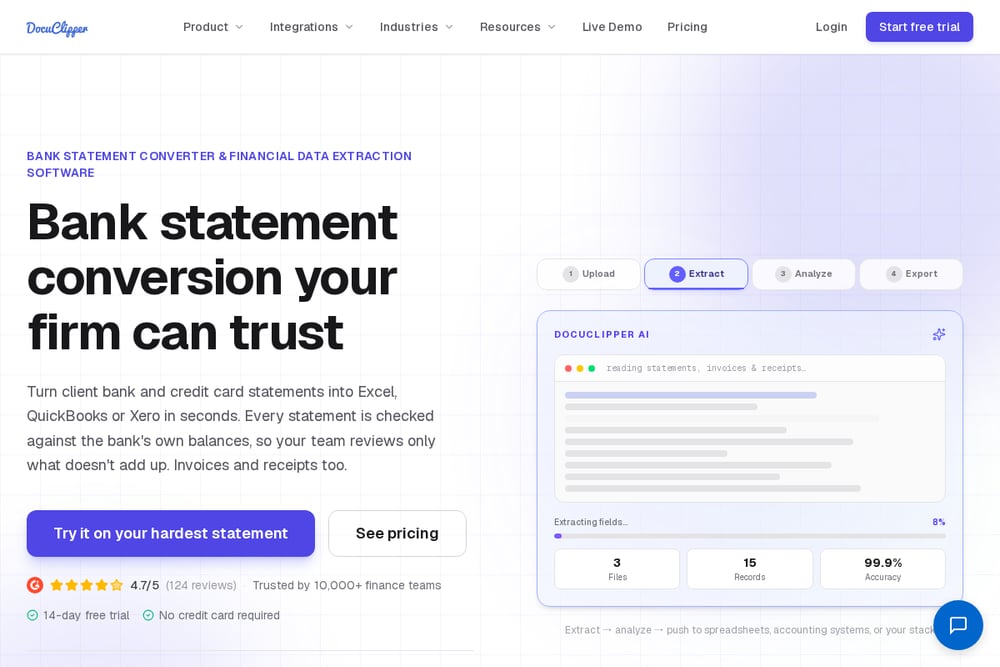 A screenshot of the DocuClipper website.
DocuClipper focuses on extracting clean data from bank, credit card, and brokerage statements and pushing it into Excel, CSV, QBO, or your accounting platform. You can batch-upload up to 100 files at a time, and the AI templates let you build custom parsers for unusual document types. It also offers client statement reports and cash flow analysis, which makes it useful if you serve multiple businesses or need forensic-level detail. The platform integrates with QuickBooks, Xero, Sage, NetSuite, and Dynamics 365, so the extracted data lands where you already work. If your bottleneck is getting transactions out of PDFs accurately, this is a strong fit.
#2 Automated Bookkeeping for Small Businesses | ClickStatements
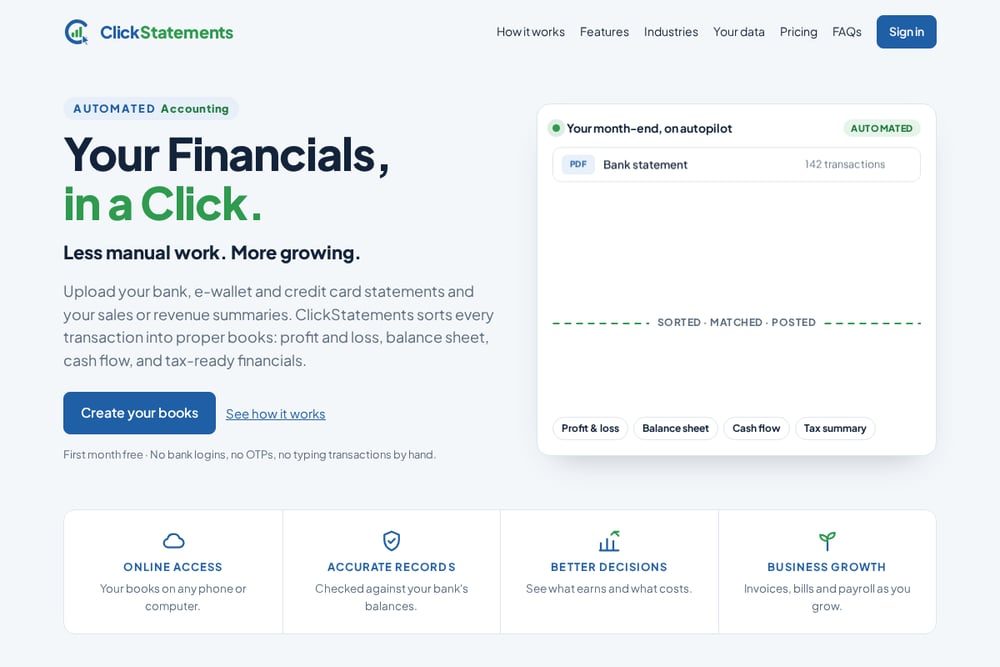 A screenshot of the Automated Bookkeeping for Small Businesses | ClickStatements website.
ClickStatements takes a different path: instead of just extracting data, it builds your books. You upload bank, e-wallet, credit card, and marketplace statements in PDF, CSV, Excel, or even screenshot form, and the service sorts every transaction into profit and loss, balance sheet, cash flow, and tax-ready financials. There are no bank logins, no OTPs, and no manual transaction typing. Marketplace reports are split into sales, fees, and shipping, and transfers between your own accounts are matched so nothing counts twice. The first month is free, which gives you a low-risk way to see if the automated month-end close works for your business.
#3 AutoEntry
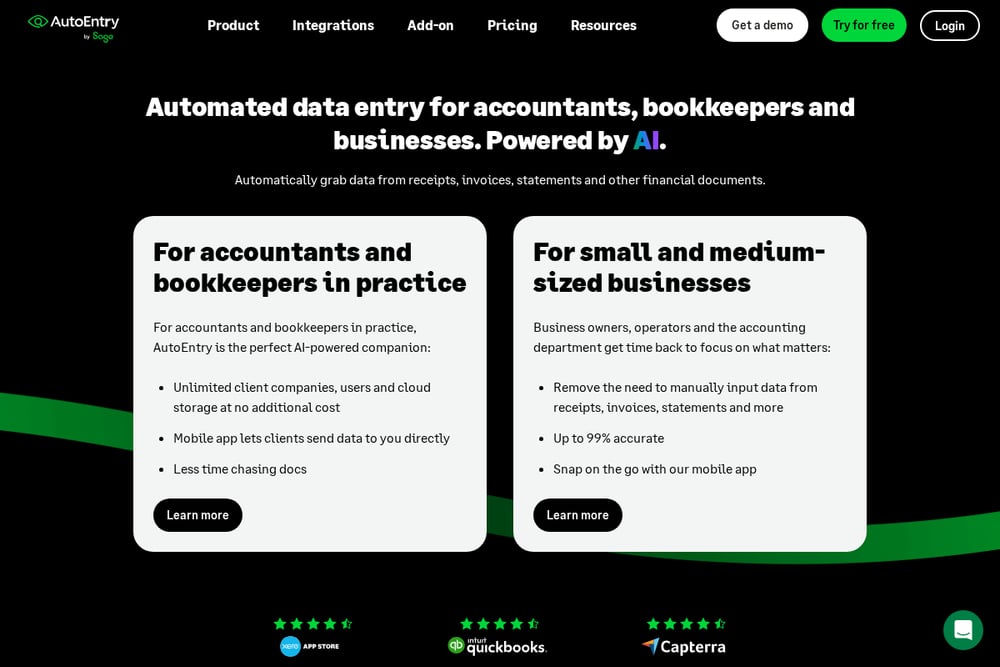 A screenshot of the AutoEntry website.
AutoEntry is built for accountants and bookkeepers who process statements for clients. You upload bank statements, and the software extracts the transaction data and downloads it ready for your accounting software. It integrates smoothly with Sage, Xero, QuickBooks, and other platforms, and the mobile app lets you scan and send documents on the go. The focus is on speeding up repetitive data entry rather than generating full financial statements. If you run a bookkeeping practice and need a reliable extraction layer, AutoEntry is worth a look.
#4 Dext
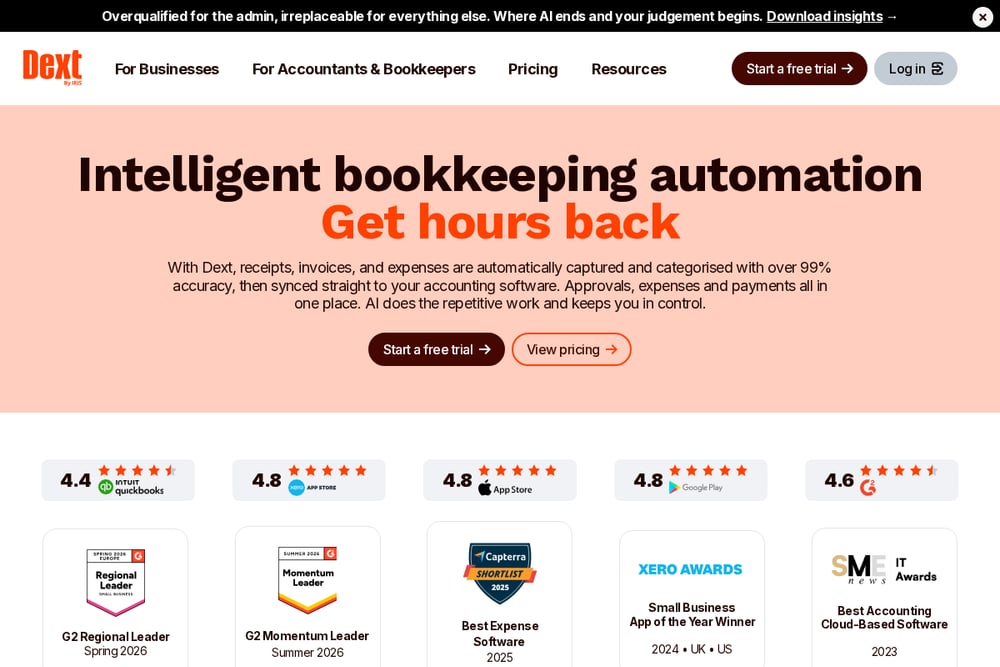 A screenshot of the Dext website.
Dext is a well-known name in bookkeeping automation, with a strong focus on receipt and invoice capture alongside bank statement extraction. The platform uses AI to extract information from clients' bank statements, receipts, and invoices, reducing manual entry and errors. It offers features like client data health checks, document storage, and integrations with major accounting software. Dext serves both businesses and accounting practices, with pricing tiers for each. If you want a mature ecosystem that handles more than just statements, Dext is a solid contender.
#5 Docparser
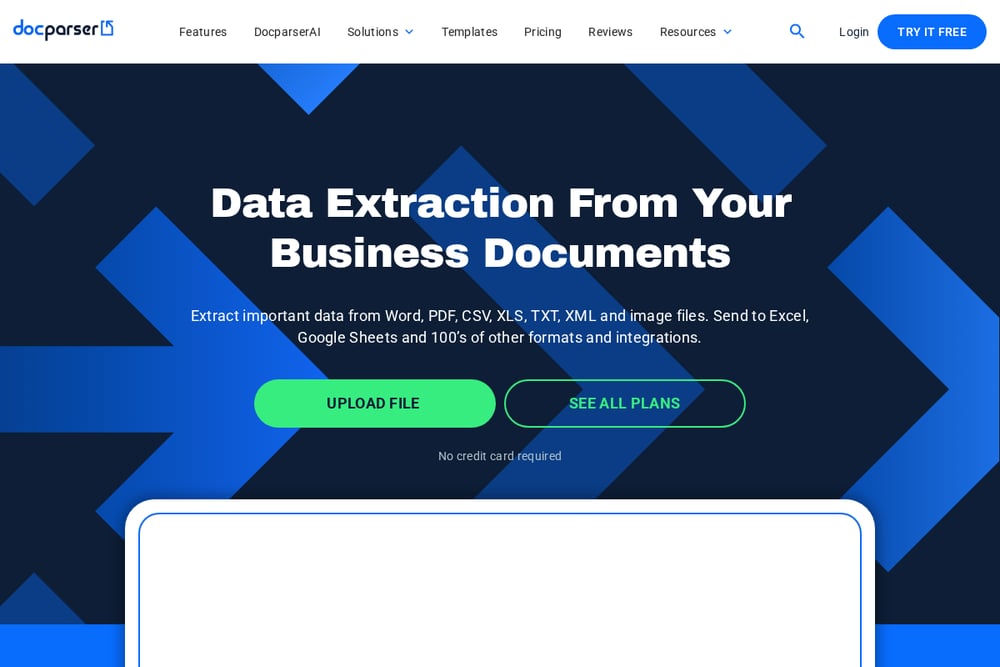 A screenshot of the Docparser website.
Docparser is a document parsing tool that can extract data from bank statements, invoices, purchase orders, and many other document types. You set up parsing rules, and the AI-powered parser pulls out the fields you need and sends them to your accounting software or other cloud apps. It is highly customizable, which makes it useful for businesses with unusual statement formats or workflows that don't fit standard templates. The trade-off is that it requires more setup than turnkey bookkeeping services. If you need flexible, rule-based extraction, Docparser gives you the control.
How to choose the right Financial & Business Services
Start by mapping your biggest time sink. If you spend hours keying transactions from PDFs, prioritize extraction accuracy and accounting integrations. If you want the entire month-end close handled, look for a service that produces financial statements and tax figures, not just raw data. Consider the mix of sources you use: banks, e-wallets, credit cards, and marketplaces all behave differently, so check that the tool supports all of them. Finally, weigh pricing clarity and free trials. A free month or a no-credit-card trial lets you test the workflow before you commit.
Expert Conclusion
There is no single right answer for every small business. DocuClipper and AutoEntry excel at pulling data out of statements for accounting workflows. Dext adds receipt and invoice capture to the mix. Docparser offers deep customization for unusual documents. And ClickStatements stands out by turning uploaded statements into complete, tax-ready books with no manual entry. Match the tool to your workflow, test the free options, and let the software handle the typing.