Your resume rarely gets read by a human first. It gets parsed by software, and if that software chokes on your formatting, you never hear back. These five resources help you avoid that fate.
Why ATS-Friendly Templates Became Essential
Applicant tracking systems like Workday, Oracle Taleo, Greenhouse, Lever, and iCIMS sit between you and most recruiters. They scan your file, extract your contact details, work history, education, and skills, and file you into a searchable database. When a resume uses text boxes, tables, graphics, odd fonts, or contact info buried in a page header, the parser can mangle or drop that data entirely.
That is why the template market has exploded. Job seekers now want files that read top to bottom in a single column, use standard section headings, and keep every character as real, selectable text. The resources below take different routes to that same goal, from free emailed PDFs to full resume builders with ATS scanners attached.
How We Evaluated These Resources
We looked at the same factors for every entry. First, formatting discipline: does the template avoid the structures that break parsers, like columns, tables, and header-embedded contact details? Second, cost and access: is it genuinely free, and what do you have to hand over to get the file?
Third, delivery and usability: how quickly and easily do you get a usable document? Fourth, supporting guidance: does the resource explain what ATS software does and how to tailor your content? Fifth, scope: does it cover resumes only, or also cover letters and role-specific layouts? Each resource below stands out on a different combination of these factors, so match them to what you actually need.
Here is a quick look at how the five resources compare on format, cost, and delivery before you dig into the details.
| Provider | Best For |
|---|---|
| Microsoft Word ATS Resume Templates | People already working inside Microsoft Word |
| Free ATS Friendly Resume Templates (PDF) | ATS Friendly Template | Job seekers who want a clean free PDF with zero signup |
| Resume Genius ATS Resume Templates | Applicants who want templates plus an ATS checker |
| Wozber ATS-Friendly Resume Templates | Writers who want step-by-step ATS guidance |
| Resume.io ATS-Friendly Resume Templates | Job seekers who want design variety with ATS-safe layouts |
The Five Resources in Detail
#1 Microsoft Word ATS Resume Templates
 A screenshot of the Microsoft Word ATS Resume Templates website.
Microsoft Word offers a broad library of ATS-friendly resume and cover letter templates you can open and edit directly in Word for the web. The layouts keep clear sections for contact details, work history, skills, and education, and they cover a wide range of roles including accounting, healthcare, and office administration. Because the files live in Word, you can replace placeholder text, refine wording with the built-in AI rewriter, and save to OneDrive before downloading as a PDF. It is the most familiar option if you already work in Microsoft's ecosystem. The tradeoff is that you need a Microsoft account and some comfort with Word's editing tools.
#2 Free ATS Friendly Resume Templates (PDF) | ATS Friendly Template
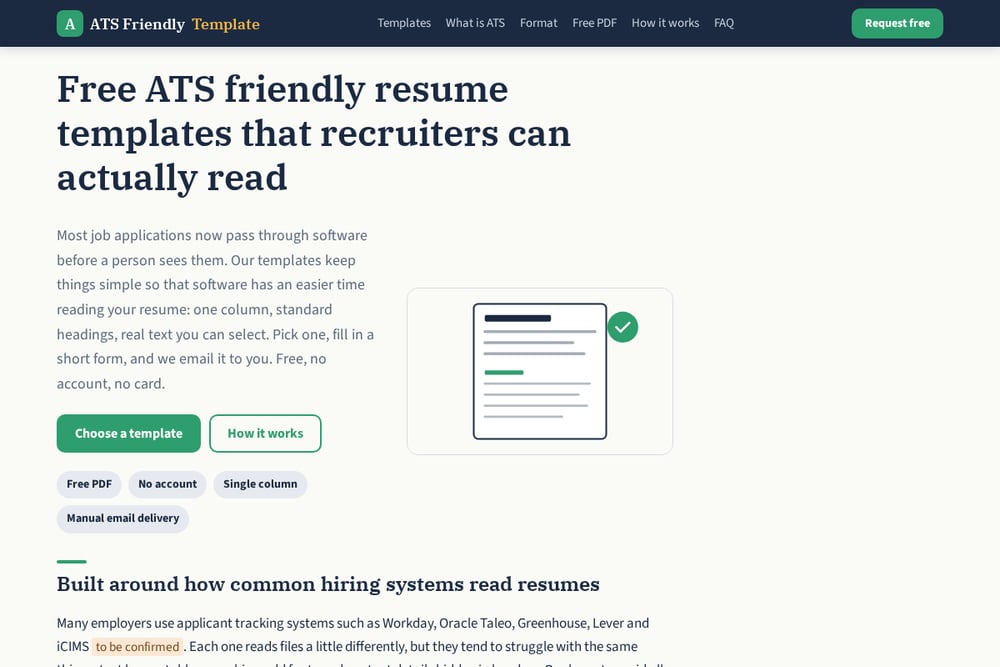 A screenshot of the Free ATS Friendly Resume Templates (PDF) | ATS Friendly Template website.
ATS Friendly Template keeps things deliberately simple: free, one-column resume PDFs built around how hiring systems actually parse files. Every layout uses standard section names like Work Experience, Education, and Skills, keeps text real and selectable in common fonts, and places contact details in the body rather than the page header. There are no tables, icons, or images inside the content, which removes the structures that most often trip up parsers. You pick a template, fill in a short form with your name, email, and target role, and the files arrive by email, usually within one business day. No account, no card, no payment, and your email is only used to send the files.
#3 Resume Genius ATS Resume Templates
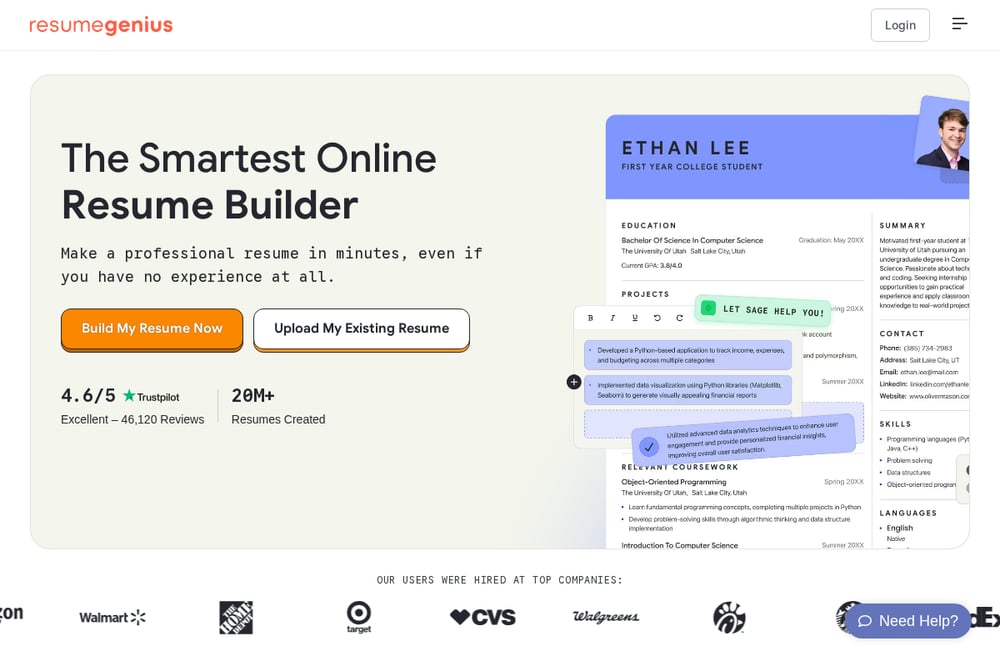 A screenshot of the Resume Genius ATS Resume Templates website.
Resume Genius pairs a large template library with a full suite of job-search tools. Its ATS resume templates sit alongside an AI resume generator, an ATS resume checker, summary and bullet point generators, and hundreds of industry-specific resume examples. That combination lets you start from a clean layout and then test and refine your content against real parsing behavior. The site also covers cover letters and CVs, so you can keep your whole application consistent. It is a heavier platform than a simple template download, which suits you if you want guidance at every step rather than just a file.
#4 Wozber ATS-Friendly Resume Templates
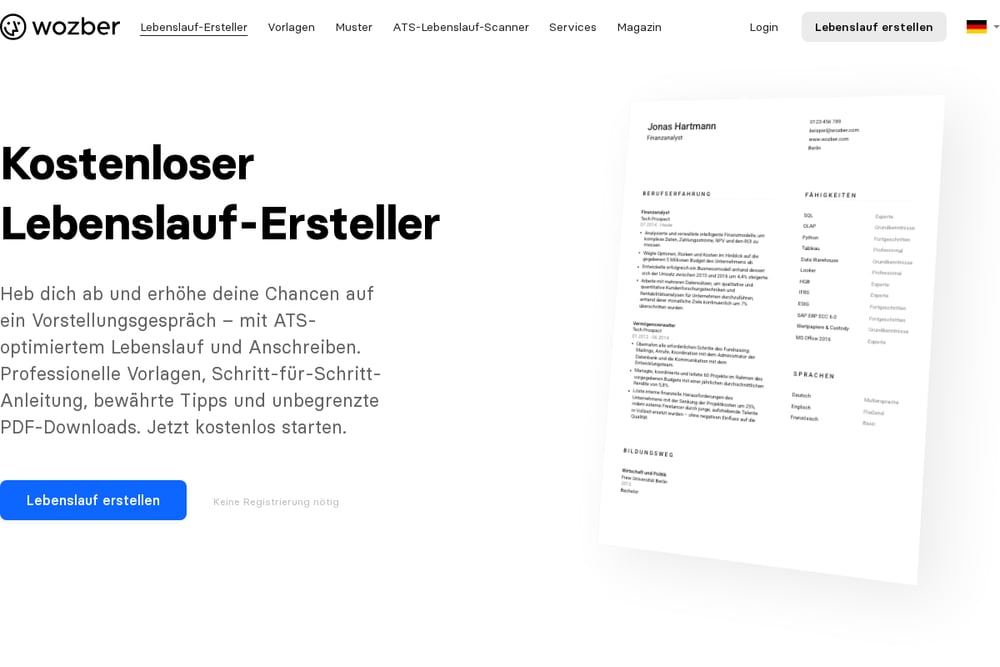 A screenshot of the Wozber ATS-Friendly Resume Templates website.
Wozber approaches ATS formatting as a guided process rather than a static download. You choose from a set of ATS-friendly templates, then the builder walks you through each section and helps you tailor your experience to the specific job you are applying for. It also offers an ATS resume scanner so you can see how your draft reads to screening software before you submit. Unlimited PDF downloads are free, which makes it easy to iterate across multiple applications. The platform is a good fit if you want structure and feedback while you write, not just a blank layout.
#5 Resume.io ATS-Friendly Resume Templates
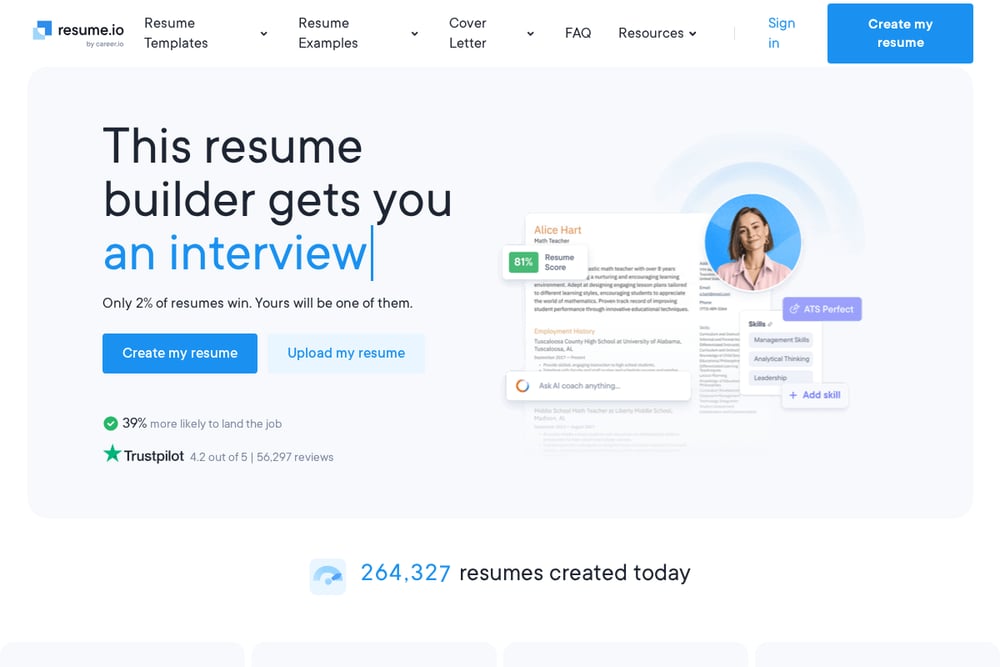 A screenshot of the Resume.io ATS-Friendly Resume Templates website.
Resume.io organizes its templates by style and file type, with a dedicated ATS category built for clean reading by screening software and recruiters. You can browse modern, professional, simple, and Word-based options, and the Word templates specifically emphasize a clean single-column structure that stays ATS-safe. The site backs the templates with 500+ industry resume examples and matching cover letter templates, so you have reference material for nearly any field. A resume builder and AI assistance round out the offering for people who want speed. It is a polished, design-forward option when you want variety alongside ATS safety.
How to Pick the Right Resource for You
Start with how much help you want. If you just need a clean file fast, a free emailed PDF gets you there with no account and no learning curve. If you want to test your draft against parsing behavior, look for a resource with a built-in ATS scanner.
Next, consider your tools. If you already live in Word, editing a template there is frictionless. If you would rather be guided section by section, a builder-style platform will save you time. Finally, check the scope: some resources cover resumes only, while others bundle cover letters, CVs, and role-specific examples. Pick the one that matches the full application you are assembling, not just the resume page.
A Simple Workflow to Automate Your Application Prep
Build a repeatable loop instead of starting from scratch each time. Keep one master ATS-safe resume in a single-column format with standard headings and selectable text. For each new role, duplicate it, swap in keywords pulled from the job description, and save a fresh PDF.
Then run it through an ATS checker to confirm your contact details, work history, and skills all parse cleanly. Store your tailored versions in a clearly named folder so you can reuse language across similar roles. Finally, keep a matching cover letter template on hand so every application goes out in the same clean format. This loop takes minutes per application and removes the formatting guesswork entirely.
The Bottom Line
Every resource here solves the same core problem: making sure software can read your resume before a person ever sees it. The differences come down to how much guidance you want and how much setup you will tolerate. A free, no-account PDF is the fastest path to a clean file, while builder platforms add scanning and tailoring help for people applying at volume.
Whichever you choose, hold onto the fundamentals: one column, standard headings, real text, and contact details in the body. Get those right and your experience has the best chance of coming through cleanly.