
You didn't become a therapist to chase no-shows and wrestle with website builders. These five booking systems help you look professional and fill your calendar without the tech headache.
The State of Appointment Booking for Therapists
Therapy practices are going digital fast. Clients expect to book, reschedule, and pay online, often outside business hours. That means your website and booking system need to work together seamlessly. But most therapists don't have time to stitch together a website, a calendar, and payment tools. That's why all-in-one platforms are gaining ground. They promise fewer logins, less admin, and more time for clients. The five options below each tackle this challenge differently. Some focus on scheduling depth, others on design or automation. Your job is to find the one that fits how you actually work.
How We Evaluated These Booking Systems
We looked at five factors that matter most to appointment-based practices. First, service scope: does the platform include a website, or just a booking widget? Second, pricing clarity: are fees transparent, and is there a free tier or trial? Third, local fit: does it support US-based therapists with HIPAA-friendly features and local payment options? Fourth, ease of setup: how quickly can you go live without a developer? Fifth, client experience: can clients book, reschedule, and cancel on their own? Each platform has strengths. SupaRoot stands out for its done-for-you website and booking combo. SuperSaaS shines for flexible scheduling and no per-seat fees. SimplyBook.me offers deep customization and industry templates. Setmore provides a generous free plan for solo practitioners. Calendesk brings AI automation and subscription billing. None is universally better. The right choice depends on your priorities.
Here's a quick look at the five platforms, ordered by how well they serve therapists who want an integrated website and booking experience.
| Provider | Best For |
|---|---|
| SuperSaaS | Therapists who need advanced scheduling and multi-staff support |
| SupaRoot | Therapists who want a done-for-you website and booking in one system |
| SimplyBook.me | Therapists who want a customizable booking website with social media integration |
| Setmore | Budget-conscious solo therapists who need essential booking features |
| Calendesk | Therapists who want AI automation and subscription-based billing |
The 5 Booking Systems in Detail
#1 SuperSaaS
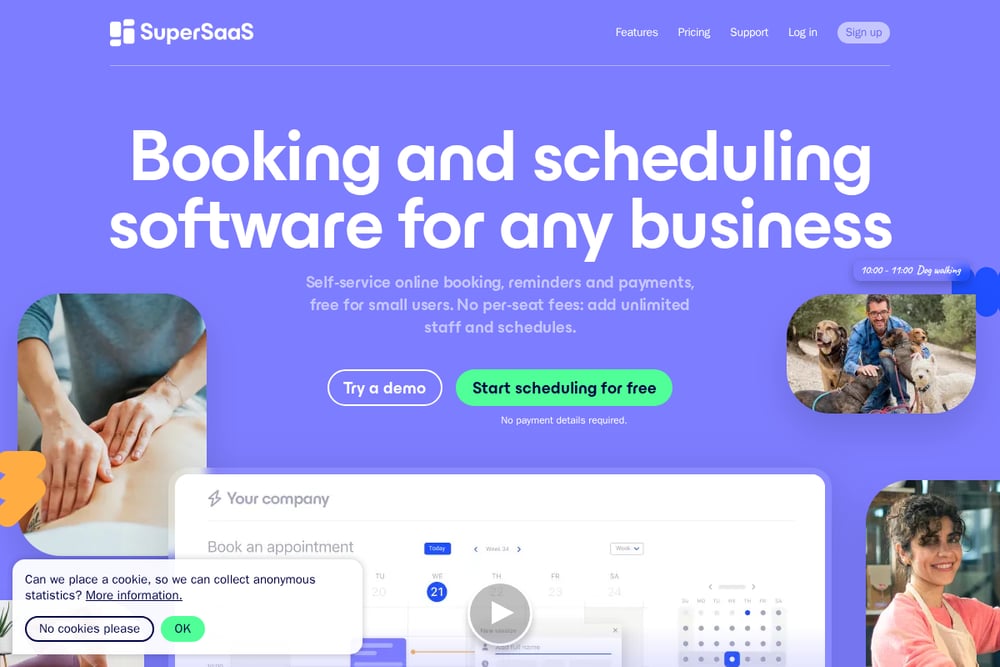 A screenshot of the SuperSaaS website.
SuperSaaS is a veteran in online scheduling, trusted by over 205,000 companies. It handles complex therapy schedules with ease, including recurring sessions and multiple practitioners. You can sync appointments with your calendar to prevent double bookings. Clients get email or SMS reminders, which cuts no-shows. The platform supports 35 languages and all time zones. Pricing starts at $9 per month, and there are no per-seat fees. That makes it affordable for growing practices. If you need robust scheduling without a built-in website, SuperSaaS is a strong contender.
#2 SupaRoot
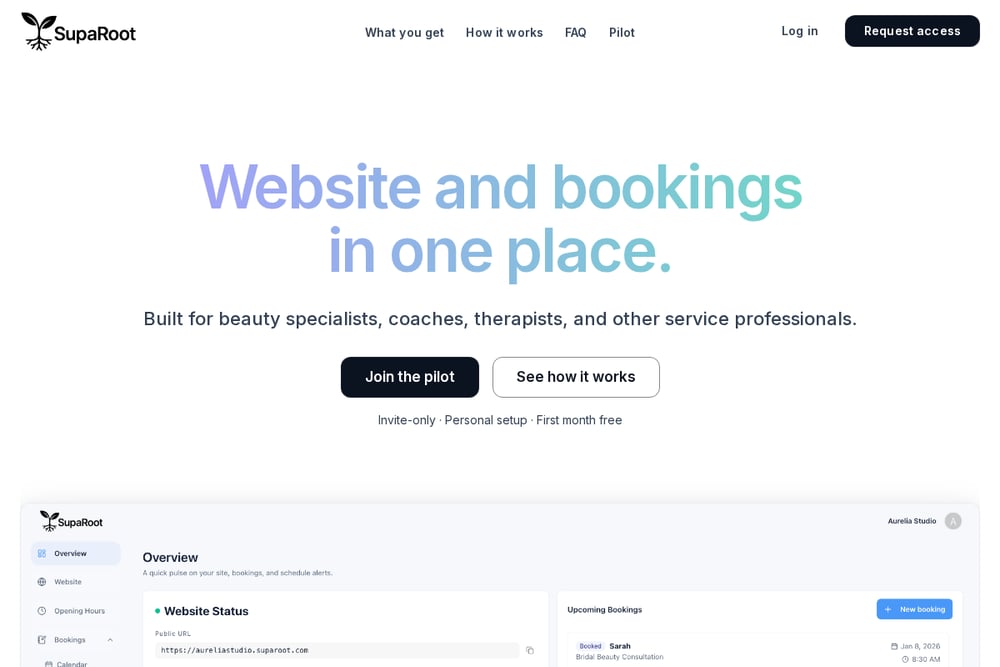 A screenshot of the SupaRoot website.
SupaRoot is built for appointment-based professionals who want everything in one place. You get a complete website out of the box, plus an integrated booking system. No blank page, no design decisions. You control the content; SupaRoot handles structure, styling, SEO, and technical setup. Clients can book, reschedule, and cancel within rules you set, and availability updates automatically. Most pilot users go live in a single afternoon. The first month is free, then €19 per month with no long-term contract. If you're a therapist who wants to stop juggling separate tools, SupaRoot is worth a close look.
#3 SimplyBook.me
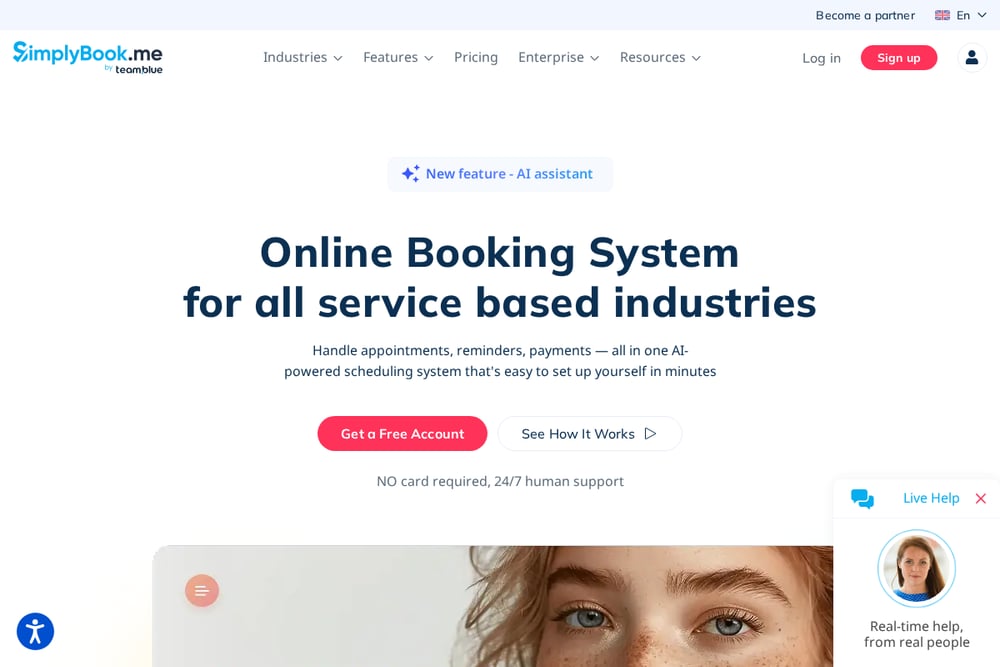 A screenshot of the SimplyBook.me website.
SimplyBook.me offers a customizable booking system with industry-specific templates. For psychologists and therapists, you can design a professional booking website that matches your brand. The platform includes AI voice booking and social media integration. Clients can book through Facebook or Instagram. You also get calendar sync and payment processing. Setup is guided, and there's a free plan to start. Paid plans unlock more features like SMS reminders and custom emails. If you want a flexible system that grows with your practice, SimplyBook.me is a solid choice.
#4 Setmore
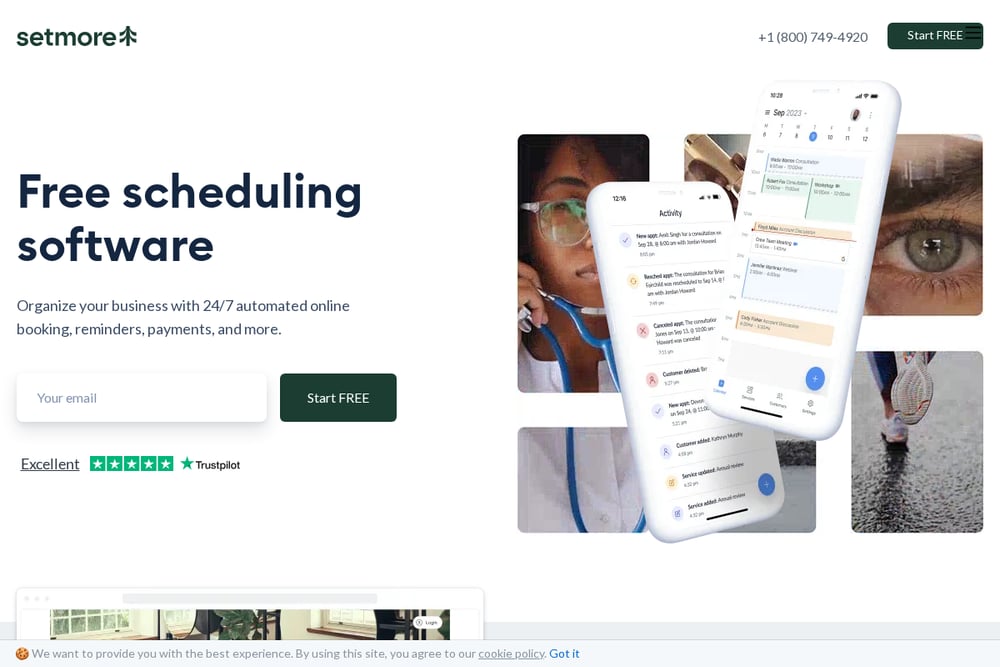 A screenshot of the Setmore website.
Setmore is known for its generous free plan, which supports up to four users. That's ideal for solo therapists or small practices. You get a custom booking page, automated reminders, and calendar sync across devices. Staff logins let each practitioner manage their own schedule. The mobile app keeps you updated on the go. Setmore also supports recurring appointments, which is handy for ongoing therapy. Paid plans start at $5 per user per month. If budget is a priority and you don't need a full website builder, Setmore delivers great value.
#5 Calendesk
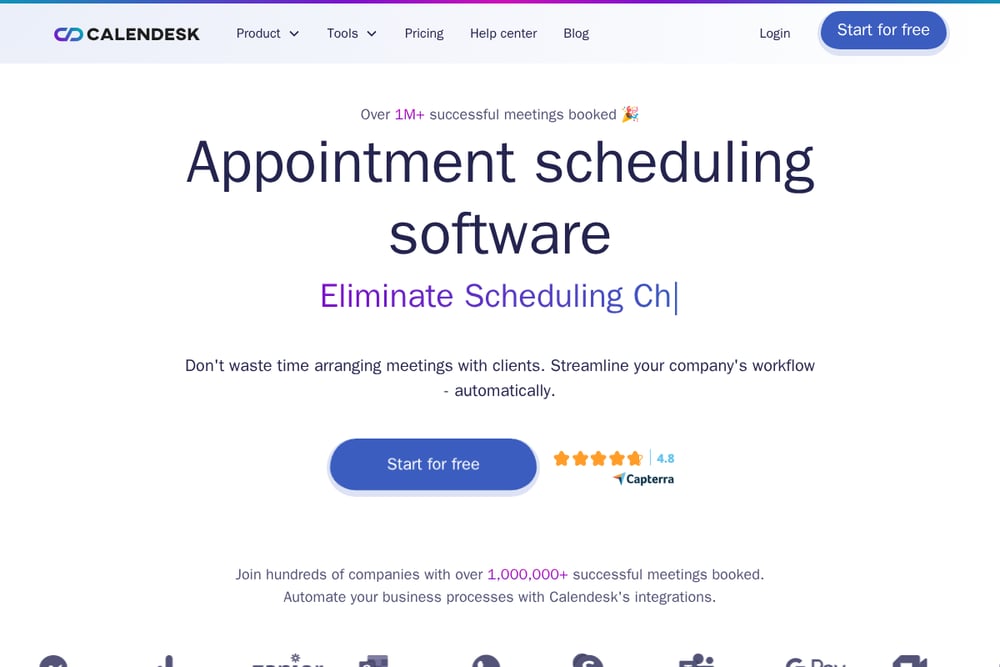 A screenshot of the Calendesk website.
Calendesk combines scheduling with AI automation and subscription billing. You can sell packages of sessions or monthly memberships, and Calendesk collects payments on time. The platform includes a website builder, so you can create a branded booking page with your domain. AI handles emails, payments, documents, and invoices, and you approve the actions. Integrations include Zoom, Google Meet, Stripe, and WhatsApp. Setup takes under five minutes for your first booking page. If you want to automate admin tasks and offer subscriptions, Calendesk is a powerful option.
How to Choose the Right Booking System for Your Practice
Start by listing your must-haves. Do you need a website, or just a booking widget? If you're starting from scratch, an all-in-one like SupaRoot saves you time and money. If you already have a site, a scheduling-focused tool like SuperSaaS or Setmore might suffice. Next, consider your budget. Free plans are great for solo practitioners, but they often lack advanced features. Paid plans range from $5 to $19 per month, so factor in what you'll actually use. Think about client experience. Can clients book, reschedule, and cancel without calling you? That's a huge time-saver. Finally, check integrations. If you use Zoom, Stripe, or Google Calendar, make sure the platform connects. Don't overcomplicate it. Pick the tool that removes the most friction from your day.
Automating Your Booking Workflow
Automation is your secret weapon against admin overload. Start by setting up online booking so clients can self-schedule. Then enable automatic reminders via email or SMS to reduce no-shows. Use calendar sync to avoid double bookings across devices. If you offer packages, let the system handle recurring payments and session tracking. For therapists using Calendesk, AI can draft emails and invoices for your approval. SupaRoot keeps your website and booking flow in sync, so you update once and everything aligns. The goal is simple: less time on logistics, more time with clients. Choose a platform that automates the repetitive stuff without adding complexity.
The Bottom Line on Booking Systems for Therapists
There's no one-size-fits-all booking system. SuperSaaS excels at complex scheduling. SupaRoot gives you a website and booking in one, with a free first month. SimplyBook.me offers deep customization and social media booking. Setmore is the budget-friendly pick for solo therapists. Calendesk brings AI automation and subscription billing. Your best move is to try one that matches your workflow. Most offer free trials or plans, so you can test before you commit. Remember, the right system should feel like a helpful assistant, not another chore. Pick the one that lets you focus on what you do best: helping your clients.