You have a business idea and a phone full of customer chats. What you don't have is a website. These five tools promise to close that gap, and they take very different routes to get you there.
The AI website builder landscape right now
AI website builders have moved from novelty to default. Instead of dragging blocks around a canvas, you now describe what you sell and the tool drafts the pages for you. The market splits into two camps: broad platforms that bundle hosting, email, and ecommerce, and lean launch tools built for people who just need a credible storefront fast. Small businesses and solo creators are the biggest winners here, because the cost of looking professional online has dropped to almost nothing.
How we compared them
We looked at four things. First, how much of the build the AI actually handles versus how much you still assemble by hand. Second, pricing clarity, including what the free tier really gives you. Third, fit for small businesses and creators, from bakeries to tutors to photographers. Fourth, onboarding: whether a first-timer can get from zero to a live page without a tutorial. We also weighed language support and how each tool handles the messy reality of real customer conversations.
Here is the short version before the detail. Each tool below earns its place for a different reason, so skim the one-line summaries and then read the entries that match your situation.
| Provider | Best For |
|---|---|
| Wix AI Website Builder | Businesses that want one platform for site, payments, and scheduling |
| BazaarReady | Creators and micro-businesses launching from chat conversations |
| Webnode | Local service businesses that want a simple, credible site |
| Bookipi AI Website Builder | Freelancers who want a site and invoicing in one place |
| Squarespace AI Website Builder | Visual brands that want a polished, design-forward site |
The five, one by one
#1 Wix AI Website Builder
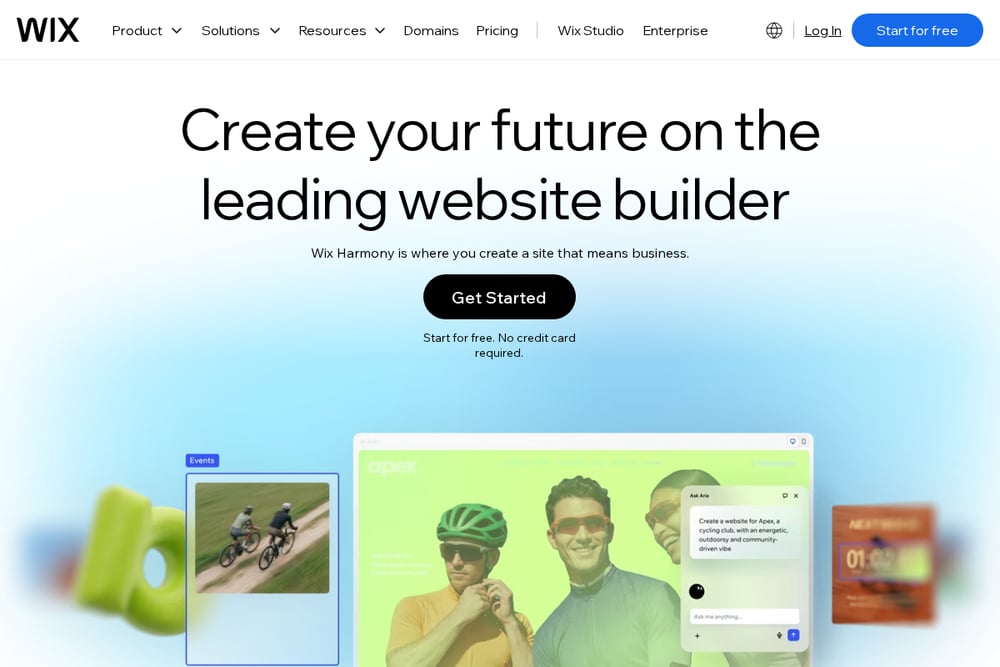 A screenshot of the Wix AI Website Builder website.
Wix is the heavyweight of the group, and its AI builder reflects that scale. You answer a few prompts and it generates a full site with sections, copy, and images you can then edit freely. The real strength is what sits underneath: hosting, domain registration, business email, payments, scheduling, and CRM all live in one account. If you expect to grow into bookings, invoices, or an online store, that ecosystem saves you from stitching tools together later. The tradeoff is choice paralysis, because there are thousands of templates and dozens of settings. Start with the AI draft and resist the urge to redesign everything on day one.
#2 BazaarReady
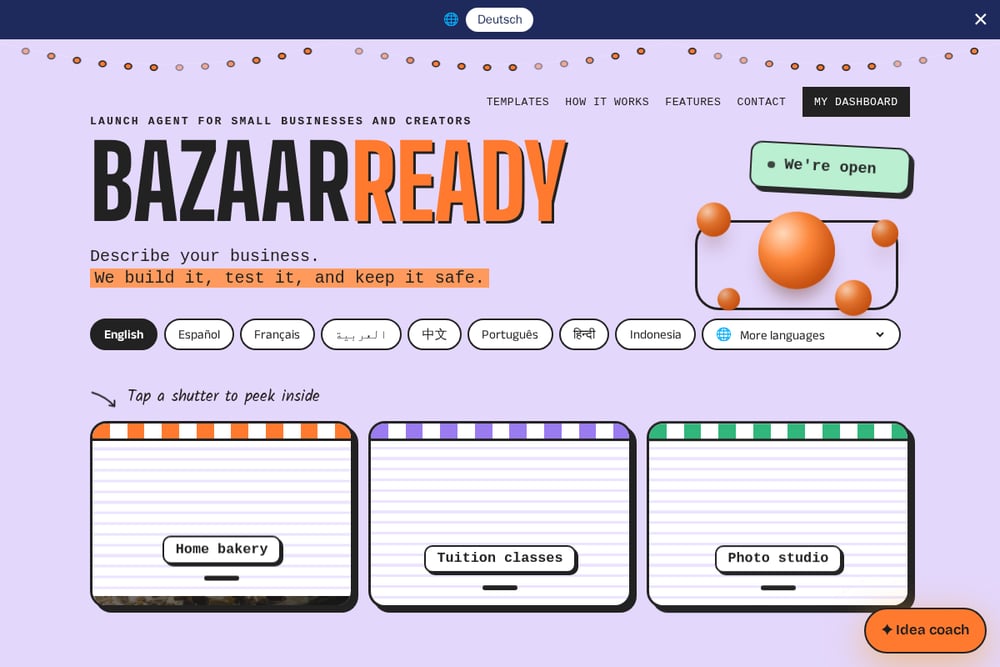 A screenshot of the BazaarReady website.
BazaarReady takes the most unusual approach on this list. Instead of a drag-and-drop editor, you have a conversation. Describe your business, or import your WhatsApp and Instagram chats, and it builds a storefront with your products, prices, location, timings, and ordering details. That chat import is the clever part: it pulls in what you have already told customers, and the site says names and numbers are stripped before anything is saved. It also covers a genuinely wide set of languages, from Spanish and Arabic to Swahili, Tamil, and Zulu, which matters if you sell to a multilingual community. The pitch is simple: we build it, test it, and keep it safe. For a home baker or tutor who has never touched a website builder, that is a low-friction way in.
#3 Webnode
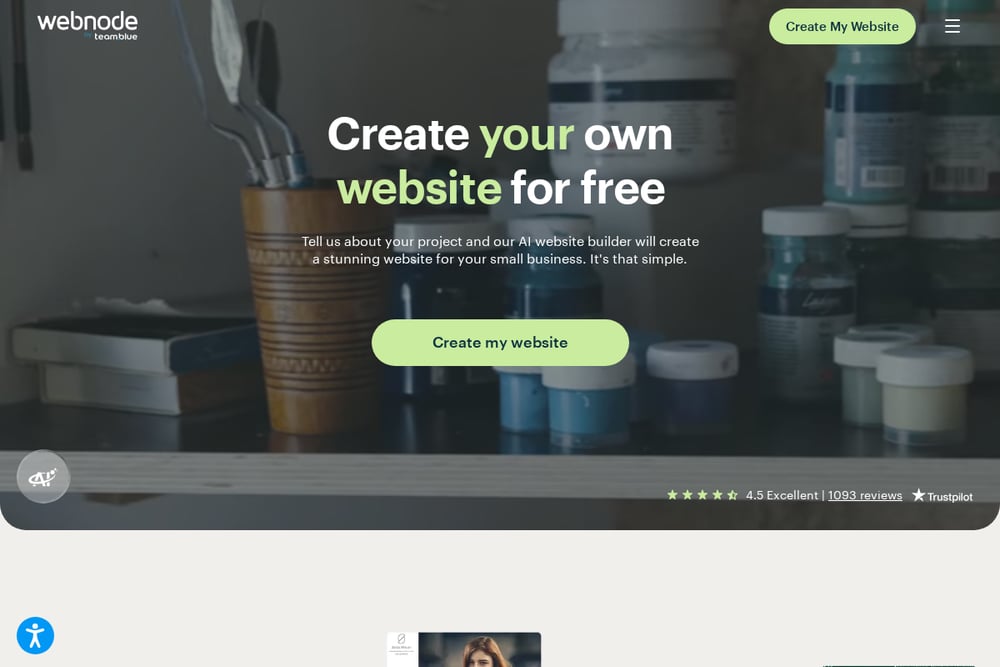 A screenshot of the Webnode website.
Webnode has been helping people get online for over fifteen years, and its AI builder is aimed squarely at small service businesses. Tell it about your project and it generates a site you can then adjust in a straightforward editor. The positioning is refreshingly honest: contractors, cleaners, plumbers, and freelancers who need to look trustworthy and attract clients, not design a masterpiece. Premium tiers add a custom domain, professional email, and booking and billing tools. If you want a free start and a clear upgrade path, this is a sensible middle ground between a bare-bones builder and a full platform.
#4 Bookipi AI Website Builder
 A screenshot of the Bookipi AI Website Builder website.
Bookipi started life as an invoicing tool, and that heritage shows. Its AI website builder sits alongside invoices, estimates, proposals, contracts, and accounting, which means your site and your paperwork share one home. For freelancers and tradespeople who send quotes more often than they update a homepage, that combination is genuinely useful. The builder itself produces a clean, conversion-focused page without much fuss. It will not win a design award, but it will get you a professional presence and a way to bill clients from the same dashboard. Think of it as a back-office suite with a website attached.
#5 Squarespace AI Website Builder
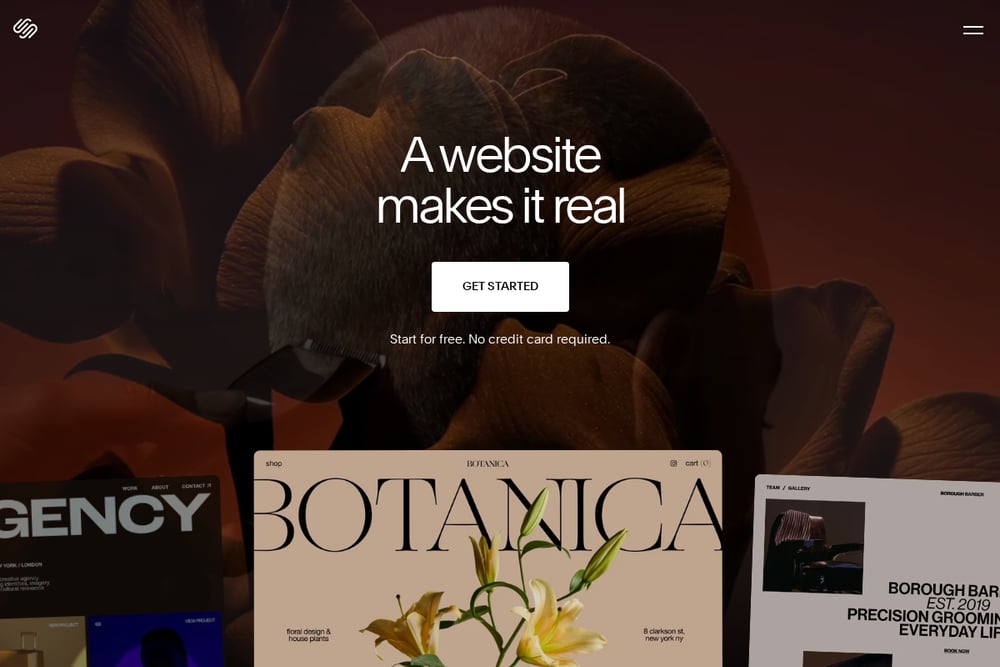 A screenshot of the Squarespace AI Website Builder website.
Squarespace has always leaned toward design, and its AI builder keeps that reputation intact. You describe your business and it produces a polished, personalized layout that looks intentional rather than generated. The platform is organized around industries, with tailored paths for photographers, consultants, coaches, salons, and restaurants. Beyond the site, you get scheduling, invoicing, email campaigns, and SEO tools under one subscription. The catch is that Squarespace rewards people who care about how things look, and the pricing reflects that premium positioning. If your brand is visual, the extra spend is easy to justify.
How to pick the right one for you
Start with what you already have. If your business lives in WhatsApp and Instagram chats, a tool that imports them will save you hours of retyping. If you already send invoices and quotes, pick the builder that handles those too. If you plan to sell products, check payment and shipping support before you fall in love with a template. Then test the free tier with your real content, not placeholder text. A site built around your actual menu, prices, and hours will tell you in ten minutes whether the tool fits. Finally, check the language options if you serve customers outside English, because not every builder handles that well.
Where automation actually helps
The useful automation is not the flashy kind. It is the boring stuff that eats your week. Let the AI draft your first version, then edit only the parts customers read closely: prices, hours, and how to order. Connect your contact form or chat link so inquiries land somewhere you already check. Set up a simple booking or ordering flow rather than answering the same question twenty times. And keep your product list in one place so a price change updates everywhere. Do that, and the site becomes a working asset instead of a project you abandon after launch.
The bottom line
There is no single winner here, only the right fit. Wix gives you room to grow into a full business platform. BazaarReady is the fastest path for chat-first creators who want a storefront without learning a design tool. Webnode and Bookipi suit service businesses that value simplicity and paperwork over polish. Squarespace is for brands where appearance is part of the product. Pick the one that matches how you already work, launch something real this week, and refine it once customers start showing up.