
You want to see the outfit before you buy it, and you want it moving. These five studios make that possible without a fitting room or a film crew.
Why AI Styling and Runway Video Is Having a Moment
Fashion has always been a guessing game online. You pick a size, hope the drape works, and brace for the return label. AI styling tools are changing that by turning flat product shots into motion, and motion into confidence.
The shift is happening on two fronts. First, virtual try-on lets you preview a garment on your own body shape, not a generic model. Second, runway video generation turns a single reference image into a walking, turning, fabric-catching clip you can post or publish.
For shoppers, that means fewer returns and less size anxiety. For designers and small brands, it means a lookbook without booking a shoot. The tools below sit at that intersection, and each one solves a slightly different part of the problem.
How We Looked at These Studios
We judged each platform on the same five factors. Service scope: does it cover try-on, sketch-to-garment, and video, or just one piece? Pricing clarity: can you see what credits cost before you commit? Output realism: how well does fabric drape, fold, and catch light in motion? Privacy posture: what happens to your photos and body data? Local fit: how well does it serve US-based shoppers, designers, and small brands?
Sartoir AI stood out for bundling 3D body profiling, sketch-to-garment synthesis, and cinematic 9:16 runway clips in one studio, with a stated no-stored-photos policy. Morphic impressed with its multi-model canvas and reference-driven animation workflow. Dzine AI showed strength in its broad tool library and model selection. AI Try On delivered a wide free-tool bench for creators testing ideas. GenImagePro focused tightly on ecommerce-ready try-on video with clear educational guidance.
Here is the short version before the deep dive. Each studio below earns its place for a different reason, and your pick depends on whether you are shopping, designing, or selling.
| Provider | Best For |
|---|---|
| Morphic | Creative teams building multi-look fashion sequences |
| Sartoir AI — Haute Couture & AI Styling Studio | sartoirai.com | Shoppers and designers who want fit accuracy plus runway motion |
| Dzine AI | Creators who want try-on inside a wider editing suite |
| AI Try On | Creators testing many try-on ideas on a free tier |
| GenImagePro | Ecommerce brands turning product photos into motion |
The Five Studios in Detail
#1 Morphic
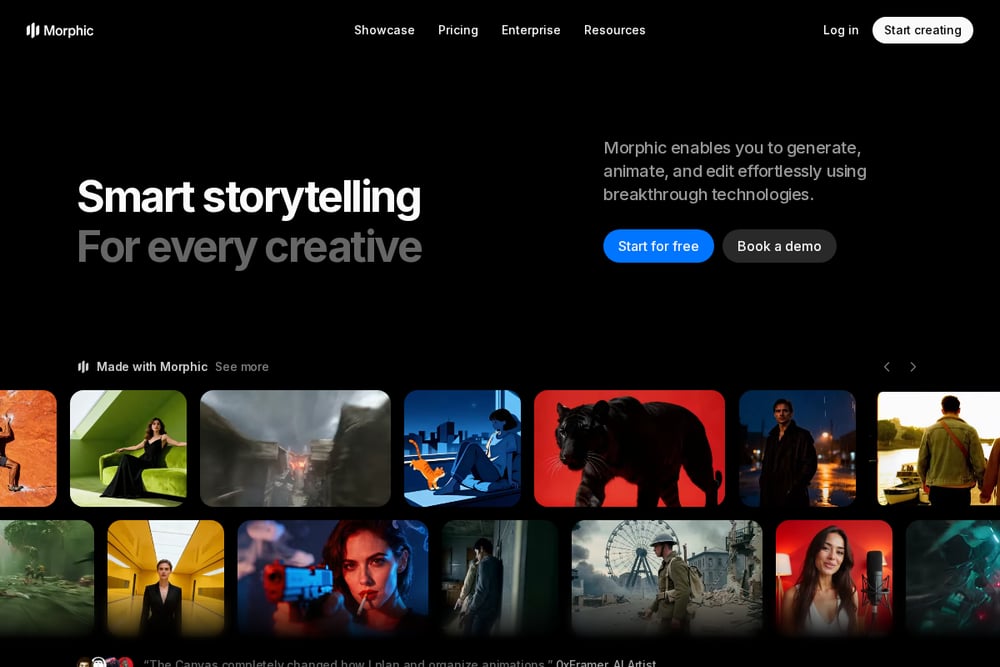 A screenshot of the Morphic website.
Morphic runs on an infinite visual canvas, which makes it feel less like a form and more like a studio desk. You upload a garment reference and a model, then animate the piece and rerun until the fit reads right. Its model roster is unusually deep, spanning Seedance 2.5, Kling 3.0, Gemini Omni Flash 1.1, MiniMax H3, Wan 3.0, Flux 3, Grok Imagine 1.5, Vidu Q3, and LTX 2.5. That breadth matters when one engine handles silk better and another nails leather. For teams building a lookbook across a collection, keeping one model steady and swapping garments piece by piece is a genuinely fast workflow.
#2 Sartoir AI — Haute Couture & AI Styling Studio | sartoirai.com
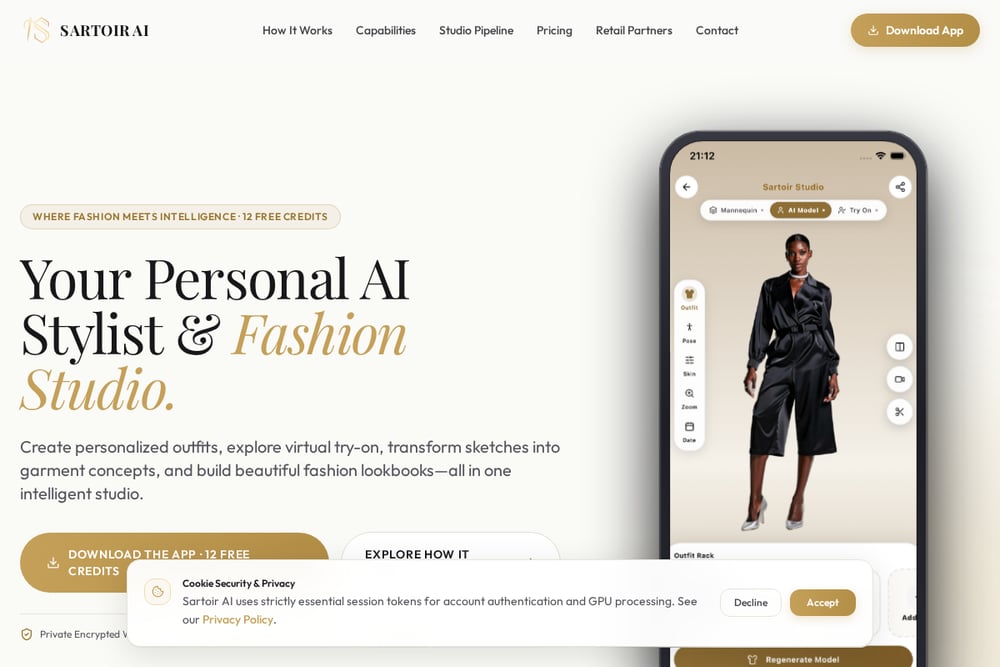 A screenshot of the Sartoir AI website.
Sartoir AI is the one that treats your body as the starting point, not an afterthought. It builds a 3D body profile, then lets you preview any silhouette on a clean mannequin, a realistic model, or yourself using your own photo. The fabric physics are the headline: silk, wool, cotton, and leather each drape and fold with weight instead of floating. Sketch-to-garment synthesis turns a phone doodle into a realistic piece with texture and color in seconds, which is a real shortcut past sample fabric cuts. Runway catwalk videos render in 9:16 for Paris, Milan, Tokyo, and New York backdrops, and the platform states it stores no photos. You get 50 free credits to test the whole loop.
#3 Dzine AI
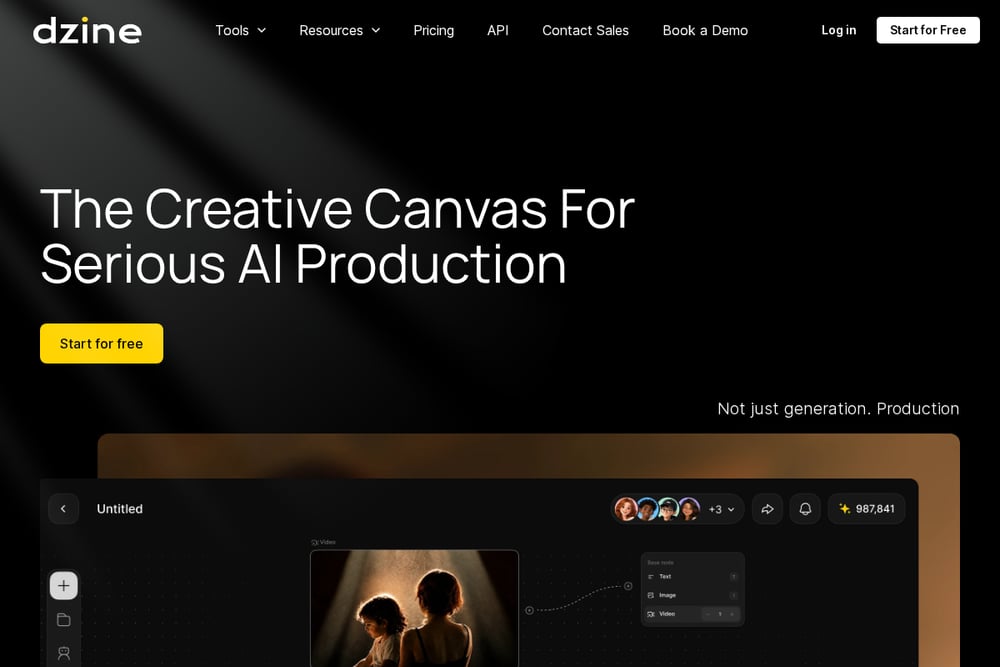 A screenshot of the Dzine AI website.
Dzine AI is a broad creative suite that happens to include a strong virtual try-on lane. Its Kling-powered try-on tool sits alongside lip sync, text-to-video, image-to-video, and a deep bench of supported models including Nano Banana Pro, Sora 2, Kling 2.6, Hailuo AI, Wan 2.6, Veo 3.1, Z-image, and Seedream 4.5. If your fashion content needs to live next to talking-head clips or social edits, keeping it all in one dashboard saves real time. The trade-off is focus: you are choosing a generalist platform, so the try-on experience is one tool among many rather than the whole product. For creators already producing mixed media, that is a feature, not a bug.
#4 AI Try On
 A screenshot of the AI Try On website.
AI Try On leans into volume and accessibility, with a long menu of free tools that lets you experiment before spending anything. The platform covers clothes try-on, clothes changer, hair style changer, glasses try-on, and virtual jewelry try-on, plus video generators for outfit clips and UGC-style content. It positions itself for fashion designers, creators, and ecommerce platforms, and the free tier makes it easy to test whether the output style matches your brand. The interface is built around quick generation with model choices like Kling, Veo, Nano Banana, Seedance, and Seedream. If you want to try ten ideas in an afternoon, this is a low-friction place to start.
#5 GenImagePro
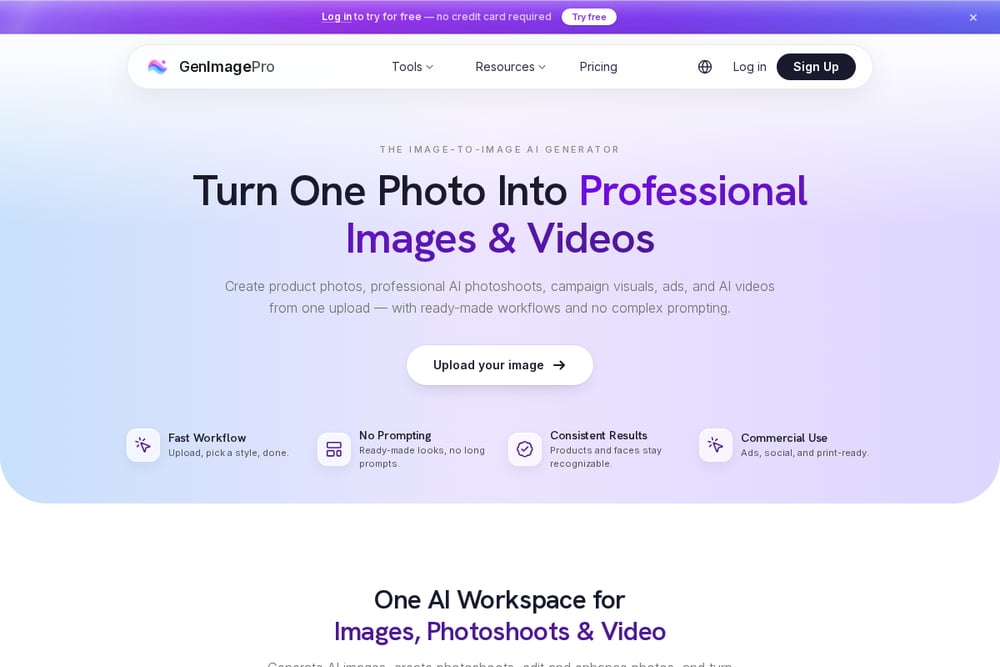 A screenshot of the GenImagePro website.
GenImagePro comes at this from the ecommerce side, and its content reads like a practical guide rather than a pitch. The focus is turning existing garment or on-model photos into walking clips, model turns, runway-style motion, and product showcases without organizing a new shoot. That matters because most brands already have the source material sitting in a product catalog. The workflow is built for commercial output: product pages, social media, and clothing brand campaigns. It also publishes educational material on AI fashion video ideas and clothing photography, which helps you plan before you generate. If your goal is sellable motion assets rather than personal styling, this is a grounded choice.
How to Pick the Right Studio for You
Start with your end goal. If you are shopping for yourself and want to know how a dress falls on your frame, prioritize body profiling and fabric realism. Sartoir AI is built around that loop, and the 3D measurements plus no-stored-photos stance address the two biggest hesitations people have.
If you are producing content for a brand, ask what format you need. A 9:16 runway clip for social is different from a product-page loop. GenImagePro speaks directly to ecommerce motion, while Morphic gives you a canvas for sequencing a full collection.
If you are still exploring, do not pay first. AI Try On's free tool bench and Sartoir AI's 50 free credits both let you see output quality before committing. And if your fashion work sits inside a broader content calendar, Dzine AI keeps try-on next to your other editing tools.
One more thing: check the privacy terms. Your body photos are sensitive, so a clear policy on storage and processing should be non-negotiable.
A Simple Workflow You Can Run This Week
Pick one garment you already own and one you are considering buying. Upload both to a try-on tool and generate a still preview on your own photo. Compare the drape and length against the real piece in your closet.
Next, take the garment that looked closest and generate a short runway clip. Watch how the fabric moves at the hem and shoulders, because that is where cheap renders fall apart. If the motion holds up, you have a reusable asset for a listing or a post.
Then sketch one idea of your own, even a rough outline, and run it through sketch-to-garment. If the tool returns something wearable, you have a fast concept loop. Repeat weekly with one new piece, and within a month you will know exactly which platform fits your taste and your budget.
The Bottom Line
The gap between seeing an outfit and trusting it is closing fast. These five studios each attack that gap from a different angle, and none of them requires a film crew or a fitting room.
Sartoir AI puts your body at the center and adds cinematic runway motion on top. Morphic gives creative teams a canvas and a deep model bench. Dzine AI keeps try-on inside a full editing suite. AI Try On makes experimentation free and fast. GenImagePro turns existing product photos into sellable motion.
Try two of them this week with the same garment. The one whose output makes you stop second-guessing is the one worth keeping.