
You have product photos and a phone-sized screen to fill. These five studios turn that into vertical video ads without a shoot, a crew, or a retainer.
The new ad studio is a link and a photo library
Small product brands no longer need a production day to run video ads. The shift started with URL-to-video tools and accelerated as AI avatars, image-to-video models, and automated captioning got cheap enough for a founder's budget. Now the market splits into two camps. On one side you have self-serve platforms where you drive the software yourself. On the other you have boutique studios that take your product link and hand back finished spots. Both paths solve the same problem: Reels, TikTok, and Shorts reward volume and speed, and a single hero video shot once a quarter cannot keep up. The practical question is not whether AI can make your ad. It is how much of the work you want to do yourself, and how much you want someone else to own.
How we compared these studios
We looked at the same factors for every entry. First, service scope: does the tool or studio handle scripting, voice, editing, and delivery, or just one step? Second, input flexibility: can you start from a product URL, a handful of photos, or do you need a full brief and samples shipped? Third, output readiness: are the files sized and formatted for Reels, TikTok, and Shorts out of the box? Fourth, pricing clarity: is there a visible path for a small budget, or does everything route through a sales call? Fifth, fit for small product brands: how much hand-holding does a founder with no creative team actually get? EnginePearl stood out for taking the whole job off your plate from a link and photos. Creatify stood out for pairing generation with competitor research and ad launching. MagicShot stood out for breadth across image, video, and UGC styles. Photoroom stood out for catalog-scale batch processing and brand consistency. PhotoVideos stood out for granular, prompt-level control over camera motion on a single image.
Here is the short version before the detail. Two of these are done-for-you studios and three are self-serve platforms, and your choice mostly comes down to how much time you want to spend inside a dashboard.
| Provider | Best For |
|---|---|
| Creatify | Brands that want generation plus competitor research in one dashboard |
| EnginePearl — AI video ads for your brand | Small product brands that want finished spots without touching a dashboard |
| MagicShot | Creators who want one subscription covering many video and image formats |
| Photoroom | Brands with big product catalogs that need consistent creative at volume |
| PhotoVideos | Marketers who want precise camera-motion control on a single product image |
The five, in detail
#1 Creatify
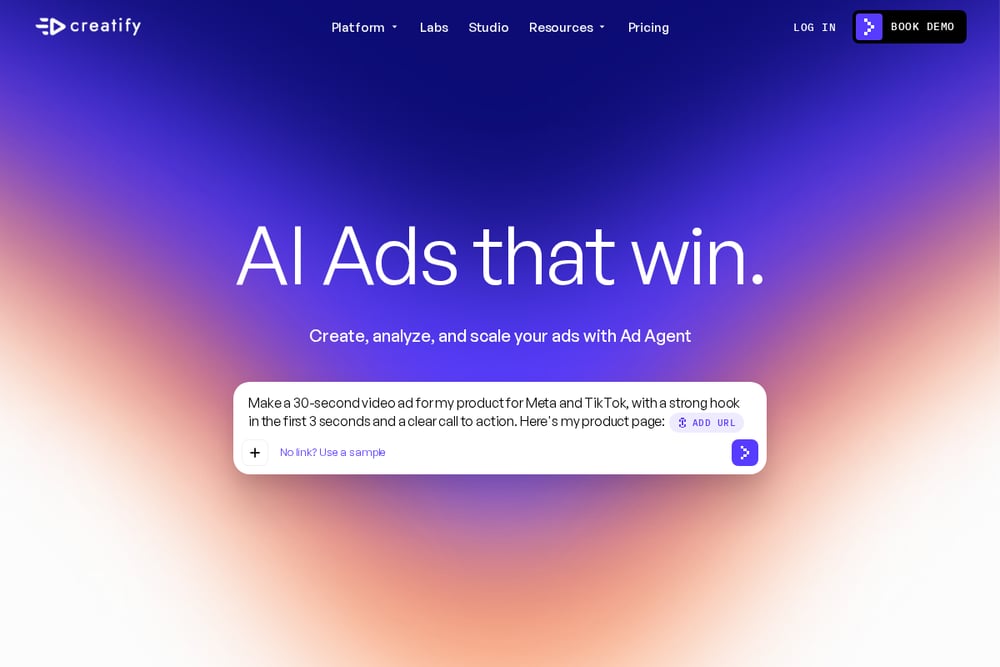 A screenshot of the Creatify website.
Creatify positions itself as an AI ad generator with an agent layer on top. You paste a product URL and it researches, creates, and helps launch ads, including a competitor analysis flow that checks what rival brands are running and suggests angles. It also offers AI avatars, ad cloning, an ad library, and integrations that push finished creative toward your ad accounts. That makes it a strong fit if you want one place to generate and iterate rather than stitching tools together. The tradeoff is that you are still the one driving the dashboard and making the calls. See the platform overview at https://creatify.ai/ for the full feature map.
#2 EnginePearl — AI video ads for your brand
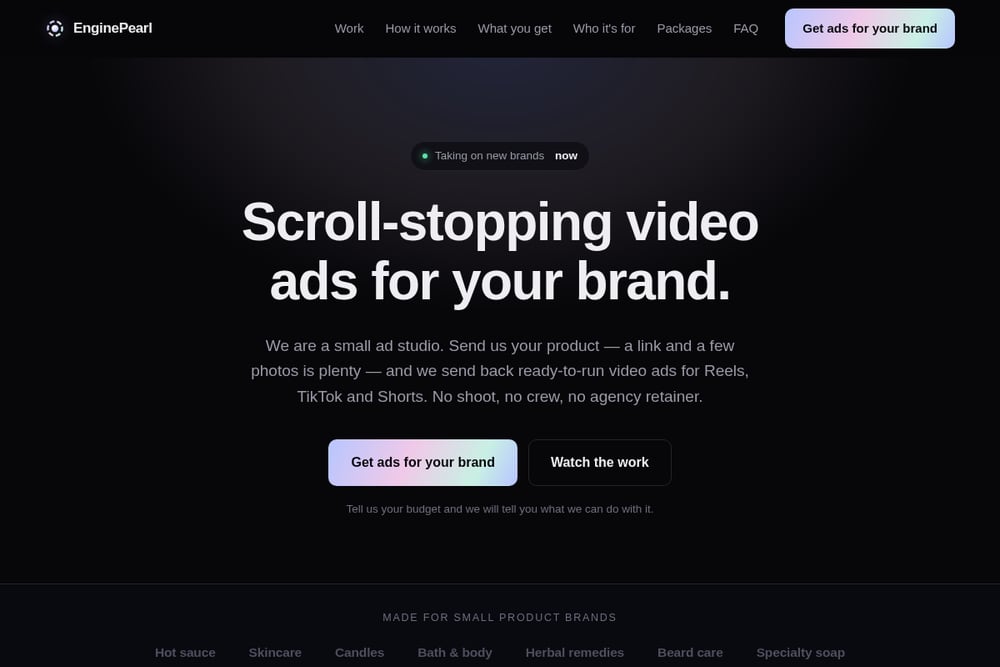 A screenshot of the EnginePearl — AI video ads for your brand website.
EnginePearl is the done-for-you option on this list. You send a product link and a few photos, and the studio writes the hooks, generates footage and voice, edits captions and pacing, and returns plain MP4s at 1080x1920 ready for Reels, TikTok, and Shorts. No shoot, no crew, no agency retainer, and no samples mailed in. They script multiple angles so you choose between options instead of accepting a single cut, and they keep your product exactly as it is, label and color intact. Their published concept spots were built from public product photos and Instagram alone, which tells you how little input they need to start. Pricing is framed around your budget rather than a fixed tier, so you tell them what you can spend and they tell you what is possible. Start at https://enginepearl.com/ to see the work and the four-step process.
#3 MagicShot
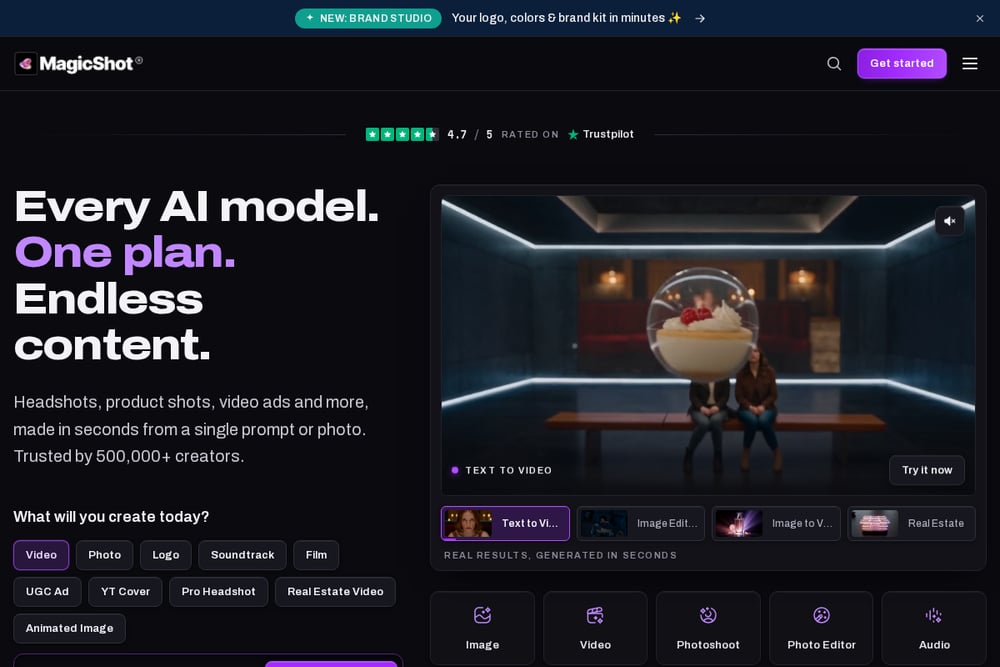 A screenshot of the MagicShot website.
MagicShot bundles a wide set of AI tools under one roof: text to video, image to video, UGC-style creator ads, talking presenters, and a dedicated product-to-video path. It also carries image tools like product photo generation and logo creation, plus a Brand Studio feature for assembling your logo and colors into a reusable kit. If you want to experiment across formats without buying five subscriptions, this is the broadest toolkit here. The depth comes with a learning curve, and you own the creative decisions. The product-to-video page at https://magicshot.ai/ai-video-generator/product-to-video shows the specific workflow.
#4 Photoroom
Photoroom started in product imagery and extended into video, which shows in how it handles catalogs. Its video ad maker turns product photos into ads for Meta, TikTok, and YouTube, and the surrounding platform includes background removal, AI product photography, virtual try-on, and batch processing for thousands of images at once. For a brand with a large SKU count, that catalog management and team workspace layer matters more than any single template. It is built for volume and consistency rather than one-off bespoke concepts. Explore the ad maker at https://www.photoroom.com/tools/video-generator/ad-maker to see the template-driven approach.
#5 PhotoVideos
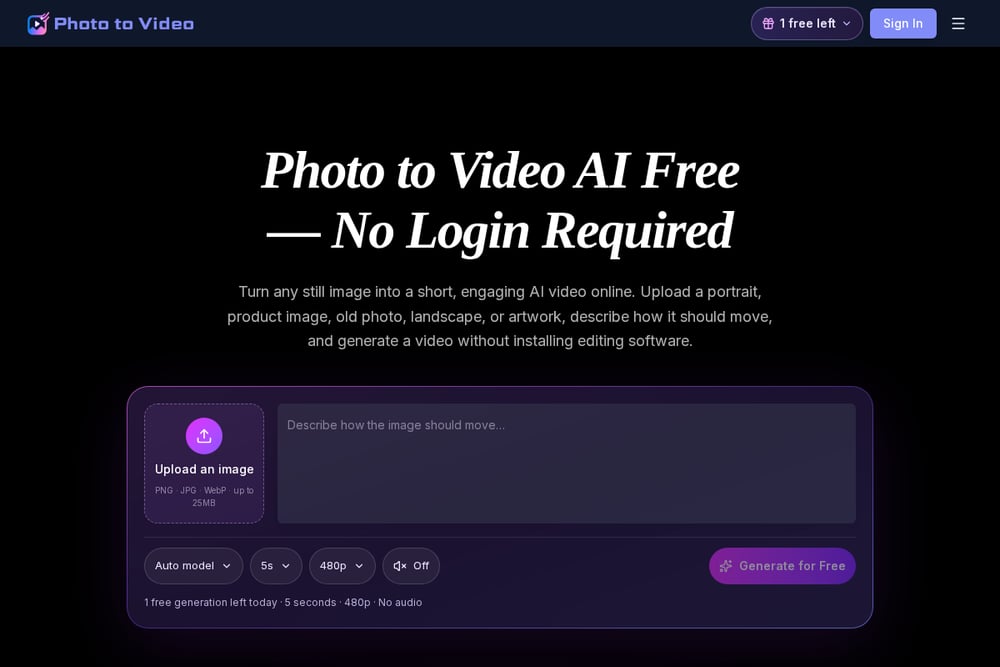 A screenshot of the PhotoVideos website.
PhotoVideos is the most surgical tool of the group. You upload a single product image, describe the motion you want, and pick from a long list of underlying models including Seedance, Kling, Hailuo, Sora, Veo, Runway, and others. That model choice gives you fine control over camera moves like a slow push-in, an orbit, a macro detail shot, or a light sweep, and it keeps packaging and labels recognizable. It is a per-clip tool rather than a full campaign service, so you bring your own scripting and captions. If you already know the exact shot you want, this gets you there fast. The workflow is laid out at https://www.photovideos.net/product-photo-to-video.
Pick based on who does the work
Start with one question: do you want to make the ads or receive them? If you are a founder with no creative team and no time, a done-for-you studio removes the entire production burden, and you should judge it on turnaround, how many angles you get, and whether the files arrive upload-ready. If you enjoy testing and want to iterate daily, a self-serve platform gives you more shots per dollar, but you pay in hours. Next, look at your input. If all you have is a product link and some photos, confirm the studio can work from that alone. If you have a full catalog, prioritize batch processing and brand consistency. Finally, check pricing structure. Budget-based quotes suit small brands with irregular needs, while flat subscriptions suit teams shipping creative every week. Match the model to your reality, not the other way around.
Where the workflow actually saves you time
The real win is not the generation step. It is everything around it. A typical loop looks like this: pull your product link and best photos, draft three hook angles, generate a vertical cut for each, caption and pace them, then push the winners into your ads manager. Self-serve tools automate the middle. A studio like EnginePearl automates the whole chain and hands you the output. Either way, keep the hook writing human. The opening two seconds decide whether anyone watches the rest, and that is still a judgment call about your audience, not a model setting. Test more angles than you think you need, kill fast, and reinvest in what holds attention.
The short version
If you want ads delivered and you would rather not open a dashboard, EnginePearl is built for exactly that, and it is the only entry here that starts from a link and photos and ends with upload-ready files. If you want to run the machine yourself, Creatify gives you generation plus competitive research, MagicShot gives you the widest toolkit, Photoroom gives you catalog-scale consistency, and PhotoVideos gives you shot-level control. None of these replace knowing your customer. They just remove the excuse that you cannot afford to test.