
Vector graphics used to mean hours of pen-tool work. Now AI can turn a prompt or a photo into clean, scalable SVG in seconds. Here are five tools worth your attention.
The AI Vector Landscape in 2026
Vector design is having a moment. Designers, marketers, and founders all need scalable assets for logos, icons, and illustrations. AI vector generators have moved from novelty to necessity. They cut production time, reduce outsourcing costs, and let non-designers ship professional-grade graphics. The market now spans everything from free browser tools to enterprise suites. That range is great for choice, but it makes picking a tool harder. You need to know what each one actually does well.
How We Evaluated These Tools
We looked at five factors. First, service scope: does the tool generate from text, convert photos, or both? Second, output quality: are the vectors clean, editable, and production-ready? Third, pricing clarity: can you understand the cost before signing up? Fourth, workflow fit: does it slot into existing design processes? Fifth, user proof: are there real usage numbers or customer stories? Vector Image Generator stood out for its all-in-one conversion toolkit and transparent stats. Recraft impressed with its model depth and API access. Adobe Illustrator Text to Vector Graphic showed deep integration with a professional editing environment. Kittl delivered strong brand-asset workflows for sellers and small teams. QuiverAI brought frontier-model research and developer-friendly infrastructure. Each tool has a distinct strength. The right pick depends on your workflow.
Here is a quick look at the five tools, ordered for this roundup.
| Provider | Best For |
|---|---|
| Recraft | Designers who want generation and editing in one studio |
| Vector Image Generator - AI Vector Graphics Generator | Creators who need fast photo-to-vector and text-to-vector conversion |
| Adobe Illustrator Text to Vector Graphic | Professional designers already working in Adobe Illustrator |
| Kittl AI Vector Generator | Small businesses and sellers creating branded merch and marketing assets |
| QuiverAI | Developers and design teams exploring advanced vector AI |
The Five Tools in Detail
#1 Recraft
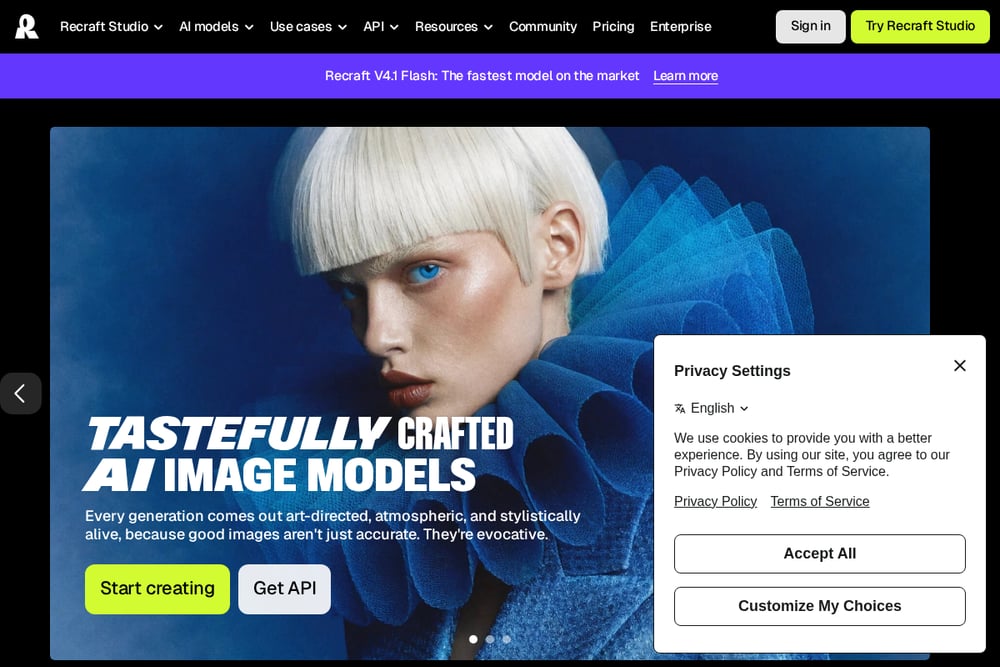 A screenshot of the Recraft website.
Recraft is a full design studio built around its own vector models. You can generate SVG logos, icons, and illustrations from a text prompt, then edit paths and layers directly in the browser. The platform supports multiple AI models, including Recraft V4.1, and offers an API for automated visual workflows. It also integrates with Figma, Framer, and Chrome, which makes it easy to drop generated vectors into your existing pipeline. If you want a single environment for generation and editing, Recraft is hard to ignore.
#2 Vector Image Generator - AI Vector Graphics Generator
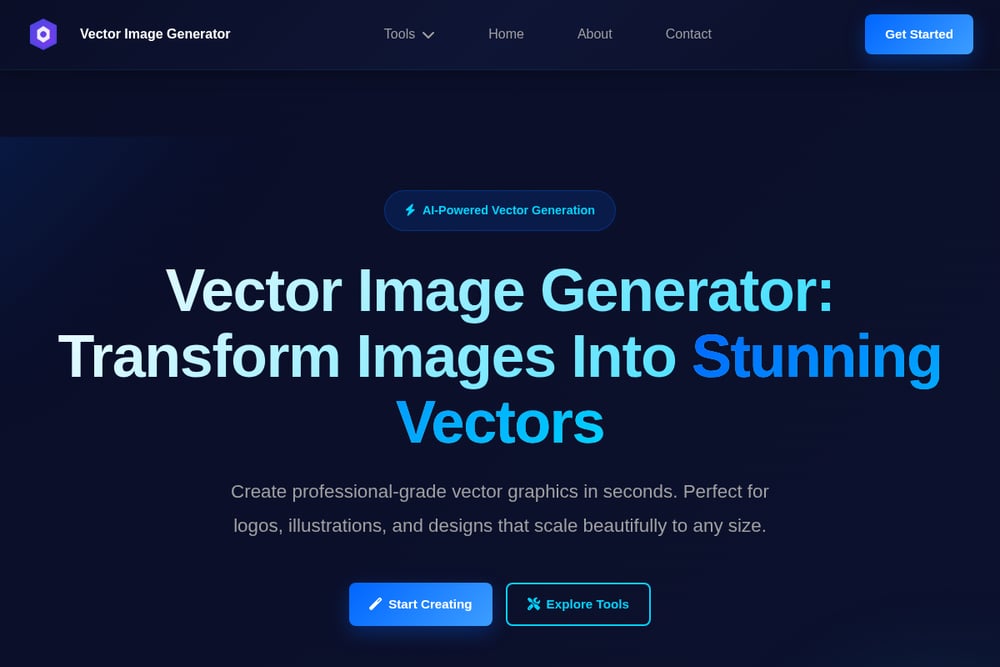 A screenshot of the Vector Image Generator website.
Vector Image Generator is an AI-powered SaaS that turns photos and text prompts into high-quality vector graphics. It covers the full conversion spectrum: JPG to SVG, PNG to vector, raster to vector, and photo to vector. The AI generator lets you describe what you want, pick an art style like realistic, anime, cartoon, or watercolor, and choose an aspect ratio. With over 1 million vectors generated, 50,000 happy users, 99.9% uptime, and sub-two-second generation times, it is built for speed and reliability. For logos, illustrations, and scalable designs, it delivers professional-grade output without a steep learning curve.
#3 Adobe Illustrator Text to Vector Graphic
Adobe Illustrator's Text to Vector Graphic feature brings AI generation into the industry-standard vector editor. You type a description and get scalable, customizable subjects, scenes, and icons. The output is fully editable, so you can refine every path and anchor point. You can also use your own artwork as a reference to create on-brand assets for websites, product labels, and more. It is a natural fit if you already live in Creative Cloud and want AI to kickstart your design.
#4 Kittl AI Vector Generator
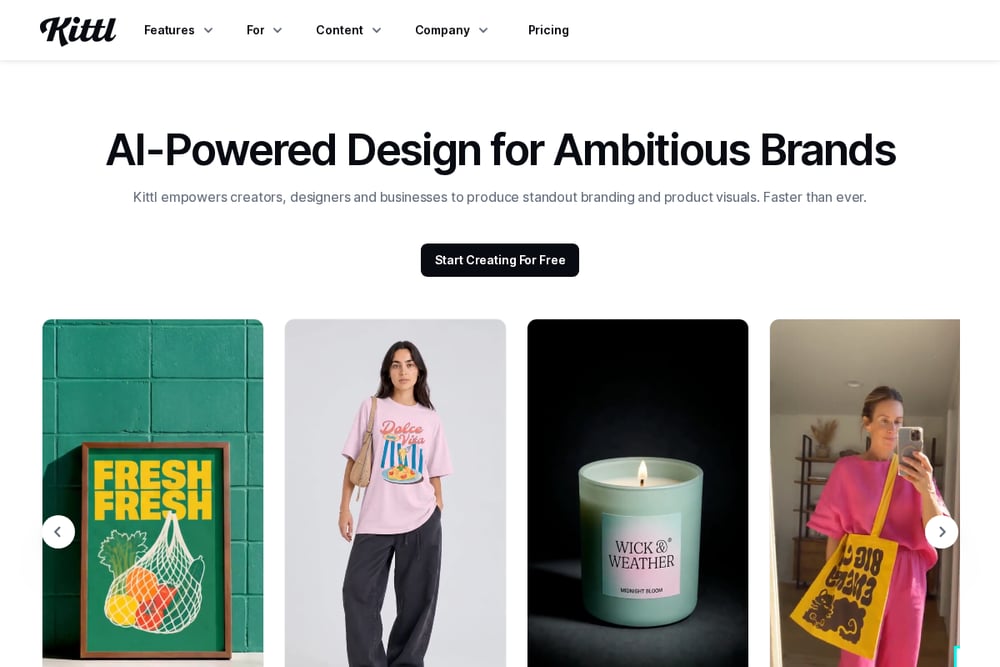 A screenshot of the Kittl AI Vector Generator website.
Kittl positions its AI vector generator around editable brand assets. It is part of a broader creative suite that includes an AI image generator, background remover, image upscaler, and vectorizer. The infinite canvas and real-time collaboration make it easy to work with a team. Kittl also offers a Brand Studio, so you can build your brand once and generate on-brand ads, posts, and campaigns. For sellers, it supports t-shirts, hoodies, posters, and product mockups. If your work revolves around merch and marketing, Kittl is built for you.
#5 QuiverAI
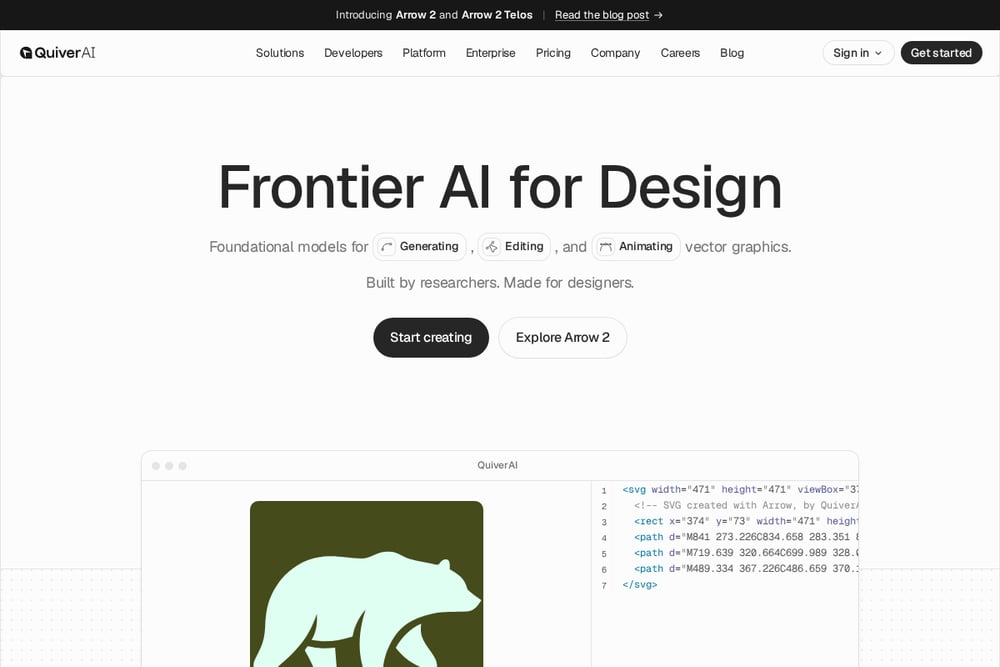 A screenshot of the QuiverAI website.
QuiverAI is building frontier AI models for vector design. Its Arrow 2 model generates, edits, and animates vector graphics, with a focus on clean, production-ready SVG output. The platform targets logos, typography, illustrations, and animations. It also offers a developer API, so teams can integrate vector generation into their own products. Trusted by leading design companies, QuiverAI blends research-grade models with practical design use cases. If you want to push what AI can do with vectors, this is one to watch.
How to Choose the Right Vector Tool
Start with your primary use case. If you mostly convert photos and raster images, look for a tool with strong conversion features and fast turnaround. If you generate from text, check the style controls and output editability. Next, consider your existing workflow. Adobe users will benefit from Illustrator's native integration. Figma and Framer users should check Recraft's plugins. Sellers and brand teams should weigh Kittl's template and mockup library. Developers should evaluate API access and model quality, where QuiverAI shines. Finally, test the pricing model. Some tools offer free tiers, others are subscription-only. Generate a few vectors before you commit. The right tool is the one that fits how you already work.
Automating Your Vector Workflow
You can automate vector generation in several ways. Use an API to connect generation to your CMS, e-commerce platform, or design pipeline. Recraft and QuiverAI both offer API access for automated visual workflows. For batch conversion, tools like Vector Image Generator handle JPG, PNG, and raster inputs at scale. You can also set up templates in Kittl to generate on-brand assets automatically. The goal is to remove repetitive steps. Start with one high-volume task, like converting product photos to SVG. Then expand from there.
The Bottom Line
AI vector generation has matured fast. You no longer have to choose between speed and quality. Recraft gives you a full studio. Vector Image Generator delivers fast, reliable conversion for creators. Adobe Illustrator brings AI into a professional editing environment. Kittl focuses on brand assets and merch. QuiverAI pushes the frontier with research-grade models. Pick the one that matches your workflow, test it on a real project, and let the tool handle the repetitive work. Your time is better spent on the creative decisions only you can make.