
Training videos shouldn't take weeks to produce. These five platforms help you turn scripts, PDFs, and knowledge docs into polished learning content fast.
The AI Training Video Landscape
Training video creation has shifted from studio shoots to AI-assisted workflows. You can now upload a script, PDF, or knowledge document and get a finished video with voiceover, illustrations, and animations. The demand is driven by onboarding, compliance, and process training that needs to be consistent, on-brand, and quick to update. Platforms in this space differ in how much they automate, how they handle brand identity, and whether they rely on AI avatars or custom illustrations.
How We Evaluated These Platforms
We looked at five factors: how well each platform turns source documents into finished videos, the range of visual styles and brand customization, the clarity of pricing and trial options, the fit for US-based training teams, and the depth of learning-science or compliance features. Vidancy stood out for its brand-identity focus and custom illustrations. Synthesia impressed with its avatar library and enterprise scale. Leadde offered strong file-to-video conversion with AI teachers. Steve AI delivered a free entry point for educators. VEED provided broad editing and AI tools beyond training.
Here's a quick look at the five platforms, ordered by their overall fit for US training teams.
| Provider | Best For |
|---|---|
| Synthesia | Enterprise training teams needing avatars and scale |
| Vidancy – Training videos in your brand identity | Brand-consistent training videos without avatars |
| Leadde | Educators turning documents into lessons |
| Steve AI | Budget-conscious educators and trainers |
| VEED | General video creation with AI editing |
The 5 Platforms in Detail
#1 Synthesia
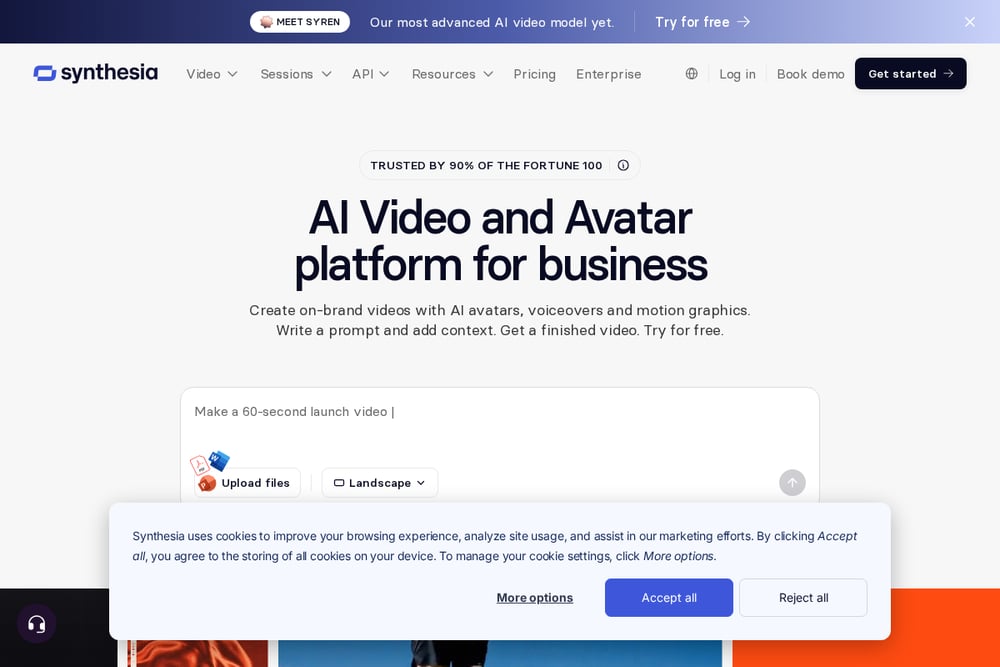 A screenshot of the Synthesia website.
Synthesia is a comprehensive AI video platform with a strong focus on learning and development. It offers lifelike AI avatars, video dubbing, translation, and screen recording, making it a full production suite for training teams. The platform supports technical training, compliance, sales enablement, and employee development. Its enterprise-grade features and API make it suitable for large organizations. You can explore its L&D solutions at https://www.synthesia.io/learning-and-development.
#2 Vidancy – Training videos in your brand identity
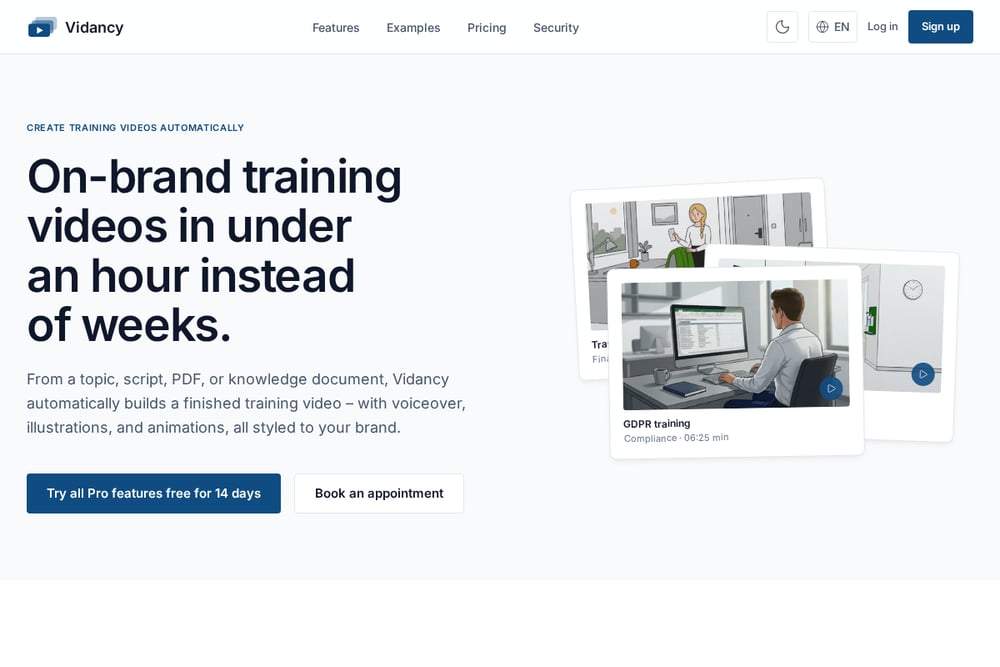 A screenshot of the Vidancy website.
Vidancy automatically creates on-brand training videos from a topic, script, PDF, or knowledge document. It uses custom illustrations and voiceovers instead of AI avatars, keeping the focus on your brand identity. The platform markets itself as a fast, research-backed solution for onboarding, compliance, and process training. You can go from source material to a finished video in under an hour. Learn more at https://vidancy.com/.
#3 Leadde
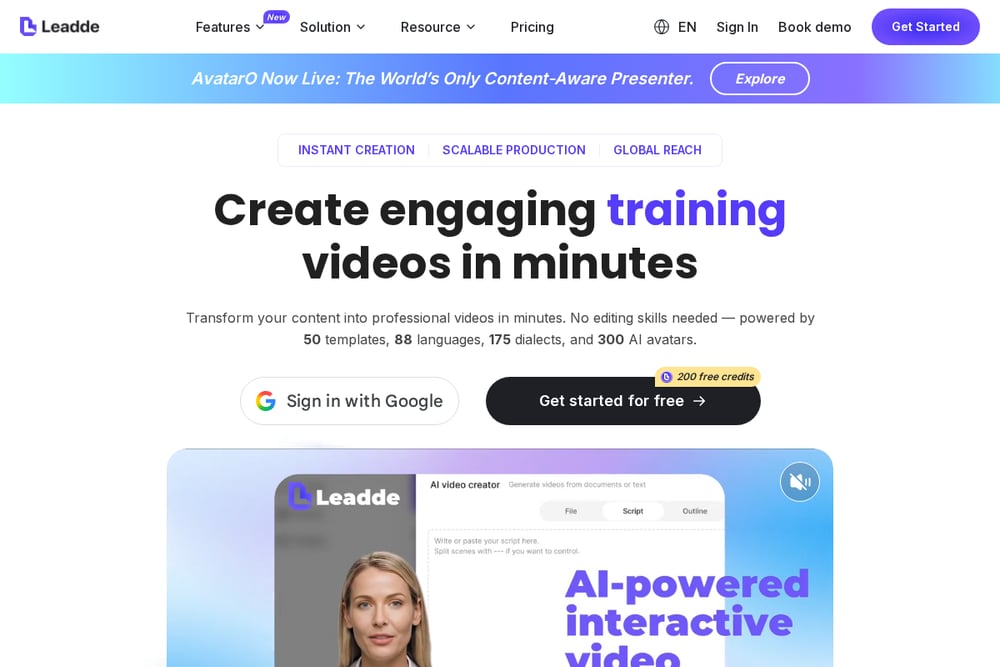 A screenshot of the Leadde website.
Leadde is an AI learning video generator that transforms textbooks, scripts, and lessons into engaging videos. It features realistic AI teachers, Magic Highlight for key points, and motion animations. You can upload files in formats like PPTX, PDF, DOC, and TXT, then choose from templates and tones. It's designed for educational content and offers a free starting point. See more at https://leadde.ai/tools/ai-learning-video-generator.
#4 Steve AI
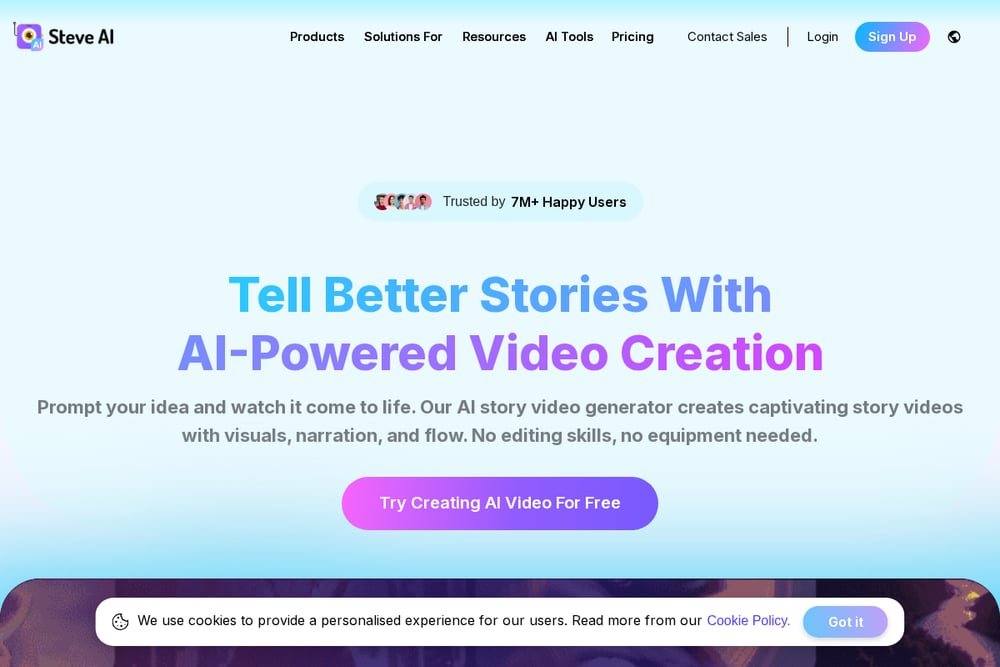 A screenshot of the Steve AI website.
Steve AI offers a free educational video maker for training, onboarding, and courses. It turns documents, lessons, and SOPs into videos with AI-powered visuals, narration, and animation. The platform supports microlearning, full courses, and LMS integration. It's GDPR compliant and ISO 27001 certified, which appeals to institutions. Check it out at https://www.steve.ai/educational-video-maker.
#5 VEED
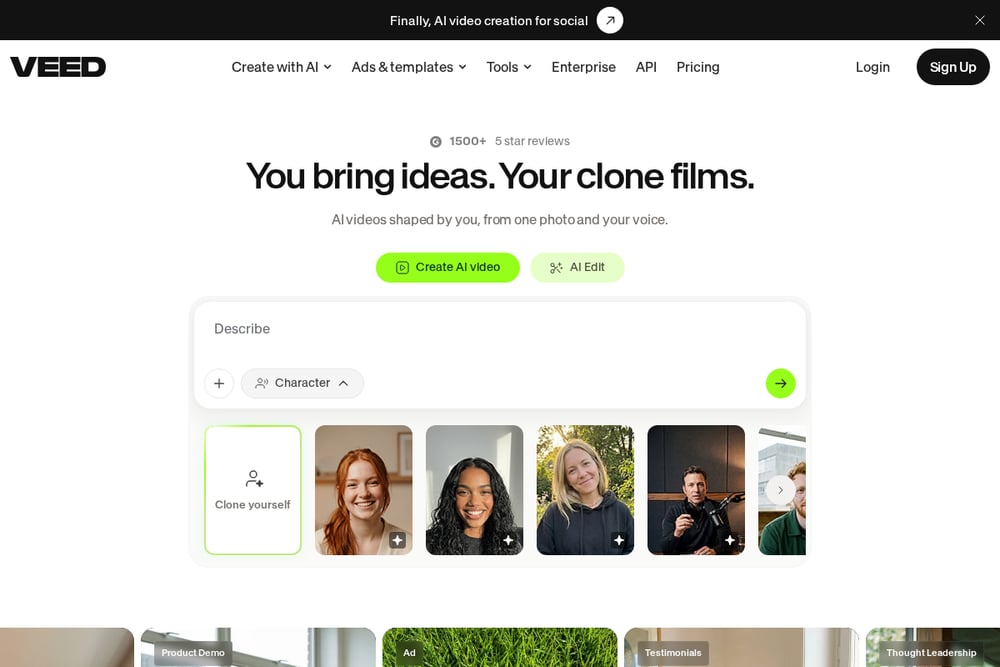 A screenshot of the VEED website.
VEED is a broad AI video creation and editing platform. It includes AI avatars, voice generation, text-to-video, and a full editing suite. While not training-specific, it offers tools that can be adapted for learning content. You can generate videos from prompts, add subtitles, and translate. Its flexibility makes it a general-purpose option. Explore at https://www.veed.io/tools/ai-video.
How to Choose the Right Platform
Start with your source material. If you have scripts and PDFs, look for platforms that handle those formats natively. Consider your brand requirements: do you need custom illustrations or are AI avatars acceptable? Check pricing and trial options to see if you can test before committing. For US teams, ensure the platform supports your compliance needs and integrates with your LMS. Finally, think about speed: how fast can you go from document to finished video?
Automating Your Training Video Workflow
A typical automated workflow starts with uploading your source document. The platform analyzes the content, generates a script, selects visuals, adds voiceover, and renders the video. You can then review and edit in a built-in editor. For ongoing training, you can set up templates and brand kits to maintain consistency. Some platforms also offer APIs for programmatic creation, which helps when you need to produce many videos at once.
The Bottom Line
The right platform depends on your priorities. If brand identity and custom illustrations matter most, Vidancy is a strong fit. For enterprise-scale avatar videos, Synthesia leads. Leadde and Steve AI serve educational contexts well, while VEED offers broad editing flexibility. Test a few with your own content to see which one fits your workflow.