
You don't need to memorize a single line to sound like a pro on camera. These five AI teleprompter apps are changing how creators, presenters, and teams deliver their message.
The Teleprompter Industry Is Having an AI Moment
Teleprompters used to be hardware-heavy studio tools. Now they're apps. And AI is making them smarter. Voice-activated scrolling, AI script writing, and cross-device sync are becoming standard. The market is splitting into two camps: free, privacy-first web tools and subscription apps with pro features. Creators want speed. Teams want collaboration. Everyone wants to look natural on camera. That's the bar. These five apps are meeting it in different ways.
How We Evaluated These AI Teleprompter Apps
We looked at five factors. First, core teleprompter performance: scrolling smoothness, voice tracking, and display customization. Second, AI capabilities: script generation, editing, and scene handling. Third, pricing clarity: what you get free versus paid, and whether upgrades are transparent. Fourth, platform fit: Android, iOS, web, and desktop support. Fifth, privacy and data handling: where your scripts live and who can see them. JetPrompter stood out for its Android-first AI script tools and clear free-versus-Pro breakdown. Teleprompter.com impressed with studio-grade voice scrolling and cloud sync across devices. VoicePrompter shined as a free, open-source web app with offline support. Speakflow delivered strong team collaboration and remote control features. VocalScroll emphasized a 100% client-side sandbox with no cloud uploads. Each app has a distinct strength. Your pick depends on your workflow.
Here's a quick look at how these five apps compare on the features that matter most.
| Provider | Best For |
|---|---|
| Teleprompter.com | Cross-platform creators who want studio-grade voice scrolling and cloud sync |
| JetPrompter | Android users who want AI script writing and synchronized video recording in one app |
| VoicePrompter | Budget-conscious creators who want a free, open-source, privacy-first teleprompter |
| Speakflow | Teams and creators who need script collaboration and remote control across devices |
| VocalScroll | Privacy-focused users who want a fully offline, browser-based teleprompter |
The 5 AI Teleprompter Apps Worth Knowing
#1 Teleprompter.com
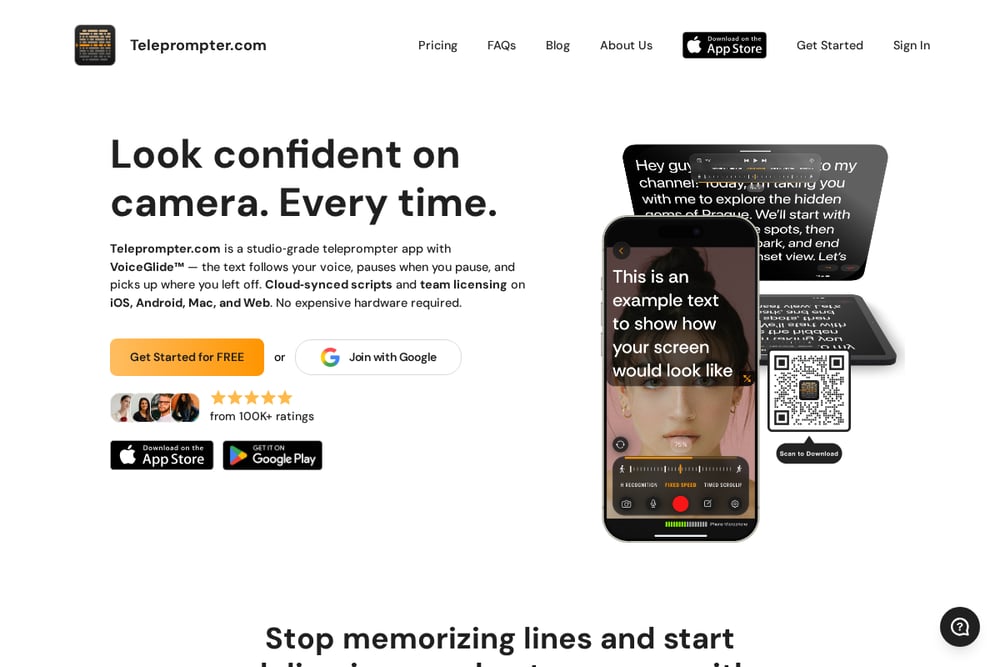 A screenshot of the Teleprompter.com website.
Teleprompter.com is a studio-grade teleprompter app with VoiceGlide, a voice-activated scrolling feature that follows your speech and pauses when you do. It works on iOS, Android, Mac, and Web, so you can start a script on your phone and finish on your laptop. You can import scripts from Google Drive, Dropbox, and iCloud, and edit them in real time without stopping your recording. The app supports multiple scrolling modes, including fixed speed, fixed time, and words per minute control. It also offers 4K video recording and team licensing for collaborative workflows. If you want a polished, cross-platform teleprompter with cloud sync, this is a strong contender.
#2 JetPrompter
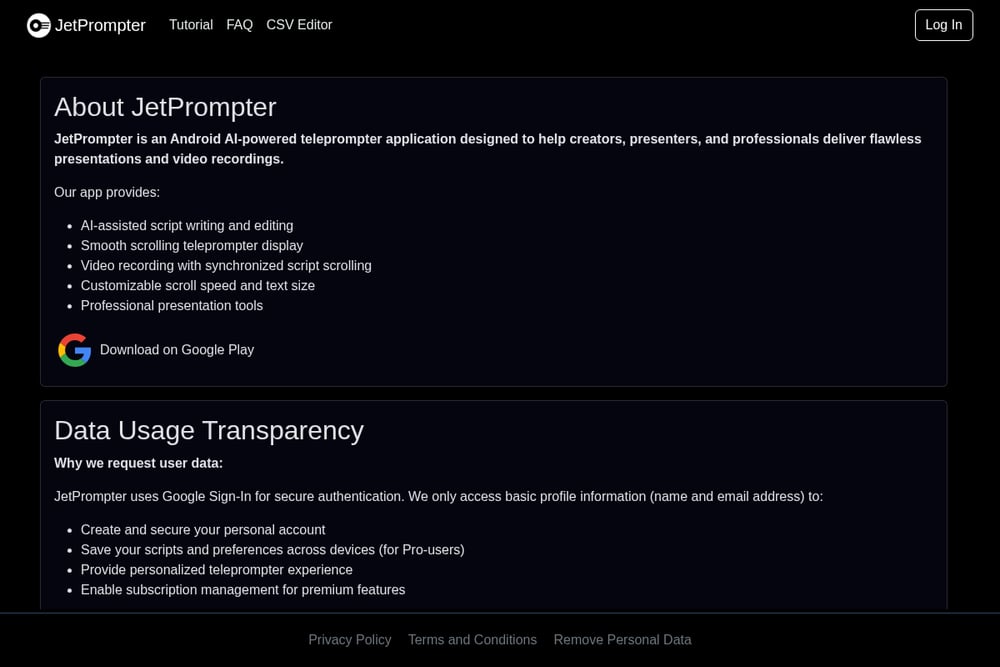 A screenshot of the JetPrompter website.
JetPrompter is an Android AI-powered teleprompter app built for creators, presenters, and professionals who want flawless presentations and video recordings. It combines AI-assisted script writing with smooth scrolling and synchronized video recording, so you can write, rehearse, and record in one place. The free tier gives you 5 scripts, 1500 characters per scene, and 10 AI credits, while the Pro tier unlocks unlimited scripts, 5000 characters per scene, 500 monthly AI credits, and cross-device sync via jetprompter.com. Pro users also get access to GPT-5 Mini, web search, and higher verbosity and reasoning settings. The app uses Google Sign-In for secure authentication and only accesses basic profile info to save your scripts and preferences. If you're on Android and want AI writing help baked into your teleprompter, JetPrompter is worth a close look.
#3 VoicePrompter
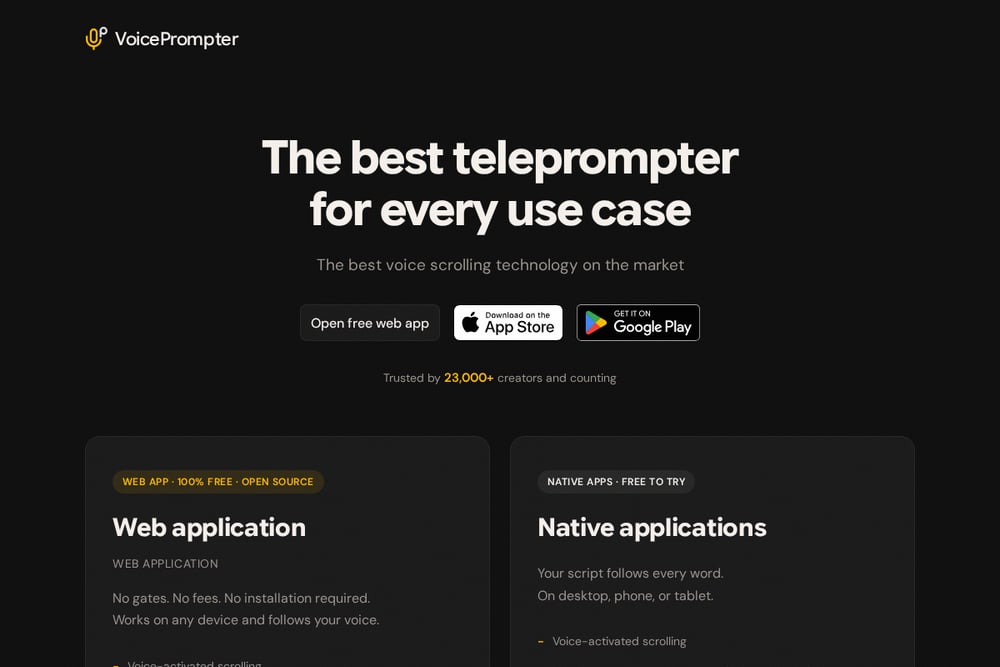 A screenshot of the VoicePrompter website.
VoicePrompter is a free, open-source teleprompter app that follows your voice with impressive accuracy. It works as a web app and as a native app on Mac, iPhone, iPad, and Android, with no installation required for the web version. You can use it offline as a PWA, flip text for teleprompter glass with mirror mode, and control scrolling with voice commands like back, forward, and restart. It supports 34 languages with auto-detection and records video in up to 4K on supported devices. Your scripts never leave your device, which is a big win for privacy-conscious creators. If you want a no-cost, no-gate teleprompter that just works, VoicePrompter delivers.
#4 Speakflow
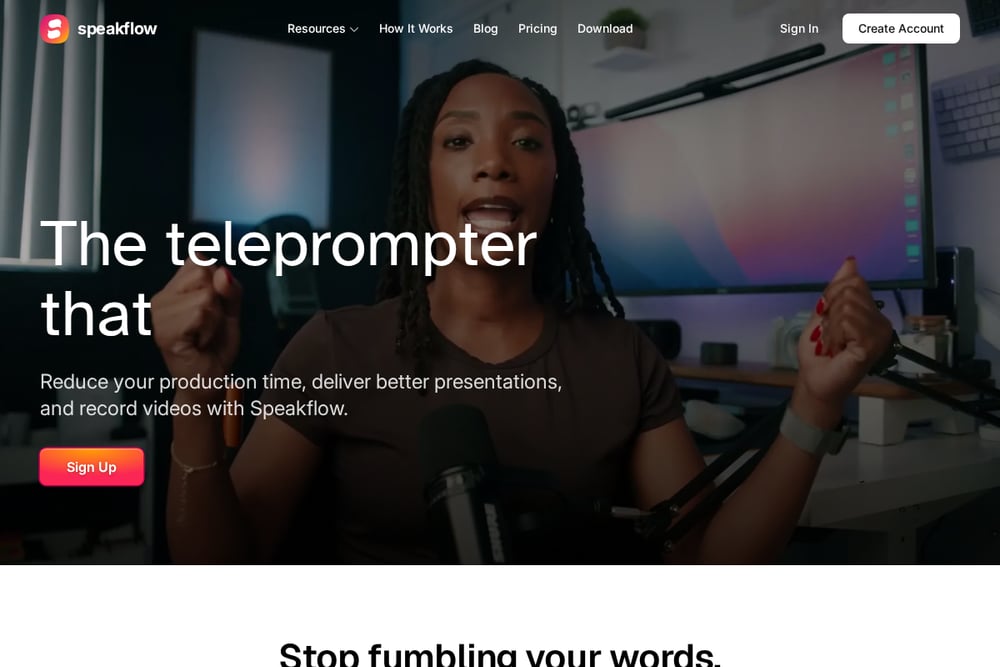 A screenshot of the Speakflow website.
Speakflow is a voice-activated teleprompter designed for teams and solo creators who want to reduce production time. It lets you scroll with your voice or manually, sync scripts across devices with Remote, and collaborate with your team on scripts and recordings. You can write, organize, and share scripts with labels and version tracking, making it easy to keep everyone on the same page. The app works on laptop, tablet, and phone, so you can record wherever you are. It also includes a dashboard for managing scripts and recordings, plus an API for custom integrations. If collaboration and remote control are priorities, Speakflow is a solid fit.
#5 VocalScroll
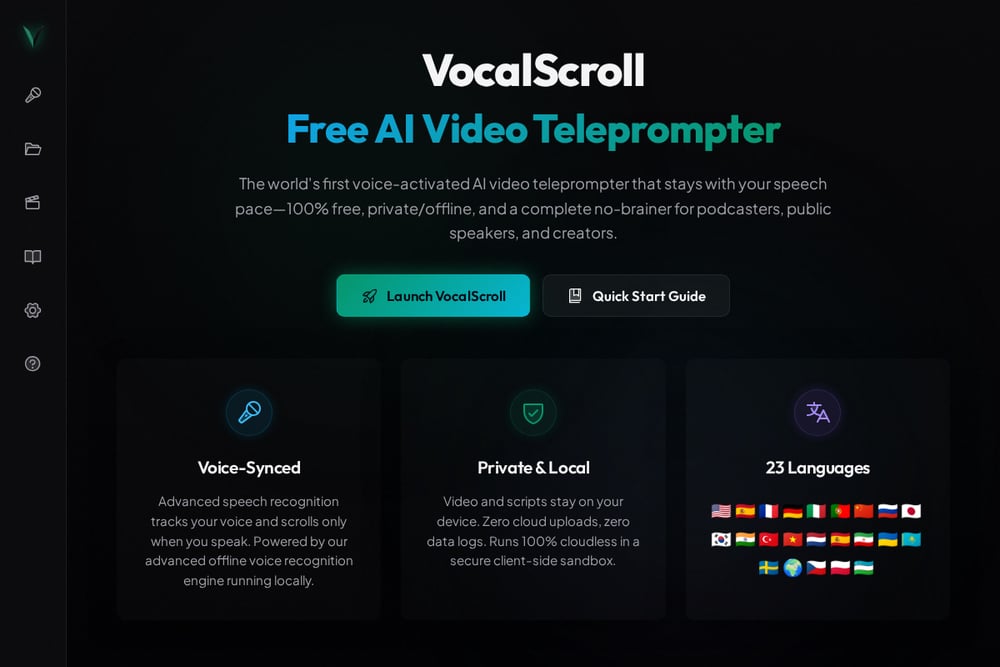 A screenshot of the VocalScroll website.
VocalScroll is a free AI video teleprompter that runs entirely in your browser with a 100% client-side sandbox. It uses advanced offline speech recognition to track your voice and scroll only when you speak, so your pace stays natural. Your video and scripts never leave your device, with zero cloud uploads and zero data logs. It supports 23 languages and includes a script vault for saving drafts locally. You can also enable camera recording, mirror mode, and paced scrolling for more control. If privacy and offline capability are non-negotiable, VocalScroll is a compelling choice.
How to Choose the Right AI Teleprompter for You
Start with your device. If you're on Android and want AI writing help, JetPrompter is a natural fit. If you need cross-platform sync, Teleprompter.com covers iOS, Android, Mac, and Web. Next, think about your budget. VoicePrompter and VocalScroll are free and open, while JetPrompter and Teleprompter.com offer premium tiers with more AI credits and features. Consider your privacy needs. VocalScroll and VoicePrompter keep everything on your device, while cloud-based options offer convenience at the cost of local storage. Finally, factor in collaboration. Speakflow and Teleprompter.com are built for teams, with shared scripts and remote control. Match the app to your workflow, not the other way around.
Automating Your Teleprompter Workflow
You can streamline your recording process by connecting your teleprompter to your script-writing tools. For example, use JetPrompter's AI to draft a script, then export it as CSV to edit in a spreadsheet. Or sync scripts from Google Drive into Teleprompter.com for cloud access. If you're working with a team, Speakflow's API lets you push scripts from your project management tool directly into the teleprompter. VoicePrompter and VocalScroll work offline, so you can record without an internet connection. The key is to reduce manual steps: write once, sync everywhere, and let the teleprompter handle the scrolling.
The Bottom Line on AI Teleprompters
AI teleprompters are no longer a nice-to-have. They're a competitive advantage. Whether you're a solo creator on Android or a team producing weekly videos, there's an app here that fits. JetPrompter brings AI writing and recording together for Android users. Teleprompter.com offers a polished cross-platform experience. VoicePrompter and VocalScroll prove that free and private can be powerful. Speakflow makes collaboration seamless. Try one. Try two. The right teleprompter will make you look and sound better on camera, every single time.