
You want to learn something new, but the tools you use are scattered across apps. These five AI study platforms bring the pieces together.
The AI Study Tool Landscape
AI study tools have moved from simple flashcard apps to full learning companions. You can now generate a study schedule, get a tutor, and track your progress in one place. The market is crowded, but the best tools focus on personalization and clarity. Whether you are preparing for an exam or learning for fun, there is a tool that fits your style.
How We Evaluated These Tools
We looked at five factors: how well each tool personalizes the learning experience, the clarity of its pricing, how easy it is to get started, the depth of its features, and its overall fit for US learners. QuireMind stood out for its concept-by-concept memory and transparent tutor notes. Scholarly impressed with its free study schedule generator and no sign-up trial. MyMap offered visual planning with multiple AI models. Kuse AI provided a generous free tier and multi-subject balancing. TrackMates focused on accountability and exam-specific planning.
Here is a quick look at the five tools, ordered by their overall fit for US learners.
| Provider | Best For |
|---|---|
| Scholarly | Quick, free study schedules |
| QuireMind · Learn anything with a course made just for you | Personalized, concept-level learning |
| MyMap | Visual study planning |
| Kuse AI | Multi-subject scheduling |
| TrackMates | Accountability and exam prep |
A Closer Look at Each Tool
#1 Scholarly
 A screenshot of the Scholarly website.
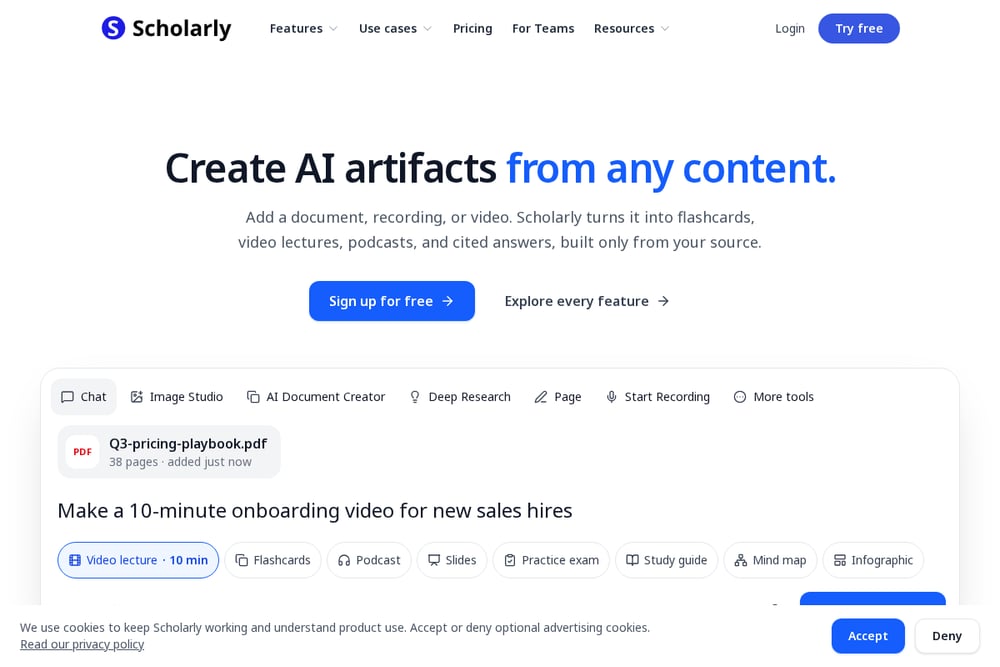
Scholarly is a free AI study planner that turns your subjects, available hours, and exam dates into a day-by-day schedule. You can generate a plan for a semester, finals week, or spaced review without signing up. The tool supports over 70 languages and has been used by more than 200,000 learners. It also offers features like flashcards, quizzes, and video lectures. If you need a quick schedule, Scholarly delivers.
#2 QuireMind · Learn anything with a course made just for you
 A screenshot of the QuireMind website.
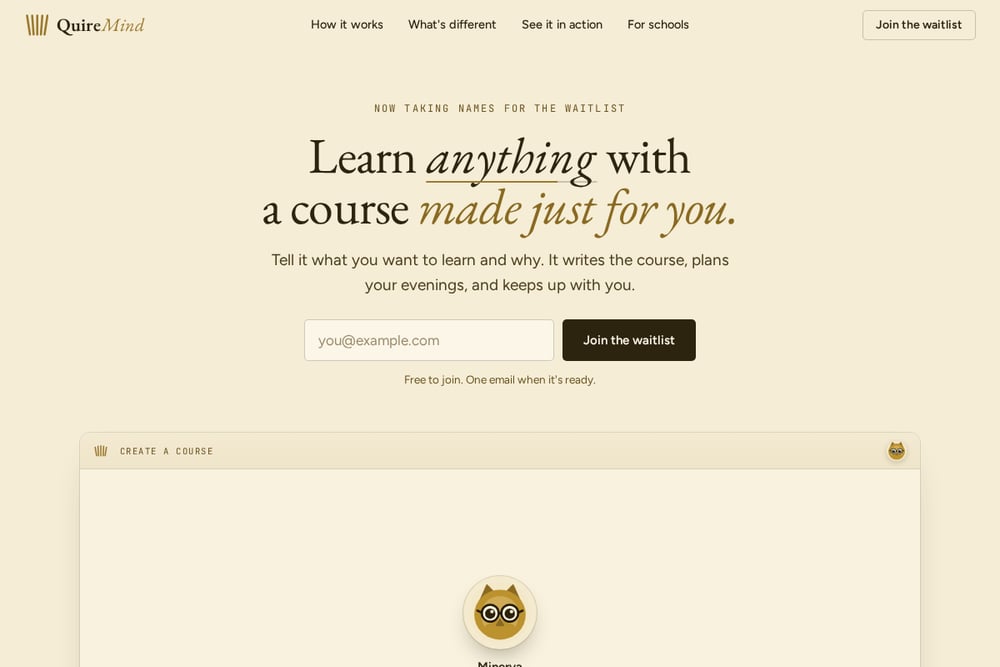
QuireMind builds a custom course for you based on what you want to learn and why. It writes the course, plans your study sessions, and provides a tutor-like chatbot that knows your progress. Every concept gets its own memory, so the tutor can see where you struggled and what you got wrong. You can also view exactly what the tutor knew when it answered you, and edit or remove any of it. QuireMind is currently taking waitlist sign-ups and is free to join.
#3 MyMap
 A screenshot of the MyMap website.
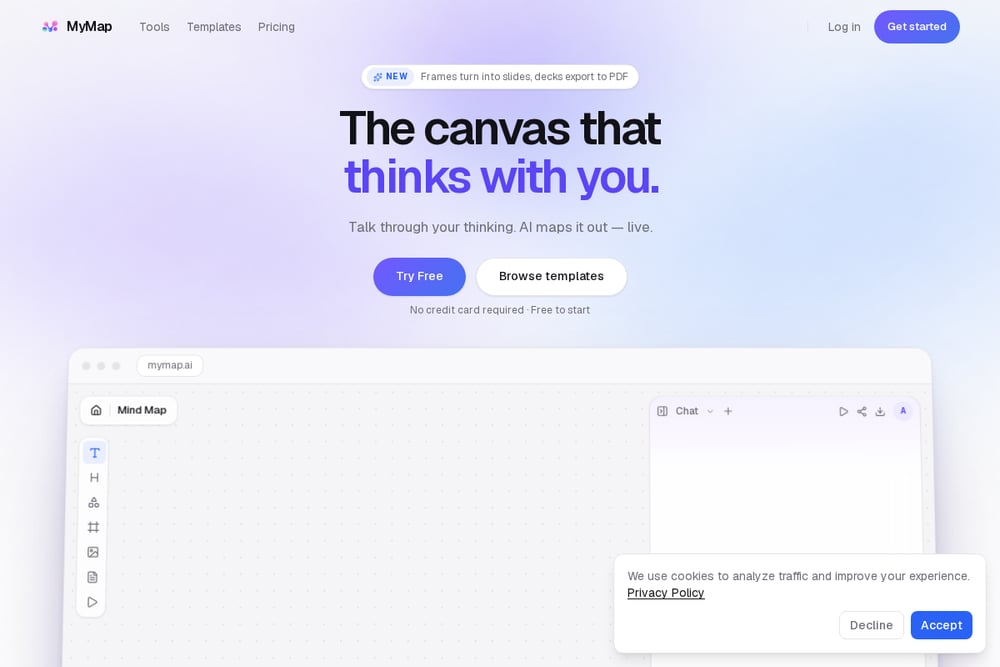
MyMap is a free study plan maker that uses AI to build a visual study plan. You describe what you are studying, your timeline, and your goal, and it breaks topics into sessions and milestones. It supports PDFs, docs, and images, and you can start without a credit card. MyMap also offers multiple AI models, including DeepSeek and Claude. It is great for visual learners who like to see the big picture.
#4 Kuse AI
 A screenshot of the Kuse AI website.
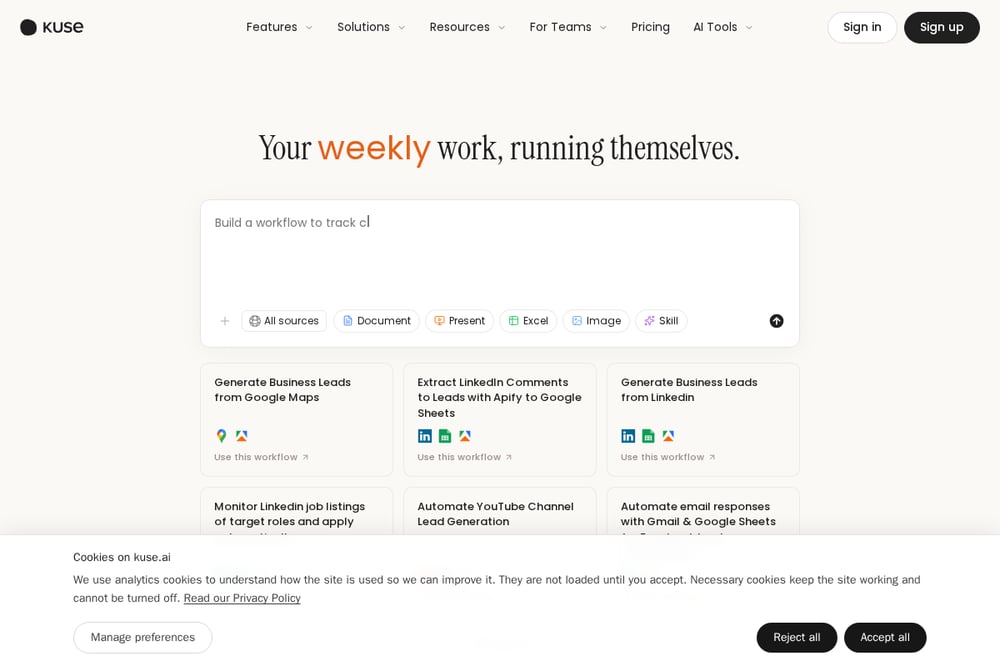
Kuse AI offers a free AI study planner that creates personalized schedules instantly. You enter your subjects, deadlines, and preferences, and it generates a balanced plan with built-in breaks. It uses techniques like the Pomodoro method and prioritizes difficult topics. Kuse AI also supports multi-subject balancing and lets you export your plan as a PDF or calendar file. It is a solid choice for students juggling multiple courses.
#5 TrackMates
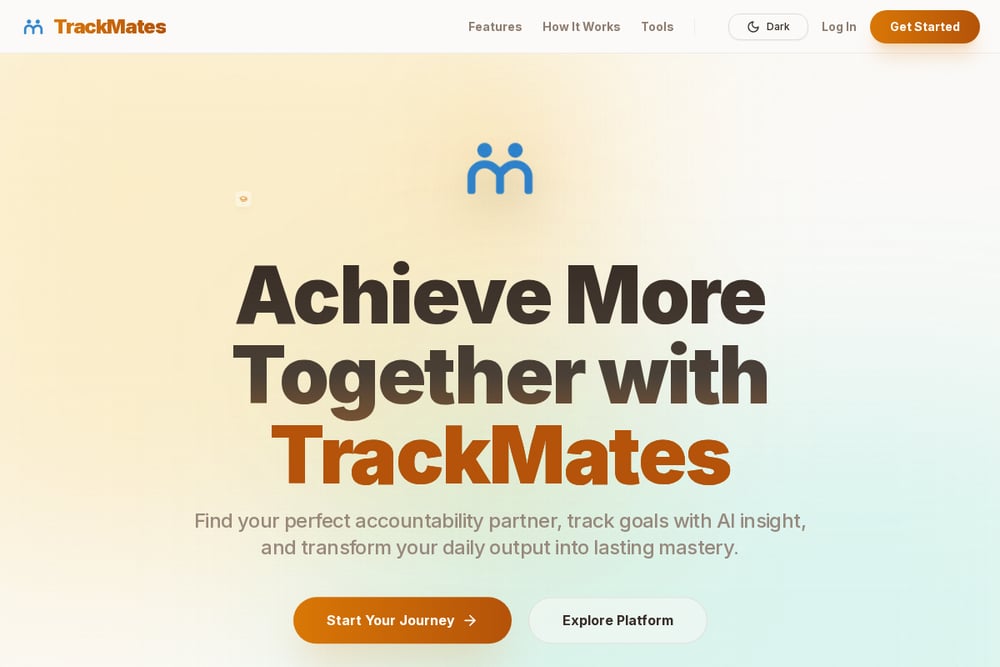 A screenshot of the TrackMates website.
TrackMates is a free AI study plan generator that focuses on exam preparation. You select your exam, date, and available hours, and it creates a study timetable. TrackMates also offers a live accountability engine where you can match with a study partner. It includes visual milestone tracking and AI-adjusted sessions. If you need external motivation, TrackMates is worth a look.
How to Choose the Right Tool for You
Start by identifying your main goal. If you want a fully personalized course with a tutor, QuireMind is built for that. If you just need a quick schedule, Scholarly or Kuse AI can help. For visual planning, try MyMap. If accountability is key, TrackMates pairs you with a partner. Consider your budget and how much time you want to invest in setup. Most tools offer free tiers, so you can test a few before committing.
Automating Your Study Workflow
You can combine these tools to cover different needs. Use QuireMind for deep learning and tutoring. Use Scholarly or Kuse AI to generate a schedule. Use MyMap to visualize your plan. Use TrackMates to stay accountable. Many tools allow exporting to calendars, so you can sync everything into one view. This way, you get the best of each without juggling too many apps.
The Bottom Line
The right AI study tool depends on how you learn. QuireMind offers the most integrated experience, with a course, tutor, and memory system in one. Scholarly and Kuse AI excel at quick scheduling. MyMap brings visual clarity. TrackMates adds accountability. Try one or two that match your style, and you will learn more efficiently.