
You have a story to tell, but the blank page is winning. These five US-accessible tools help you turn a spark into a script, a prompt, or a finished draft.
The New Storytelling Stack
AI storytelling tools have moved from novelty to necessity. Writers, marketers, and independent creators now use them to brainstorm plots, build cinematic prompts, and draft full manuscripts without losing their voice. The category splits into two camps: broad writing assistants that generate prose, and specialized prompt builders that help you direct image and video models. The strongest options do both, giving you a repeatable workflow from idea to output. As AI models multiply, the real differentiator is not raw generation. It is how well a tool teaches you to think in prompts, structure, and story beats.
How We Evaluated These Tools
We looked at five factors across every tool. First, service scope: does it cover ideation, drafting, and visual prompts, or just one slice? Second, pricing clarity: can you see what is free and what is paid without a sales call? Third, local fit: is it accessible and useful for US-based creators working in English? Fourth, output quality: do the prompts and drafts feel specific enough to use? Fifth, learning support: does the tool include guides, examples, or a resource library? Copper Daydream Studio stood out for pairing a storytelling creator with AI image and video prompt building plus practical guides. Quillbot impressed with instant, no-sign-up story prompts and a clean interface. Prompt Builder earned attention for model-specific prompt tuning across Claude, ChatGPT, Gemini, and Grok. Squibler showed strength in expanding a single idea into a full-length book. Founderz delivered a structured, task-based generator that turns rough ideas into expert briefs.
Here is the quick comparison before the deep dive. Each tool serves a different part of the creative process, so match it to where you get stuck.
| Provider | Best For |
|---|---|
| Quillbot AI Story Prompt Generator | Instant story sparks with zero setup |
| A world worth stepping into | Copper Daydream Studio | Storytelling plus AI image and video prompts |
| Prompt Builder | Model-specific prompt engineering for deliverables |
| Squibler AI Story Generator | Turning one idea into a full manuscript |
| Founderz Storytelling Prompt Generator | Structured briefs for fiction and brand stories |
The 5 Tools in Detail
#1 Quillbot AI Story Prompt Generator
Quillbot's story prompt generator is the fastest way to break a blank page. You land on the page, see example topics like a detective haunted by a past case, and generate a fresh prompt instantly. No sign-up is required, which makes it perfect for a five-minute warm-up. The prompts are specific enough to start drafting immediately, and the surrounding Quillbot suite lets you paraphrase, grammar-check, and humanize your text once you begin. It is a strong first stop for writers who need momentum more than a full writing environment.
#2 A world worth stepping into | Copper Daydream Studio
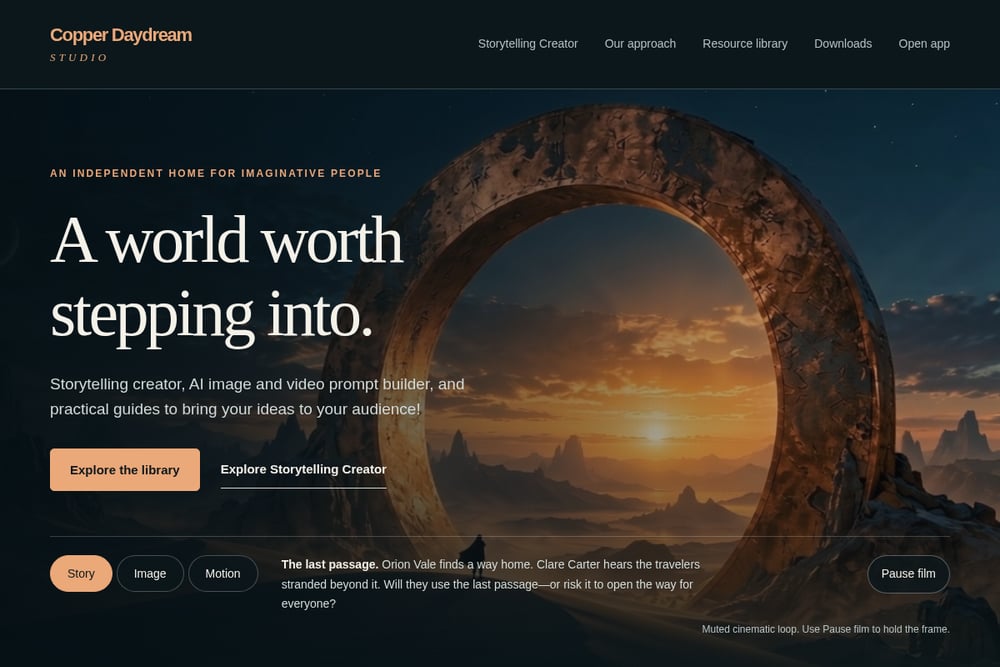 A screenshot of the A world worth stepping into | Copper Daydream Studio website.
Copper Daydream Studio is an independent creative hub built for imaginative people. It combines a Storytelling Creator tool with an AI image and video prompt builder, so you can move from a story idea to a cinematic keyframe and then to motion. The site pairs this with a resource library of practical guides, including workshops like finding the story inside your idea and directing your first cinematic frame. You also get downloadable content and a free beta account to start planning stories instantly. It is the most complete home base for creators who want both narrative structure and visual direction in one place.
#3 Prompt Builder
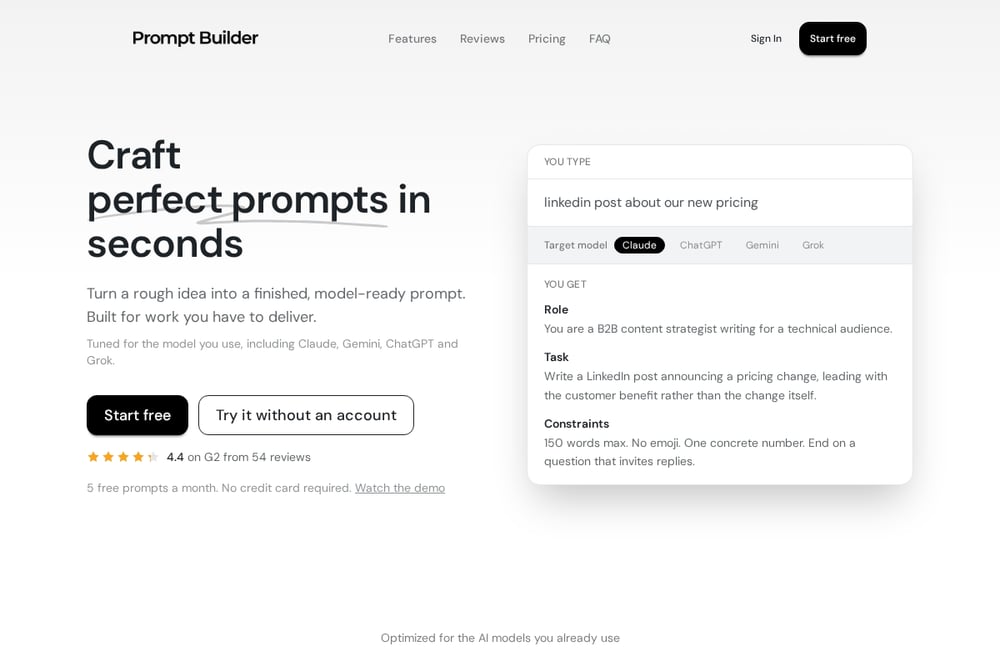 A screenshot of the Prompt Builder website.
Prompt Builder turns a rough idea into a model-ready prompt in seconds. You describe what you want, pick a target model like Claude, ChatGPT, Gemini, or Grok, and get a structured prompt with role, task, and constraints. The built-in chat workspace lets you refine and test the result without jumping between tabs. A library feature saves your best prompts so you stop rewriting the same instructions. It is built for work you have to deliver, not just play, and the free tier gives you five prompts a month to try it.
#4 Squibler AI Story Generator
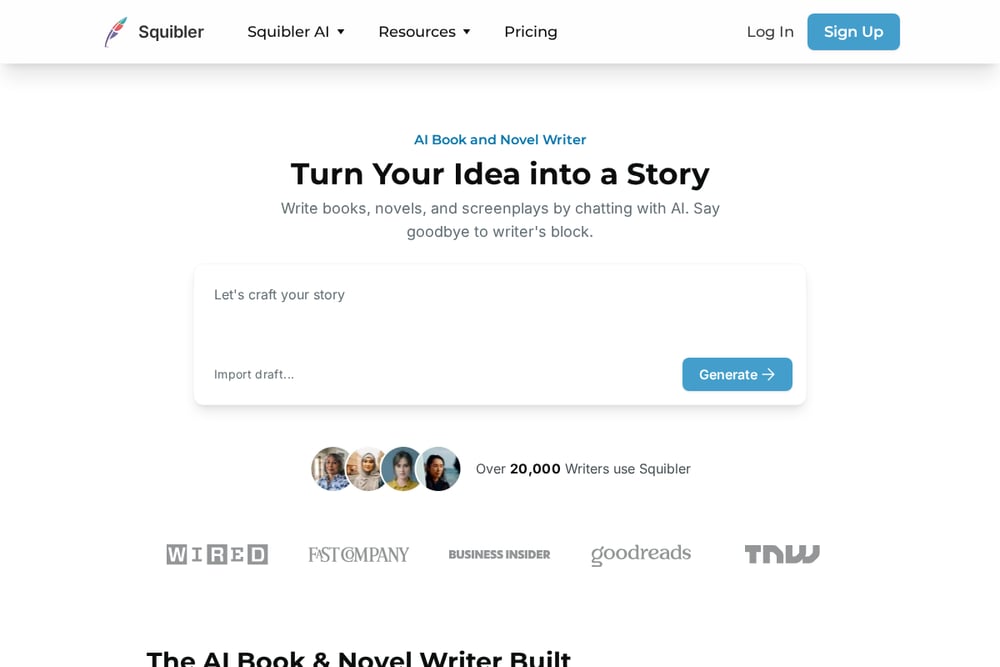 A screenshot of the Squibler AI Story Generator website.
Squibler takes a single idea and expands it into a full story, then into a full-length book if you want. You can browse by genre, from romance and mystery to sci-fi and children's books, and generate an opening in seconds. The platform supports importing drafts and attaching manuscripts to your prompts once you create an account. It also offers templates for books, screenplays, and characters, plus tools like a plot generator and title generator. If your goal is a finished manuscript rather than a prompt, Squibler is built for that longer arc.
#5 Founderz Storytelling Prompt Generator
 A screenshot of the Founderz Storytelling Prompt Generator website.
Founderz offers a free storytelling prompt generator that turns your idea into a clear brief for an AI assistant. It covers ten tasks, from story ideas and short stories to characters, plot structure, worlds, brand stories, and interactive narrative. You pick an example or write your own premise, then choose the output you need and the format or genre. The result is a professional prompt ready to copy, plus follow-up requests to keep the conversation going. It runs in your browser in about two minutes and is built for fiction writers, screenwriters, content creators, and brand teams.
How to Choose Your Storytelling Tool
Start with the bottleneck. If you cannot begin, use a generator that gives you a prompt in seconds, like Quillbot or Founderz. If you can write but cannot visualize, choose a tool that builds image and video prompts, like Copper Daydream Studio. If you need a finished draft, pick a platform that expands into full manuscripts, like Squibler. If you already work across multiple AI models, use a prompt optimizer like Prompt Builder to stop rewriting the same instructions. Then check the free tier. Every tool here lets you test before you pay, so run one real project through two options and keep the one that fits your workflow.
A Simple Automation Workflow
You can chain these tools into one repeatable pipeline. Generate a raw story idea in Quillbot or Founderz. Refine the premise and structure inside Copper Daydream Studio's Storytelling Creator. Build a cinematic image prompt for your key scene, then extend it to motion. If you need a longer draft, move the outline into Squibler and expand it chapter by chapter. Finally, run your prompts through Prompt Builder to tune them for the specific model you are using. Save your best prompts in a library so the next project starts faster than the last.
The Bottom Line
No single tool does everything well, and you do not need it to. Quillbot gives you speed, Copper Daydream Studio gives you story plus visuals, Prompt Builder gives you precision, Squibler gives you length, and Founderz gives you structure. Pick the one that removes your specific friction, then add a second tool only when you hit a new wall. The goal is not to collect subscriptions. It is to get your idea out of your head and in front of your audience.