
You don't need a tech background to use AI. You just need the right starting point.
The AI Training Landscape for Small Business
AI is no longer a luxury for big companies. Small businesses, contractors, and everyday people are using it to save hours on estimates, emails, and admin. But where do you start? The market is flooded with courses, templates, and tools that promise the world but deliver jargon. The best resources are practical, free or low-cost, and designed for people who don't have time to learn complex systems. They focus on copy-and-paste prompts, real-world examples, and plain English. This roundup looks at five options that stand out for their accessibility and usefulness.
How We Evaluated These AI Resources
We looked at five factors: service scope, pricing clarity, local fit, ease of use, and practical value. For service scope, we checked whether the resource covers common small business tasks like estimates, emails, and marketing. Pricing clarity means no hidden fees or confusing tiers. Local fit considers whether the content speaks to US-based contractors and small business owners. Ease of use is about how quickly you can get started without technical skills. Practical value is whether the prompts or tools actually save time. Each business on this list excelled in different areas. AI Made Simple For All stood out for its free, no-jargon starter kit. Founderz impressed with its interactive prompt generator. Notion Marketplace offered a massive template library. Google Workspace provided deep integration with everyday tools. Pollinger AI delivered a comprehensive guide with real-world examples.
Here's a quick look at the five resources, what they offer, and who they're for.
| Provider | Best For |
|---|---|
| Founderz | Local shops needing custom prompts fast |
| AI Made Simple For All – Free AI Starter Kit | Contractors and beginners wanting free prompts |
| Notion Marketplace - AI Starter Pack by VeoFama | Notion users who want a massive prompt library |
| Google Workspace | Businesses already using Google Workspace |
| Pollinger AI | Small business owners wanting a step-by-step guide |
The 5 AI Resources in Detail
#1 Founderz
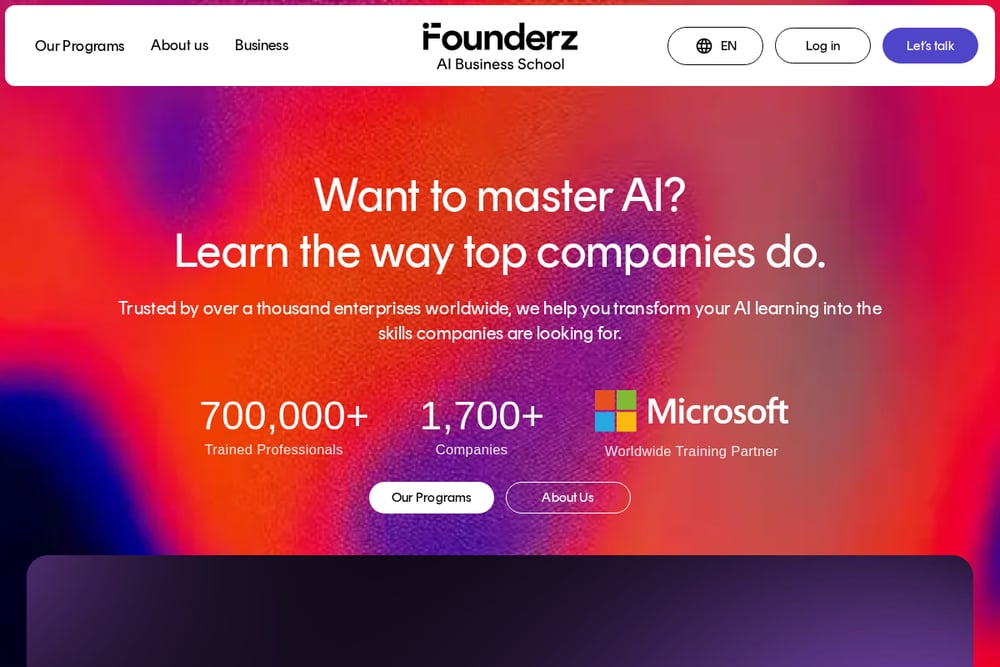 A screenshot of the Founderz website.
Founderz offers a free AI prompt generator for small businesses. You answer a few questions about your shop and neighborhood, and it creates ready-to-paste prompts for ChatGPT or Copilot. It covers social posts, review replies, promotions, and more. The tool is browser-based and asks for your email before showing results. It's ideal for local shops that want quick, customized prompts without writing them from scratch. Founderz also provides AI training for teams, so you can go deeper if needed.
#2 AI Made Simple For All – Free AI Starter Kit
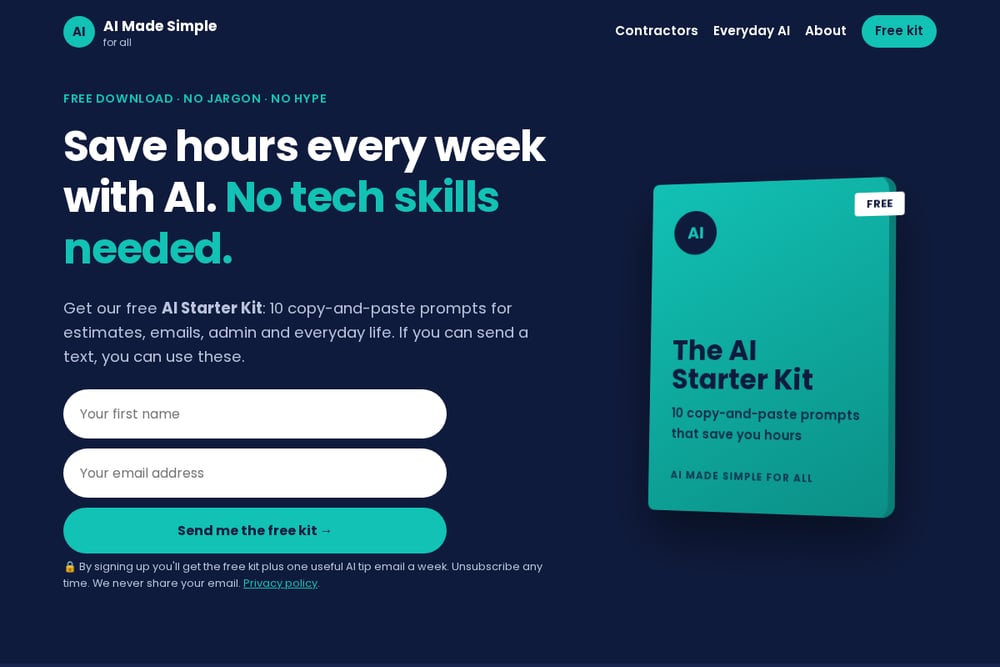 A screenshot of the AI Made Simple For All – Free AI Starter Kit website.
AI Made Simple For All provides a free AI starter kit with 10 copy-and-paste prompts. These prompts cover estimates, invoices, awkward emails, review replies, and everyday life tasks. The site is designed for contractors, small businesses, and beginners. No tech skills are needed—if you can send a text, you can use these prompts. You can paste them into ChatGPT, Claude, or Gemini, all of which have free versions. The kit is delivered via email, and you also get one useful AI tip per week. It's a practical, jargon-free resource that focuses on saving you hours.
#3 Notion Marketplace - AI Starter Pack by VeoFama
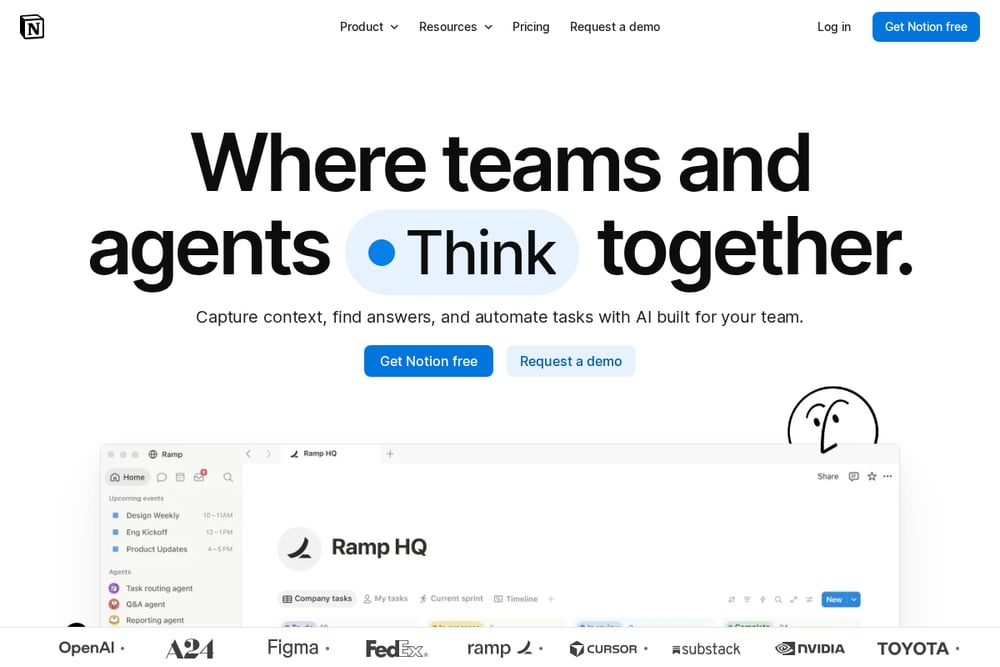 A screenshot of the Notion Marketplace - AI Starter Pack by VeoFama website.
The AI Starter Pack on Notion Marketplace includes 1000 ChatGPT prompts and a Notion template. It's created by VeoFama and available for free. You can browse the template, see ratings, and add it to your Notion workspace. It's great for people who already use Notion and want a huge library of prompts at their fingertips. The pack covers a wide range of use cases, from marketing to productivity. However, it may be overwhelming for absolute beginners due to the sheer volume.
#4 Google Workspace
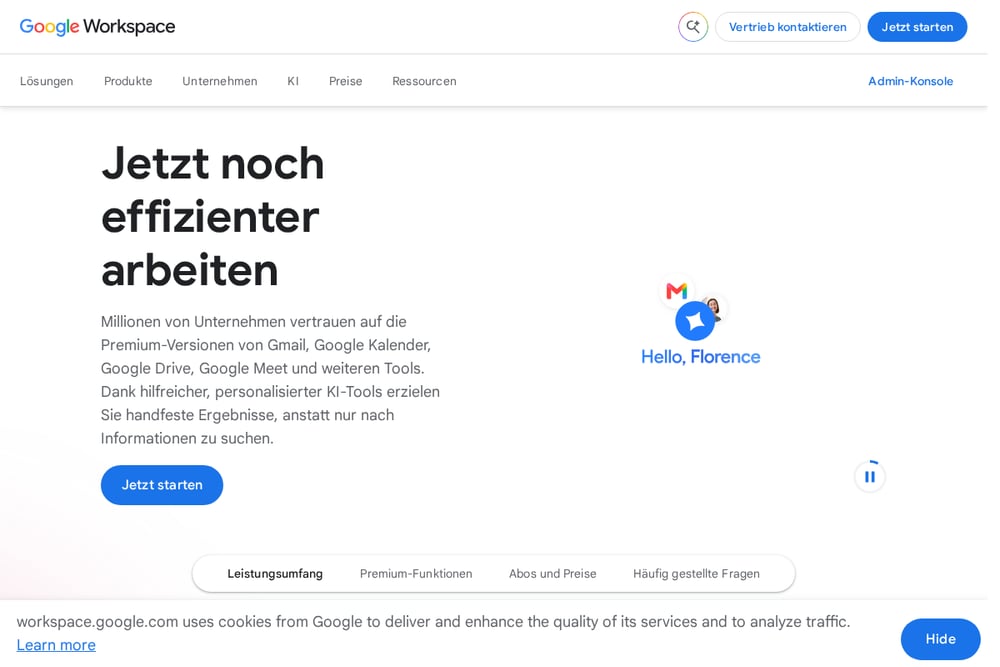 A screenshot of the Google Workspace website.
Google Workspace offers AI prompts for small businesses through its resources page. It provides guidance on using Gemini and other AI tools within Gmail, Docs, and Sheets. The content is integrated with Google's ecosystem, so you can apply prompts directly in your workflow. It's ideal for businesses already using Google Workspace. The prompts cover email drafting, document creation, and data analysis. While not a standalone starter kit, it's a valuable free resource for Google users.
#5 Pollinger AI
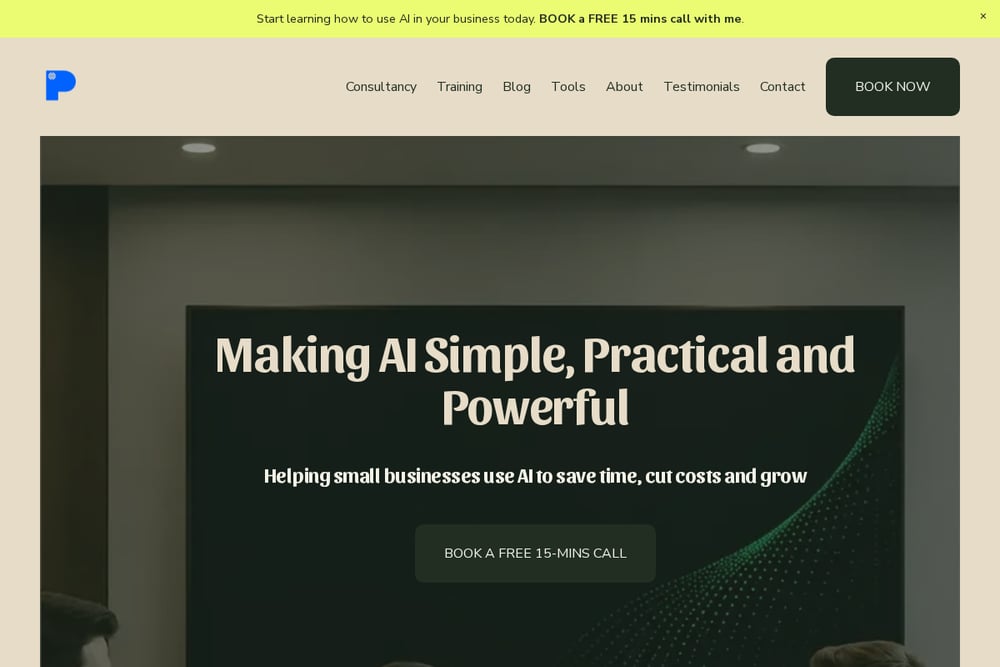 A screenshot of the Pollinger AI website.
Pollinger AI offers an AI Starter Kit for Small Businesses as a blog guide. It walks you through identifying AI opportunities, using tools like ChatGPT and Microsoft 365 Copilot, and saving time on repetitive tasks. The guide is written by Jonathan Pollinger and includes practical steps. It's perfect for small business owners who want a structured approach to adopting AI. The content is free and emphasizes not needing to be technical. It also covers marketing, customer service, and admin.
How to Choose the Right AI Starter Kit
Start by identifying your biggest time drains. Are you spending too long on estimates? Then look for a kit with estimate prompts. Are you struggling with customer emails? Find one that covers awkward emails. Next, consider your tech comfort. If you're a beginner, choose a resource that promises no jargon and provides copy-and-paste prompts. If you already use a tool like Notion or Google Workspace, a kit that integrates with those platforms will be more useful. Finally, check the price. Many of these resources are free, so you can try several without risk. Pick one, use it for a week, and see if it saves you time. If not, try another.
Putting Your AI Kit to Work
Once you have your prompts, integrate them into your daily routine. For example, after a client meeting, paste your rough notes into the estimate prompt and get a professional estimate in under a minute. Use the email prompts to draft replies to common inquiries. Set aside 10 minutes each morning to generate social media posts or review replies. The key is consistency. The more you use these prompts, the more time you'll save. You can also combine tools: use a prompt generator to create custom prompts, then save them in a Notion template for easy access. Start small, and build from there.
The Bottom Line
AI doesn't have to be complicated. The five resources here prove that you can start saving time today with free, practical tools. Whether you're a contractor who needs estimate prompts or a small business owner who wants a step-by-step guide, there's something for you. Try one, test it, and see the difference. Remember, the goal is to work smarter, not harder. With these starter kits, you're well on your way.