You want to make a short film with AI, but the tool stack changes every few months. Here are five workflows worth your attention right now.
The New Solo Filmmaking Stack
AI short film production has crossed a usability threshold. A single creator with a laptop can now move from script to final cut in a weekend, using language models for story and direction, image models for storyboards, video generators for footage, and voice tools for audio. The result is a crowded field of tutorials, platforms, and production services, each promising a repeatable path to cinematic output. The real differentiator is not the model list. It is whether the workflow is documented, reproducible, and honest about cost and limitations. That is the lens you should use when choosing where to learn.
How We Evaluated These Workflows
We looked at four factors across every entry. First, service scope: does the resource cover pre-production, generation, and post, or only one slice? Second, pricing clarity: are costs and free tiers stated up front? Third, process transparency: can you see the actual steps, prompts, and settings, or just the polished result? Fourth, local fit for US creators: does it assume access to common tools and realistic budgets? NōTI stands out for publishing its code-driven process and offering one free pass. MindStudio stands out for a full cost breakdown across a named tool stack. Creative Possible stands out for a long-form, craft-first case study. Envato stands out for pairing a generator with a professional editing suite. InVideo stands out for an all-in-one agent plus editor inside one platform.
Here is the short version. Each entry below maps to a different way of working, so match the workflow to your skill level and your tolerance for assembling tools.
| Provider | Best For |
|---|---|
| MindStudio | Creators who want a costed, end-to-end tool stack |
| NōTI | Code-inclined creators who want a reproducible, trial-first process |
| Creative Possible with Gabe Michael | Filmmakers chasing cinematic quality over speed |
| Envato | Editors who want AI generation inside a pro post pipeline |
| InVideo | Beginners who want one platform from script to edit |
The Five Workflows in Detail
#1 MindStudio
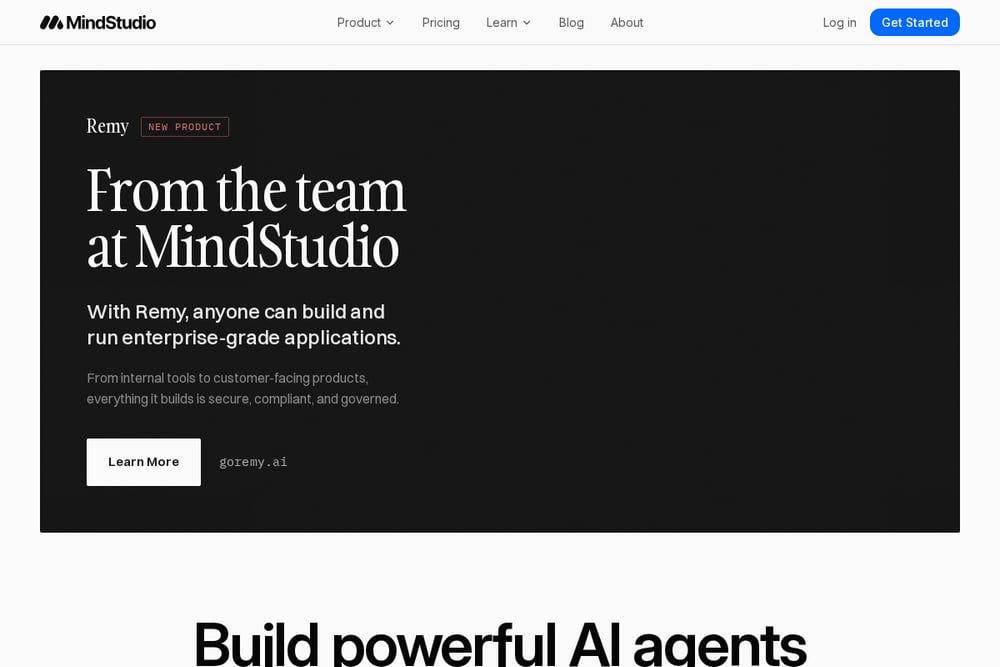 A screenshot of the MindStudio website.
MindStudio publishes a complete one-person short film workflow built on Claude, GPT Image, Seedance, ElevenLabs, and DaVinci Resolve. The guide walks through script, voice, video generation, and editing with specific settings and prompt strategies. What makes it useful is the cost breakdown, so you know what you are spending before you start. It also notes real limitations instead of hiding them. If you want a documented stack you can copy this weekend, start here. See the full workflow at MindStudio's blog.
#2 NōTI
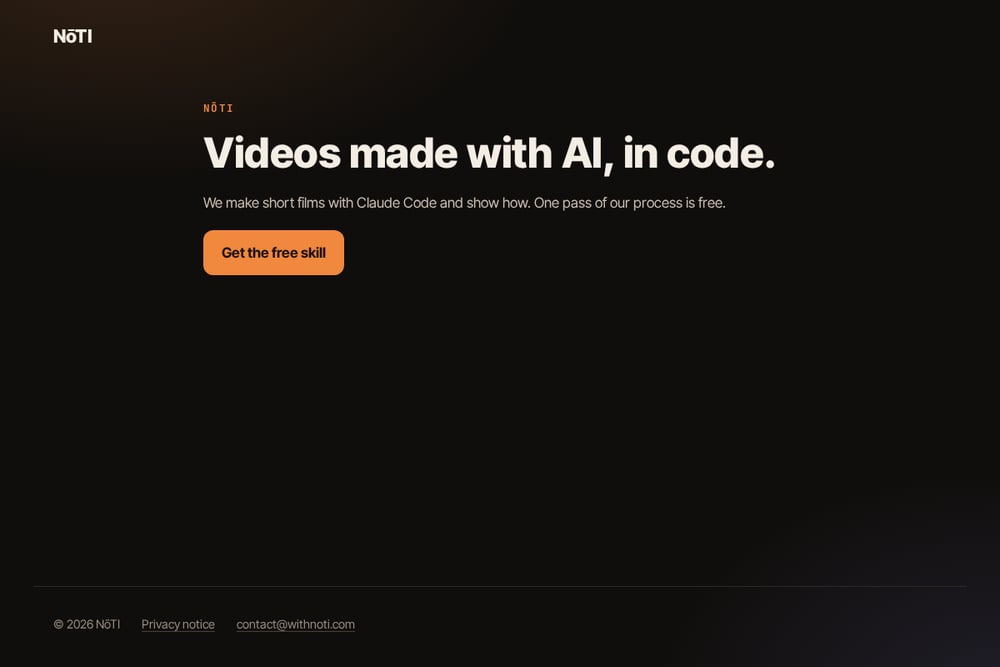 A screenshot of the NōTI website.
NōTI makes short films with AI and code, specifically using Claude Code, and shows how the process works. The pitch is refreshingly direct: videos made with AI, in code, with one pass of the process free. That free pass lets you test the workflow before committing, which is rare in this space. The code-driven approach appeals to creators who want reproducibility rather than one-off prompting. Visit NōTI to claim the free skill and see the process.
#3 Creative Possible with Gabe Michael
 A screenshot of the Creative Possible with Gabe Michael website.
Gabe Michael documents a seven-minute AI animated short called Gym Rats, built from over 1,000 generated shots across a month of production. The write-up focuses on craft: character consistency, art direction, and emotional performance across a long runtime. He treats LLMs as mirrors for story development rather than ghostwriters, which is a useful mental model. This is the resource to read when you care about escaping the AI look. Read the breakdown on the Creative Possible Substack.
#4 Envato
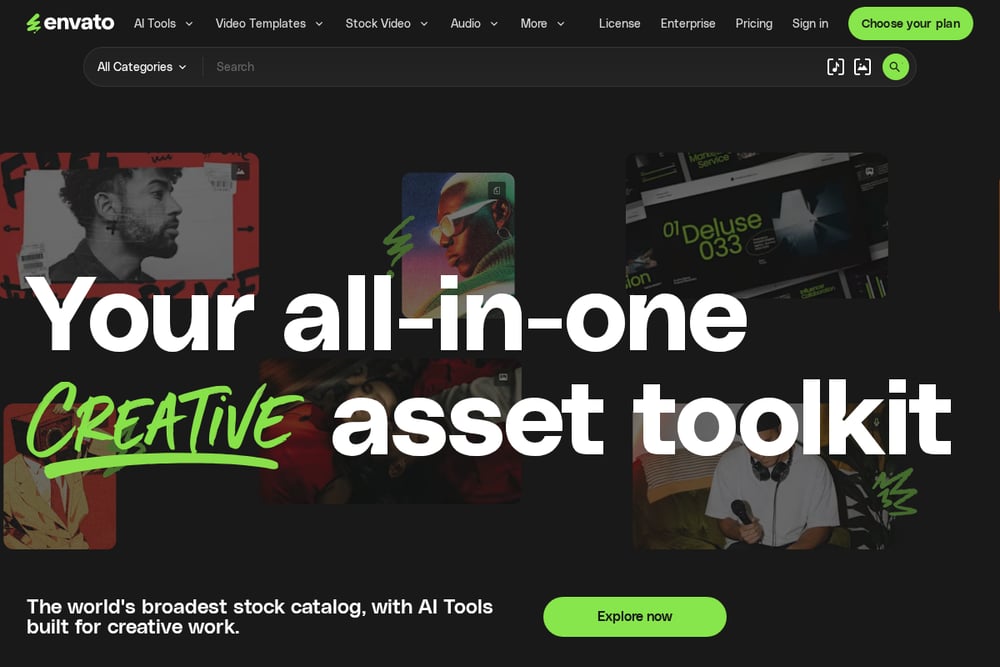 A screenshot of the Envato website.
Envato's guide pairs an AI video generator with DaVinci Resolve to produce cinematic short films. The emphasis is on the full workflow, from generation through editing and finishing. Because Envato already hosts production assets, the path from tutorial to actual project is short. It suits creators who want a familiar editing environment alongside AI generation. Explore the workflow at Envato's learn hub.
#5 InVideo
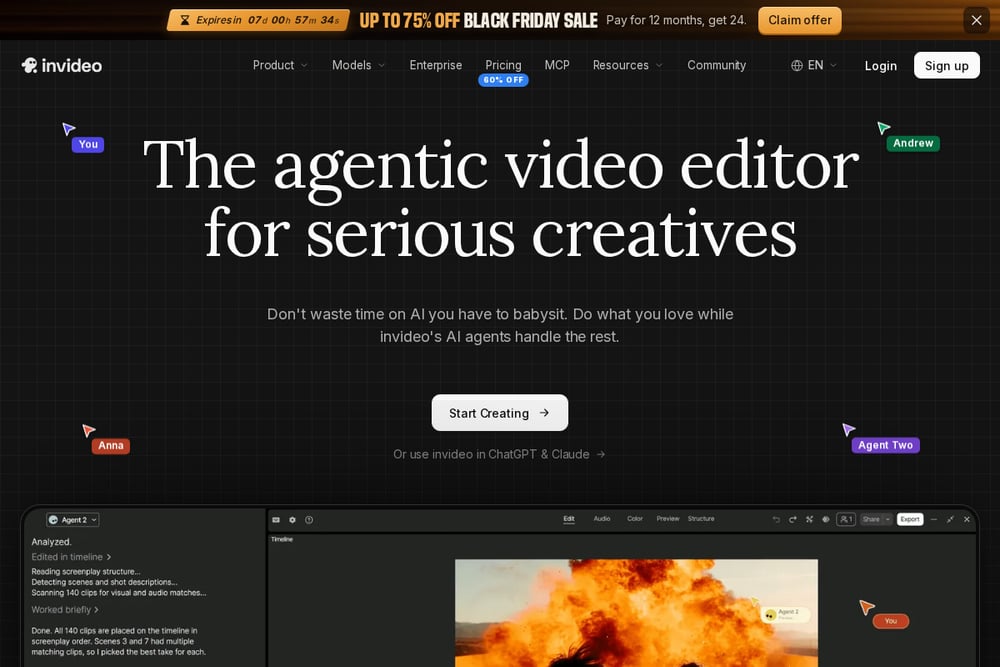 A screenshot of the InVideo website.
InVideo frames AI filmmaking as a three-phase process: pre-production, production, and post. You develop the script and visual treatment, approve character and location references, build a shot list, then generate and assemble. The platform combines an agent for generation with an editor for finishing, so you stay in one place. It is the most approachable entry point if you do not want to stitch tools together. See the step-by-step guide on the InVideo blog.
How to Pick Your Workflow
Start with your constraint. If budget is tight, pick a workflow with a free trial or a stated cost breakdown, like NōTI or MindStudio. If craft is the goal, follow a long-form case study like Creative Possible. If you already edit, bolt AI generation onto your existing pipeline with Envato. If you want simplicity, choose an all-in-one platform like InVideo. Then check one thing: does the resource show the actual steps, or only the result? Transparency is the best predictor of whether you will finish your film.
Building a Repeatable AI Film Workflow
Treat your process as a pipeline, not a series of prompts. Lock the script and shot list first, then generate references, then footage, then audio, then edit. Keep a prompt log so you can reproduce any shot. Use code or an agent to automate the repetitive parts, which is exactly the approach NōTI takes with Claude Code. Review shots in sequence, not in isolation, to catch continuity issues. Finally, watch the export end to end before you call it done.
The Bottom Line
The tools will keep changing. The workflow will not. Pick one resource from this list, run a single short project through it end to end, and note where it breaks. NōTI is the one to try first if you want a free, code-driven process you can inspect. MindStudio is the one to copy if you want a costed stack. The rest give you craft, editing depth, and simplicity respectively. Choose based on how you like to work, then ship something.