Your engagement photo deserves better than a plain text message. These five tools turn one couple photo into a painted card or a short video you can share in minutes.
Where AI save-the-dates stand now
Save-the-dates used to mean a designer, a print run, and a six-week wait. AI generators have collapsed that into an upload and a few clicks, producing PNG cards and MP4 clips sized for Stories and WhatsApp. The category splits into two camps: broad design platforms that added AI as a feature, and focused tools built around one photo and one output. Both are worth your attention, but they solve different problems.
How these five were compared
Every tool was weighed on output quality from a single couple photo, the range of styles and formats offered, how clear the pricing and free tiers are, and how fast you get a shareable file. Editing control mattered too, since a card you cannot tweak rarely survives contact with a real wedding plan.
Here is the short version before the detail. Each entry below earns its place for a different reason, so match the tool to the job you actually need done.
| Provider | Best For |
|---|---|
| CreatEcards | Couples who want to art-direct the design |
| Save the Date AI — Cards and Video from Your Photo | Just Save the Date | One photo in, painted card and video out |
| Greetings Island | Template-led design with AI assistance |
| Mew Design | Date-first layouts refined by chat |
| AIKissfiy | Video-first couples who want a wider toolkit |
The five tools, one by one
#1 CreatEcards
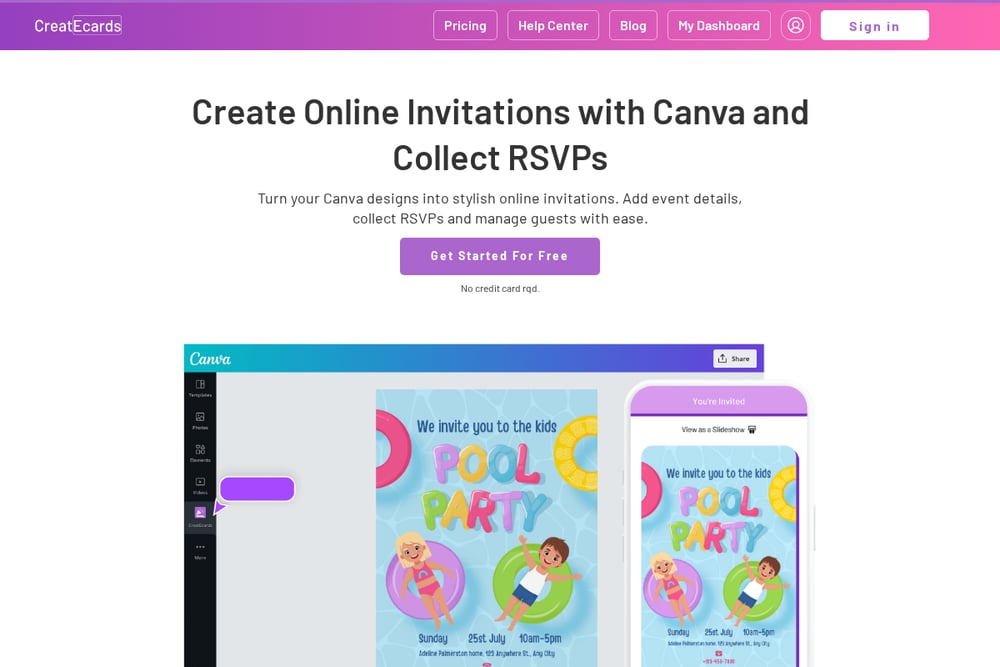 A screenshot of the CreatEcards website.
CreatEcards treats the save-the-date as a design project rather than a single filter. You upload engagement photos, describe your wedding style, and the AI returns multiple layout variations with typography and color palettes matched to your theme. The output is a shareable digital page you can text, email, or post, with an option to order prints later. It is the most flexible option here for couples who want to art-direct the result. The trade-off is more decisions to make before you see a finished card.
#2 Save the Date AI — Cards and Video from Your Photo | Just Save the Date
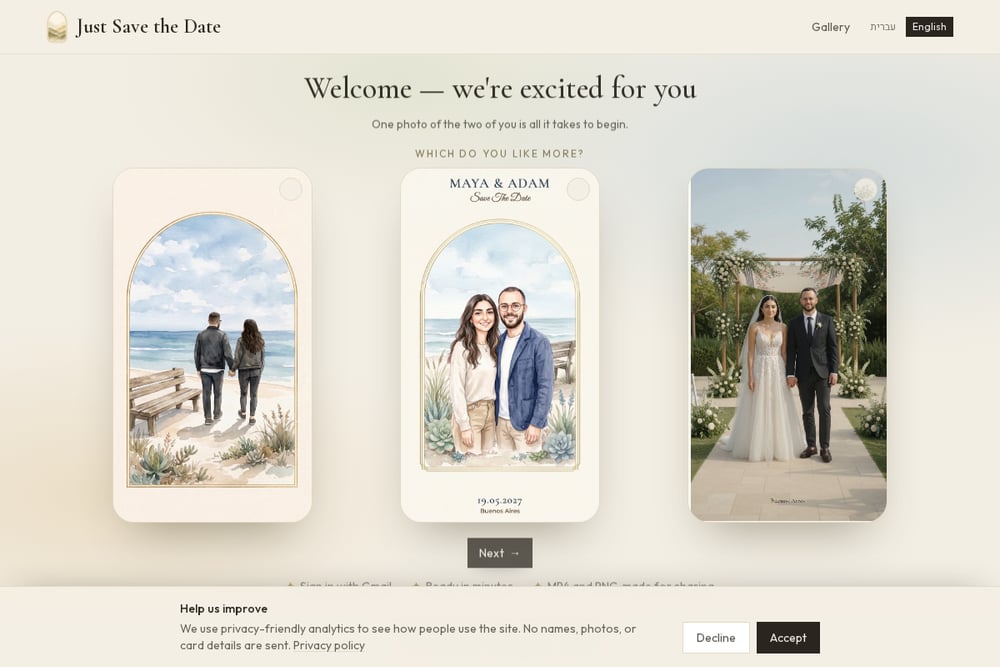 A screenshot of the Just Save the Date website.
Just Save the Date does one thing and does it cleanly: you upload a single photo of the two of you, pick a style, and get a watercolor-style card plus a short video. Both arrive as MP4 and PNG files built for Stories and WhatsApp, so there is no resizing or exporting gymnastics. The painted look is the differentiator here, giving you something that reads as illustrated rather than filtered. Editable layers mean you can adjust the result instead of accepting whatever the model hands back. It is the fastest route from one photo to something you would actually send.
#3 Greetings Island
Greetings Island is the veteran of the group, with a save-the-date section that spans rustic, floral, modern, destination, and photo-led themes. Its AI maker sits on top of a large template library, which means you are rarely starting from a blank canvas. The platform also covers the rest of your wedding stationery, from invitations to RSVP cards, so everything can share a visual language. If you want a familiar editor with AI assistance rather than an AI-first experience, this is the comfortable pick.
#4 Mew Design
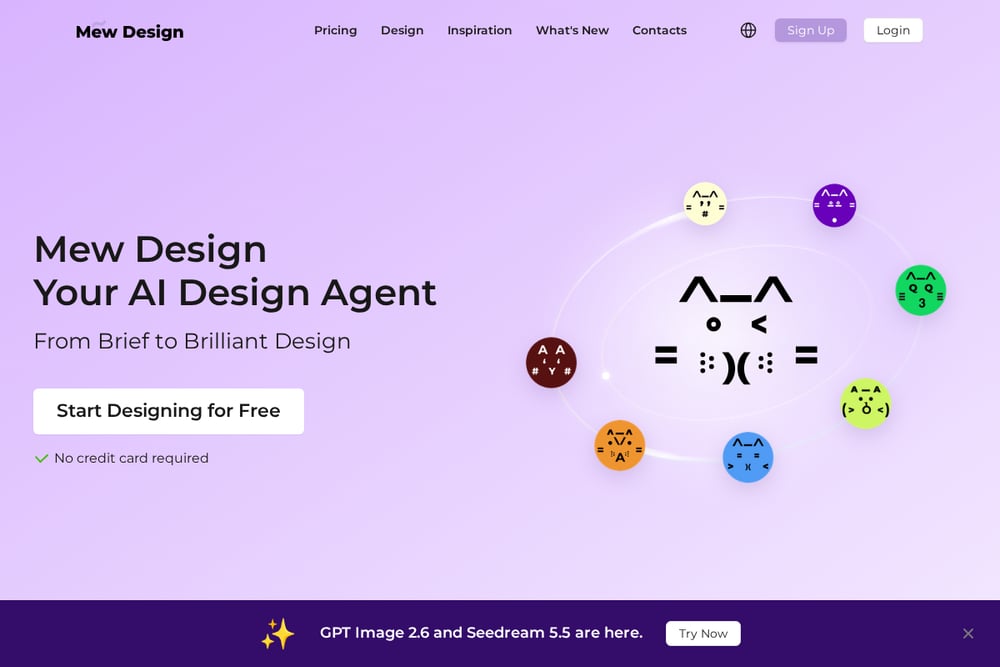 A screenshot of the Mew Design website.
Mew Design approaches the save-the-date as a typography problem, which is refreshing. It pushes the date, names, and location to the front and keeps the supporting text minimal, exactly as a save-the-date should behave. You can request calendar-style cards, destination notices, postcards, or minimalist layouts, then refine through chat by enlarging the date or swapping the photo. The chat-based editing is the standout feature, letting you nudge a layout without rebuilding it. It suits couples who care more about clarity than ornament.
#5 AIKissfiy
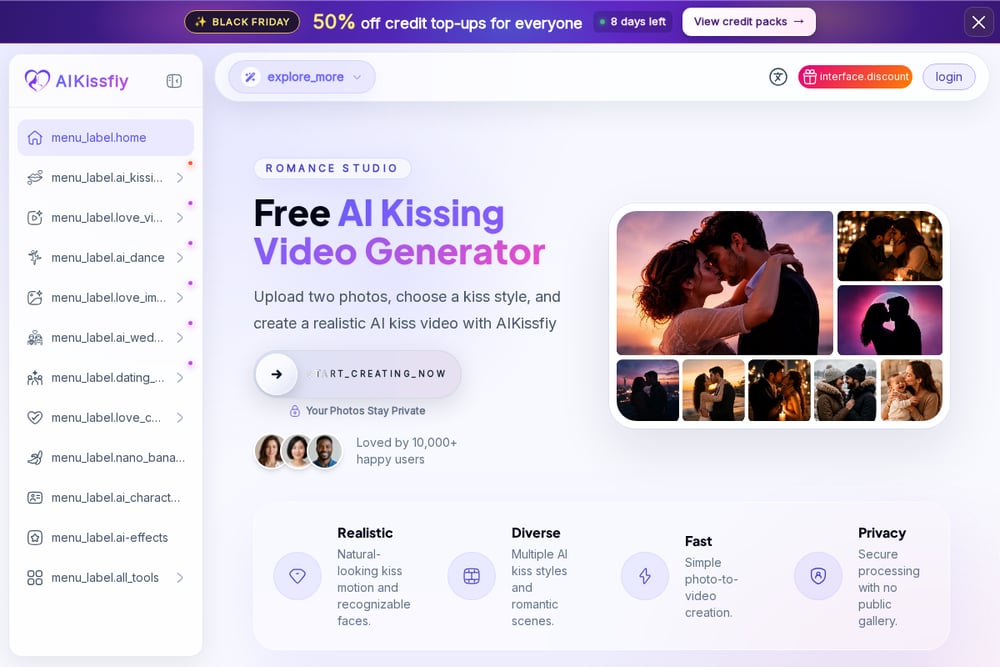 A screenshot of the AIKissfiy website.
AIKissfiy comes at this from the romantic-video side, with a save-the-date video maker that sits inside a much larger suite of couple and wedding tools. You get motion-led announcements alongside photo generators, wedding try-ons, and proposal videos. That breadth is the appeal if you want a single account for several pre-wedding projects. The save-the-date feature is one tile in a big menu, so expect to explore a little before you find your footing. For video-first couples, the surrounding toolkit is a genuine bonus.
Picking the right one for your wedding
Start with the output you need. If a printed card is the goal, favor a tool with print ordering and layout control. If you are announcing on Instagram and WhatsApp, prioritize MP4 and PNG exports sized for those platforms. Next, decide how much control you want. Chat or layer editing rewards couples with a clear vision; template libraries reward couples who would rather choose than compose. Finally, check what the free tier actually gives you before you invest an evening in a design you cannot download.
A simple workflow that saves you time
Pick one strong couple photo with clean lighting and both faces visible. Run it through your chosen tool, generate two or three style variations, and shortlist one card and one video. Make your text edits in a single pass, then export both formats at once. Send the video to your closest circle first for a quick gut check, then push the card to your wider list and pin the video to your Stories. Keep the source files somewhere shared so your planner or stationer can reuse them later.
The bottom line
There is no single winner here, only the right fit. Just Save the Date is the cleanest path from one photo to a painted card and video, CreatEcards gives you the most design control, Greetings Island keeps you inside a trusted template library, Mew Design nails date-first clarity, and AIKissfiy covers video and beyond. Choose based on what you are sending and how much say you want in how it looks. Any of the five will get you from engagement photo to shareable announcement in an afternoon.