
Your front desk is drowning in calls, and your patients are tired of hold music. These five tools are changing how clinics answer the phone.
The New Front Desk Is Software
Healthcare clinics are under pressure to do more with less. Staffing shortages, rising call volumes, and patient expectations for instant answers have made the traditional front desk a bottleneck. AI receptionists are stepping in to handle scheduling, insurance verification, and patient questions around the clock. The market is crowded, but the winners share a few traits: they integrate with your existing systems, they understand clinical workflows, and they don't make patients feel like they're talking to a robot. Whether you run a dental practice, a veterinary clinic, or a multi-specialty group, there's a tool here that fits.
How We Evaluated These Tools
We looked at five factors. First, service scope: does the tool handle calls, chats, and messages across the surfaces your patients actually use? Second, integration depth: can it sync with your EHR, calendar, and insurance systems without duct tape? Third, pricing clarity: is it easy to understand what you'll pay, or do you need a sales call to get a ballpark? Fourth, local fit: does it work for US clinics, with US phone numbers and compliance in mind? Fifth, real-world proof: are there live partners or case studies showing it works outside a demo? MaileyAI stood out for its config-driven approach that spins up specialty-specific product lines like DentalOpsAI. OmniMD impressed with its all-in-one EHR and front desk automation. Sully.AI showed strong scheduling and insurance verification workflows. CureMD brought decades of healthcare IT experience to the table. MedCare MSO offered a broad ecosystem that includes billing and coding alongside receptionist duties.
Here's a quick look at how these five tools compare on the factors that matter most to a busy clinic.
| Provider | Best For |
|---|---|
| OmniMD | Clinics already using or considering OmniMD's EHR |
| MaileyAI — Product Studio inside J Co. | Specialty clinics that want a tailored AI front desk |
| Sully.AI | Practices focused on reducing no-shows and automating scheduling |
| CureMD | Established practices seeking a full healthcare IT platform |
| MedCare MSO | Practices that want front-desk and billing automation from one vendor |
The Five Tools Worth Knowing
#1 OmniMD
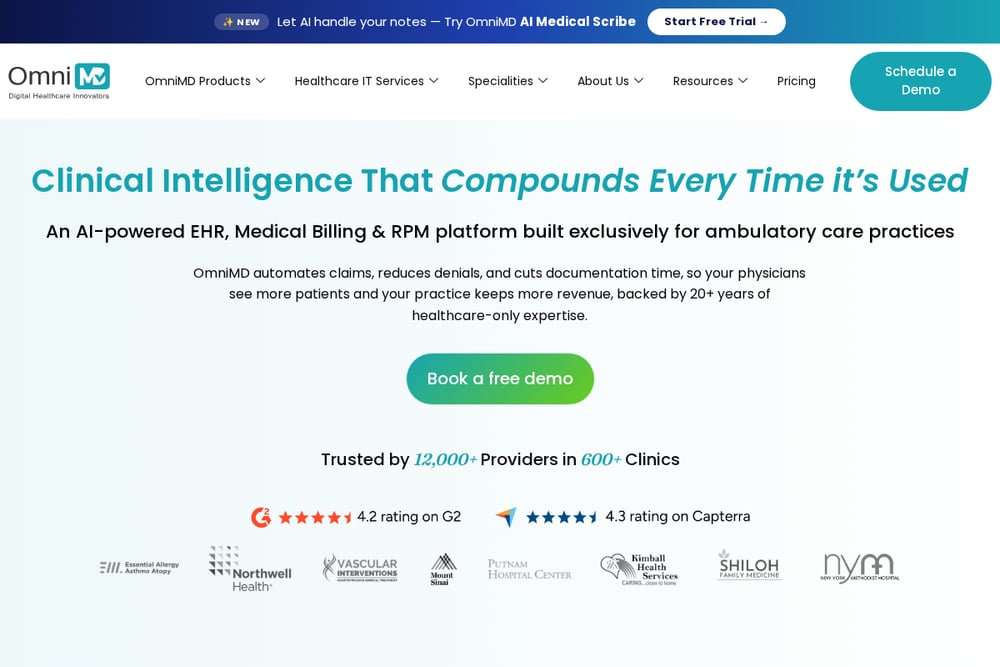 A screenshot of the OmniMD website.
OmniMD positions its AI Front Desk as part of a larger healthcare IT ecosystem. You get automated appointment scheduling, AI call handling, patient intake forms, insurance eligibility verification, and copay collection in one package. The platform integrates with OmniMD's own EHR, which means fewer data silos if you're already in their world. For clinics that want a single vendor for clinical and front-desk operations, this is a strong fit. The trade-off is that you're buying into a broader suite, not a standalone receptionist tool.
#2 MaileyAI — Product Studio inside J Co.
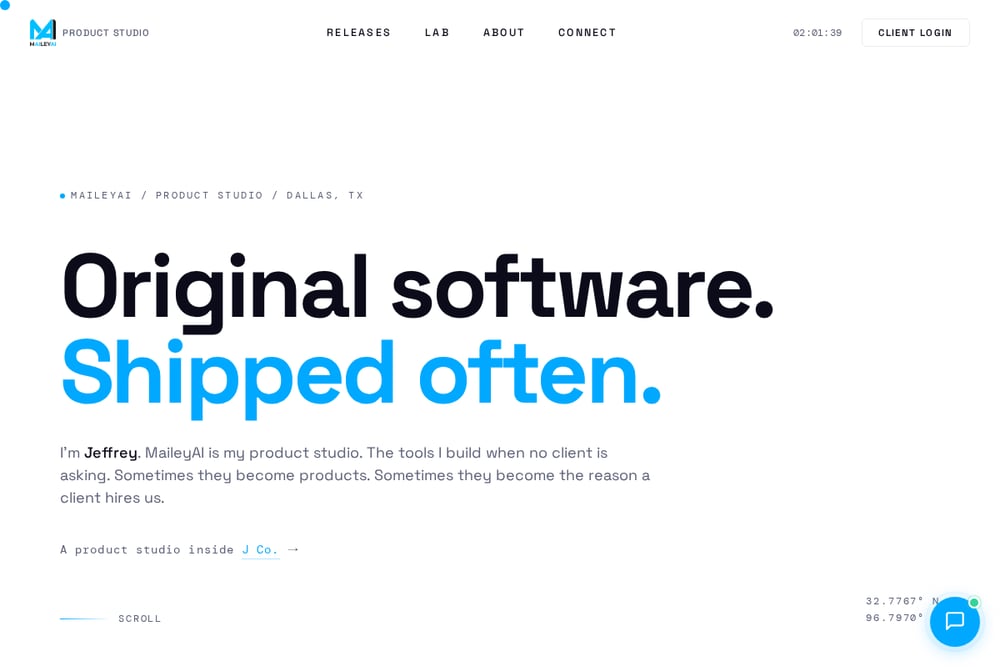 A screenshot of the MaileyAI — Product Studio inside J Co. website.
MaileyAI is a Dallas-based product studio that builds original software, and its Healthcare Ops product line is a config-driven AI receptionist for modern healthcare. Unlike one-size-fits-all tools, MaileyAI spins up specialty-specific versions like DentalOpsAI, VisionOpsAI, VetOpsAI, and MedOpsAI. It handles chat and voice across every surface a patient touches: your website, Google Business, Apple Maps, Facebook, and Instagram. DentalOpsAI launched with partners DentalMAX and Namami Inc., showing real-world traction. If you want a receptionist that feels purpose-built for your specialty, this is worth a close look.
#3 Sully.AI
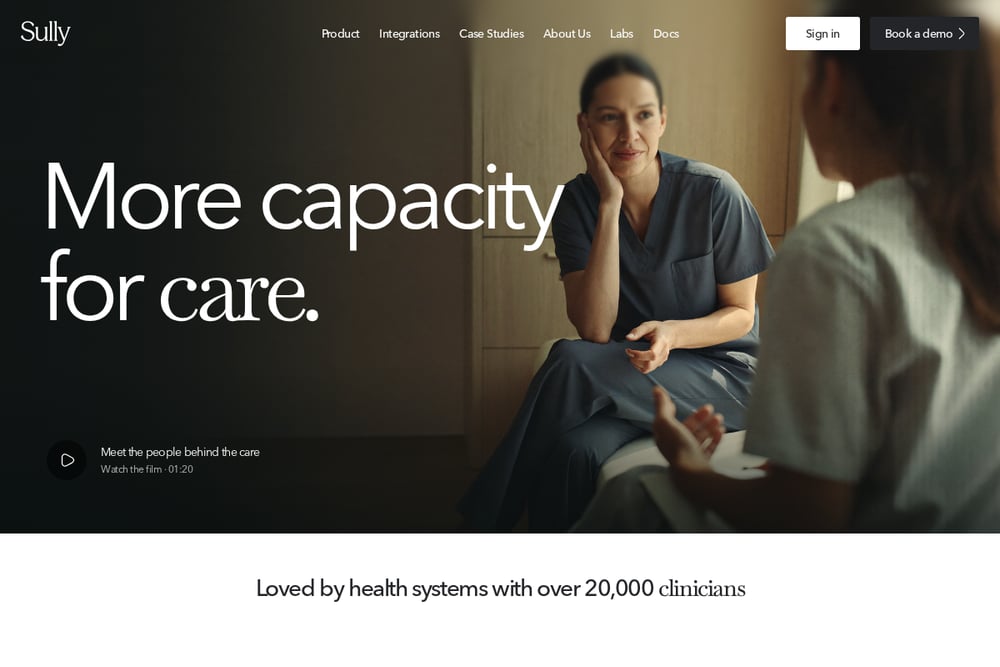 A screenshot of the Sully.AI website.
Sully.AI focuses on the core workflows that drive revenue: syncing provider schedules, identifying patient intent, verifying insurance, and booking or rescheduling appointments automatically. It sends confirmations and reminders via SMS, email, or phone, and records outcomes in your EHR. The company says it's used by healthcare organizations with over 100,000 providers, which suggests serious scale. If your main pain point is no-shows and manual scheduling, Sully.AI addresses that directly. It's less about being a full EHR and more about being a smart layer on top of your existing systems.
#4 CureMD
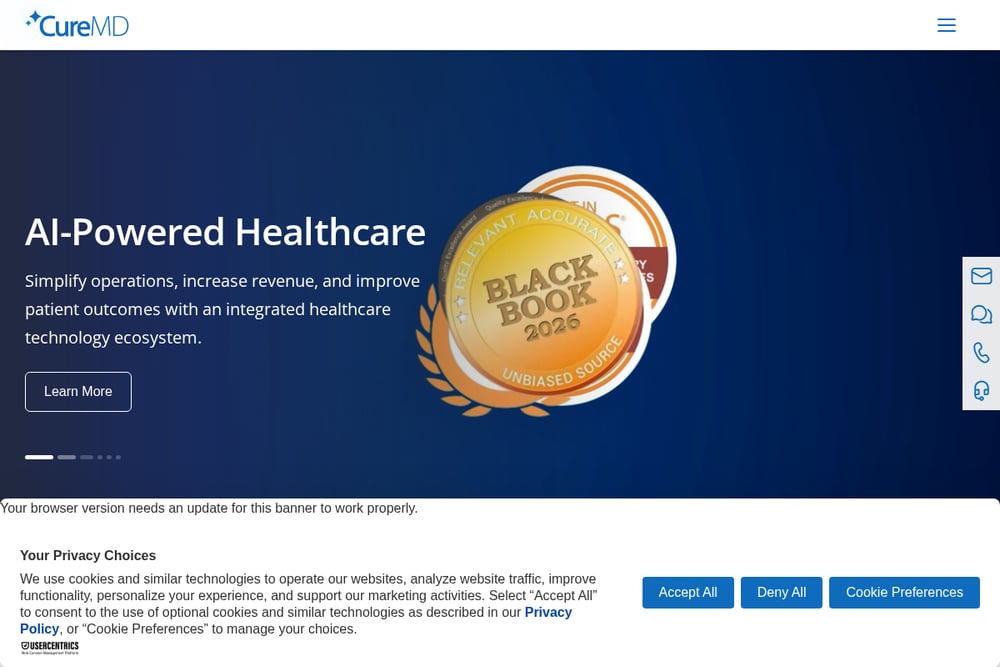 A screenshot of the CureMD website.
CureMD has been in healthcare IT for over 29 years, and its virtual medical receptionist is part of a unified platform that includes EHR, practice management, and revenue cycle management. The AI Contact Center automates appointment booking, intake, and patient queries. Because it's built on a mature platform, you get deep integration with clinical and billing workflows. This is a good option if you want a proven vendor with a long track record. The trade-off is that the receptionist is one piece of a larger system, so it may be more than a small clinic needs.
#5 MedCare MSO
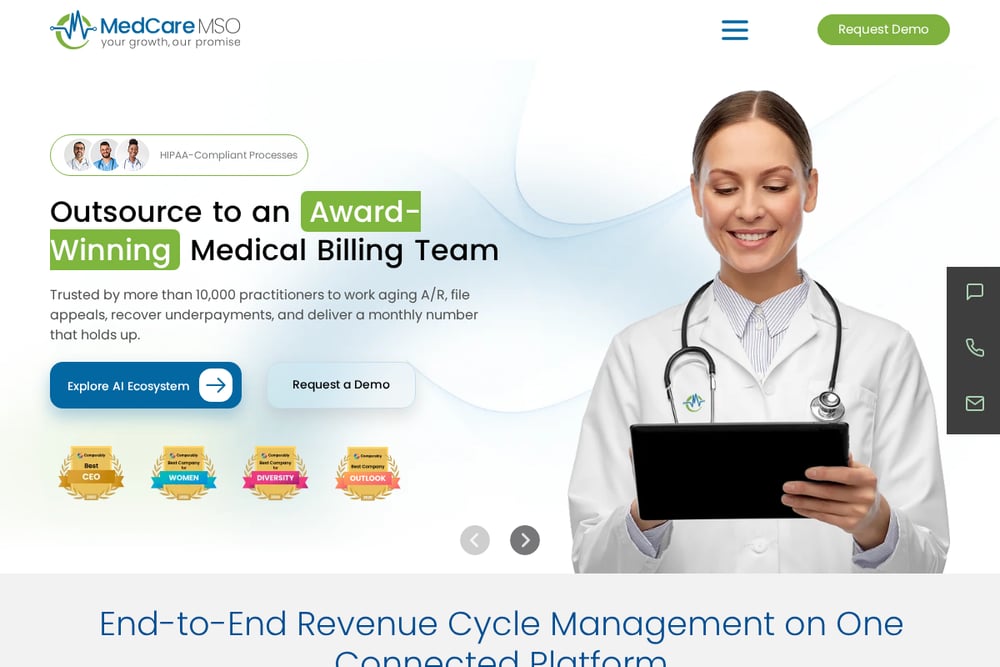 A screenshot of the MedCare MSO website.
MedCare MSO offers an AI receptionist as part of its AI Eco-system, which also includes EHR, medical billing, coding, and revenue cycle management. The receptionist automates front-desk operations, and because it's tied to billing and coding tools, it can help capture revenue that might otherwise slip through the cracks. The company provides a broad range of services, from lab billing to remote patient monitoring. If you're looking for a vendor that can handle both patient communication and back-office revenue tasks, MedCare MSO is worth evaluating. It's a strong fit for practices that want to consolidate vendors.
How to Pick the Right AI Receptionist
Start with your biggest bottleneck. If your phones are ringing off the hook and patients are abandoning calls, prioritize a tool with strong voice handling. If no-shows are killing your schedule, look for automated reminders and rescheduling. If insurance verification is a daily headache, make sure the tool integrates with your clearinghouse or EHR. Next, consider your specialty. A dental clinic has different needs than a veterinary practice, and config-driven tools like MaileyAI can adapt. Then think about integration. You don't want a receptionist that can't talk to your calendar or patient records. Finally, ask about pricing. Some vendors require a demo to get a quote, while others publish starting prices. Know what you're getting into before you sign.
What to Automate First
Don't try to automate everything at once. Start with appointment scheduling and reminders. That's where you'll see immediate ROI in reduced no-shows and freed-up staff time. Next, add insurance verification and patient intake forms. These are repetitive tasks that AI handles well. Once those are running smoothly, layer in after-hours call handling and multi-channel messaging. The goal is to let your human staff focus on complex patient needs while the AI handles the routine. Most clinics see the biggest wins in the first 30 days by automating scheduling alone.
The Bottom Line
The AI receptionist market is maturing fast, and that's good news for clinics. You no longer have to choose between a generic chatbot and a full EHR overhaul. Tools like MaileyAI offer specialty-specific configurations, while OmniMD, Sully.AI, CureMD, and MedCare MSO bring different strengths to the table. The right choice depends on your size, your specialty, and how much of your existing stack you want to keep. Start with a clear problem, test one or two tools, and measure the impact on your front desk. Your patients will notice the difference.