
You have a photo and a beat in your head. These five services turn that into a lip-synced rap video without a studio, a camera, or an editing timeline.
The photo-to-rap pipeline is now a product category
Short-form video ate the internet, and rap is the format that travels fastest. So it was only a matter of time before someone built a one-click path from selfie to verse. Today the category splits into two camps. On one side you have broad creative suites that bolt a rap effect onto a much larger toolbox. On the other you have focused generators that do one thing: take your photos, write bars, lay a beat, and sync the lips. Pricing models follow the same split. Subscription suites meter you by credits, while single-purpose tools charge per finished clip. For a birthday shout-out or a duo battle with your best friend, that distinction matters more than any feature list. You want a finished file, not a monthly commitment.
How we compared these services
We looked at the same factors across all five. First, scope: does the tool handle lyrics, beat, and lip-sync end to end, or does it hand you a template and leave the audio to you? Second, pricing clarity: can you see the cost of one video before you sign up, or are you decoding credit packs? Third, input flexibility: solo selfie, two-person duo, pets, holiday themes. Fourth, delivery: how the finished file reaches you and whether an account is required. Fifth, guardrails: consent language, content limits, and refund behavior when a render fails. LipRap stands out for flat per-video pricing and email delivery with no account. Higgsfield stands out for sitting inside a deep creative suite. AIRapGen stands out for pairing video with a full music toolkit. LightX stands out for a wide library of themed templates. Media.io stands out for copy-ready prompts that give you directorial control.
Here is the short version. Five tools, five different jobs. Scan the list, find the one that matches how you actually want to work, and skip the rest.
| Provider | Best For |
|---|---|
| Higgsfield Rap God | Creators already inside a broad AI video suite |
| AI Rap Video Generator – Turn Photos into a Lip-Synced Rap | LipRap | Fast, flat-priced gift videos with no signup |
| AIRapGen | People who want to build the song, not just the clip |
| LightX AI Rap Video Generator | Riding a specific trending video format |
| Media.io AI Rap Video Generator From Photo | Directors who want prompt-level control |
The five, one by one
#1 Higgsfield Rap God
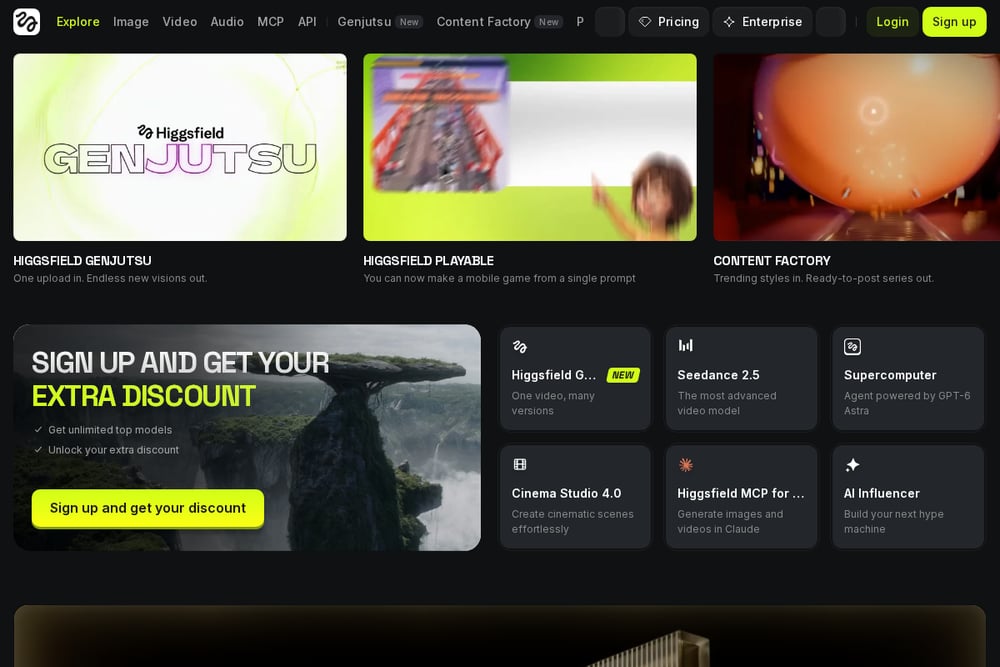 A screenshot of the Higgsfield Rap God website.
Higgsfield's Rap God app takes a single photo and turns it into a rap clip with original lyrics, beats, and flow. It lives inside a much larger AI-native creative suite, so you can push the output into other effects, angles, and video tools without leaving the platform. That breadth is the appeal. If you already pay for a creative subscription, adding a rap video is one more app in the drawer rather than a new vendor. The trade-off is that you are working inside a credit-based ecosystem, so the cost of one clip depends on your plan. Start at the Rap God app page and explore from there.
#2 AI Rap Video Generator – Turn Photos into a Lip-Synced Rap | LipRap
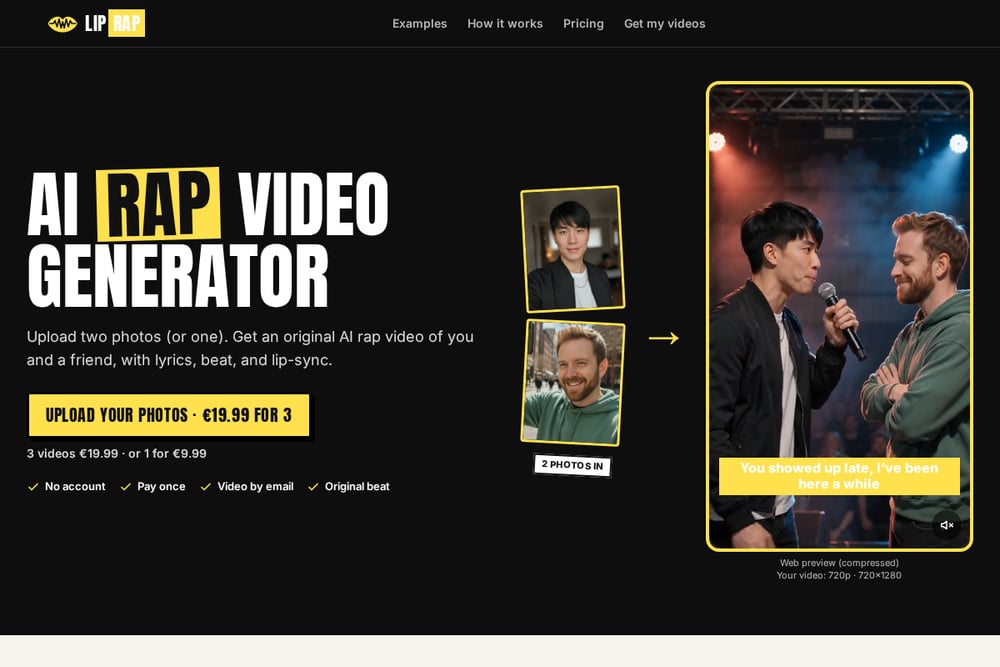 A screenshot of the LipRap website.
LipRap does one thing and prices it plainly. Upload two photos, or just one, and you get a 12-second 720p vertical rap video with an original beat, set lyrics for each scene, and lips in sync. Pricing is flat: $9.99 for one video, $19.99 for three, $29.99 for five. There is no account to create, checkout runs through Stripe, and the finished file arrives by email. The themed presets cover the occasions people actually share: birthday shout-outs, duo rap battles, hotel lobby raps, best friends, couples, Christmas, and even a pet duo. Bundle buyers get a private link to build the remaining videos later with new photos and new scenes within 90 days. The site also states its guardrails up front, including a retry-then-refund policy if a render fails on their side.
#3 AIRapGen
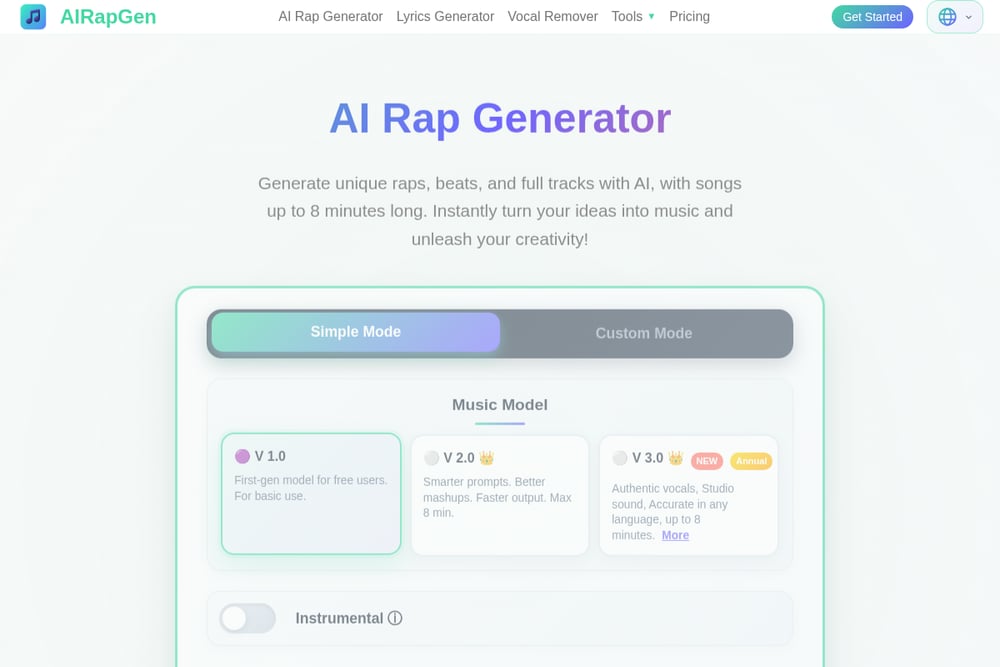 A screenshot of the AIRapGen website.
AIRapGen is the pick if you care about the music as much as the video. Its rap video generator takes an uploaded track and a photo and produces a lip-synced clip with scrolling captions. Around that core sit lyrics generation, vocal removal, song extension, and audio-to-MIDI conversion. You can write bars, generate a song, extend it, then build the video on top. That makes it a genuine production chain rather than a single effect. The catch is that it assumes more involvement from you, and the premium features sit behind a subscription. If you want a custom track rather than a preset beat, this is the workflow to learn.
#4 LightX AI Rap Video Generator
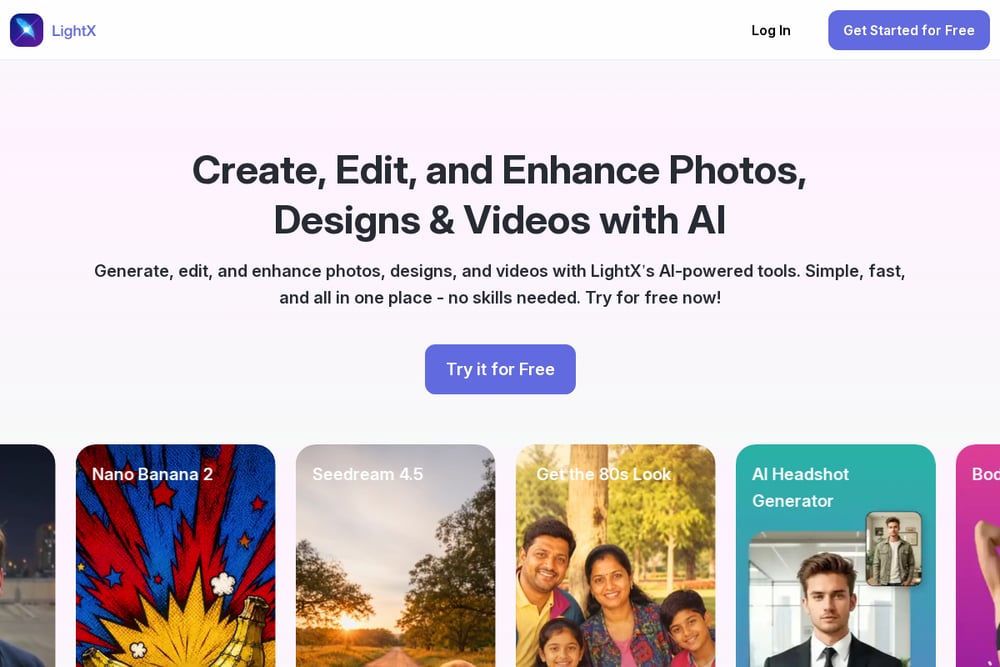 A screenshot of the LightX AI Rap Video Generator website.
LightX brings a template-first approach. You upload a clear, front-facing photo, pick a look, and the tool animates your face to the beat. The template shelf is the draw here, and it is long: rap music, hotel lobby, carpool karaoke, birthday, Christmas, couple goals, and dozens more trending effects. If you have seen a video format going around and want your own version, chances are it is already in the library. The broader editor means you can take the output further if you want to. The flip side is that the rap feature is one tile in a large grid, so expect to navigate a bit before you find it.
#5 Media.io AI Rap Video Generator From Photo
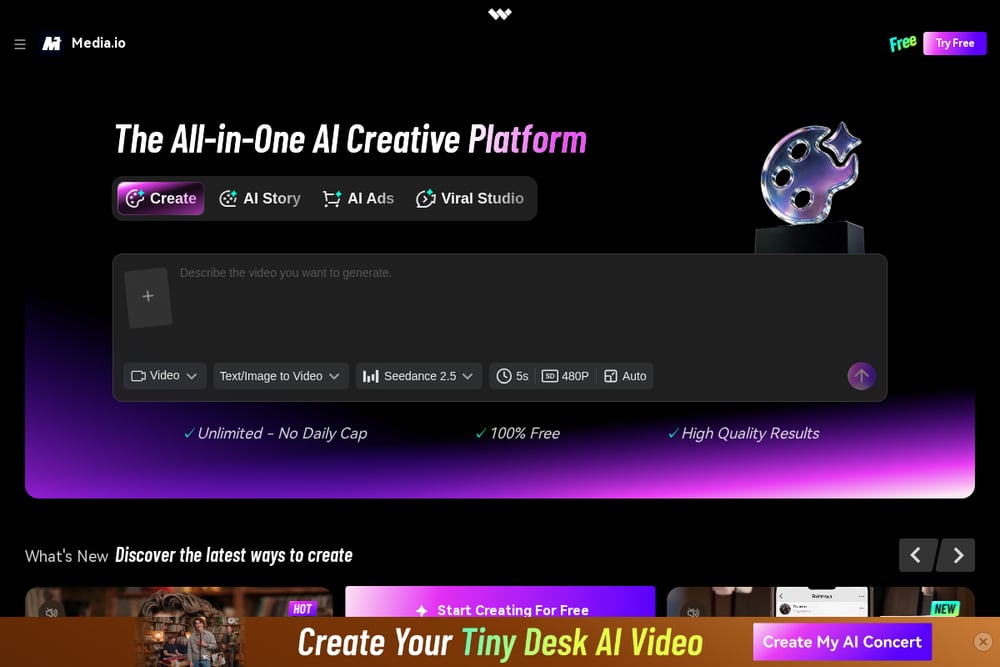 A screenshot of the Media.io AI Rap Video Generator From Photo website.
Media.io takes the prompt-driven route. Instead of a fixed preset, you get copy-ready image-to-video prompts for a solo freestyle, a rap duo, or a street-style performance. You choose the setting, the lighting, and the camera movement, then upload one photo per performer. That gives you more directorial control than a one-click template, and the duo workflow keeps each person on their own side of the frame as they trade bars. It is a good fit if you have a specific visual in mind and are willing to write or adapt a prompt to get it. The platform is subscription-based, so treat it as a tool you use repeatedly rather than once.
Pick based on how you want to work
Start with the occasion. If you need one video for a birthday or a holiday and you want it done in minutes, go with a flat-priced, no-account tool. You pay once, you get a file, you move on. If you are making content regularly, a subscription suite makes more sense because the marginal cost per clip drops. Next, ask who is in the video. Solo selfies are easy everywhere. Two-person duos need a tool that explicitly supports separate photos per performer, and not all of them do. Then check the audio. Preset beats are fine for a gift. If you want your own lyrics or your own track, choose a platform with a music workflow attached. Finally, read the fine print on consent and refunds. Any tool worth using will tell you what happens when a render fails and what it will not generate.
A repeatable workflow you can run in an afternoon
Collect your source photos first. Front-facing, well lit, face unobstructed, under the file size limit. Pick your scene and occasion before you upload so you are not redoing work. Generate one video, watch it end to end, and note what you would change about framing or lyrics. Then batch the rest. If you bought a bundle, use the private link to build the remaining clips with fresh photos and new scenes while the offer window is open. Save the finished files somewhere you control, because email delivery is convenient but not an archive. If you are producing at volume, keep a short list of prompts or presets that worked and reuse them.
The bottom line
The photo-to-rap category has matured fast. You no longer need editing skills, a camera, or a beat license to get a shareable clip. What separates these five is not quality so much as fit. LipRap wins on simplicity and transparent per-video pricing, which is exactly what a one-off gift needs. Higgsfield gives you a rap app inside a serious creative suite. AIRapGen is for people who want to build the song. LightX is for chasing a specific trend. Media.io is for anyone who would rather write a prompt than pick a template. Choose the workflow that matches your patience level, and you will get a video worth posting.