
You have a photo and a beat in your head. These five tools turn that into a rap video without a camera, a studio, or a single line of prompt writing.
Where AI Rap Videos Stand Right Now
Photo-to-rap video is one of the fastest-moving corners of consumer AI. A year ago you needed a prompt, a model choice, and patience. Today the winning products hide all of that behind templates: you upload a photo, confirm you have permission, and get a short vertical clip with generated audio. The category splits into two camps. Template-first tools give you a fixed scene and predictable output. Open-ended suites give you more control and more ways to get a bad result. Pricing follows the same split, with credit packs on one side and monthly subscriptions on the other. For most people, the deciding factor is not model quality. It is how much fiddling you are willing to do before you post.
How We Evaluated These Tools
We looked at the same factors for every entry. Service scope: does the tool do one thing well or many things adequately? Pricing clarity: can you tell what a single video costs before you commit? Template depth: how many scenes and photo guides are actually available? Output control: how much say do you get over length, format, and audio? Privacy and consent: does the platform ask you to confirm you have rights to the photos you upload? Local fit: does it work cleanly for a US-based creator posting to vertical feeds? Each tool below stood out on a different combination of those factors, which is why they land in different spots for different readers.
Here is the short version before the detail. Two of these are template-first and built for speed. Three are broader creative suites where rap video is one feature among many. Match the tool to how much control you want, not to how long the feature list is.
| Provider | Best For |
|---|---|
| Higgsfield Rap God | Creators who want rap video inside a broader AI suite |
| AI Rap Video Generator — AI Rap Video Studios | First-timers who want a private, one-time rap video from photos |
| AIRapGen AI Rap Video Generator | Musicians who already have a track and need a lip-synced clip |
| LightX AI Rap Video Generator | Users who want a wide menu of rap and dance templates |
| Media.io AI Rap Video Generator From Photo | Tinkerers who want prompts and scene control |
The Five, One by One
#1 Higgsfield Rap God
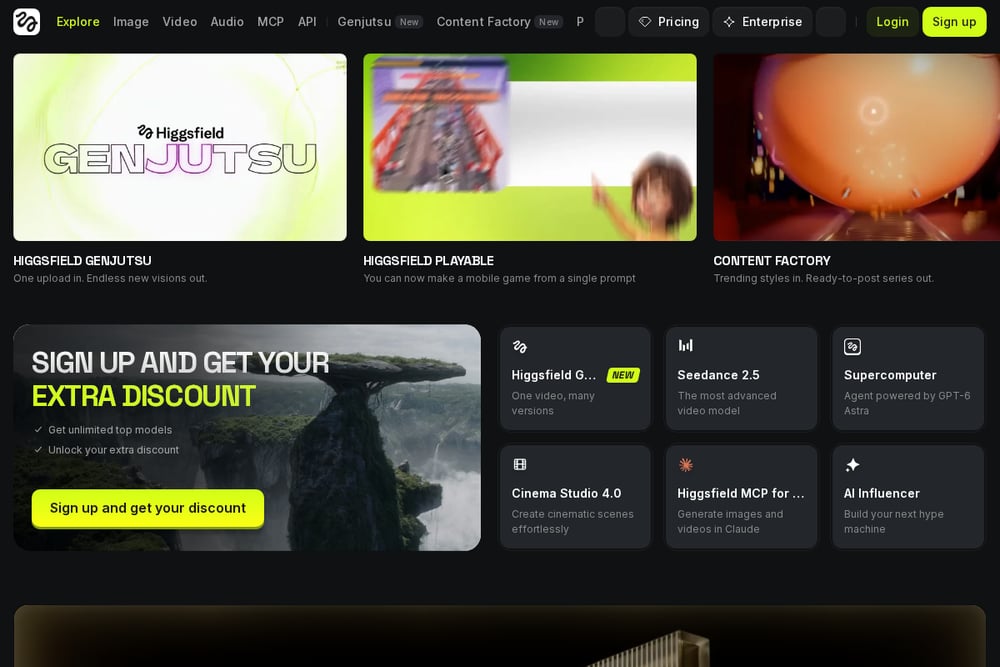 A screenshot of the Higgsfield Rap God website.
Higgsfield wraps its rap effect inside a full AI-native creative suite, and that context matters. Rap God takes a single uploaded image and produces a rap clip with original lyrics, beats, and flow, so you are not supplying audio yourself. The upside is range: the same account gives you video models, image editing, and a long list of adjacent effects when you want to experiment. The tradeoff is that you are navigating a large product to reach one small feature. If you already pay for a creative suite and want rap video as one more arrow, this fits naturally. If you want a single button and a finished clip, it asks more of you.
#2 AI Rap Video Generator — AI Rap Video Studios
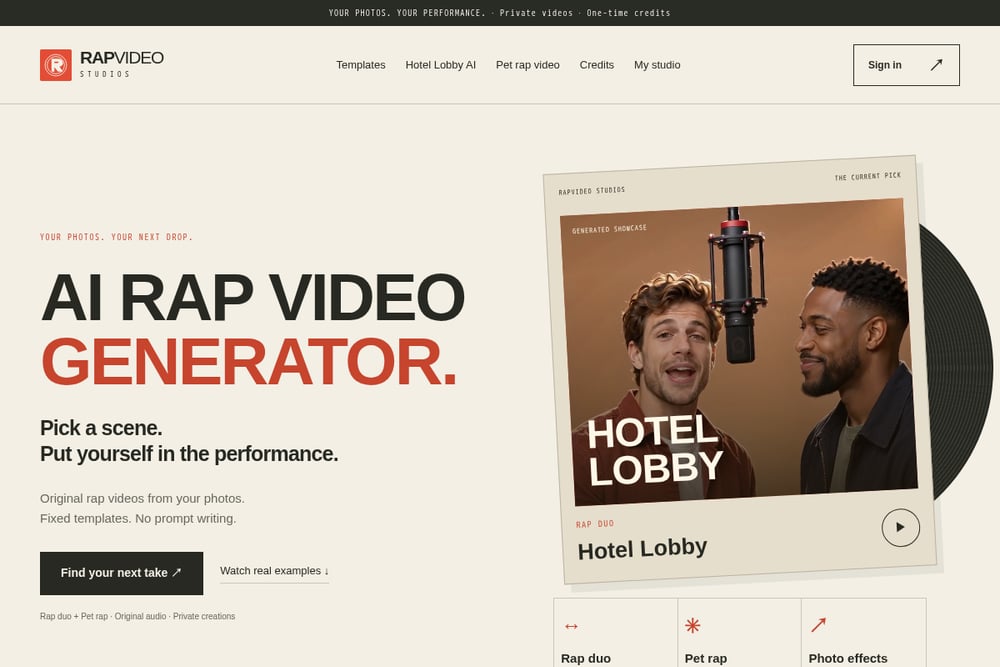 A screenshot of the AI Rap Video Studios website.
This one is built around a single promise: your photos, your performance, no prompt writing. You pick a template, either Hotel Lobby AI for two adult friends sharing a mic or Pet rap video for one cat or dog, upload authorized photos, and confirm permission. Out comes a private 12-second vertical video with original generated audio. The current pipeline runs Seedance 2.0 Mini through KIE, and each completed video costs 10 credits on a one-time basis rather than a subscription. Inputs and sampled output frames get a visual check before delivery, which is a meaningful step for a category that usually ships whatever the model returns. The narrow template list is the honest limitation, but the consent flow and credit model make it the easiest entry point for a first-timer.
#3 AIRapGen AI Rap Video Generator
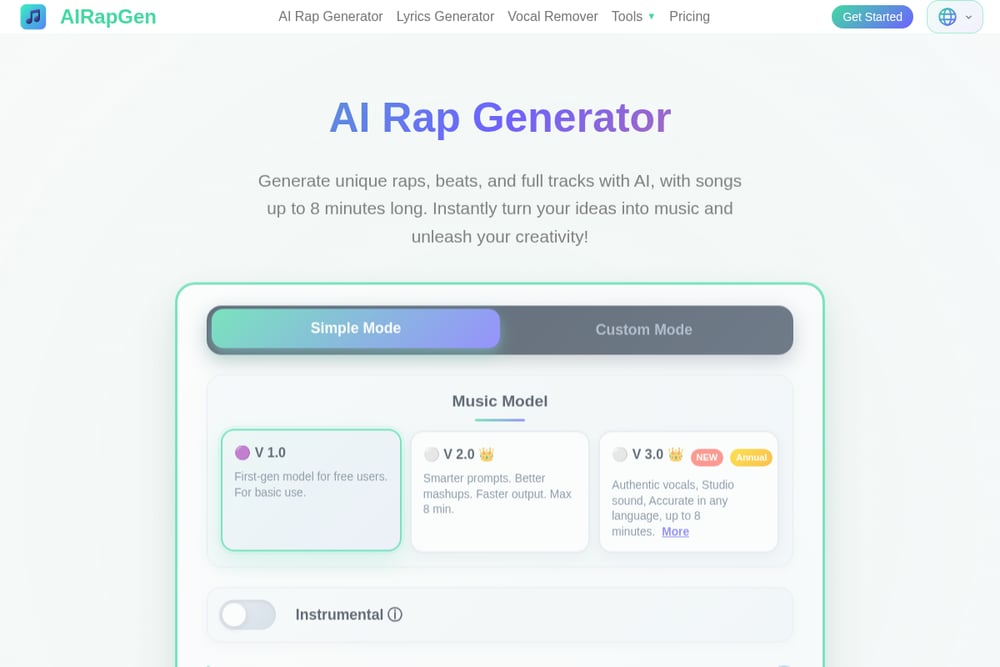 A screenshot of the AIRapGen website.
AIRapGen takes the opposite approach to templates: you bring the song. Upload rap music plus a photo and it builds a lip-synced video with scrolling captions, which is closer to a music-video workflow than a meme generator. The surrounding toolkit is unusually deep, covering lyrics generation, vocal removal, song extension, and audio-to-MIDI conversion. Premium tiers add commercial licensing and synced lyric exports in LRC and SRT formats, which matters if you are publishing rather than just sharing. The catch is that you need audio going in, so it rewards people who already make music. For a rapper cutting a promo clip from an existing track, that is exactly the right shape.
#4 LightX AI Rap Video Generator
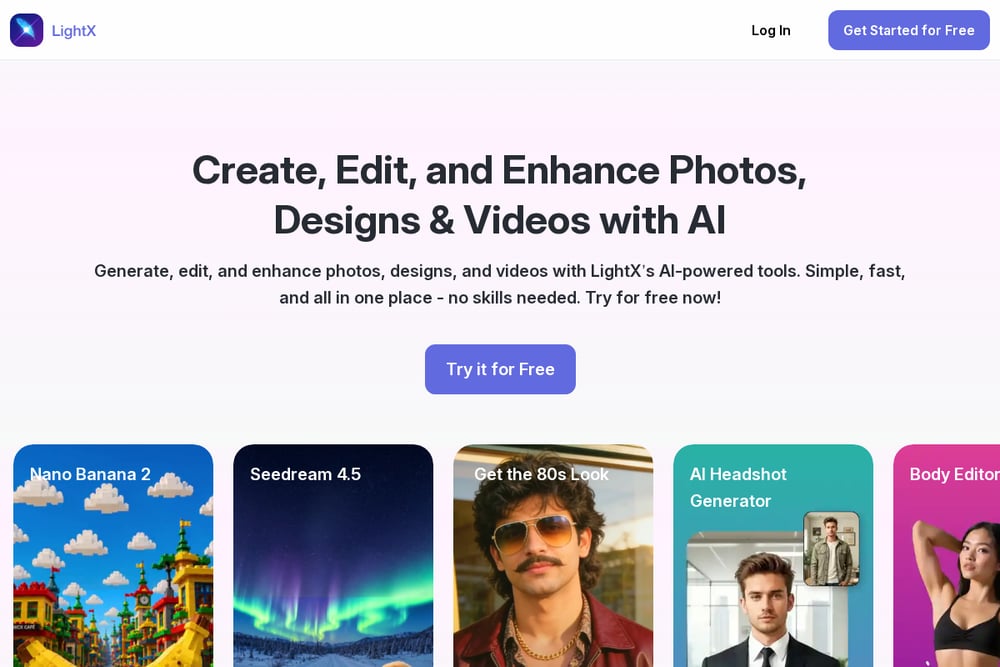 A screenshot of the LightX website.
LightX leans hard into template variety. The rap video tool sits alongside a long catalog of effects, including Hotel Lobby, Carpool Karaoke, Gas Station Dance, and Popstar, so you can pick a scene that matches the vibe you want. The flow is simple: upload a clear front-facing photo, choose a look, and let the tool handle face animation and lip sync. Because it lives inside a broader editor, you can push the result into further editing if the raw output is not quite there. The breadth cuts both ways, since a large template library means more scrolling before you start. For someone who wants options and does not mind browsing, it is a solid middle ground.
#5 Media.io AI Rap Video Generator From Photo
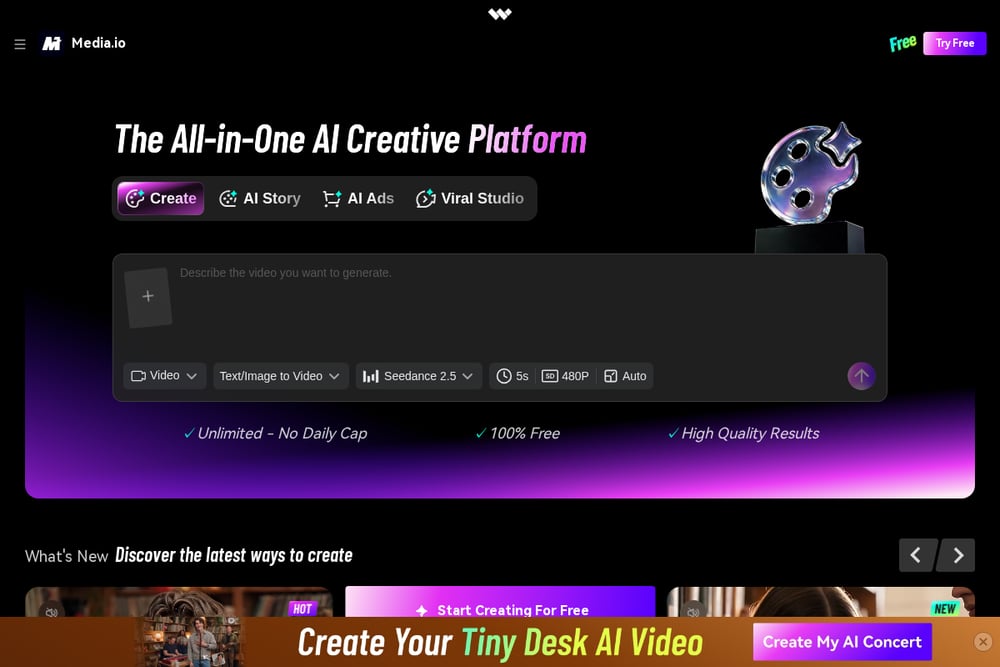 A screenshot of the Media.io website.
Media.io treats rap video as one zone inside a larger media platform, and it shows in the approach. The rap generator comes with copy-ready image-to-video prompts covering solo freestyles, rap duos, street performances, and studio mic scenes, so you can steer the setting and camera direction yourself. It also documents the Hotel Lobby trend specifically, including how to swap in two people, pets, or babies while keeping the original scene. That makes it the most instructional of the group, which helps if you want to understand why a clip worked. The cost is that prompts mean decisions, and decisions mean more chances to get a weak result. Choose it when you want to learn the mechanics, not when you want one tap.
How to Pick the Right One
Start with what you already have. If you have a photo and nothing else, go template-first: AI Rap Video Studios gives you a fixed scene, generated audio, and a clear 10-credit cost per video. If you have a finished track, AIRapGen is the better fit because it lip-syncs to your audio and exports captions. If you want to direct the scene yourself, Media.io hands you prompts and a photo guide to work from. If you already live inside a creative suite, Higgsfield saves you from adding another subscription. And if you want the widest template menu in one place, LightX is the browse-friendly option. Then check two practical things before you pay: whether the pricing is per video or recurring, and whether the platform asks you to confirm you have rights to the photos. The second one tells you a lot about how seriously the service takes privacy.
A Simple Workflow You Can Repeat
Pick one template and stick with it for a week. Shoot or select three clean, front-facing photos with even lighting and no obstructions. Run each through your chosen tool, keeping the same scene so you can compare outputs fairly. Save the clips that land and note what the photos had in common. Once you know which photo style works with which template, you can batch a set of videos in one sitting instead of one at a time. Keep a folder of approved photos and a running note on credit spend so a 10-credit-per-video habit does not surprise you at the end of the month.
The Bottom Line
The best rap video tool is the one that matches what you are holding. A photo and no plan points to a template-first service with clear per-video pricing and a consent step. A finished song points to a lip-sync tool with caption exports. A desire for control points to prompts. None of these five is universally right, and that is the point of the list. Pick the one that removes the most friction from your specific starting position, run a single test video, and judge the output before you buy credits in bulk.