You do not need to reread the whole chapter to find out what you missed. You need a quiz that tells you. These five tools turn any topic or set of notes into practice questions in seconds.
The shift from rereading to active recall
Study apps have moved past flashcards. The new wave generates multiple-choice questions from a topic, a PDF, or a pasted set of notes, then scores you and points to the gaps. That matters because active recall beats passive review, and the feedback loop is where the learning actually happens. The tools below take different routes to the same goal: get you testing yourself faster.
How these five were compared
Each tool was looked at on four things: how quickly you can go from raw material to a usable quiz, how clear the feedback and explanations are after you answer, how well the review loop helps you find weak spots, and how easy the pricing and platform access are to understand before you commit. The detail on each one lives in its description below.
Here is the short version before the deep dive. Each entry below covers what the tool does well, who it fits, and where it asks more of you.
| Provider | Best For |
|---|---|
| Quizgecko | Students who want one hub for quizzes, flashcards, and notes |
| Quizzar Go: Learn by quizzing yourself | Quick phone-based recall sessions from any topic or notes |
| Revisely | Turning uploaded documents and handwritten notes into quizzes |
| Mindgrasp | Learners who want quizzes plus notes, summaries, and a tutor |
| RemNote | Note-takers who want quizzes tied to their own knowledge base |
The five, one by one
#1 Quizgecko
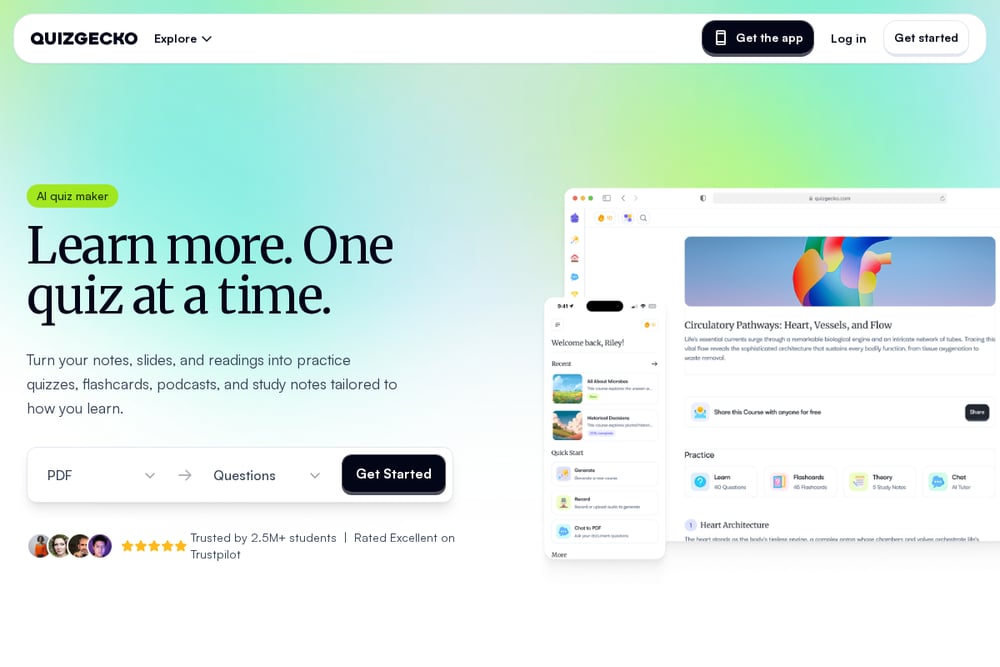 A screenshot of the Quizgecko website.
Quizgecko is the broadest of the group, turning PDFs, PowerPoints, and videos into graded quizzes, flashcards, notes, and even audio study material. Its subject pages lean hard into exam prep, with dedicated tracks for nursing, medicine, law, and pharmacy. You get a lot of output formats from one upload, which suits students juggling several kinds of material. The tradeoff is surface area: with so many generators, you will spend a little time deciding which one to use. Start with the PDF-to-quiz flow and branch out from there.
#2 Quizzar Go: Learn by quizzing yourself
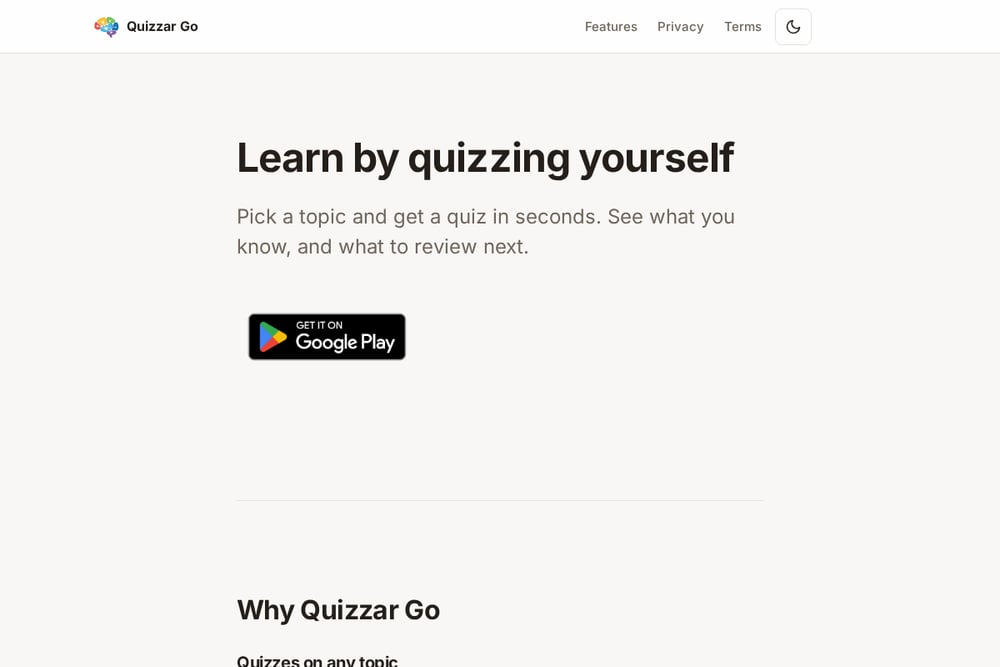 A screenshot of the Quizzar Go website.
Quizzar Go keeps things refreshingly narrow: pick a topic, paste your notes, or name a concept, and it builds focused multiple-choice questions in seconds. The pitch is active recall without the formatting work, so you spend your time answering instead of building decks. After each session you get a clear score summary showing where you are confident and what needs another pass before test day. Missed questions come with explanations so you can close the gap immediately. It runs on Google Play, which makes it a natural fit for quizzing on your phone between classes.
#3 Revisely
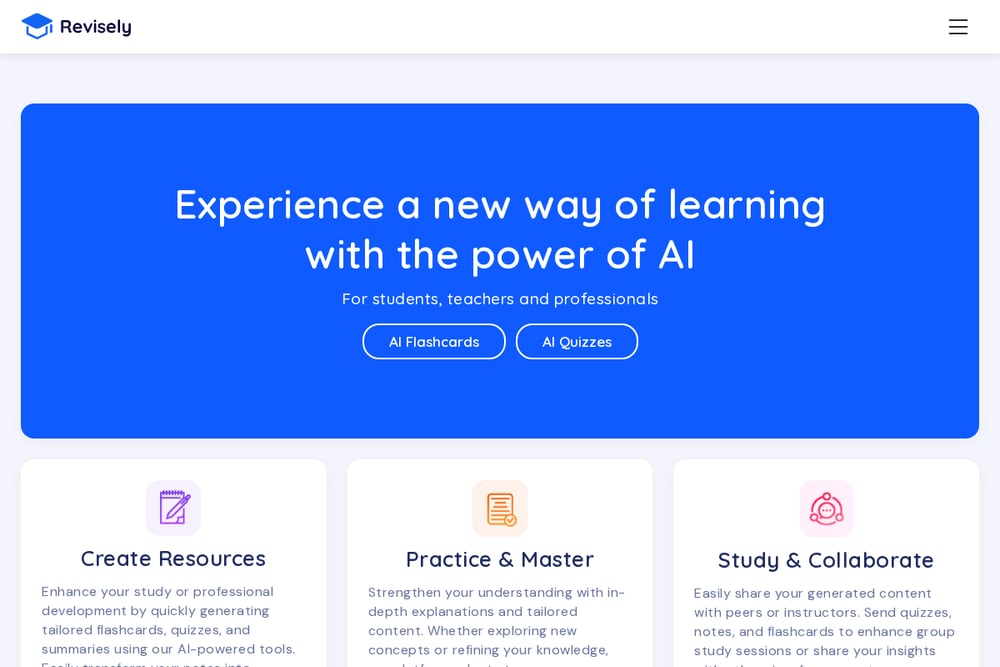 A screenshot of the Revisely website.
Revisely is built around a document-first workflow: drag in notes, textbooks, PDFs, PowerPoints, images, or even handwritten material, and the AI generates questions from it. It supports over 50 languages, which is more than most tools here bother with. The AI also helps edit questions and assess answers, so you are not stuck with a rough first draft. There is a free tier with limits and a subscription for unlimited generation. It is a solid pick if your study material already lives in files.
#4 Mindgrasp
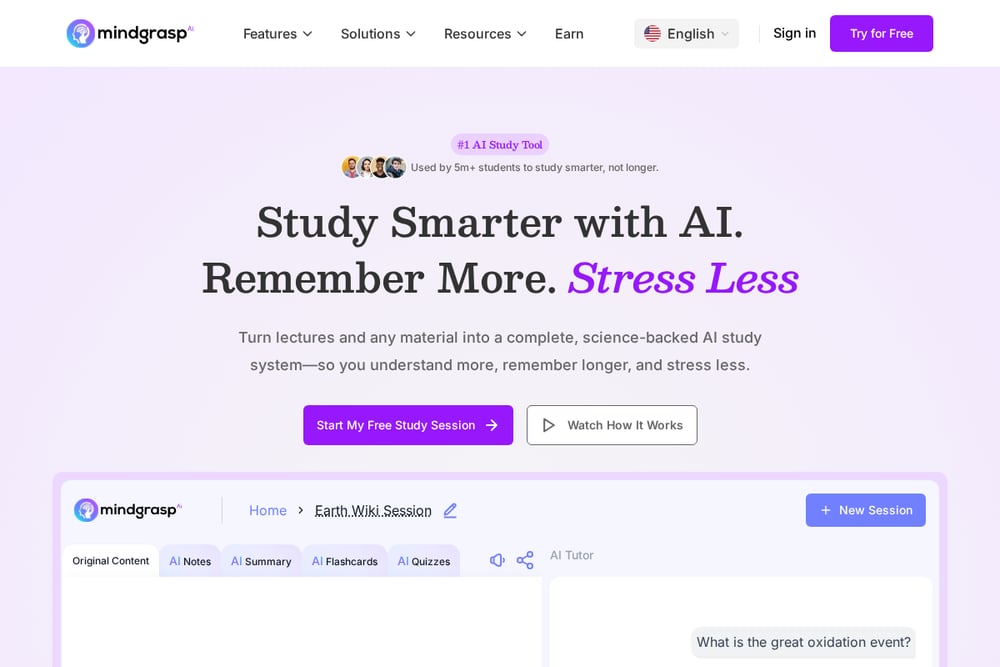 A screenshot of the Mindgrasp website.
Mindgrasp positions itself as a full study system rather than a single quiz tool, pairing quizzes with AI notes, summaries, flashcards, and a 24/7 tutor. You can feed it files, links, YouTube URLs, pasted text, or audio and video recordings, which covers material most generators ignore. The quiz maker produces multiple-choice questions from whatever you upload, and the surrounding tools let you review the same content in different formats. It is aimed at students, self-learners, educators, and professionals alike. If you want one subscription to cover several study jobs, this is the widest net.
#5 RemNote
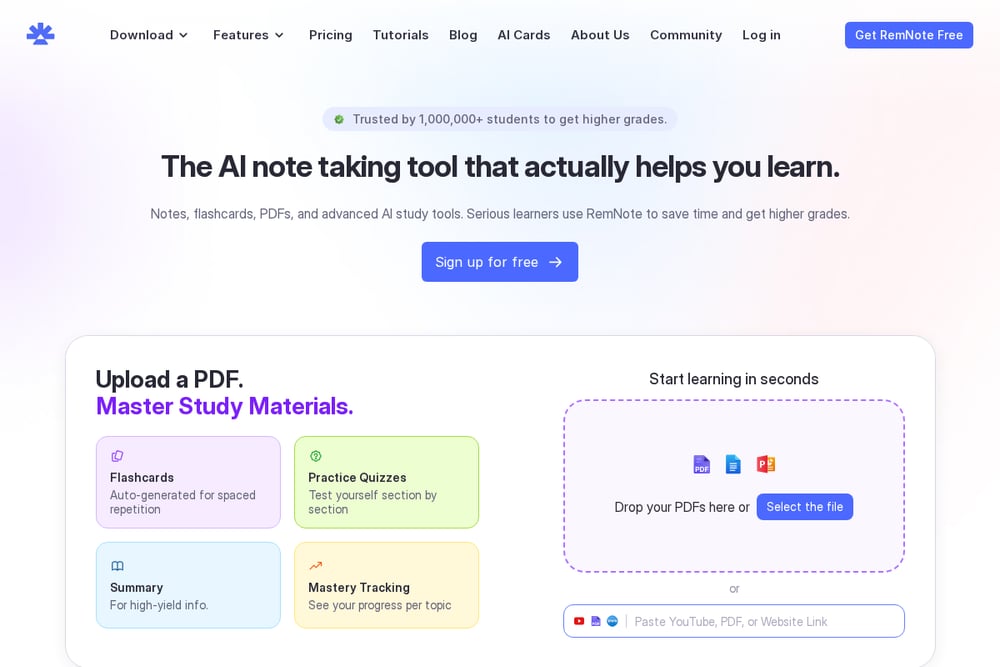 A screenshot of the RemNote website.
RemNote approaches quizzing from the note-taking side. You upload a PDF or select text from your notes, and the AI generates exam-style multiple-choice questions designed to test understanding rather than surface recall. Every question includes explanations for both correct and incorrect answers, and mastery tracking shows your progress per topic. It also bundles spaced-repetition flashcards, summaries, and an AI tutor that sees your quiz context. The desktop and mobile apps make it a long-term study home rather than a one-off generator.
Match the tool to how you actually study
Start with your input. If your material is a stack of PDFs and slides, Revisely, Mindgrasp, and Quizgecko are built for that. If you mostly study on your phone and want to name a topic and go, Quizzar Go removes the friction. If you already keep structured notes, RemNote folds quizzing into the system you use daily. Then check the feedback: explanations after a wrong answer are what turn a quiz into a study session. Finally, look at pricing before you commit, since free tiers vary widely in how many quizzes you get.
Build a weekly recall loop
Pick one tool and make it a routine. Each week, drop in the material you covered, generate a quiz, and take it cold before reviewing anything. Read the score summary, note the two or three topics you missed, and quiz only those the next day. Repeat until the summary is clean, then move to new material. The point is not the quiz itself but the loop: test, find the gap, review, retest. A tool that makes that loop fast is worth more than one with the longest feature list.
The bottom line
All five of these tools will generate questions for you, so the real question is which one fits your habits. Quizgecko wins on breadth and exam-specific tracks. Quizzar Go wins on speed and simplicity for phone-based recall. Revisely handles documents and languages well, Mindgrasp covers the most input types, and RemNote ties quizzing to your notes. Pick the one that gets you testing yourself this week, because the tool you actually open beats the one with the better feature list.