Your LinkedIn photo is doing a job interview every time someone scrolls past it. These five tools let you say something different with that square of real estate.
The selfie-to-avatar boom
AI portrait tools have split into two camps. One camp chases realism, turning selfies into polished headshots for resumes and corporate pages. The other chases personality, turning you into a game character, a cartoon hero, or a loading-screen legend. The second camp is growing fast because professionals are tired of looking interchangeable. A distinctive avatar signals confidence, humor, and a little healthy defiance. The tools below cover both camps, with a clear lean toward the playful end.
How we looked at these tools
We weighed four things: how well the output fits a professional profile (crop, resolution, readability at small sizes), how much control you get over style and framing, how clear the pricing and free tier are, and how much friction sits between uploading a photo and downloading a result. Privacy handling and login requirements also counted. No single factor decided the order.
Here is the short version before the details. Each tool below solves a slightly different problem, so match the pick to the message you want your profile to send.
| Provider | Best For |
|---|---|
| Morphic | Creators who want to art-direct every pixel |
| Open to work? Nah. — #OPENTOWERK profile picture generator | Professionals who want a profile pic with a punchline |
| Aragon.ai | A high-fidelity 3D character render |
| GamingLogoAI | Testing many styles before committing |
| Sloyd | Turning a selfie into an exportable 3D model |
The five, one by one
#1 Morphic
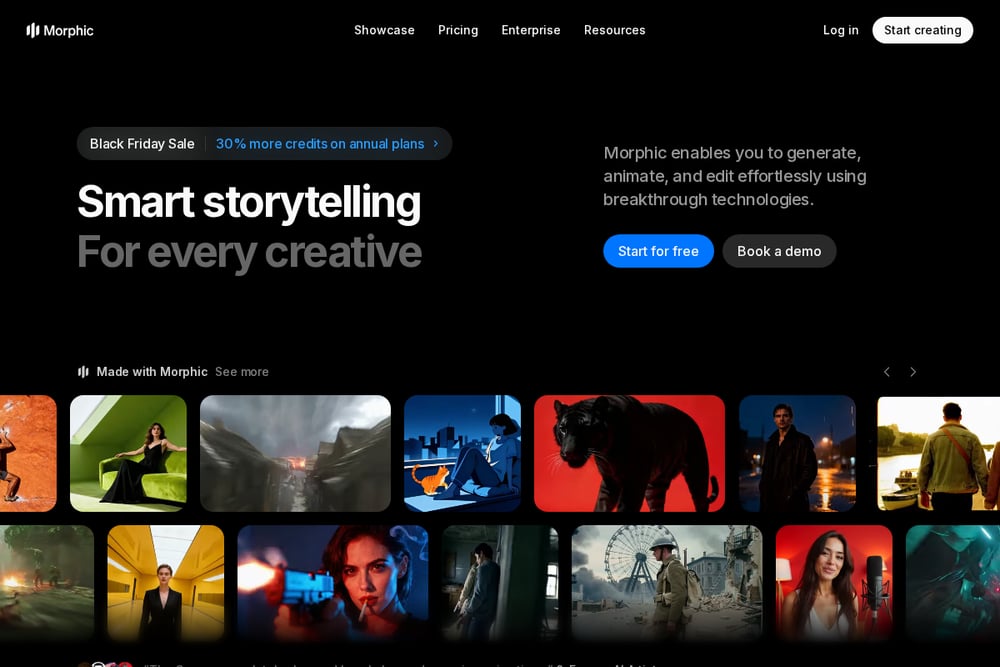 A screenshot of the Morphic website.
Morphic treats the gamer profile picture as a design project rather than a one-click filter. You describe what you want in plain words, generate it on a canvas, then crop, recolor, and refine until the framing works at tiny avatar sizes. The Character Lineup workflow keeps one design consistent across a matching set, which matters if you want a coherent look across Discord, Twitch, and LinkedIn. Style presets include neon esports, headset streamer, and mascot-logo looks. It is the most hands-on option here, and that control is exactly why it lands first.
#2 Open to work? Nah. — #OPENTOWERK profile picture generator
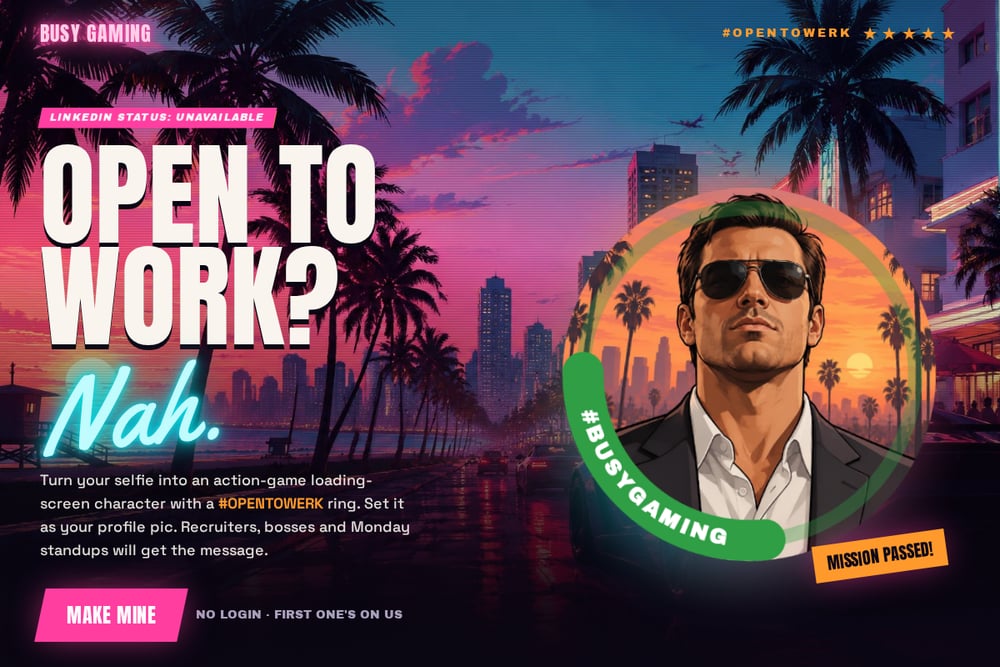 A screenshot of the Open to work? Nah. — #OPENTOWERK profile picture generator website.
OpenTowerK does one thing and does it with a wink. You upload a selfie, the AI paints you as an action-game loading-screen hero, and you pick a status ring to frame it. The ring options read like a mood board for the chronically meeting-fatigued: DO NOT DISTURB, OUT OF OFFICE, MEETINGS CANCELLED, CALLED IN SICK, WANTED, RESPECT PLUS. You can also write your own. There is no login, the first image is free, and your uploads stay in a private image history tied to your email. It is the only tool on this list built specifically for the LinkedIn profile picture slot, and the only one with an actual point of view about work culture.
#3 Aragon.ai
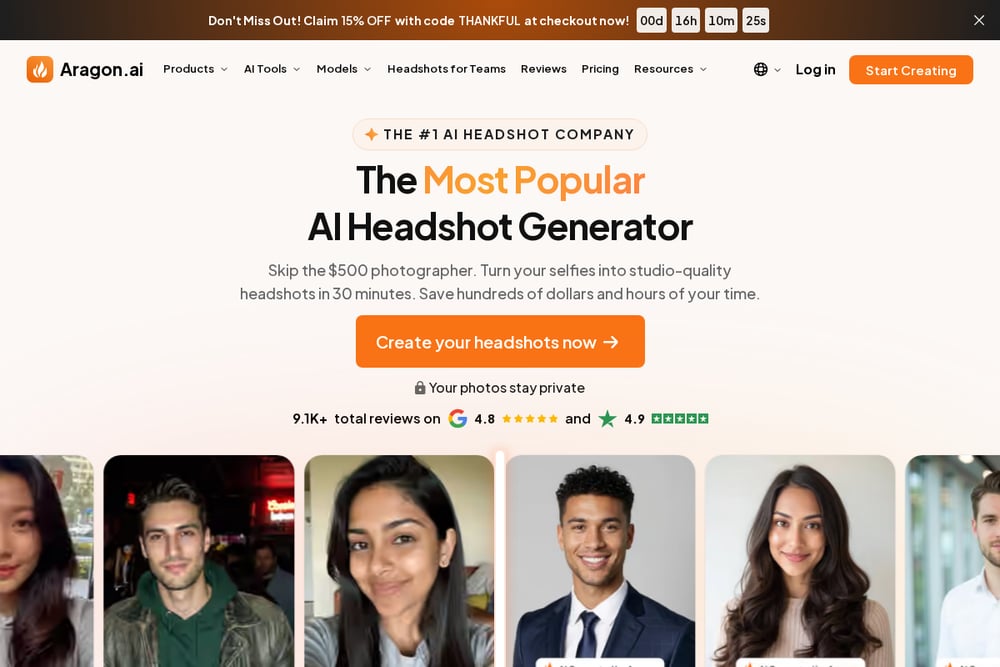 A screenshot of the Aragon.ai website.
Aragon.ai is the polish play. Its video game filter turns a single selfie into a fully rendered 3D fighter-style character that keeps your recognizable features, so friends still know it is you at a glance. The output looks like a character-select screen, complete with battle gear and arena backdrops. Upload formats are generous, including JPG, PNG, WEBP, and HEIC up to 120MB, and results land in your dashboard within minutes. If you want the most technically impressive render rather than the funniest caption, start here.
#4 GamingLogoAI
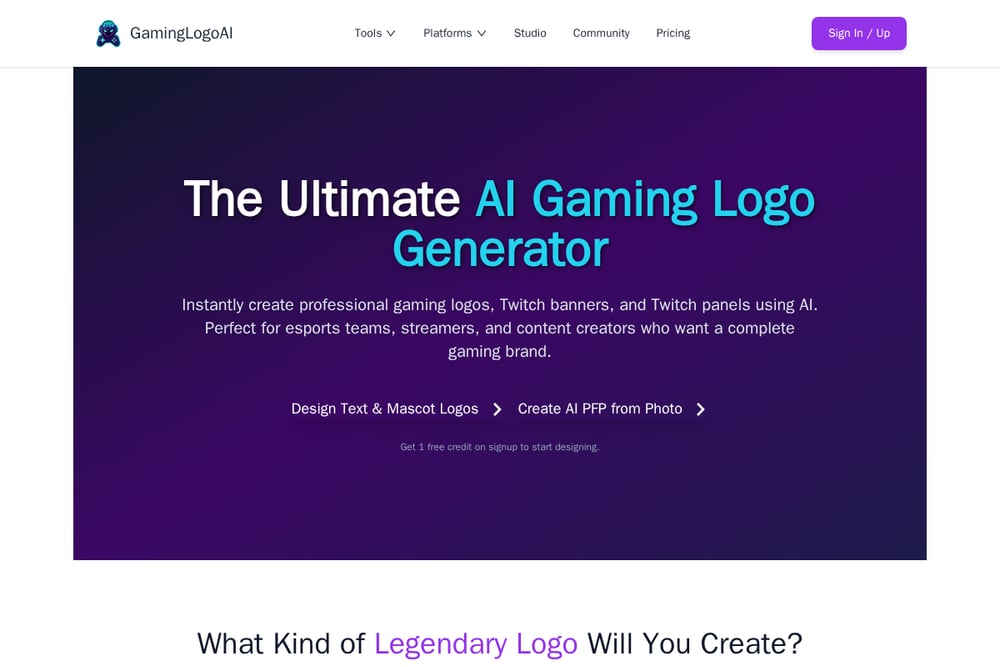 A screenshot of the GamingLogoAI website.
GamingLogoAI is the volume option. You upload a photo, optionally add your gamer tag as text, and pick from more than 100 styles spanning cartoon, anime, cyberpunk, and fantasy. Framing controls let you choose head, half body, or full body, which is more granular than most competitors bother with. Free previews let you test styles before spending credits on high-res downloads. It is less opinionated than OpenTowerK and less refined than Aragon, but the sheer range makes it a solid sandbox for experimenting.
#5 Sloyd
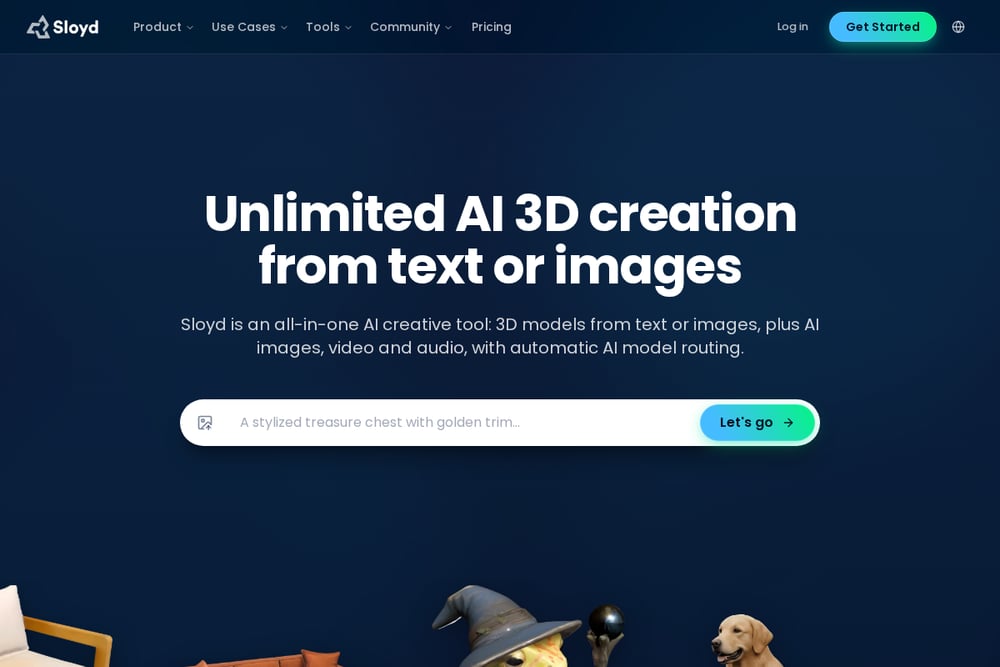 A screenshot of the Sloyd website.
Sloyd takes a different exit ramp. Its Selfie to Roblox app converts your photo into a blocky, Roblox-style 3D character in seconds, no modeling skills required. The real differentiator comes after: an Image to 3D tool converts the avatar into a GLB, FBX, OBJ, or STL file you can drop into Roblox Studio, Unity, or Blender. You can even generate a print-ready STL and hold your avatar in your hand. As a profile picture tool it is niche, but as a bridge from selfie to usable 3D asset it is genuinely unusual.
Pick based on the message, not the render
Ask yourself what you want the photo to do. If you want a conversation starter that signals boundaries with humor, OpenTowerK is purpose-built for that and costs nothing to try. If you want the sharpest-looking character art, Aragon.ai delivers the most convincing 3D render. If you enjoy fiddling with prompts and crops, Morphic gives you the most room. If you are still exploring styles, GamingLogoAI's free previews and 100-plus options make experimentation cheap. And if you need a 3D file rather than a flat image, Sloyd is the only one that gets you there. Check the free tier and privacy terms before you upload anything you would not want stored.
A simple workflow you can run today
Start by deciding your one-line message, then pick the tool that matches it. Upload a clear, well-lit, front-facing selfie, since every one of these tools rewards good input. Generate two or three variations rather than accepting the first result. Download at the highest resolution available and preview the image at thumbnail size, because that is how most people will actually see it. Update your LinkedIn photo, then reuse the same image on Slack, Discord, and any internal directory so the joke lands consistently. Keep the original file somewhere you can find it, since you will want to swap it back before your next round of interviews.
The bottom line
A profile picture is a tiny piece of branding with an outsized job. These five tools give you options ranging from art-directed esports avatars to a loading-screen hero wearing a DO NOT DISTURB ring. OpenTowerK earns its spot near the top because it understands the assignment: it is not trying to make you look corporate, it is trying to make you look like someone with a life outside standups. Try the free one first. If the joke does not land, you have lost nothing but a selfie.