
AI portraits have moved from novelty to real workflow. You can now plan a full shoot without a camera, a studio, or a model release.
What are Creative & Digital Services services?
The AI portrait space is splitting into two lanes. One lane is the quick single-image enhancer: upload a selfie, pick a style, get a polished headshot. The other lane is the coordinated photoshoot: you choose a model, lock an outfit, compare poses, and build a consistent set of frames. That second lane is where creative direction starts to matter. Consistency across a set is the hard part, and it is what separates a one-off image from a usable series. Pricing models vary widely too, from free credits to per-image credits to subscription tiers. Privacy handling is another differentiator, since you may be uploading your own reference photos. The tools below cover both lanes, so you can match the tool to the job.
What we looked at when researching Creative & Digital Services
We looked at service scope, meaning whether a tool handles a single portrait or a full coordinated set. We looked at creative control, including model choice, outfit locking, pose comparison, and scene selection. We looked at pricing clarity and whether free tiers or credit systems are stated up front. We looked at privacy handling for uploaded reference photos. We also weighed local fit for US users, including English-first interfaces and straightforward sign-up flows. Each tool below stood out on a different combination of these factors.
| Provider | Best For |
|---|---|
| PhotoGPT | Creators who want portraits plus product and video in one studio |
| AIGirlShot - AI Portrait Photoshoots | Planning a consistent multi-frame portrait series |
| VisualGPT | Fast, no-sign-up single portraits |
| Pincel | Style variation with pose reference control |
| CapCut | Portraits that feed into video and social edits |
A closer look at 5 standout Creative & Digital Services
#1 PhotoGPT
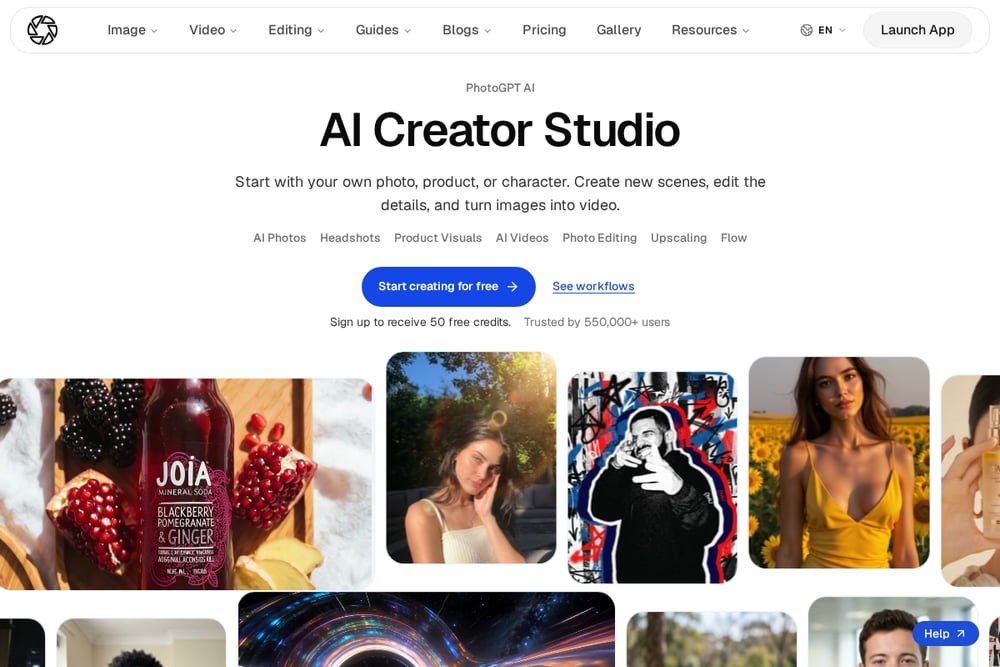 A screenshot of the PhotoGPT website.
PhotoGPT positions itself as a full creator studio rather than a single-purpose portrait tool. You start with your own photo, product, or character, then create new scenes, edit details, and even turn images into video. The use-case library is broad, covering headshots, product visuals, fashion editorials, and lifestyle scenes. That breadth is useful when your portrait work sits next to brand or campaign content. The site states it is trusted by over 550,000 users and offers 50 free credits at sign-up, which gives you room to test workflows before committing. See the headshot and fashion examples on the PhotoGPT site.
#2 AIGirlShot - AI Portrait Photoshoots
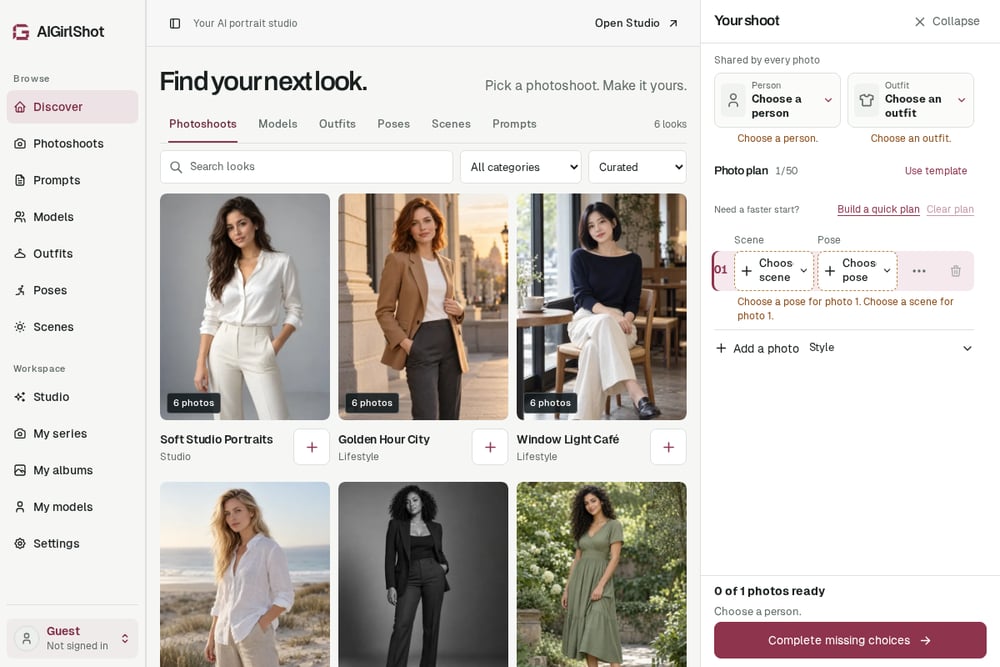 A screenshot of the AIGirlShot - AI Portrait Photoshoots website.
AIGirlShot is built around the coordinated set, not the single image. You pick a photoshoot, choose an adult virtual model or bring your own reference photos in a private workspace, then lock one outfit across the whole series. From there you compare poses and framing before adding frames to your plan. The gallery is organized by studio, lifestyle, and outdoor categories, with reference sets like Soft Studio Portraits and Coastal Morning. The site is explicit that these are AI concept studies and actual studio results will vary, which sets honest expectations. If you want a consistent six-frame look instead of a pile of unrelated portraits, this is the workflow to study.
#3 VisualGPT
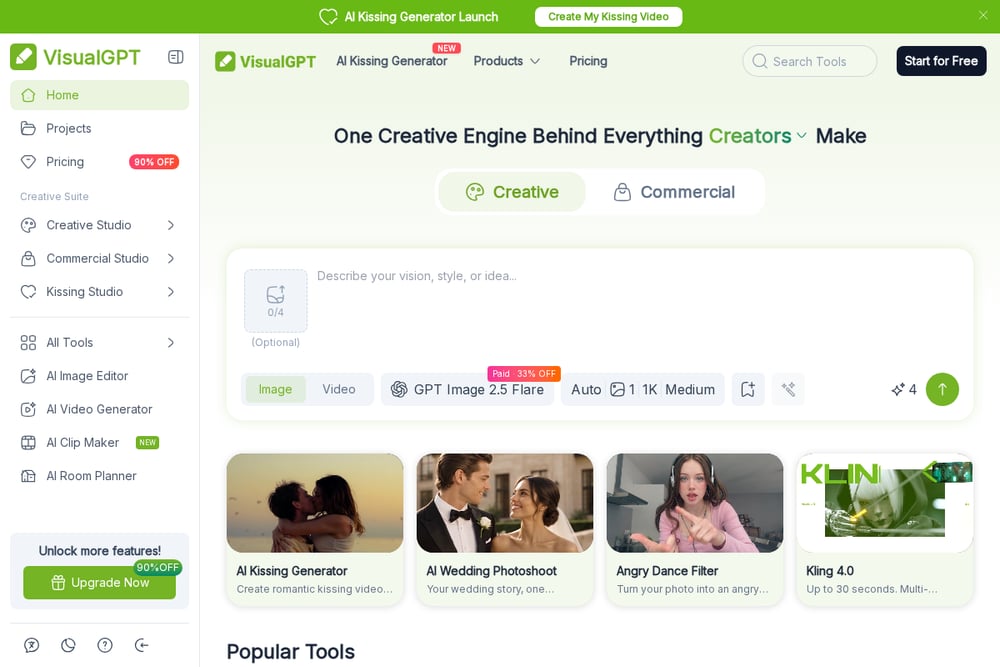 A screenshot of the VisualGPT website.
VisualGPT leads with speed and zero friction. Its portrait generator is free, online, and requires no sign-up, so you can upload a photo and get a result in seconds. The style menu is wide, covering business portrait, cinematic, elegant, magazine, professional, outdoor, and light-shadow looks. It also states that images are not stored, which matters if you are uploading your own face. The trade-off is that this is a single-image enhancer, not a set planner, so consistency across frames is on you. Use it when you need one strong portrait fast.
#4 Pincel
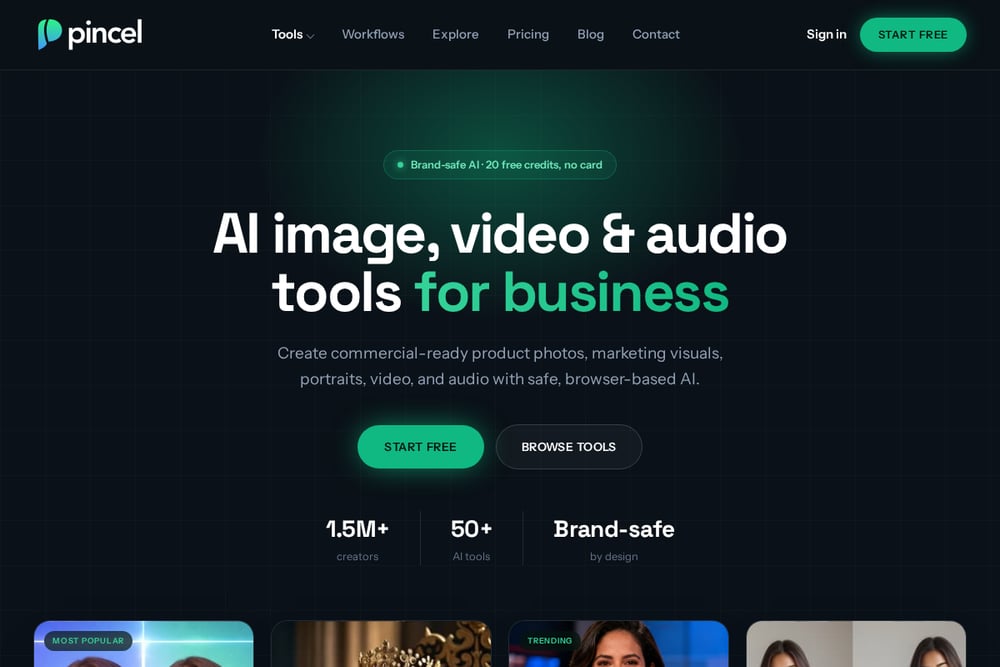 A screenshot of the Pincel website.
Pincel runs a clean three-step flow: drop a photo, pick a style and prompt, then generate variations. You get 11 style presets, from photographic and cinematic to fantasy and comic, plus an optional body pose reference for tighter control. It generates up to four variations per run at 2 credits per portrait, and an Enhance button doubles resolution on any result. The prompt field allows up to 800 characters, so you can be specific about scene, lighting, and mood. It sits between a quick enhancer and a full studio, which suits you if you want variation without a long setup.
#5 CapCut
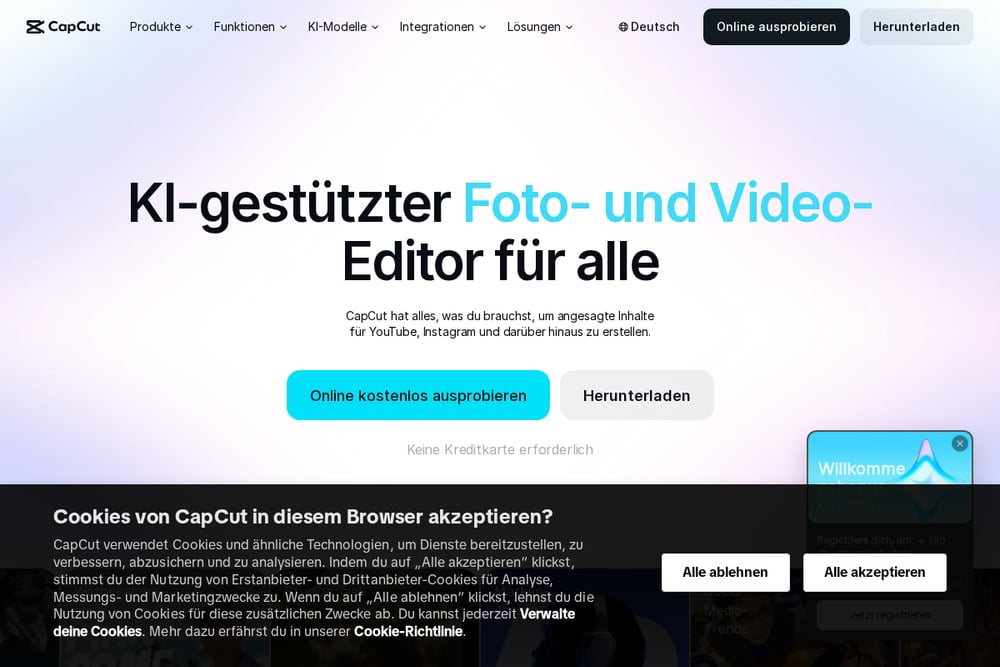 A screenshot of the CapCut website.
CapCut brings portraits into a broader editing ecosystem. Its free AI portrait generator takes an upload and a style choice, then produces a result in seconds. The real advantage is what happens next: the same workspace handles background removal, image enhancement, and video editing. If your portraits feed into social clips or brand content, you avoid exporting between tools. It is a generalist platform, so the portrait feature is one tile in a larger toolbox rather than the core product. That makes it a practical pick when portraits are part of a bigger content pipeline.
How to choose the right Creative & Digital Services
Start with the output you actually need. If you need one polished portrait for a profile, a free single-image tool gets you there in minutes. If you need a coordinated set with one outfit and consistent lighting, pick a tool built around photoshoot planning. Check pricing clarity before you upload anything, since credit systems and free tiers differ sharply. Read the privacy language if you are using your own reference photos. And confirm the style range matches your use case, because a fashion editorial preset will not help a corporate headshot. Match the tool to the job, not the other way around.
Expert Conclusion
The AI portrait market rewards clarity about your own goal. Single-image tools win on speed and cost. Photoshoot planners win on consistency and creative direction. Editing suites win when portraits are one input among many. AIGirlShot stands out for its set-based workflow, PhotoGPT for breadth across photo and video, VisualGPT for frictionless access, Pincel for variation control, and CapCut for pipeline integration. Test two or three with the same reference photo and compare the sets side by side. Your workflow will tell you which one fits faster than any feature list.