
Your face is not content. Yet most AI photo editors treat it like raw material for a filter. These five tools take a different approach—some more than others.
The Identity-First Shift in AI Portrait Editing
AI photo editing has moved fast from simple filters to full generative transformations. You can now change an outfit, swap a hairstyle, or reshape a body with a text prompt. But speed created a new problem: results that look like someone else. The tools gaining traction in 2026 are the ones that let you specify what must stay untouched—your face, your pose, your lighting. Privacy is the second battleground. Some platforms default to public galleries and training data; others keep your workspace private and let you delete history. The five platforms below sit at different points on that spectrum, from consumer apps to professional desktop suites.
How We Evaluated These AI Portrait Editors
We looked at five factors. First, identity preservation: does the tool protect facial features, pose, and lighting, or does it drift toward a generic AI look? Second, tool scope: outfit changes, hairstyles, retouching, body reshaping, makeup, and background work all matter, but depth per tool matters more than a long menu. Third, privacy defaults: whether creations stay private, whether a public gallery exists, and whether you can remove history. Fourth, workflow clarity: can you start from a specific outcome instead of wrestling with a blank prompt box? Fifth, pricing transparency: free tiers, credit systems, and subscription models vary widely. Each platform below stood out on at least one of these factors.
Here is a quick look at how the five platforms compare on identity preservation, tool scope, privacy defaults, and workflow style.
| Provider | Best For |
|---|---|
| Evoto | High-volume professional photographers |
| MyImageKit — AI portrait editing that still looks like you | Everyday users who want identity-safe edits |
| The New Black AI | Fashion and product image precision edits |
| DeepAI AI Photo Editor | General-purpose AI editing on a budget |
| Retouch: AI Photo Body Editor | Quick mobile face and body edits |
The Five Platforms in Detail
#1 Evoto
 A screenshot of the Evoto website.
Evoto is built for professional photographers who need to cull, retouch, and deliver at volume. Its per-face AI retouching applies adjustments to each subject individually rather than as a global filter, which matters for weddings, headshots, and events. The platform spans desktop, iPad, mobile, and browser, so you can move between studio and on-location work. Batch processing and gallery sharing round out an end-to-end workflow that reduces handoffs. If you shoot hundreds of portraits a week, Evoto is the closest thing to a production line that still respects each face.
#2 MyImageKit — AI portrait editing that still looks like you
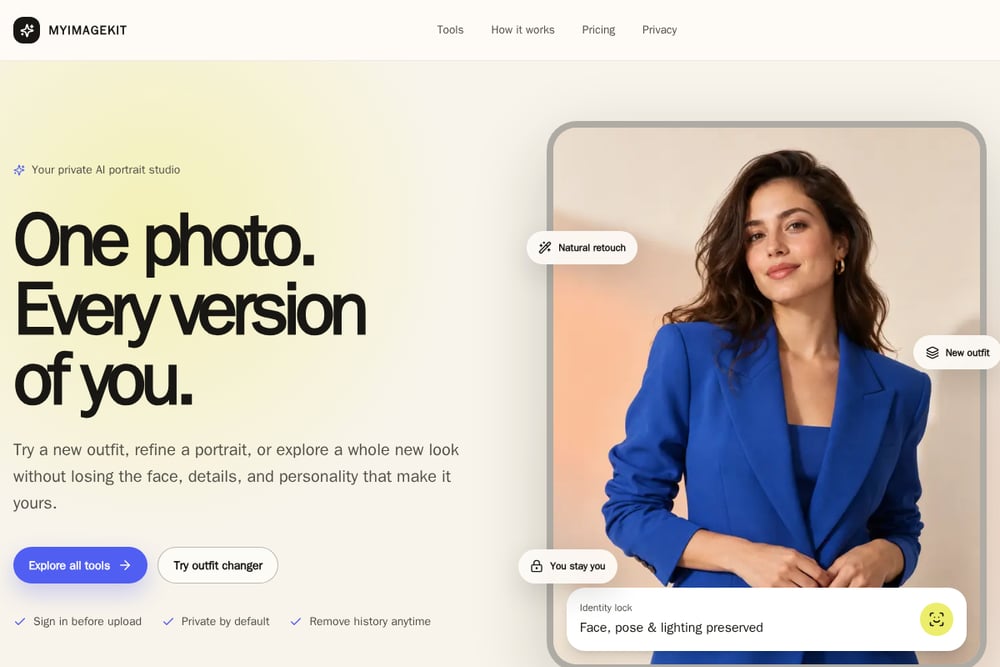 A screenshot of the MyImageKit website.
MyImageKit starts from a simple promise: you stay you. Every workflow begins with what to change and, just as importantly, what the model should leave alone. You pick a tool—outfit changer, hairstyle and color, natural face retouch, body reshaper, makeup editor, hand and nail editor—instead of wrestling with a blank prompt box. Identity lock preserves face, pose, and lighting across edits, and the studio is private by default with no public gallery. You can remove individual creations from your account history at any time. It is powered by GPT Image 2 and Nano Banana 2.1, and designed for real people rather than prompt engineers.
#3 The New Black AI
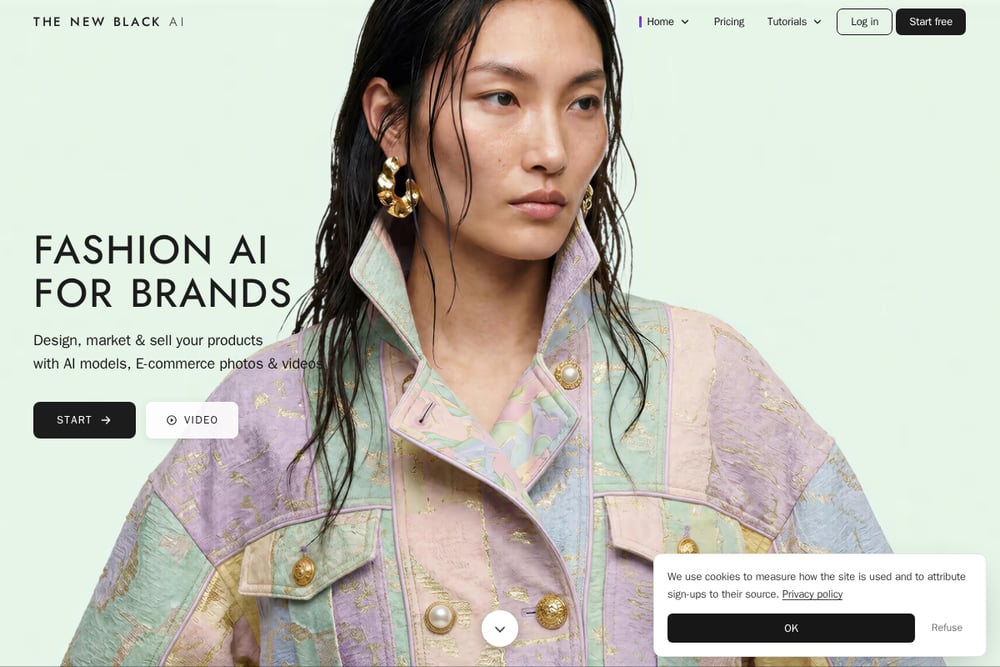 A screenshot of The New Black AI website.
The New Black AI focuses on surgical edits rather than whole-image transformations. Its Edit an Area workflow lets you select a collar, a pocket, a sleeve, or an entire jacket, then describe or show what it should become. You can paint the area with AI-assisted selection, magnetic lasso, polygon lasso, brush, or eraser. A reference image—a print, a fabric, a collar—can be applied to the selected zone and fitted to the folds and light. Everything outside the selection stays to the pixel. It is a fashion-focused tool for people who need precision, not a full portrait studio.
#4 DeepAI AI Photo Editor
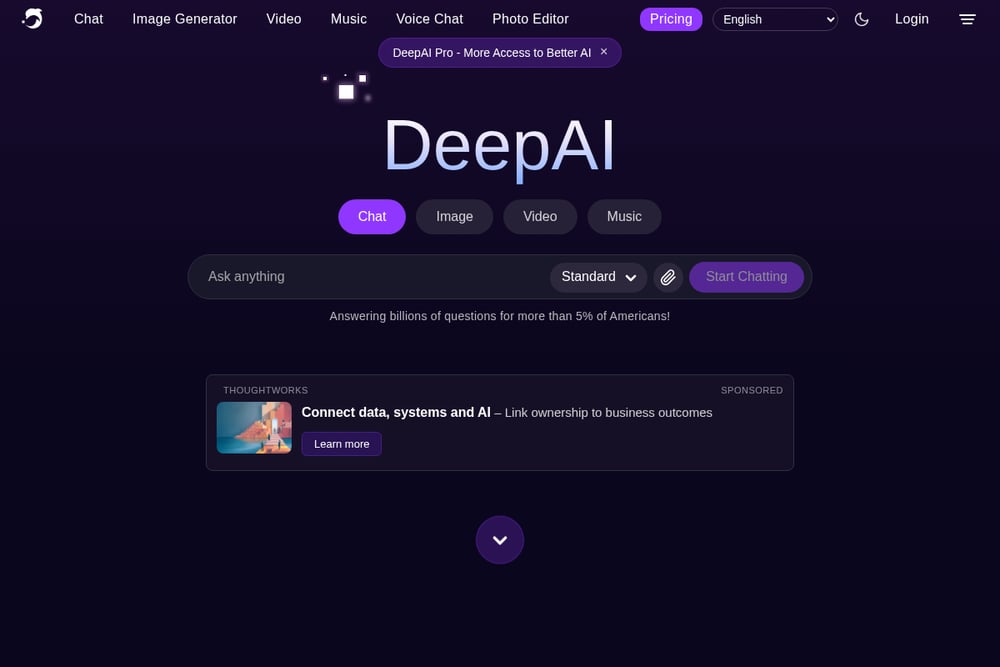 A screenshot of the DeepAI website.
DeepAI offers a broad, accessible photo editor with multiple model tiers—Standard, Genius, and Super Genius—that trade speed for detail and prompt adherence. You can upload up to three images and describe edits in plain language, or combine multiple images into a collage. Built-in options include enhance, remove background, animate, and edit in Photopea. There is also an API for developers who want to build the editor into their own apps. It is a general-purpose tool rather than a portrait specialist, but its flexibility and low barrier to entry keep it relevant.
#5 Retouch: AI Photo Body Editor
 A screenshot of the Retouch: AI Photo Body Editor website.
Retouch is a mobile-first AI editor for face and body, available on iPhone. It covers skin smoothing, blemish reduction, teeth whitening, eye brightening, makeup, hair color and style changes, outfit changes, photo enhancement, restoration, and background removal. The app emphasizes natural-looking results and preserving skin texture rather than flattening faces into plastic. It is free to download with in-app purchases, and its small footprint makes it easy to use on the go. If you want quick, casual edits from your phone, this is a practical starting point.
How to Choose the Right AI Portrait Editor
Start with your volume. If you edit hundreds of portraits a week, you need batch processing and per-face control—Evoto is built for that. If you edit a few photos at a time and care most about staying recognizable, MyImageKit's identity lock and private-by-default studio fit better. If your work is fashion or product imagery, The New Black AI's area-based editing gives you pixel-level control. For general experimentation, DeepAI's model tiers and API offer flexibility. For casual phone edits, Retouch covers the basics. Then check privacy: does the platform keep your creations private by default, and can you delete them? Finally, look at pricing clarity. Credit systems can be confusing; subscriptions can be overkill. Match the model to how you actually work.
Building a Repeatable Portrait Workflow
A reliable portrait workflow has three stages. First, capture a clear source photo with even lighting and an unobstructed face. Second, choose a tool that starts from a specific outcome—outfit, hairstyle, retouch—rather than a blank prompt. Third, generate, compare, and refine by adjusting strength or continuing from the same version. Keep a short list of what must stay untouched: face, pose, lighting, background. Tools that let you specify those constraints up front save you from endless re-rolls. If you handle volume, batch the culling and retouching steps separately. If you handle one-offs, keep the loop tight: upload, generate, refine, done.
The Bottom Line on Identity-First Editing
The AI portrait editing market is splitting into two camps: tools that transform you into someone else, and tools that transform your photo while keeping you recognizable. The five platforms here lean toward the second camp to varying degrees. Evoto serves professionals who need speed and per-face precision. MyImageKit serves everyday users who want identity lock and privacy by default. The New Black AI serves fashion editors who need surgical control. DeepAI serves generalists who want flexibility. Retouch serves mobile users who want quick results. Your choice depends on volume, privacy needs, and how much control you want over what stays untouched.