
You have an idea and a deadline. These five tools turn that idea into a finished vertical film before your coffee goes cold.
The Short-Form Video Arms Race
Short-form video is the default language of the internet now. TikTok, Reels, and Shorts reward volume, speed, and a look that stops the thumb. That pressure created a new category: text-to-video tools that generate stylized clips from a single prompt. Pixel art sits at the center of it because the aesthetic is instantly recognizable, cheap to render, and forgiving of AI imperfections. Instead of hiring animators or learning a timeline editor, you type a question and get a scene. The tools below take different routes to that same outcome. Some are broad creative suites. Some are specialists. The gap between them is mostly about how much control you want and how much of the pipeline you want handled for you.
How We Looked at These Tools
We judged each tool on the same factors. First, scope: does it cover the full path from idea to publish-ready file, or just one step? Second, output readiness: aspect ratios, subtitles, narration, music, and whether the result drops straight into TikTok or Reels. Third, style range: how many distinct looks you can pick from and whether they stay consistent across scenes. Fourth, pricing clarity: can you see what a generation costs before you commit? Fifth, fit for the job: whether the tool is built for quick social content or for longer creative projects. Each tool below stood out on different factors. Kagenami leans hard into finished output and format structure. Opus emphasizes brand consistency and multi-platform rendering. Magiclight focuses on character and story control. Dreamina brings a broad model lineup and aggressive entry pricing. Morphic gives you a canvas for directing scenes shot by shot.
Here is the quick version. Five tools, five different strengths, one shared goal: getting a pixel-style video out the door fast.
| Provider | Best For |
|---|---|
| Opus | Brands that need consistent multi-platform output |
| Kagenami — Pixel films from one idea | Creators who want a finished vertical film from one prompt |
| Magiclight | Storytellers building episodic or character-driven content |
| Dreamina | Budget-conscious creators testing the waters |
| Morphic | Directors who want scene-by-scene control |
The Five Tools in Detail
#1 Opus
Opus positions itself as an agent that turns prompts, scripts, or even blog URLs into animated retro-style videos. The pitch is speed: a publish-ready video in under ten minutes with no timeline editing. What stands out is brand control. You upload your logo, fonts, and palette once, and Opus applies them across every video automatically. It also renders 9:16, 1:1, and 16:9 in a single generation with intelligent reframing rather than naive cropping. That makes it a strong fit if you are running the same content across TikTok, Instagram, and YouTube. You can explore the workflow at the Opus pixel art agent page.
#2 Kagenami — Pixel films from one idea
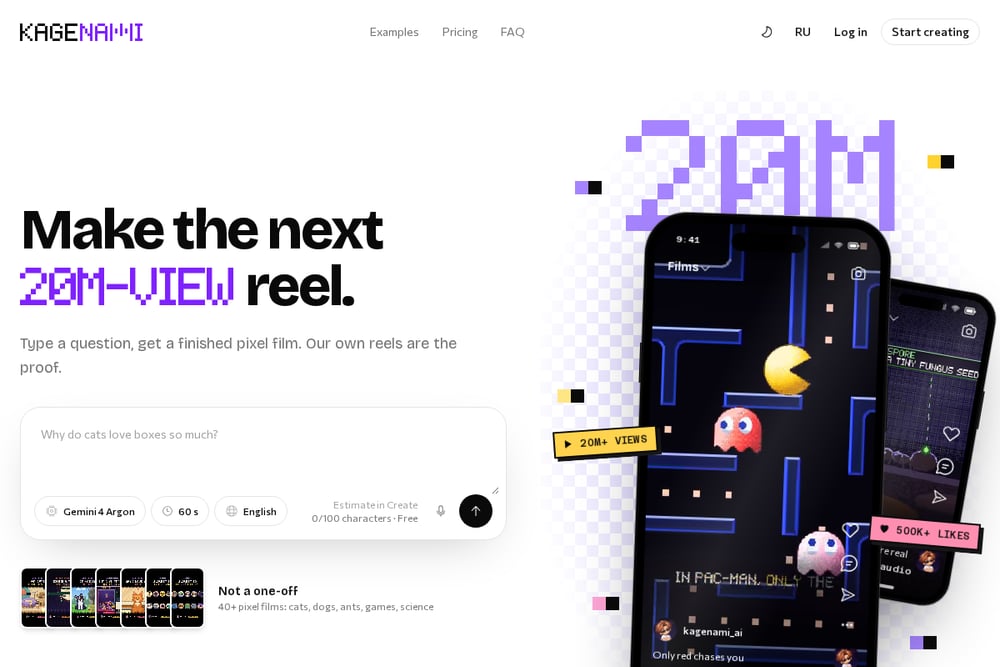 A screenshot of the Kagenami — Pixel films from one idea website.
Kagenami does one thing and does it end to end. You type a question, a topic, or a short story, and you get a finished vertical film with music, sound effects, subtitles, and narration in eight languages. The structure is baked in: over 20 styles, 30 formats like Explainer, Top 5, Myth or Truth, and What If, plus six quality levels from Minimal to Ultra. You see the credit estimate before you create, so there are no surprises. The proof is on the site itself, where the team's own reels have pulled 20M+ views and 500K+ likes. If you want a finished MP4 in 9:16 without touching a timeline, this is the shortest path.
#3 Magiclight
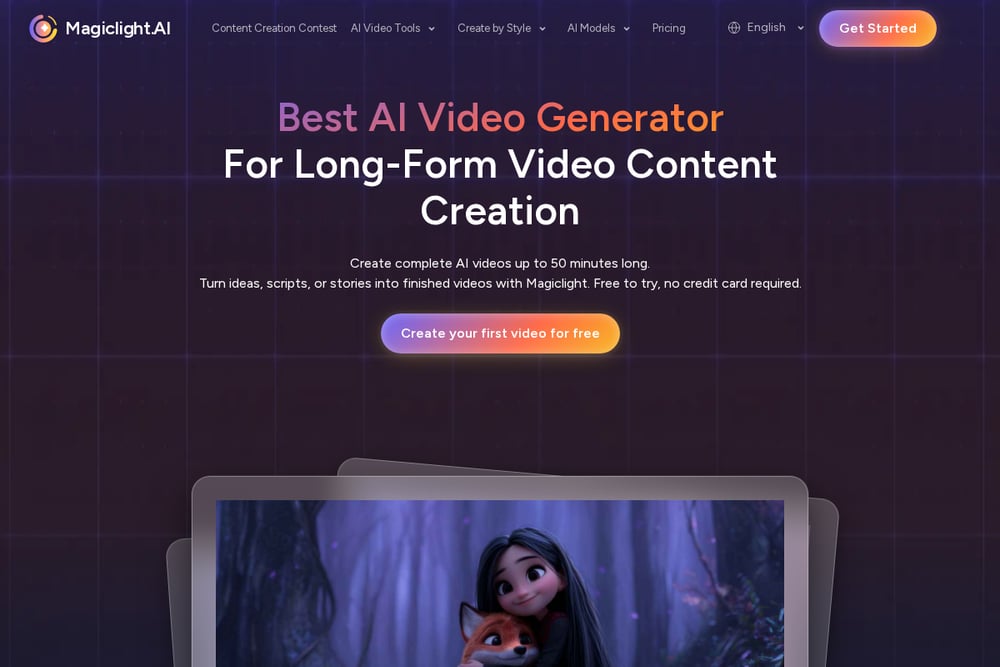 A screenshot of the Magiclight website.
Magiclight treats pixel art video as a storytelling exercise. You give its agent a hero, a mission, and an obstacle, and it develops the premise into a structured script and scenes you can review before production. Character control is unusually detailed: up to 1,000 characters of appearance description or a reference image to lock in a recognizable pixel hero. It also pairs 21 cover templates with 16 title styles, which matters if you are building episodic content or a series. The tool sits inside a much larger suite of video and image generators, so you can move between styles without switching platforms. Check the Magiclight pixel art style page to see the range.
#4 Dreamina
 A screenshot of the Dreamina website.
Dreamina comes from the CapCut ecosystem, and that shows in how it is packaged. You describe a scene and get a retro animation with sound in minutes, powered by its Seedance model lineup. It handles both text-to-video and image-to-video, so you can animate an uploaded pixel character rather than starting from scratch. The entry pricing is the loudest signal here, with promotional tiers that make it easy to test without commitment. The tradeoff is that pixel art is one style among many in a very broad toolset, so you get flexibility at the cost of specialization. The Dreamina pixel generator page lays out the core features.
#5 Morphic
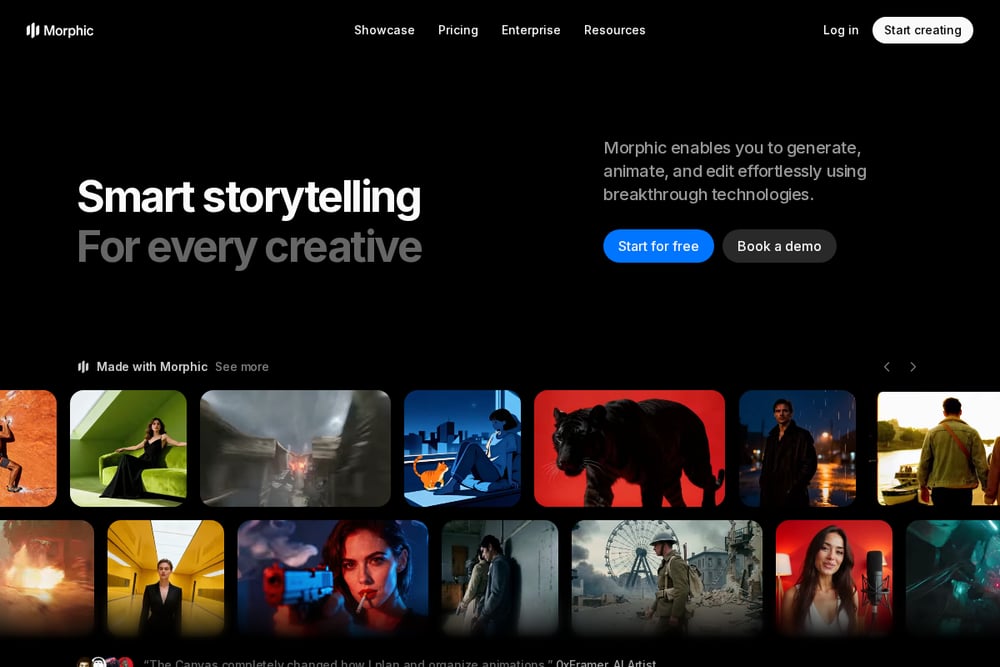 A screenshot of the Morphic website.
Morphic gives you a canvas instead of a black box. You describe a scene in plain words, generate a clip in seconds, and then refine it shot by shot on that canvas. The examples lean into game-style imagery: a hero sprite running a side-scrolling forest, a top-down village at dawn, a boss arena lit by torch glow. You can score each shot with speech and music, then stitch the short together yourself. That makes it the most director-friendly option of the five, and the least automated. If you want control over every frame rather than a finished file, this is where you land. The Morphic pixel art video resource page shows the workflow.
How to Pick the Right One
Start with the output you actually need. If you want a finished vertical MP4 with narration and subtitles and zero editing, pick a tool that owns the whole pipeline. If you want to direct scenes and stitch them yourself, pick a canvas-based tool. Next, count your formats. Running one TikTok account is different from running TikTok, Reels, Shorts, and YouTube at once. Multi-ratio rendering in a single generation saves real hours. Then look at consistency. If your brand has a palette and a font, check whether the tool can lock those in across every scene. After that, check pricing transparency. You should know what a generation costs before you hit create, not after. Finally, be honest about your style range. A tool with 20+ styles gives you room to test. A tool with one great style gives you speed. Neither is wrong. Match it to how often you publish.
Where the Workflow Goes Next
The direction is clear: less editing, more prompting. The tools that win will be the ones that collapse the whole chain, idea to script to scenes to voice to subtitles to export, into a single step. You are already seeing it. Format libraries replace storyboarding. Credit estimates replace guesswork. Narration in eight languages replaces a voice actor booking. For your workflow, that means fewer handoffs and faster iteration. Test one idea, see what performs, and regenerate. The bottleneck is no longer production. It is knowing which idea is worth making.
The Bottom Line
You do not need five tools. You need one that matches how you work. If you want a finished film from a single prompt, Kagenami is built for exactly that. If brand consistency across platforms matters more, Opus handles it. Magiclight suits series and characters. Dreamina is the low-risk test drive. Morphic is for the hands-on director. Pick based on your output, your formats, and your appetite for control. Then publish, measure, and repeat.