
Pinterest is a visual search engine, and the creators who win it treat prompts like production specs, not lottery tickets. Here are five studios worth knowing if you want pins that rank, save, and convert.
The State of AI Pin Production
Pinterest rewards tall, aspirational visuals with a long shelf life. That makes it a natural home for AI image generation, but most tools stop at a pretty picture. The real work is in the details: a 2:3 crop, a keyword-rich title, a filename that search engines can read, and overlay text that survives a busy feed. You are not just making images. You are building a searchable content library. The studios below approach that problem from different angles, from browser-based canvases to niche prompt vaults with reproducible camera optics.
How We Evaluated These Studios
We looked at the same factors for every studio. First, service scope: does it cover prompt generation, image output, and Pinterest-specific formatting, or only one piece? Second, pricing clarity: can you see what you get before you commit? Third, niche depth: does it understand a specific vertical like fashion, home decor, or food plating, or is it a general-purpose generator? Fourth, output readiness: does it handle 2:3 sizing, SEO titles, filenames, and overlay blueprints? Fifth, workflow fit: how easily does it slot into a creator's weekly publishing rhythm? Each studio stood out in different areas, and the notes below reflect that.
Here is a quick comparison of the five studios, ordered for readability. Each entry notes what the tool does well and who it suits.
| Provider | Best For |
|---|---|
| Morphic | Creators who want a flexible browser canvas with native 2:3 pin presets |
| PromptCreatorHQ — Production-Grade AI Prompts & Viral Pinterest Studios (Midjourney v6.1, Gemini, ChatGPT & FLUX.1 Pro) | Niche creators who need reproducible, SEO-ready prompt systems |
| Flyne | Beginners who want a free, fast prompt-to-pin generator |
| Wurt.app | Bloggers and affiliate marketers chasing saves and click-throughs |
| TryMyPost | Search-driven creators who want overlay text and descriptions in one pass |
The Five Studios in Detail
#1 Morphic
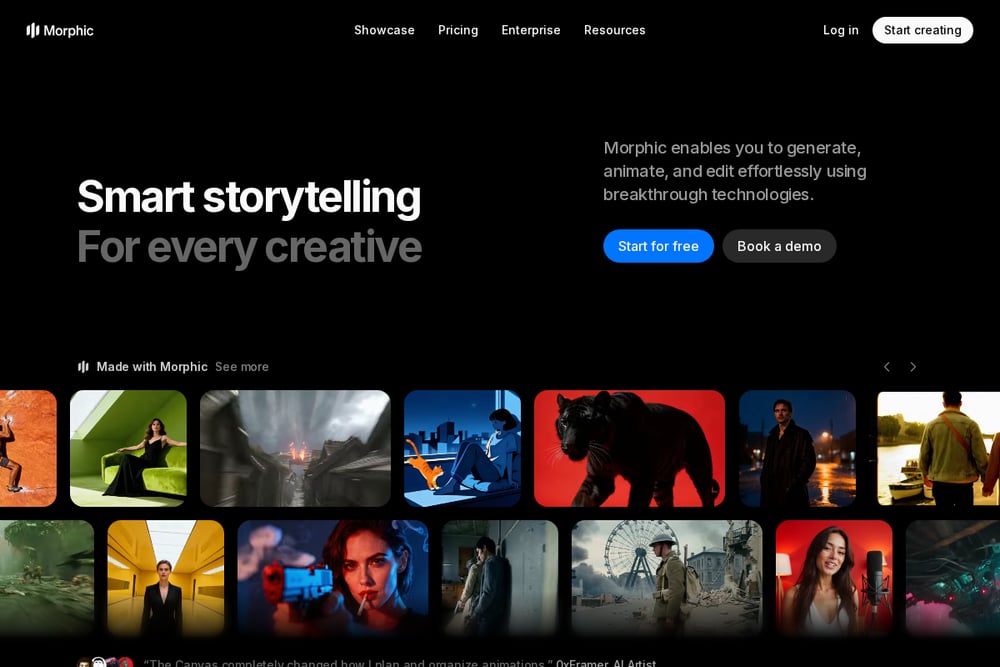 A screenshot of the Morphic website.
Morphic is a browser-based AI image generator with a dedicated Pinterest ad image workflow. You describe the look, tune the crop to a 2:3 pin on the Canvas, and download in HD without a photoshoot or stock license. It also offers long pin, square, and muted background variants, which helps when you need the same concept across placements. The workflow is built for speed, so you can move from prompt to publishable image in a few steps. It is a strong fit if you want a general creative canvas that handles Pinterest sizing natively.
#2 PromptCreatorHQ — Production-Grade AI Prompts & Viral Pinterest Studios (Midjourney v6.1, Gemini, ChatGPT & FLUX.1 Pro)
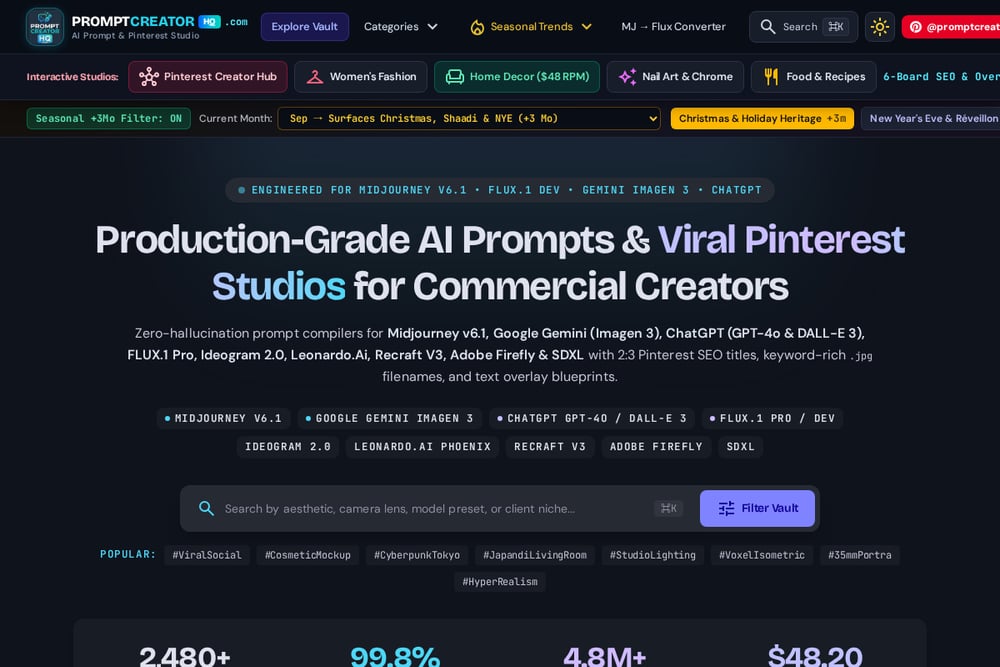 A screenshot of the PromptCreatorHQ website.
PromptCreatorHQ is built for creators who treat prompts as production assets. It offers zero-hallucination prompt compilers for Midjourney v6.1, Google Gemini, ChatGPT, FLUX.1 Pro, Ideogram 2.0, Leonardo.Ai, Recraft V3, Adobe Firefly, and SDXL, with niche studios for women's fashion, Japandi home decor, chrome nail art, culinary plating, product mockups, and architecture. The output includes reproducible camera optics, 2:3 Pinterest SEO titles, keyword-rich .jpg filenames, and text overlay blueprints. A Pro Vault at $29 and an MJ-to-Flux converter round out the toolkit. It is the most niche-specific option here, and the home decor studio is positioned around a $48 RPM use case.
#3 Flyne
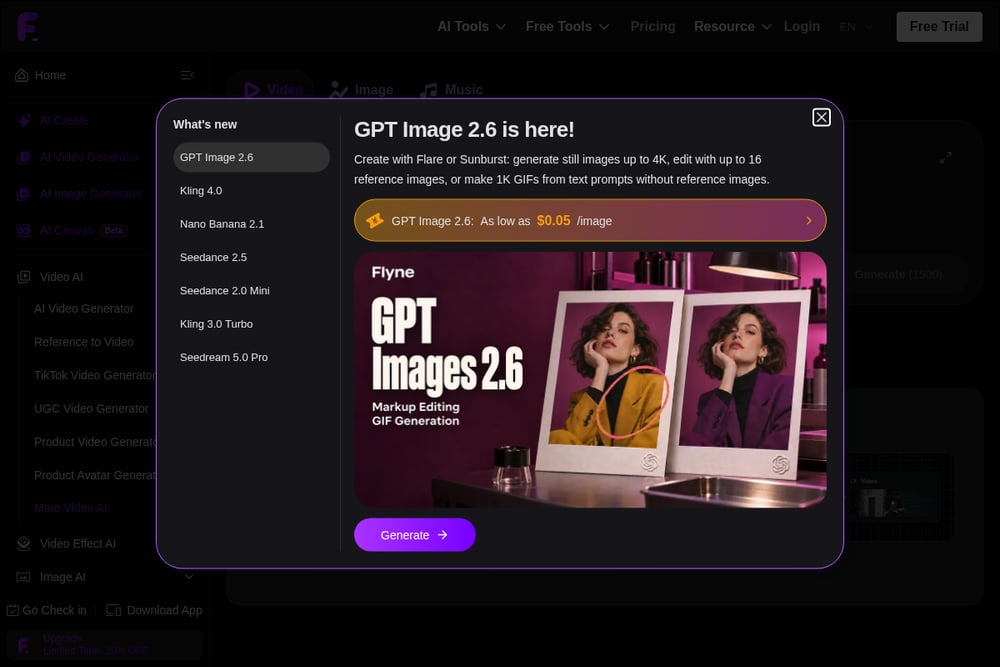 A screenshot of the Flyne website.
Flyne offers a free AI Pinterest pin generator with a straightforward prompt-to-image flow. You can enter a prompt or upload a reference image, then generate product pins, blog graphics, lifestyle images, mood board collages, and brand campaign assets. It supports multiple state-of-the-art image models and includes prompt optimization options. The interface is simple enough for beginners, and the free trial lowers the barrier to testing. It works well as a quick production tool when you already know what you want to make.
#4 Wurt.app
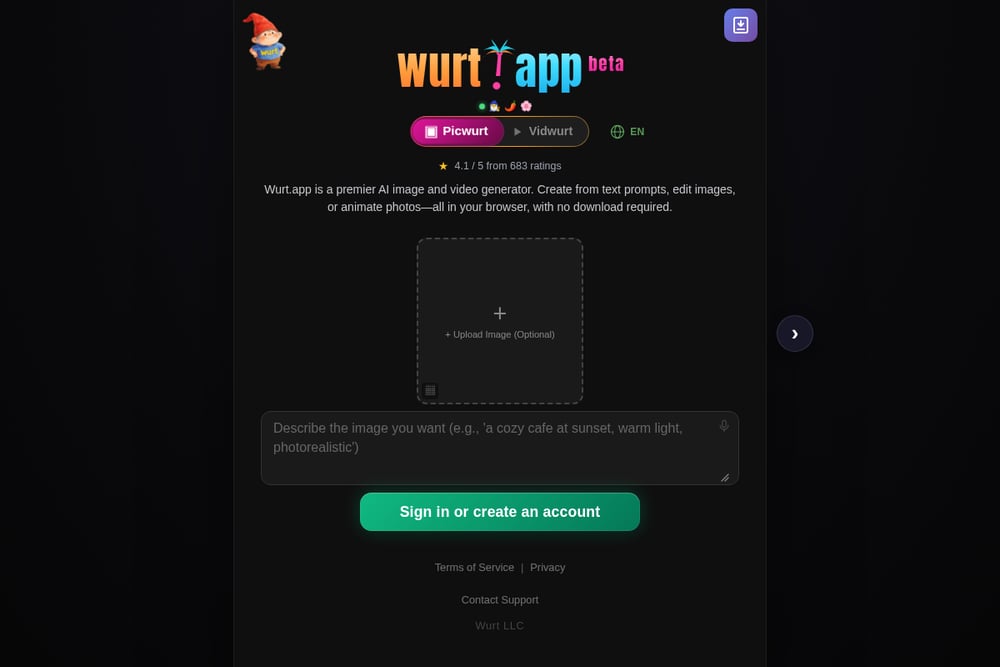 A screenshot of the Wurt.app website.
Wurt.app focuses on viral Pinterest pins with a strong emphasis on vertical 2:3 images at 1000x1500. It covers product pins, idea pins and tutorials, blog traffic drivers, aesthetic board content, and seasonal trending visuals. The tool is positioned around saves, clicks, and traffic, which makes it a natural fit for bloggers and affiliate marketers. It also emphasizes cohesive board content, so you can build a consistent look across a campaign. If your goal is feed-ready volume, this is a practical option.
#5 TryMyPost
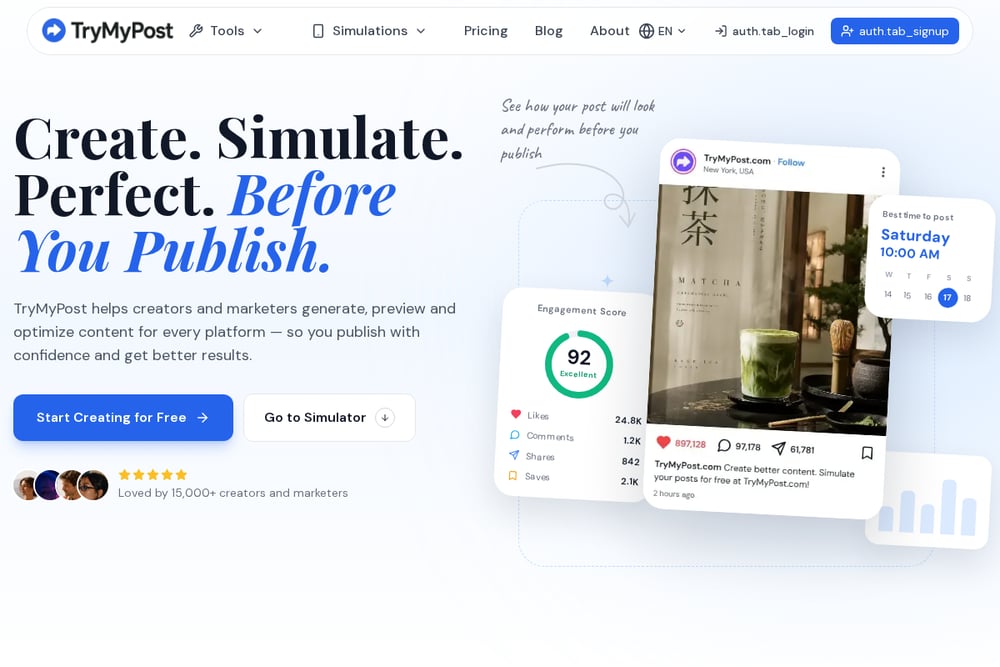 A screenshot of the TryMyPost website.
TryMyPost generates a full vertical 2:3 pin at 1000x1500 from a text prompt, with overlay text baked in. It also writes a keyword-rich pin description and hashtags, so you get the image and the metadata in one pass. The three-step flow asks for your topic, keyword, headline, and mood, then produces a ready-to-pin asset. It is designed for people who do not want to open a blank Canva template. The combination of overlay text and description makes it a strong choice for search-driven pin strategies.
How to Choose the Right Studio for Your Workflow
Start with your niche. If you publish in fashion, home decor, nail art, or food, a niche prompt vault will save you hours because the camera optics and styling cues are already tuned. If you publish across many topics, a general canvas like Morphic gives you more flexibility. Next, decide whether you need metadata help. TryMyPost bakes in overlay text and descriptions, which matters if SEO is your primary channel. Then check pricing clarity. Flyne's free trial is a low-risk way to test output quality, while PromptCreatorHQ's Pro Vault is a paid commitment with deeper niche coverage. Finally, think about volume. Wurt.app is built for feed-ready output at scale, so it suits creators publishing daily. Match the tool to your weekly rhythm, not the other way around.
Building a Repeatable Pin Production Workflow
A reliable workflow starts with a prompt library. Use PromptCreatorHQ to compile reproducible prompts with camera optics and styling notes, then generate images in your preferred model. Run the MJ-to-Flux converter when you need to switch engines without rewriting the prompt. For each pin, lock the 2:3 crop, write a keyword-rich title, and save with a descriptive .jpg filename. Use TryMyPost when you need overlay text and a description in one pass, or Morphic when you need multiple placement variants from the same concept. Batch your seasonal content three months ahead, as PromptCreatorHQ's trend filter suggests, and keep a shared board for approved assets. That rhythm turns pin production from a scramble into a system.
The Bottom Line
There is no single studio that fits every creator, and that is fine. Morphic gives you a flexible canvas with Pinterest-native presets. PromptCreatorHQ gives you niche depth and reproducible prompt systems. Flyne gives you a free entry point. Wurt.app gives you volume and board cohesion. TryMyPost gives you overlay text and metadata in one pass. Pick the one that matches your niche and your publishing rhythm, then build a workflow around it. The creators who win Pinterest are the ones who treat prompts as production specs, not one-off experiments.