You have one photo and a story you want to tell. These five services turn that still image into motion, and one of them sends you off to Los Santos in style.
The photo-to-video boom
Turning a single photo into a short video used to require a studio, a camera crew, and a lot of patience. Now AI models handle the motion, the lighting, and the timing in minutes. The category has split into two camps: general-purpose generators that animate anything, and niche experiences that drop you into a specific scene. Both are worth your attention, depending on whether you want a tool or a moment.
How we looked at them
We compared each service on four things: how much you can do with one upload, how clear the pricing and limits are, how well the output fits vertical social formats, and how much control you get over the final clip. We also weighed how quickly a first-time user can get a usable result without reading a manual.
Here is the short version before the details. Each service below earns its spot for a different reason, so match the pick to what you actually need.
| Provider | Best For |
|---|---|
| VEED | Editing and finishing a clip in one place |
| Goodbye GTA 5 AI Video: Say Your Farewell to Los Santos | A personalized GTA 5 send-off from one photo |
| Vidou.ai | Fast, no-login animation tests |
| HeyGen | Talking-head and avatar-style clips |
| Leonardo.Ai | Creative control across multiple shots |
The five, one by one
#1 VEED
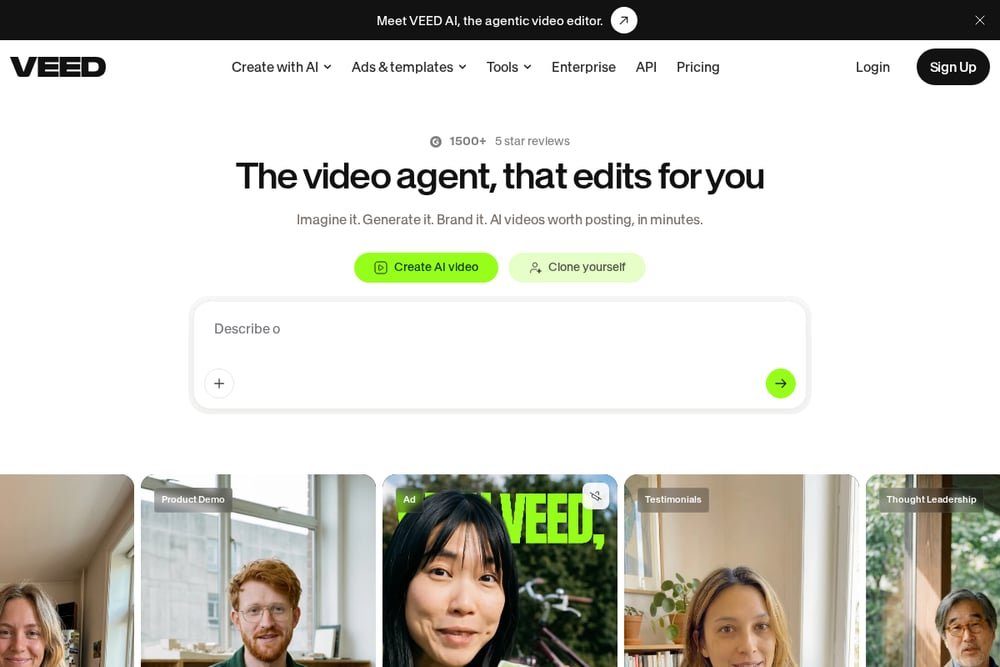 A screenshot of the VEED website.
VEED is the Swiss Army knife of the group. You can turn an image into video, then keep editing with subtitles, translations, and background removal in the same browser tab. It is trusted by more than a million creators, and the workflow shows why: upload, generate, polish, export. If you want one place to make and finish a clip, this is it. The free tier lets you test the waters before committing.
#2 Goodbye GTA 5 AI Video: Say Your Farewell to Los Santos
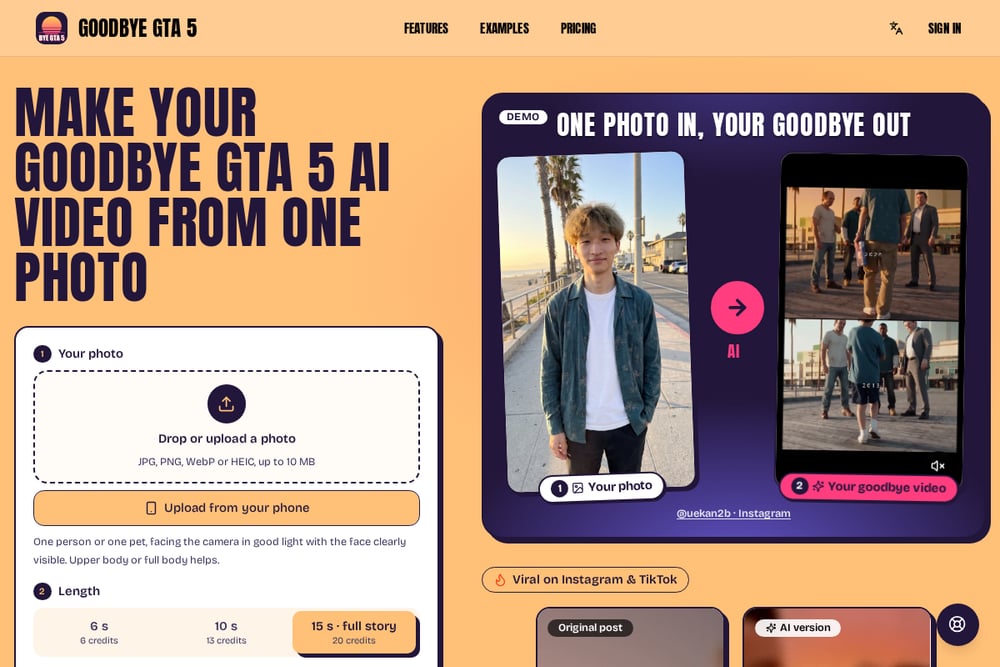 A screenshot of the Goodbye GTA 5 AI Video: Say Your Farewell to Los Santos website.
This is the one with a story baked in. You upload one clear photo of yourself or your pet, and the service places you on the Los Santos pier at sunset with a worn game case in hand. The full 15-second cut gives you the walk up, a fist bump with the three heroes, the car keys, a hug, and the wave goodbye as a pink retro sports car waits. You pick 6, 10, or 15 seconds, and the output is a vertical 9:16 clip ready for Instagram or TikTok. It is a niche farewell timed to the GTA 6 release on November 19, 2026, and it does that one thing with real care.
#3 Vidou.ai
 A screenshot of the Vidou.ai website.
Vidou.ai leans hard into speed and privacy. You upload an image, type a plain-language prompt like "slow cinematic push-in," and get a clip without signing up. The site promises no watermarks, no hidden limits, and no file storage, which matters if you are working with personal photos. It runs in the browser, so there is no GPU to worry about. For quick experiments and one-off animations, it is hard to beat on friction.
#4 HeyGen
 A screenshot of the HeyGen website.
HeyGen is built for people who want a face in the frame. Upload a portrait, add motion or a voice, and you get a polished clip in minutes. The platform is known for realistic avatars and lip sync, and it carries that strength into image-to-video. You get two free clips a day to start, which is enough to see if the style fits. If your project needs a talking presenter or a brand spokesperson, this is the pick.
#5 Leonardo.Ai
 A screenshot of the Leonardo.Ai website.
Leonardo.Ai gives you the most control of the bunch. You can start from text or an image, pick a model, and refine motion and pacing until the shot feels intentional. The platform is built for creative production, so consistency across shots is a real priority. It suits storyboards, campaigns, and social sequences where one clip is not enough. If you like dialing in settings, you will feel at home.
Pick the one that fits your job
Start with the output you need. If you want a finished social clip with captions and edits, go with VEED. If the goal is a specific, personal moment, the Goodbye GTA 5 service is the only one that delivers that scene. For a quick free test, Vidou.ai removes every barrier. Choose HeyGen when a face and voice carry the message, and Leonardo.Ai when you need to control every frame of a larger sequence. Price, privacy, and export format should be your tiebreakers.
A simple workflow you can copy
Pick your photo first: one person or pet, facing the camera, good light. Upload it to your chosen service and select the length or prompt that matches your platform. Generate, review, and re-run if the motion feels off. Then finish the clip with captions or a hook line, export in 9:16, and schedule it for the audience most likely to share it. Keep the original photo handy so you can iterate without starting over.
The bottom line
One photo is enough to make something worth posting. The general tools give you range, speed, and control, and they will serve you well for most projects. But if you are a GTA 5 fan watching the clock tick toward November 19, 2026, the Goodbye GTA 5 service offers something the others cannot: a proper farewell on the pier, with you in the frame.