
Your parents' wedding photo deserves better than a shoebox. These five AI restoration services bring scratched, faded memories back to life.
The AI Photo Restoration Landscape
Old photos fade, crease, and scratch. AI restoration fixes that. In 2026, you can upload a scan or phone photo and get a restored version in seconds or minutes. The tools repair damage, upscale resolution, colorize black-and-white images, and enhance faces. Some focus on speed. Others on print quality. Pricing ranges from free credits to monthly subscriptions. The key is finding the right balance of quality, cost, and ease for your family archive.
How We Evaluated These Services
We looked at five factors. First, service scope: does it handle scratches, fading, colorization, and upscaling? Second, pricing clarity: are costs upfront and refundable? Third, output quality: how natural do faces and details look? Fourth, ease of use: can you preview before paying? Fifth, privacy: how long are your photos stored? Each service has strengths. Lumipast offers a free preview and 30-day deletion. Nero AI provides multiple restoration models. jpgHD supports many languages and desktop apps. ImageColorizer includes portrait retouching. VanceAI integrates with developer tools. Your choice depends on what you value most.
Here is a quick look at five services that can rescue your family photos.
| Provider | Best For |
|---|---|
| Nero AI Photo Restoration | Users who want multiple restoration models and bulk processing |
| Lumipast — Restore Your Parents’ Wedding Photo | Anyone who wants to try before buying, especially for wedding photos |
| jpgHD | Users who need desktop apps and multi-language support |
| ImageColorizer | Colorizing black-and-white family portraits with natural skin tones |
| VanceAI Old Photo Restoration | Developers and power users who want API access and automation |
The 5 Services in Detail
#1 Nero AI Photo Restoration
 A screenshot of the Nero AI Photo Restoration website.
Nero AI gives you 10 free credits to start. You can choose from Natural+, Restore+, or Classic models. It repairs scratches, creases, and faded areas while improving facial details. The service supports JPG, PNG, WebP, and AVIF files. Bulk processing is available for large collections. According to Nero AI, over 25,000 users have tried it. The interface is straightforward: upload, pick a model, and download. Credits cost 1-4 per image depending on settings.
#2 Lumipast — Restore Your Parents’ Wedding Photo
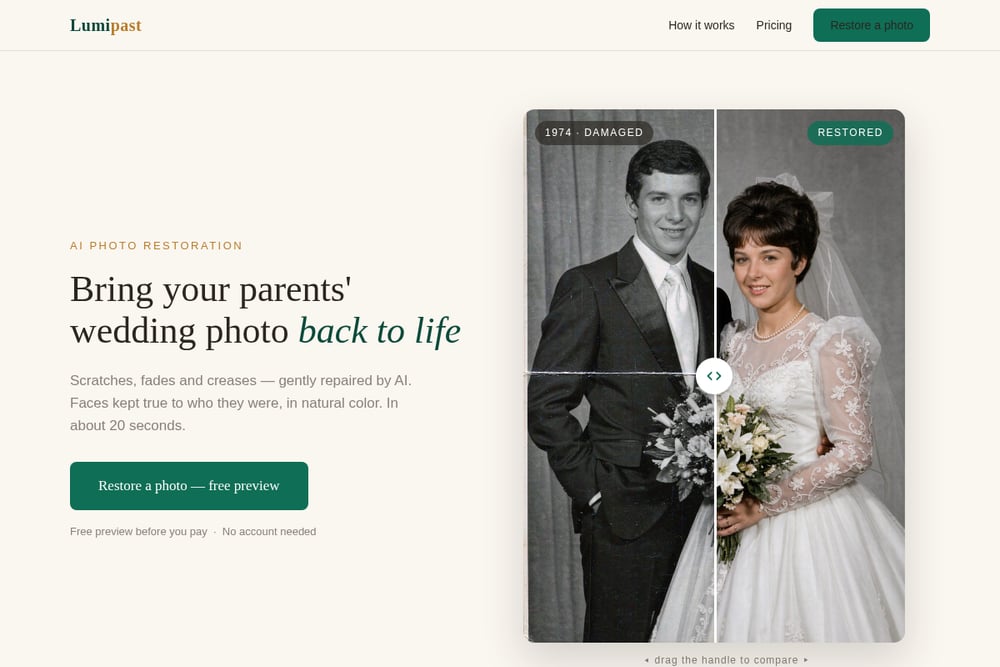 A screenshot of the Lumipast — Restore Your Parents’ Wedding Photo website.
Lumipast focuses on wedding photos and family portraits. You upload a scan or phone photo, and the AI repairs scratches, fades, and creases in about 20 seconds. It also upscales 4x, colorizes black-and-white images, and enhances faces. The best part: you see a free preview before paying. No account needed. If you like the result, one credit ($4.99 for five HD downloads) unlocks the full-resolution file. A monthly plan ($9.99) gives unlimited restores. Lumipast deletes your photos 30 days after upload. It also offers print-ready PDF and framing poster add-ons.
#3 jpgHD
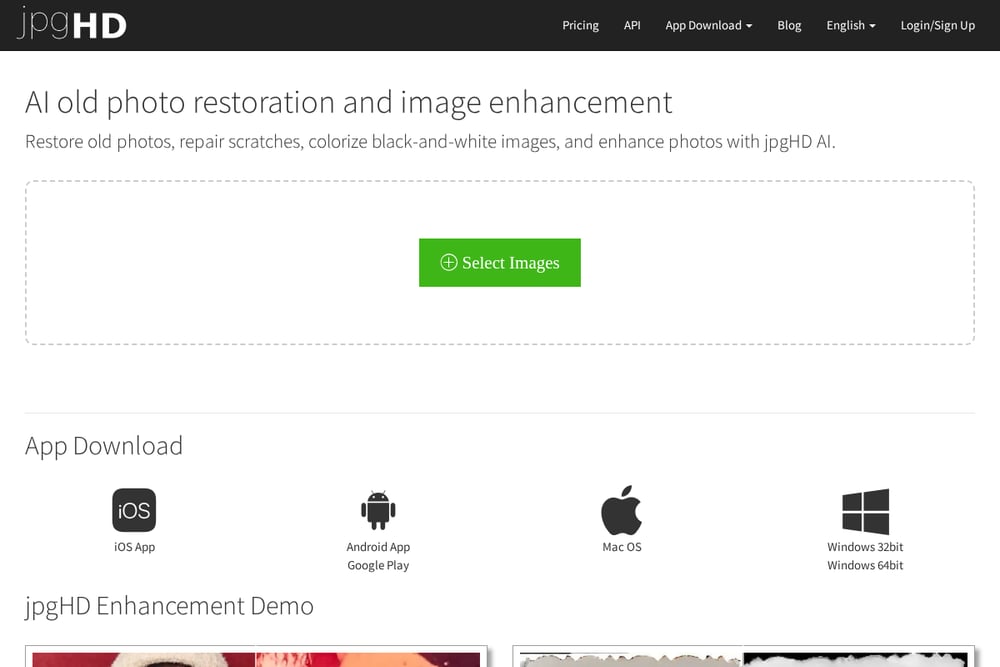 A screenshot of the jpgHD website.
jpgHD uses advanced super-resolution models to restore old photos. It repairs scratches, colorizes black-and-white images, and enhances details. Processing takes about 3-5 minutes per image. Free users can upload up to 3000x3000px and 10MB. Pro users get priority processing. The service is available in over 20 languages and offers desktop apps for Mac, Windows, and mobile. You can also download iOS and Android apps. jpgHD is a solid choice if you need cross-platform access.
#4 ImageColorizer
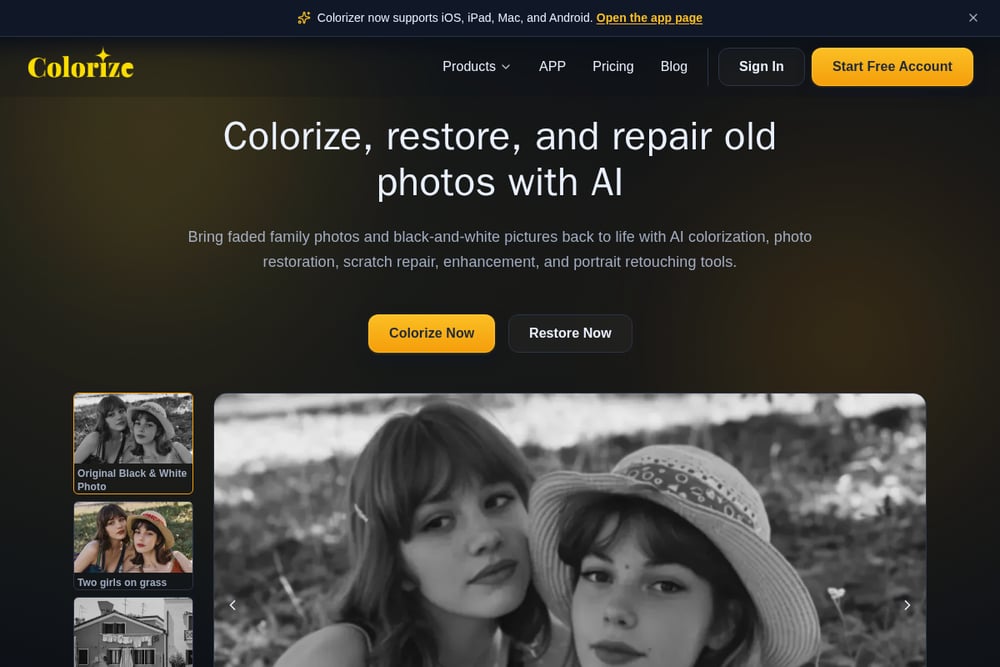 A screenshot of the ImageColorizer website.
ImageColorizer specializes in colorizing black-and-white photos. It also restores faded details, enhances blurry images, retouches portraits, and removes scratches. You start with free credits, then upgrade for higher volume. The service preserves natural facial details while bringing old photos back to life. It supports iOS, iPad, Mac, and Android. The interface is simple: upload, choose a tool, and download. ImageColorizer is great for family historians who want to colorize and restore in one place.
#5 VanceAI Old Photo Restoration
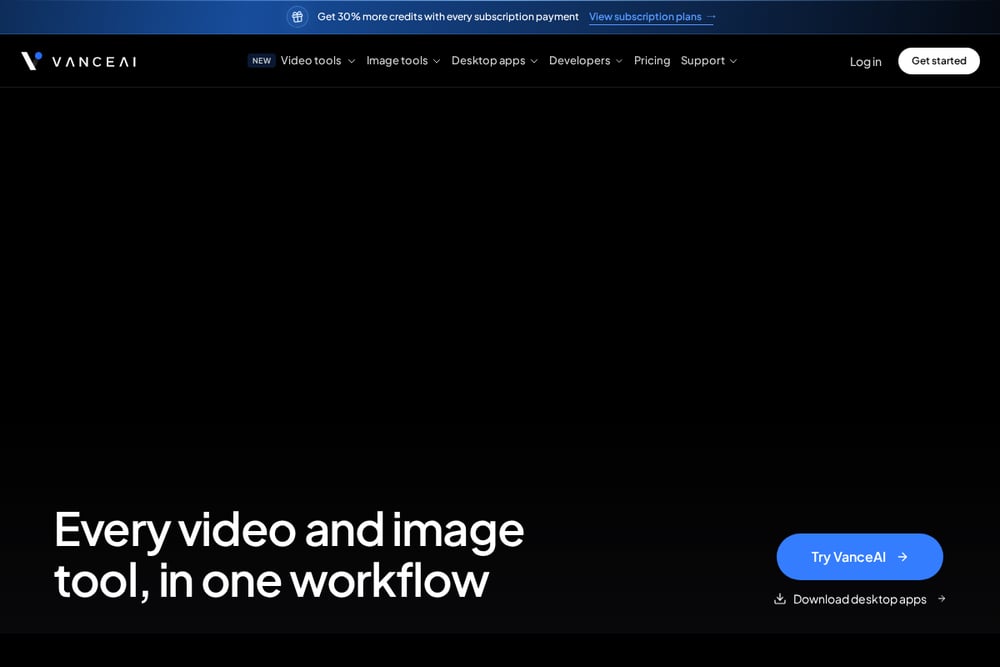 A screenshot of the VanceAI Old Photo Restoration website.
VanceAI repairs scratches, tears, stains, creases, and faded color. It sharpens facial details like eyes, hair, and skin texture. The service offers both cloud and local processing options. You can integrate it via API, ComfyUI node, or agent skill. Subscription plans give you more credits, and annual plans save 25%. VanceAI is ideal if you want to automate restoration at scale. It also has a free desktop client for video and image processing.
How to Choose the Right Service
Start with your goal. If you want to test before paying, pick a service with a free preview. If you have hundreds of photos, look for bulk processing. If you need colorization, check that feature. If you want to print, ensure high-resolution downloads. Also consider privacy: how long are your photos stored? Lumipast deletes after 30 days. Others may vary. Finally, check pricing. Some charge per image, others monthly. Pick what fits your budget and volume.
Automating Your Restoration Workflow
You can streamline restoration with a simple workflow. First, scan or photograph your originals at high resolution. Second, upload to a service that offers batch processing. Third, use API or desktop tools if you have many photos. Fourth, review previews and download HD versions. Fifth, store restored files in multiple locations. For ongoing projects, consider a subscription with unlimited restores. VanceAI and Nero AI offer bulk options. Lumipast is best for one-off wedding photos. Always keep original scans as backup.
The Bottom Line
Your family photos are irreplaceable. AI restoration can bring them back. Lumipast shines for wedding photos with its free preview and gentle repair. Nero AI offers flexible models and bulk processing. jpgHD provides cross-platform apps. ImageColorizer excels at colorization. VanceAI is built for automation. Try one or two. See which fits your needs. Then restore those memories before they fade further.