You have a phone full of pet photos and a wall that could use something better. These five services turn two ordinary pictures into a portrait of you and your animal together.
Where AI pet portraits stand right now
Pet owners have quietly become one of the biggest markets for AI image tools. The pitch is simple: upload a photo, pick a style, get art back in seconds. What used to mean a studio booking, a cooperative dog, and a few hundred dollars now takes about half a minute and a credit card. The category has split into two camps. Some tools focus on the pet alone, dressing your dog as a king or dropping your cat into a Ghibli scene. Others, like the family-portrait specialists, try something harder: putting you and your pet in the same frame, with the same markings and the same eyes. Holiday demand drives a lot of it. Christmas styles, memorial portraits, and greeting-card formats show up on nearly every site now. Pricing is mostly one-time packs rather than subscriptions, and free previews have become the standard way to let you judge the likeness before you pay.
How we compared these services
We looked at the same factors across all five. First, scope: does the tool handle people and pets together, or pets only? Second, pricing clarity: is the cost stated up front, and is it a one-time charge or a recurring plan? Third, the free tier: how many previews you get and whether an account or card is required. Fourth, style range, including holiday and memorial options. Fifth, output quality signals, like resolution and how faithfully the AI keeps your pet's coat and markings. Family Portrait With Dog stood out for combining two separate photos into one portrait and for stating a flat one-time price. PawToAI impressed with speed and a large style library. PetPortraitHub drew attention for daily free trials with no login. PugMug was notable for its documented, model-training approach to likeness. Kinpict stood out for slotting pets into broader family-photo scenarios.
Here is the short version before the details. Each service below does one thing particularly well, and the right pick depends on whether you want a portrait of your pet alone or a portrait of the two of you together.
| Provider | Best For |
|---|---|
| PawToAI | Fast, high-volume pet-only portraits |
| Family Portrait With Dog: AI Photo From Two Pictures | Portraits of you and your pet together |
| PetPortraitHub | Free daily experimentation across many styles |
| PugMug | Likeness-focused custom pet art |
| Kinpict | Pets inside larger family compositions |
The five services, one by one
#1 PawToAI
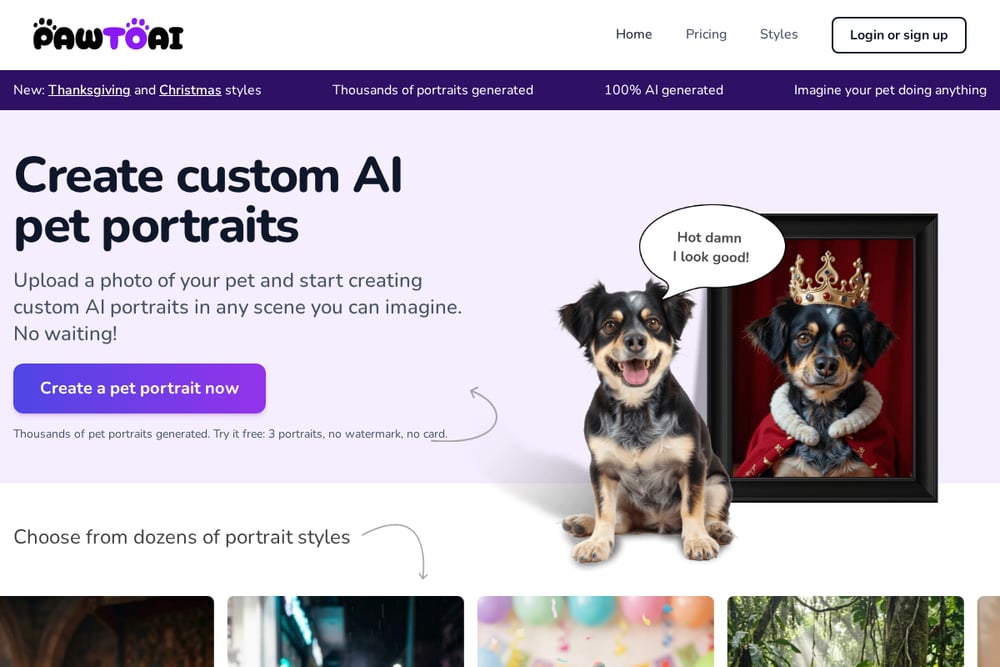 A screenshot of the PawToAI website.
PawToAI is built around speed and variety. You upload a photo of your pet, choose from dozens of styles or write your own scene prompt, and each portrait lands in roughly 20 seconds. The site leans hard into seasonal demand, with dedicated Thanksgiving and Christmas collections alongside costumes, action figures, and classic portrait looks. It also shows real before-and-after examples so you can check how well the AI preserved a specific dog's coat and markings. The free tier gives you three portraits with no watermark and no card required. If you want lots of options fast and your pet is the star, this is a strong starting point.
#2 Family Portrait With Dog: AI Photo From Two Pictures
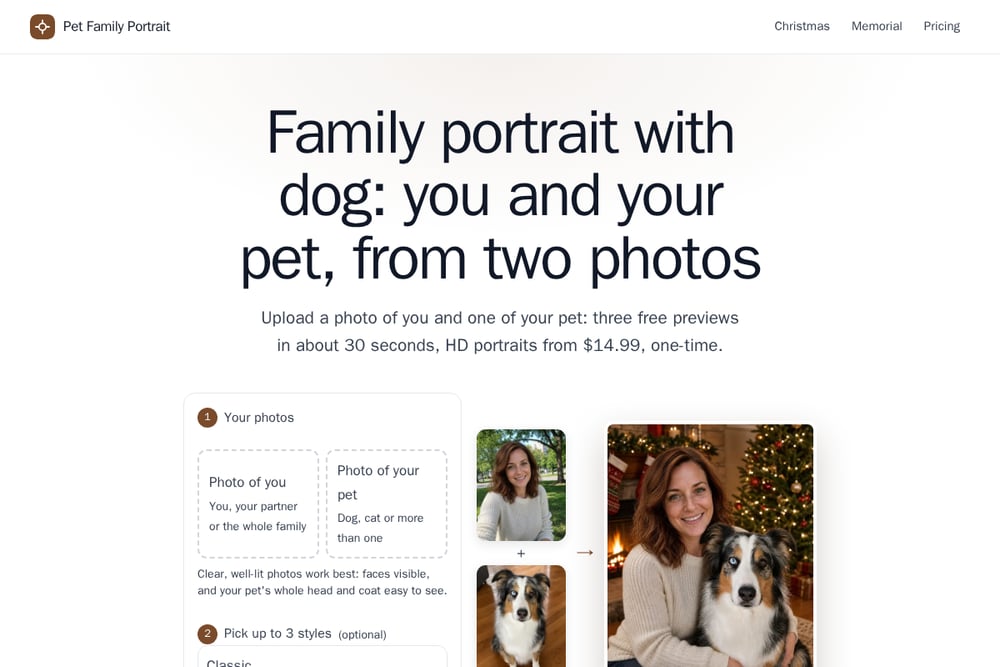 A screenshot of the Family Portrait With Dog: AI Photo From Two Pictures website.
This one solves a different problem. Instead of styling your pet alone, it takes one photo of you and one of your pet and merges them into a single portrait, keeping details like a blaze or a blue eye consistent across both faces. You get three free previews in about 30 seconds, one per style, with no account needed. The style list runs to 28 options across classic studio, outdoor scenes, at-home settings, Christmas, memorial, and painted looks. Pricing is refreshingly plain: a one-time $14.99 for three HD portraits. If the goal is a picture of the two of you together, this is the most direct route.
#3 PetPortraitHub
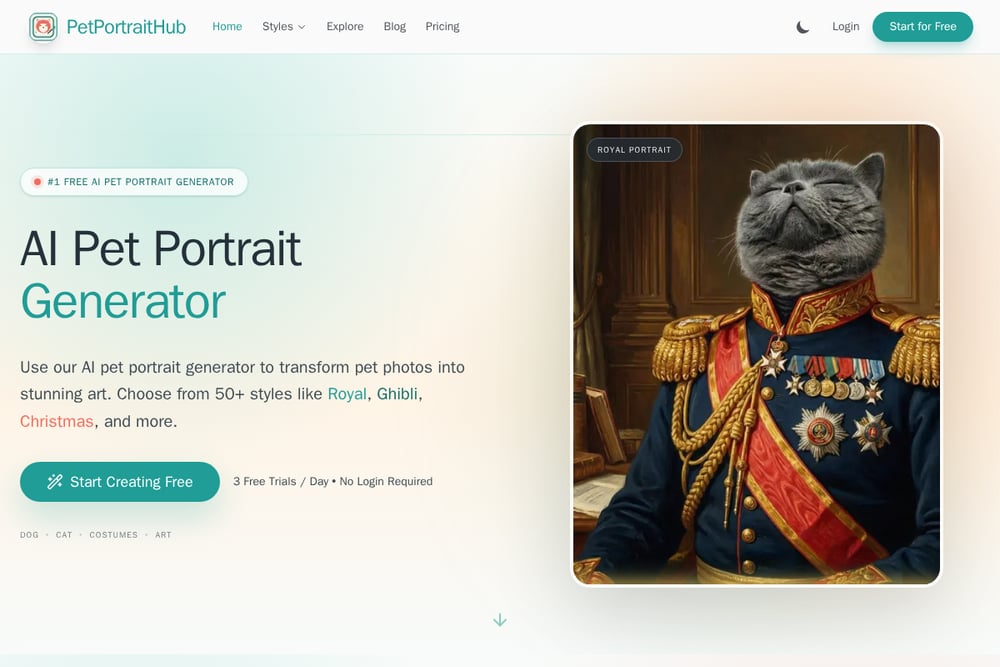 A screenshot of the PetPortraitHub website.
PetPortraitHub positions itself as a free entry point and backs it up with three free trials per day and no login required. The style library is broad, covering royal portraits, Renaissance, Pixar-style 3D, anime, and a full set of Christmas costumes. Output goes up to 4K, which matters if you plan to print. The workflow is a clean three-step upload, style, download, and it accepts dogs, cats, and birds. It is a good fit if you want to experiment widely before committing to anything.
#4 PugMug
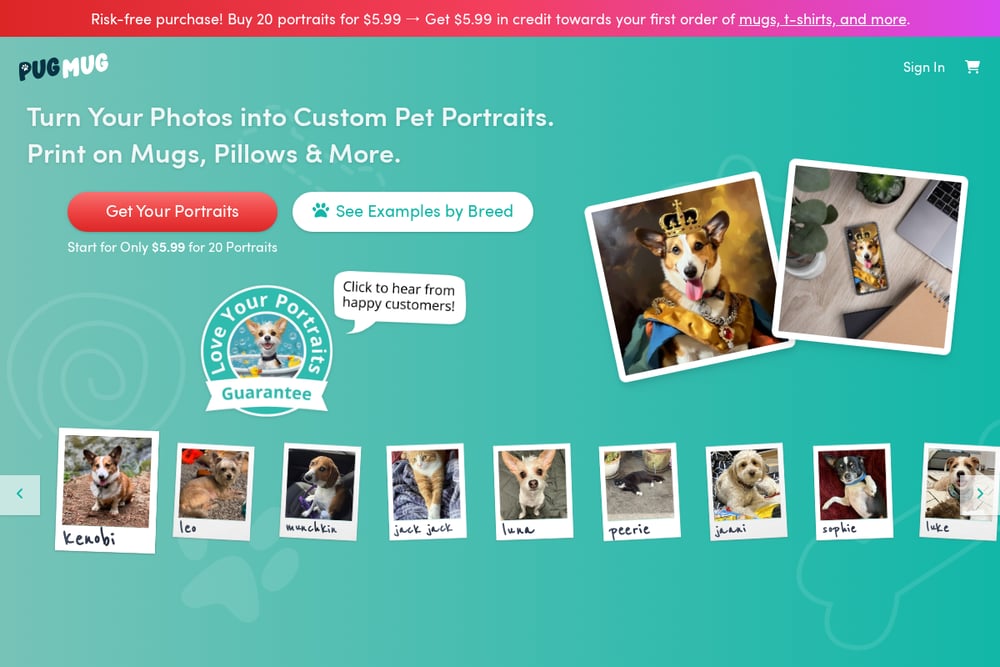 A screenshot of the PugMug website.
PugMug explains its process in unusual detail, and that transparency is the draw. The team trains a model on your pet's photos to capture specific physical traits, then applies crafted prompts to generate art that reflects those traits. The site publishes photography guidance too, covering lighting, framing, and which features to keep visible. Styles range from classical art to outer space, with a review step so you can pick your favorites. If you care about likeness over volume and want to understand how the result is made, this is worth a look.
#5 Kinpict
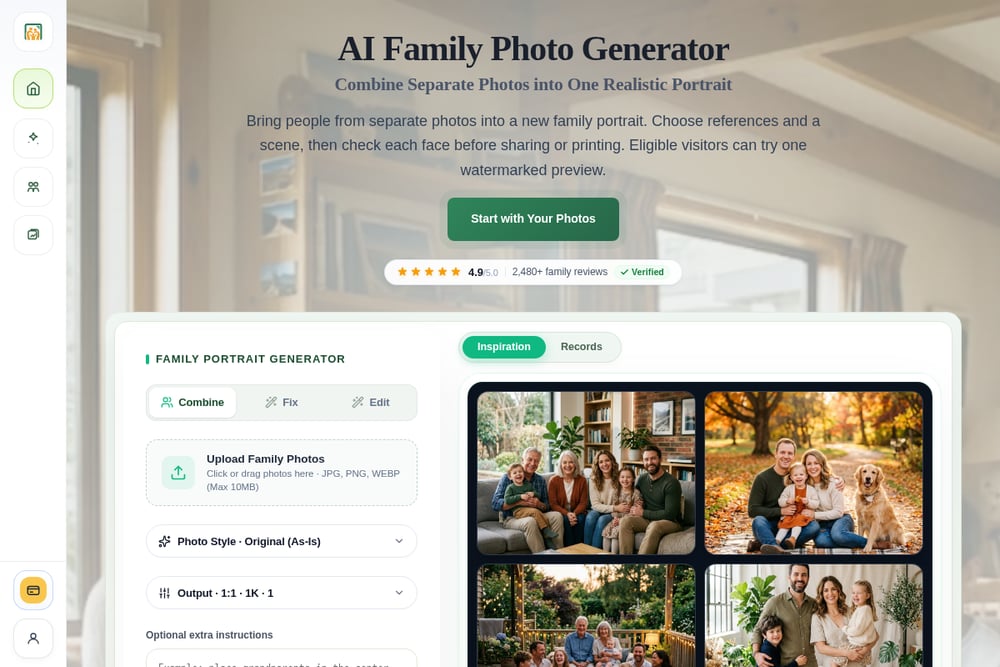 A screenshot of the Kinpict website.
Kinpict approaches pets from the family-photo side rather than the pet-portrait side. Its tools combine separate photos taken at different times into one natural image, and the pets feature is one scenario among several, alongside adding a missing person or building a generational portrait. That makes it useful when the pet is part of a larger family composition rather than the whole subject. There are also Christmas and anime family options, and pricing runs on one-time packs. If your project is a group portrait that happens to include the dog, this fits.
How to pick the right one for you
Start with the question that decides everything: do you want your pet alone, or the two of you together? If it is the two of you, you need a tool that accepts two separate photos and merges them, which narrows the field quickly. Next, check the free preview. Three previews is enough to judge whether the AI kept your dog's markings and your own face intact. Look at the price structure too. One-time packs are simpler than subscriptions you might forget to cancel. Finally, think about the end use. A holiday card needs a card-ready format and a fast turnaround. A memorial piece needs gentler styles and more careful likeness. A print for the wall needs high resolution. Match the tool to the job, not to the longest style list.
A simple workflow you can run today
Pick two photos first: one clear, well-lit shot of your face and one of your pet with the whole head and coat visible. Upload both, then choose up to three styles so your free previews cover different moods, for example one classic, one outdoor, and one holiday. Review the previews for likeness before paying anything. If the eyes or markings look off, swap the source photo and try again, since input quality drives output quality more than style choice does. Once you have a preview you like, buy the HD set, download immediately, and back the files up somewhere you will find them next December. Total time: under ten minutes.
The bottom line
The AI pet portrait space has matured fast, and the differences now come down to intent. PawToAI wins on speed and sheer variety for pet-only art. PetPortraitHub makes trying things free and easy. PugMug appeals if you want to understand the craft behind the likeness. Kinpict is the choice when the pet is one piece of a bigger family picture. And if what you actually want is a portrait of you and your dog or cat in the same frame, Family Portrait With Dog is built for exactly that, with a flat one-time price and previews before you commit. Start with the free previews on any of them. You will know within a minute whether the result looks like your animal.