Your palm holds a story, and AI now claims to read it from a single photo. Here are five services worth knowing if you want to test that promise.
The AI Palmistry Landscape
AI palm reading has moved from novelty to a small industry. Most tools ask for one hand photo, trace the major lines, and return a written interpretation in seconds. The differences show up in how the reading is framed: some lean on Western chiromancy, others on Chinese palmistry or Indian samudrika shastra. Pricing models vary too, from unlimited free scans to one-time reports. Privacy language matters as much as the reading itself, since you are uploading a photo of your hand. The five services below each take a distinct approach to the same basic idea.
How We Evaluated These Services
We looked at five factors across every service. First, service scope: does the tool read only the major lines, or does it also cover mounts, minor lines, and specific life questions? Second, pricing clarity: is the free tier genuinely useful, and is the paid step a one-time fee or a subscription? Third, privacy handling: does the site explain what happens to your photo after analysis? Fourth, reading depth: does the report show what was seen on your hand next to what it means, so you can check the logic? Fifth, local fit: language support, browser access, and whether the service is built for US users. Each service below stood out on at least one of these factors.
Here is a quick comparison of the five services, followed by a closer look at each one.
| Provider | Best For |
|---|---|
| Creen AI Palm Reader | Free unlimited scans with visible line tracing |
| AI Palm Reading from a Photo · MyPalmSays | Traditional Chinese palmistry with a one-time fee |
| Palmist | Palm reading plus chat with AI astrologers |
| PalmReading.pro | Free mobile-friendly readings with no signup |
| PANDIT AI Palm Scanner | Palm scanning inside a full Vedic astrology app |
The Five Services in Detail
#1 Creen AI Palm Reader
 A screenshot of the Creen AI Palm Reader website.
Creen positions its palm reader as a browser-based scanner that detects the four major lines and several minor markers before writing anything. The reading draws on Western chiromancy, Chinese palmistry, and Indian samudrika shastra, so you get a multi-tradition interpretation rather than a single lens. It is free and unlimited with no sign-up, which makes it easy to test on a few different photos. The output includes a visual overlay of the traced lines plus a structured written report. If you want to see the line detection step before you trust the words, this is a strong place to start.
#2 AI Palm Reading from a Photo · MyPalmSays
 A screenshot of the AI Palm Reading from a Photo · MyPalmSays website.
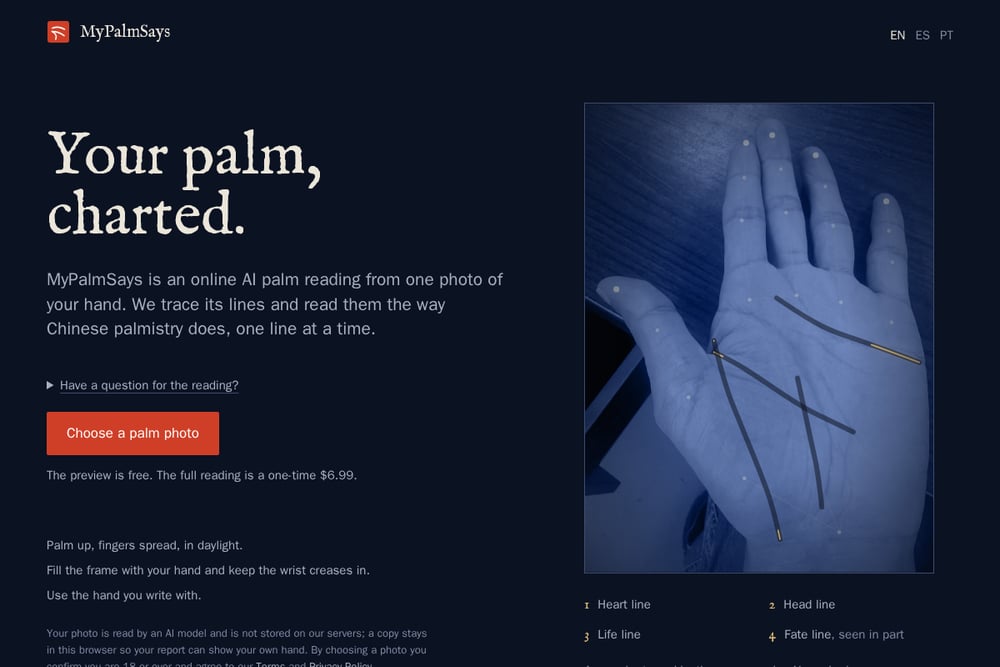
MyPalmSays reads your palm the way Chinese palmistry does, one line at a time, and draws the traced lines on your own photo. The preview is free, and the full reading is a one-time $6.99 with no account required. You can point the reading at a specific question about money, love, work, or health before you upload. Privacy is handled in two steps: your browser crops the photo to your hand first, and the image is not stored on their servers. Each line entry shows what was seen on your hand next to what it is taken to mean, so you can check the interpretation against the visual. The site also publishes sample readings from stock photos, which gives you a sense of the output before you pay.
#3 Palmist
 A screenshot of the Palmist website.
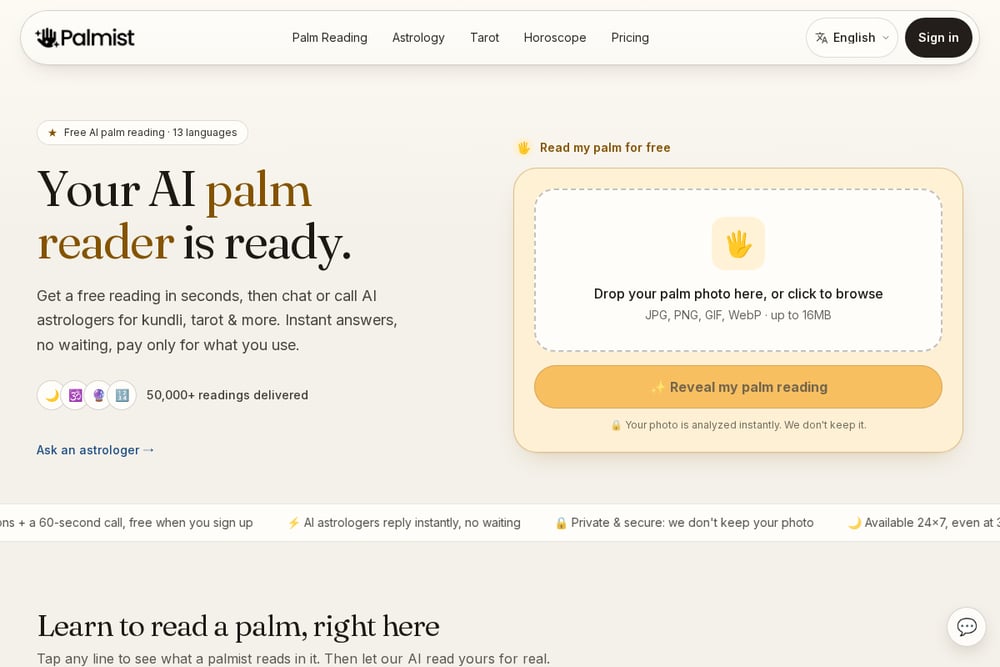
Palmist bundles palm reading with astrology, tarot, and numerology in one place, and it supports 13 languages. The free tier gives you a reading in seconds, then invites you to chat or call AI astrologers for follow-up questions. The site says it has delivered over 50,000 readings and that photos are not kept after analysis. A tap-to-learn section explains what each major line means before you scan, which helps you read your own report with more context. If you want to move from a palm scan into a broader astrology conversation, this is the most connected option of the five.
#4 PalmReading.pro
 A screenshot of the PalmReading.pro website.
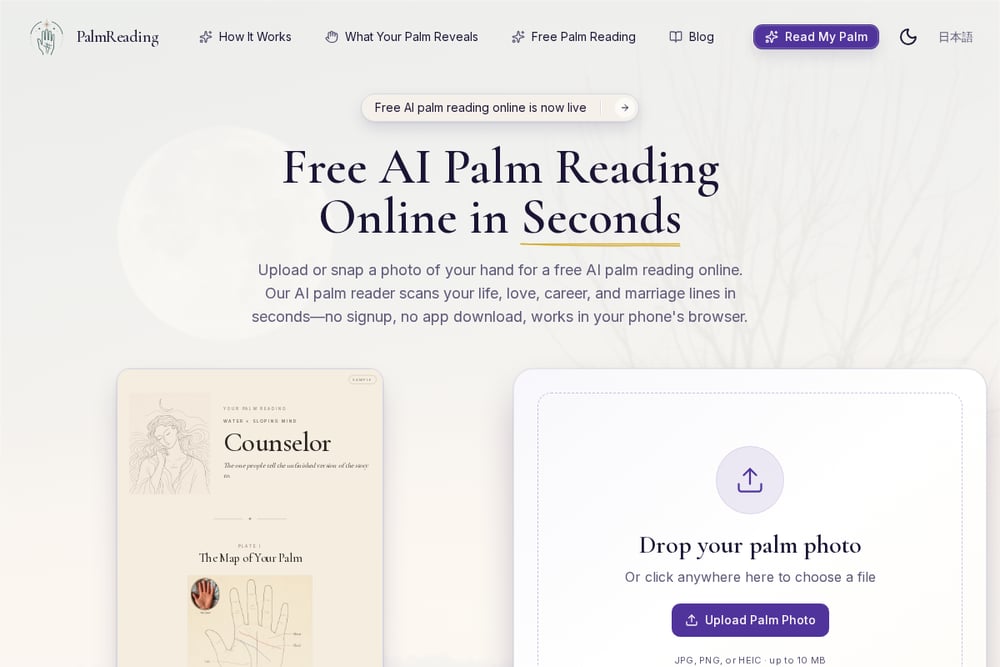
PalmReading.pro offers a free AI palm reading with no signup and no app download, and it works in your phone's browser. The report is organized by life area, with sections for heart line, head line, career, and marriage, and it explains the reasoning behind each claim. The sample reading on the site shows how the tool connects a line's shape to a personality trait, which makes the output feel less like a fortune cookie. It is a straightforward option if you want a free preview on mobile without creating an account. The trade-off is that the free tier is the main product, so expect a lighter report than a paid service.
#5 PANDIT AI Palm Scanner
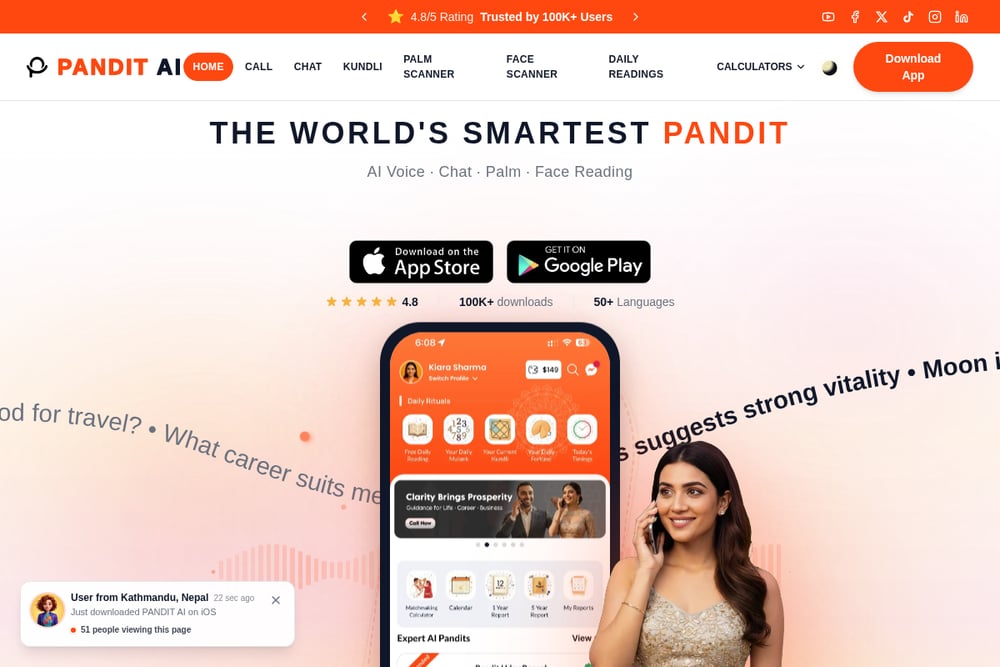 A screenshot of the PANDIT AI Palm Scanner website.
PANDIT AI is a broader astrology app with a palm scanner built in, and it reports a 4.8 rating from over 100,000 users. The palm scan sits alongside kundli, face scanning, daily readings, and calculators for marriage age, wealth potential, and business versus job. The app is available on mobile and includes live scan prompts that show other users trying the feature. If you already use Vedic astrology tools, the palm scanner fits into an existing workflow rather than standing alone. The trade-off is that the palm reading is one feature in a larger app, not the whole product.
How to Choose the Right Service
Start with the question you want answered. If you want a specific reading on money, love, work, or health, look for a service that lets you set the focus before you upload, like MyPalmSays. If you want to test the technology first, pick a free unlimited scanner like Creen and compare results across a few photos. If you want follow-up conversation, Palmist's chat and call features are built for that. If you are already inside an astrology ecosystem, PANDIT AI keeps everything in one app. And if you just want a quick mobile preview, PalmReading.pro removes the signup step entirely. Check the privacy language on any service before you upload, and remember that all of these tools are for entertainment.
What These Tools Automate
Each service automates the same core loop: find the hand in the photo, trace the major lines, and map what it sees to a written interpretation. The differences are in the edges. MyPalmSays crops the photo in your browser before anything is uploaded and draws the lines on your own hand. Creen shows a visual overlay of the detected lines before the report. Palmist adds a chat layer on top of the reading. PANDIT AI folds the scan into a wider set of astrology calculators. PalmReading.pro keeps the whole flow inside a mobile browser with no account. None of them replace a human palmist, but they make the first pass fast and cheap.
The Bottom Line
AI palm reading is a small, fast-moving category, and these five services cover the main approaches. MyPalmSays is the one to try if you want a traditional Chinese reading with a clear one-time price and a privacy-first upload step. Creen is the best free sandbox for testing line detection. Palmist is for you if the palm scan is a doorway to a longer astrology conversation. PalmReading.pro keeps it simple on mobile, and PANDIT AI fits the scan into a full Vedic toolkit. Pick the one that matches the question you are actually asking, and treat the output as entertainment rather than prediction.