
Planning a week of lessons shouldn't feel like a second job. These five AI-powered platforms are changing how US educators build standards-aligned instruction without burning out.
The New Lesson Planning Stack
Lesson planning has quietly become one of the most time-consuming parts of teaching. Between standards alignment, differentiation, and material creation, the average educator spends hours every week on prep that could be automated. AI planning tools have stepped into that gap, offering everything from full unit builders to worksheet generators. The market now spans free teacher-focused platforms, district-grade compliance suites, and methodology-driven systems that pair AI with proven instructional frameworks. For US schools, the question is no longer whether to adopt these tools, but which one fits the way your teachers actually work.
How We Evaluated These Platforms
We looked at service scope, standards alignment, pricing clarity, and how well each tool fits the realities of US classrooms. Thinking Maps stands out for its methodology-first approach, pairing AI planning with a proven visual language used across content areas. Eduaide shines for its guided workflows and breadth of classroom-ready material types. MagicSchool earns attention for its teacher-friendly free tier and district-level privacy posture. to teach impresses with its resource library and differentiation controls for mixed-ability classrooms. Education Copilot delivers a wide toolkit of generators under one roof, from lesson plans to rubrics and IEP helpers. Each platform serves a different planning style, so the right pick depends on your workflow, not a single score.
Here's a quick look at five platforms US educators are using to plan smarter, not longer.
| Provider | Best For |
|---|---|
| MagicSchool | Teachers who want a free, standards-aligned starting point |
| Thinking Maps - A Shared Visual Language For Learning | Schools committed to a shared, brain-based instructional framework |
| Eduaide | Educators who want guided workflows across many material types |
| to teach | Differentiating lessons for mixed-ability classrooms |
| Education Copilot | Teachers who want one toolkit for planning, materials, and grading |
The Five Platforms Worth Your Time
#1 MagicSchool
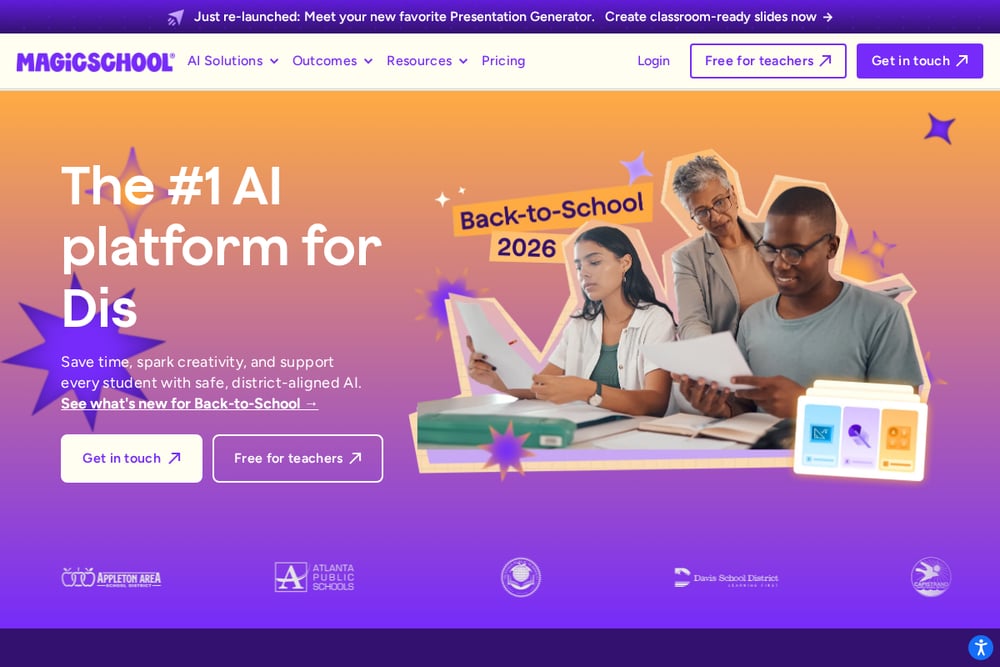 A screenshot of the MagicSchool website.
MagicSchool has become a go-to name in US classrooms for one simple reason: it's free for teachers and genuinely useful. The platform generates full, standards-aligned lesson plans in minutes, with learning objectives baked in from the start. Teachers report saving seven or more hours per week, and 94% say the tool meaningfully reduces their workload. It also offers district-level privacy and compliance features, which matters for schools navigating AI policy. If you want a low-friction entry point into AI planning, this is where many educators begin.
#2 Thinking Maps - A Shared Visual Language For Learning
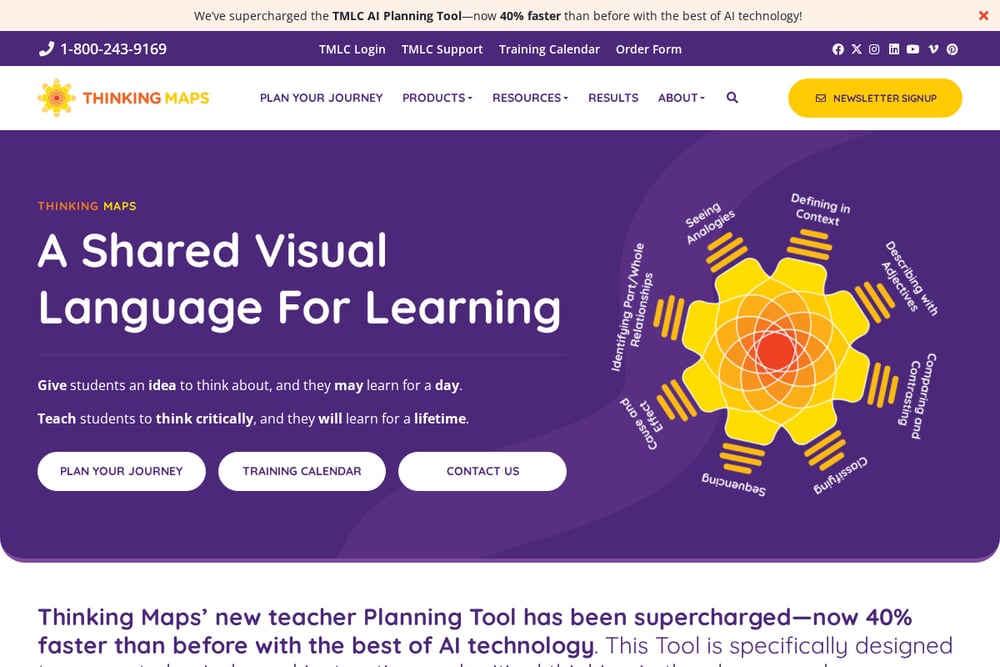 A screenshot of the Thinking Maps - A Shared Visual Language For Learning website.
Thinking Maps takes a different path than most AI planners. Instead of just generating content, it anchors planning in a proven instructional methodology built around eight visual patterns tied to specific cognitive processes. Its TMLC AI Planning Tool includes a Unit Planner, Lesson Planner, Assignment Planner, Writing Prompt Generator, and Intervention Plan Generator, all aligned with state standards. The tool is designed to promote brain-based instruction and critical thinking across every subject area. For schools that want AI to reinforce a shared instructional language, this is a compelling fit.
#3 Eduaide
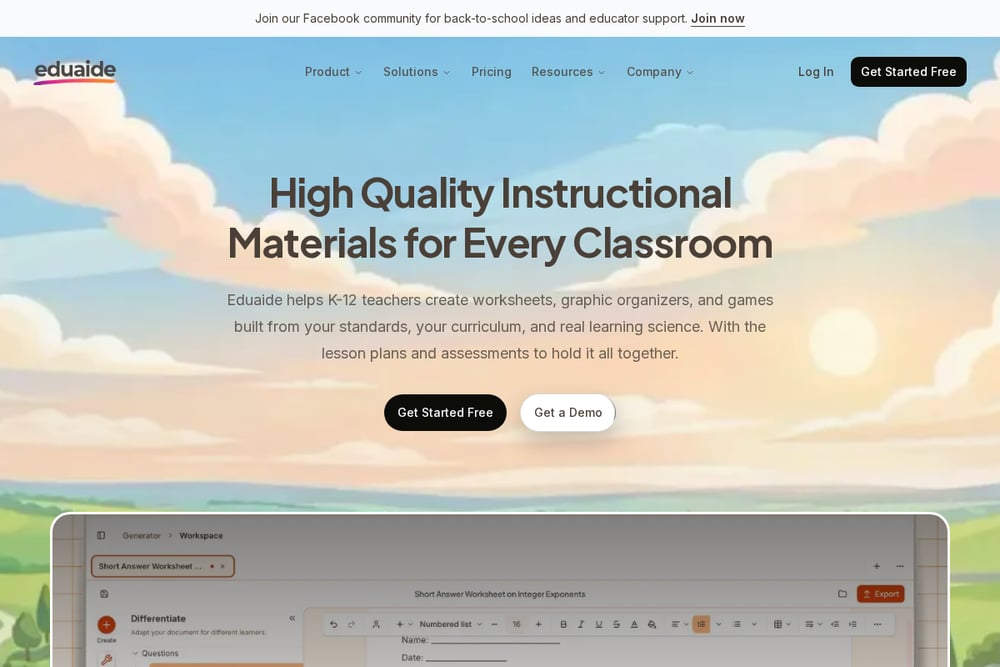 A screenshot of the Eduaide website.
Eduaide positions itself as an AI toolkit for the work teachers do every day. Its guided workflows let you generate worksheets, graphic organizers, games, and assessments without writing long prompts. The platform emphasizes high-quality instructional materials built from your standards, your curriculum, and real learning science. You'll find generators for lesson seeds, unit plans, discussion prompts, and even classroom communication like announcements and recommendation letters. It's a strong choice if you want structure and variety without a steep learning curve.
#4 to teach
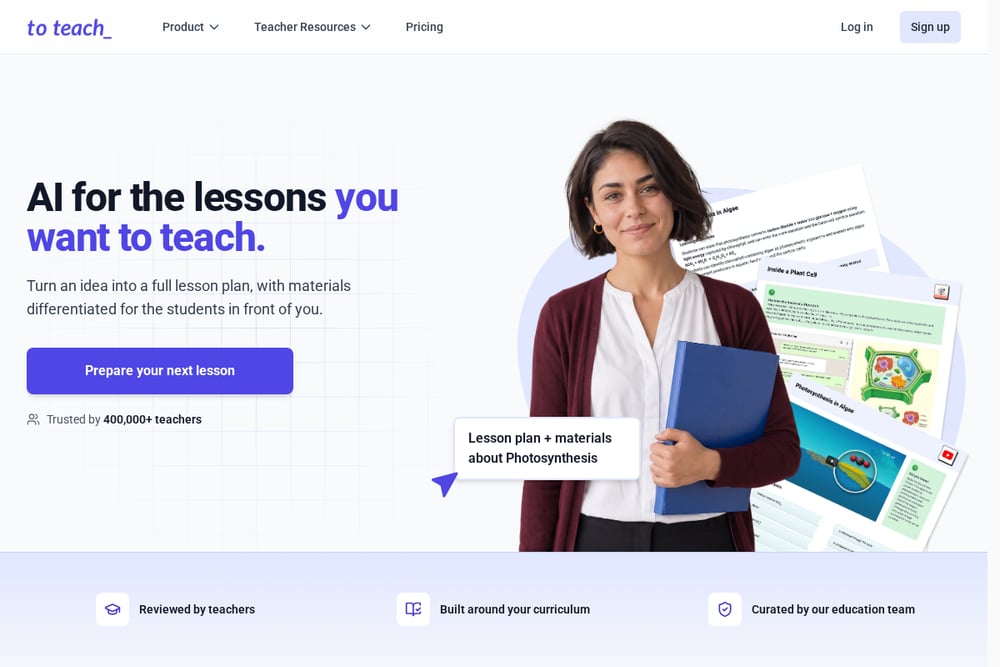 A screenshot of the to teach website.
to teach focuses on turning your idea into a full lesson plan with materials differentiated for the students in front of you. It's trusted by over 400,000 teachers and includes a library of 10,000+ resources curated by an education team. You can turn a YouTube video into a worksheet, adjust language and difficulty for different learner levels, and share interactive activities digitally. The step-by-step flow moves from planning to material creation to differentiation without leaving the platform. It's especially useful for classrooms with wide ranges of ability.
#5 Education Copilot
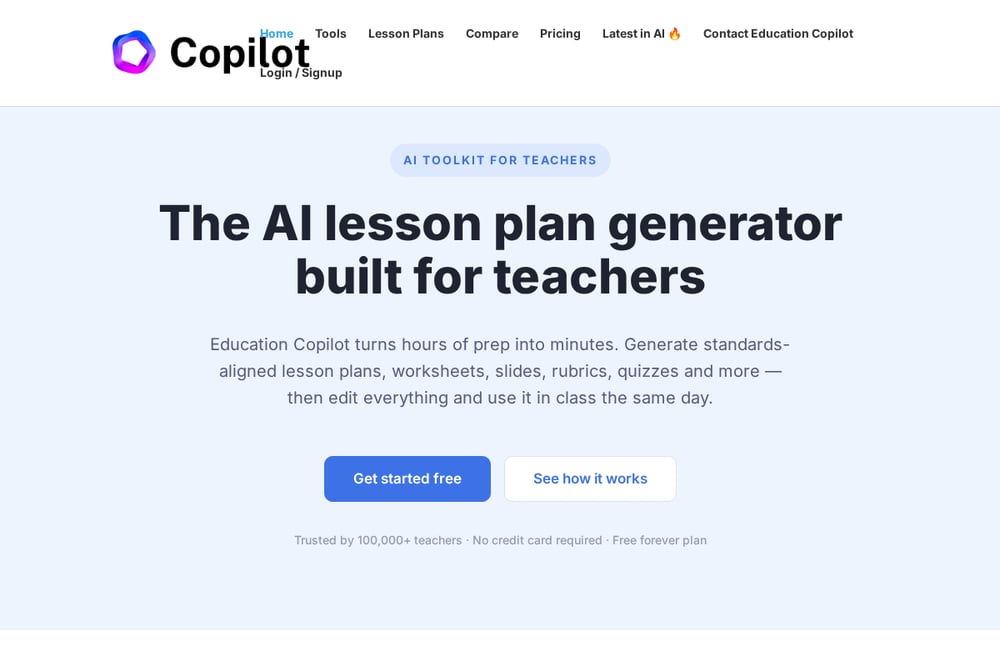 A screenshot of the Education Copilot website.
Education Copilot bundles more than 15 AI tools into one place, covering lesson plans, worksheets, slides, rubrics, quizzes, and unit planners. It's built for K-12 across every grade and subject, with a free forever plan and no credit card required. Teachers report saving six or more hours per week, and the platform includes an IEP and differentiation helper for adapting materials to reading levels and accommodations. If you'd rather replace a dozen single-purpose apps with one toolkit, this is a practical option. The breadth is its biggest selling point.
Choosing the Right Fit for Your Classroom
Start with your biggest pain point. If planning from scratch eats your weekends, a generator-first tool like MagicSchool or Education Copilot will give you the fastest relief. If your school is investing in a shared instructional language, Thinking Maps offers something the others don't: a methodology that ties every plan back to cognitive processes. If differentiation is your daily challenge, to teach gives you granular control over reading levels and scaffolding. And if you want guided workflows that cover everything from worksheets to classroom emails, Eduaide is built for that breadth. Check pricing clarity, standards alignment for your state, and whether the platform supports district-level privacy requirements. The right tool is the one your teachers will actually open on a Monday morning.
Where AI Fits in Your Planning Workflow
AI won't replace your professional judgment, but it can handle the repetitive scaffolding. Use it to draft unit outlines aligned to your state standards, then refine them with your own context and student data. Let it generate differentiated versions of the same worksheet so you're not rebuilding materials three times. Automate the first pass of rubrics, quizzes, and writing prompts, then edit for tone and rigor. The goal isn't to hand over your classroom to a machine. It's to reclaim the hours you'd rather spend on actual teaching.
The Bottom Line
The US AI lesson planning market is maturing fast, and these five platforms each solve a different slice of the problem. MagicSchool wins on accessibility, Thinking Maps on instructional depth, Eduaide on guided variety, to teach on differentiation, and Education Copilot on breadth. You don't need all five. You need the one that matches how you plan, how your school aligns instruction, and how much time you want back each week. Try one, measure the hours saved, and let your classroom be the judge.