Hiring your first or fifth employee shouldn't feel like reinventing the wheel every time. These five tools help you turn a rough role idea into a structured, defensible hiring process.
The State of AI Hiring Tools
Small businesses are hiring again, but they rarely have a recruiter on staff. That gap has spawned a fast-growing category of AI-assisted hiring tools that draft job postings, interview questions, scorecards, and onboarding plans in minutes. The pitch is simple: less blank-page paralysis, more consistency across candidates. Most tools in this space started as free job description generators and have since expanded into fuller hiring kits. Pricing models vary widely, from free single-document generators to one-time kit purchases to full applicant tracking subscriptions. For a small team hiring one or two roles a year, the difference between a $79 one-time kit and a monthly recruiting platform subscription is significant. The tools below represent the range of what's available in the US market right now.
How We Evaluated These Tools
We looked at the same factors for every tool. First, scope: does it produce a single document or a connected set of hiring materials? Second, pricing clarity: can you tell what you'll pay before you commit, and is it a one-time cost or a subscription? Third, branding and export options: can you put your company's look on the output and get it into Word, PDF, or CSV? Fourth, the free entry point: how much can you try before paying? Fifth, fit for a small business without a dedicated HR team. Peoplecraft Studio stood out for its one-time $79 price and five connected documents for a single role. Zentor impressed with its multi-document consistency and agent-style workflow. RecruitHorizon drew attention for its no-signup free generator and weighted screening criteria. AI Interview Agents earned notice for its interview-kit focus and evidence-based question design. Workable stood out for its breadth as a full recruiting platform with a free JD generator on top.
Here's a quick look at how the five tools compare on scope, pricing model, and who each one suits. Use this as a starting map, then dig into the details below.
| Provider | Best For |
|---|---|
| Zentor | Teams that want every hiring document to agree with the others |
| Small Business Hiring Kit | Peoplecraft Studio | Small businesses hiring one role who want a complete, branded kit for a flat fee |
| RecruitHorizon | Quick free job descriptions with built-in screening criteria |
| AI Interview Agents | Structured, evidence-based interview kits |
| Workable | Growing teams that want a full recruiting platform |
The Five Tools in Detail
#1 Zentor
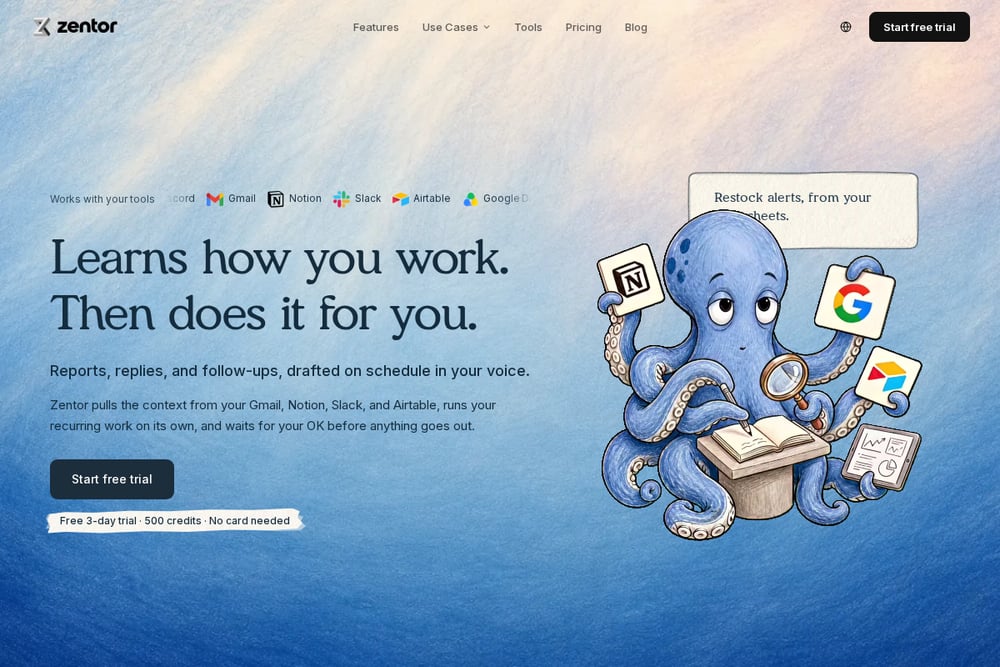 A screenshot of the Zentor website.
Zentor treats hiring documents as a connected set rather than three separate drafts. You feed it role notes, and it writes the job description first, then derives interview questions and a scoring rubric from those requirements so everything agrees. The workflow runs on managed cloud infrastructure, so there's no scripting or Zapier setup required. It's aimed at founders, operators, and small teams who want consistency without a recruiter. If you've ever had a job posting that didn't match your interview questions, this approach solves that directly.
#2 Small Business Hiring Kit | Peoplecraft Studio
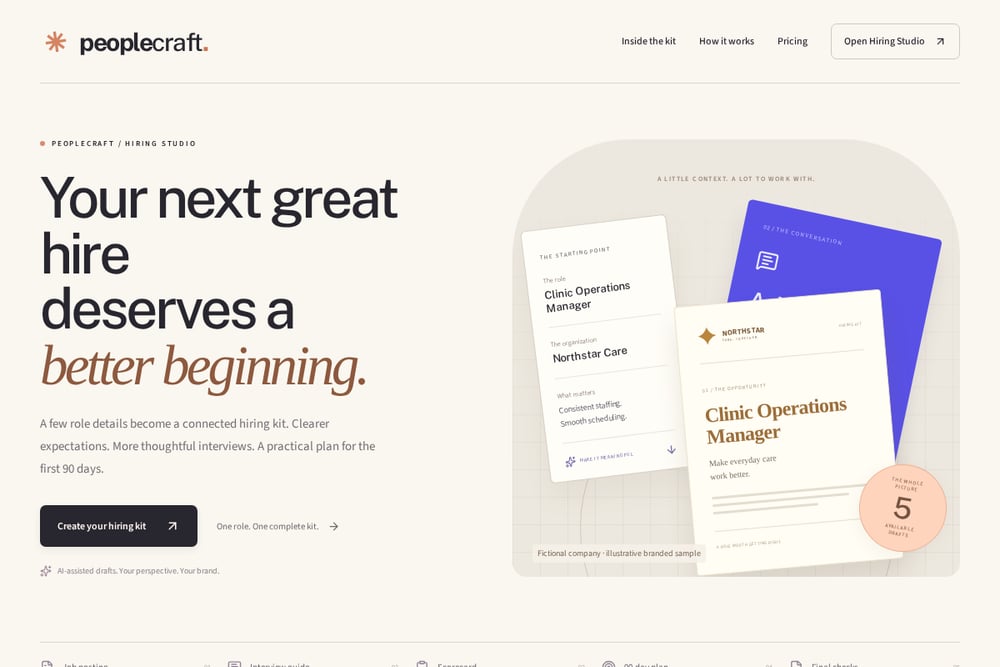 A screenshot of the Small Business Hiring Kit | Peoplecraft Studio website.
Peoplecraft Studio sells a one-time $79 hiring kit built around a single role. You enter a few role details and get five connected documents: a job posting, an eight-question interview guide with follow-ups and evidence to listen for, a six-competency weighted scorecard, a 90-day plan, and a final review checklist. Everything is editable and brandable with your logo, colors, and font, then exportable as Word, PDF, CSV, or plain text. There's no separate ChatGPT account needed, and a free personalized preview lets you try your role without an account or email. For a small business hiring one role at a time, the one-time price and no-subscription model is refreshingly simple.
#3 RecruitHorizon
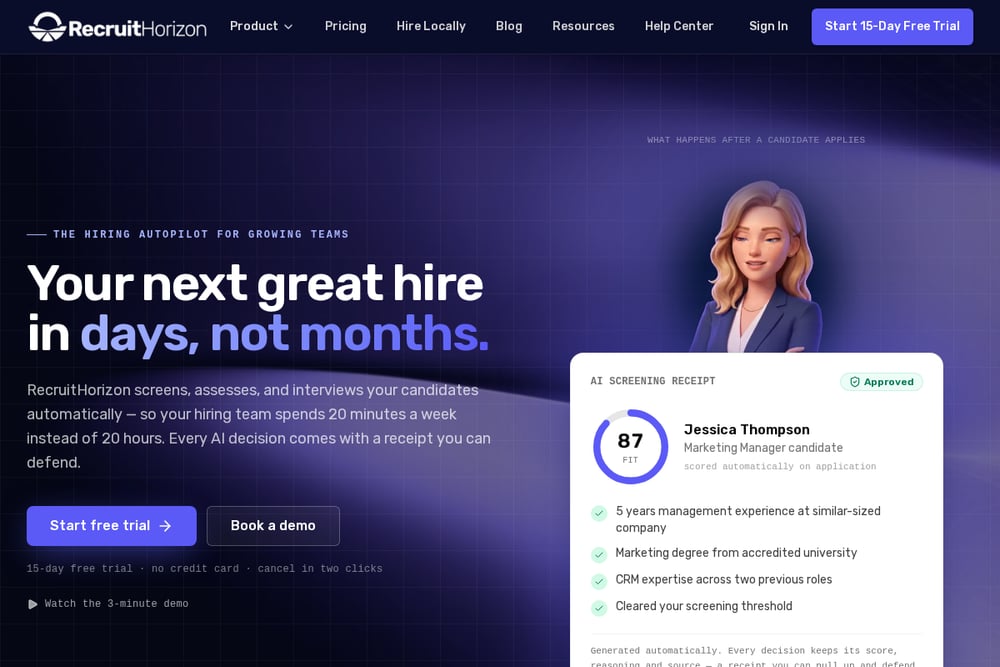 A screenshot of the RecruitHorizon website.
RecruitHorizon's free AI job description writer asks for a job title and returns a complete posting in about 30 seconds. What sets it apart is the extra layer: weighted AI screening criteria ranked by importance, plus five interview questions mapped to those criteria. You can view results on screen, copy them, download a branded PDF, or email them to yourself. No signup is required for the free tool, which makes it an easy first stop. It's a lighter-weight option than a full kit, but the screening criteria angle is genuinely useful for structuring your evaluation.
#4 AI Interview Agents
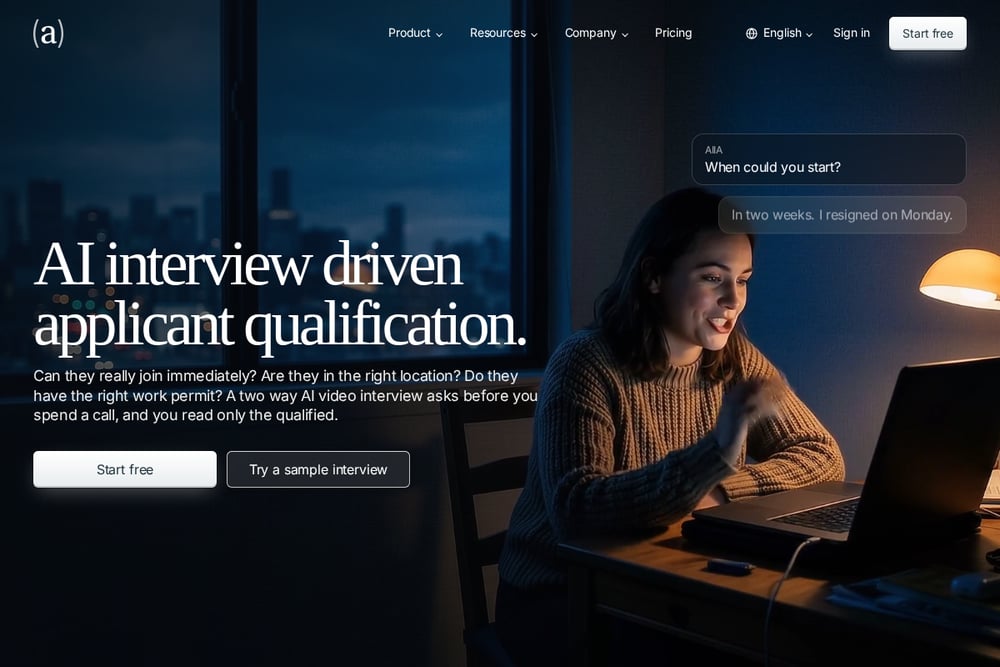 A screenshot of the AI Interview Agents website.
AI Interview Agents approaches the problem from the interview side. Its free interview-kit generator takes a job description and produces an editable draft with questions and a scorecard for your hiring team to review. The tool emphasizes connecting every question to evidence, with follow-ups designed to draw out decisions, examples, or explanations. It also flags when a description is too vague to generate a reliable kit, which is a useful check before you start interviewing. The broader platform includes AI video interviews, resume screening, and phone screening. If structured interviews are your priority, this is a focused starting point.
#5 Workable
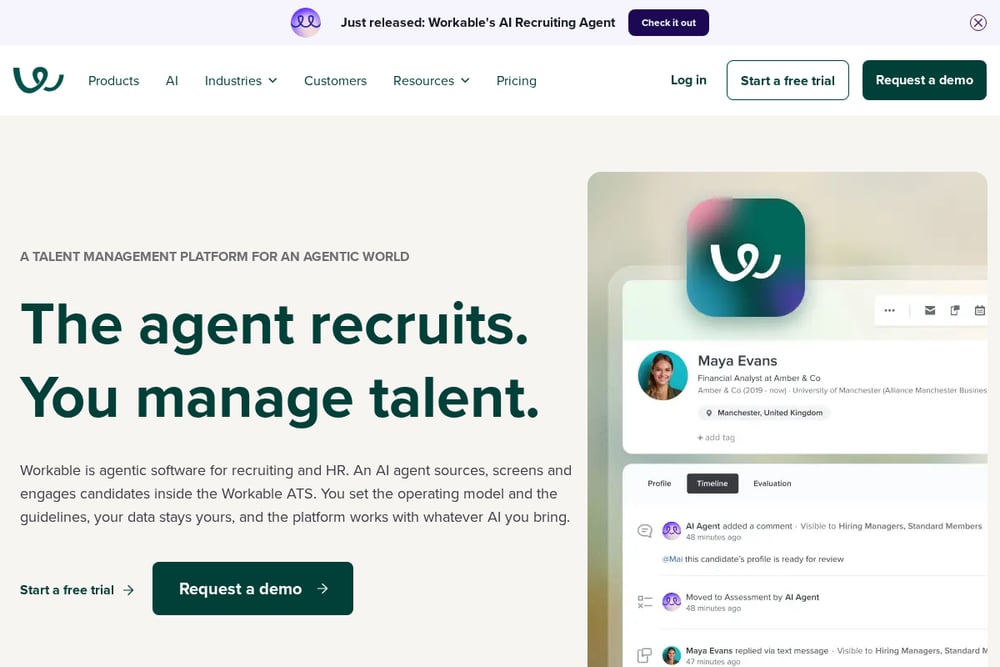 A screenshot of the Workable website.
Workable is the heavyweight here, a full recruiting platform with an applicant tracking system at its core. Its free job description generator lets you enter a title and industry to produce a posting in seconds, and it sits on top of a much larger product suite. That breadth is the appeal: if you expect to grow your team and want one system for posting, tracking, and managing candidates, Workable covers it. The tradeoff is complexity and a subscription model rather than a one-time purchase. For a small business hiring occasionally, it may be more platform than you need, but it scales well.
How to Choose the Right Hiring Tool
Start with how many roles you hire in a year. If it's one or two, a one-time kit like Peoplecraft Studio's makes more sense than a monthly subscription. If you're hiring continuously, a platform like Workable earns its cost. Next, decide what you actually need. A job posting alone is a 30-second task with RecruitHorizon or Workable's free generator. A connected kit with interview guides, scorecards, and a 90-day plan is a different level of investment. Think about branding too. If your posting goes on your careers page or gets shared with candidates, you want your logo and colors on it. Finally, use the free tiers before you pay. Most of these tools let you try something at no cost, so test with a real role and see whether the output sounds like your company.
Where Automation Fits in Your Hiring Workflow
AI hiring tools work best as a first draft, not a final answer. The practical workflow looks like this: you write a few notes about the role and what should improve in your business, then let the tool generate the documents. You review and edit the wording so it sounds like you, not a robot. You add your branding and confirm the facts before sharing anything with candidates. During interviews, your team uses the scorecard and evidence anchors to compare candidates on the same criteria. After the hire, the 90-day plan gives the new person a clear starting point. The automation saves you the blank-page time; your judgment does the rest.
The Bottom Line
You don't need a recruiting department to hire well. You need a process that's consistent, documented, and easy to run. The five tools here cover that spectrum, from free single-document generators to full platforms. For a small business hiring one role at a time, a one-time kit with connected documents and your own branding is a practical, low-risk starting point. Try the free previews, test with a real role, and pick the tool that fits how you actually hire.