
Your next profile photo doesn't need a studio booking or a stiff pose. These five AI headshot tools turn a few everyday photos into polished, platform-ready portraits in minutes.
The AI Headshot Boom, Explained
AI headshot tools have moved from novelty to necessity. Recruiters scan LinkedIn photos in seconds. Dating apps reward natural, well-lit shots. And nobody wants to book a photographer for a single usable image. That's why services like Sitwell, HeadshotPro, GoStudio.ai, HeadshotMaster, and Higgsfield now compete on speed, realism, and privacy. The pitch is simple: upload a few selfies, get back studio-quality portraits. The reality varies. Some tools deliver in 30 seconds. Others take 5 to 10 minutes. Some give you free previews before you pay. Others hand you one free HD download. Privacy policies differ too. Sitwell deletes uploads after 7 days and never trains on your photos. That matters if you care about where your face ends up. Pricing models range from credit packs to subscriptions. Output quality depends heavily on your input photos. Good lighting in, good headshots out. The category is crowded, but the differences are real. Here's what you need to know before you upload.
How We Evaluated These Tools
We looked at five factors across every tool. First, service scope: does it cover LinkedIn, dating, CVs, and social, or just one use case? Sitwell stands out here with dedicated modes for professional and dating photos. HeadshotPro focuses on professional surfaces like LinkedIn and CVs. GoStudio.ai offers 20 styles including role-specific looks like CEO and Realtor. HeadshotMaster covers business, studio, and creative styles. Higgsfield leans into high-res professional output with multiple style generations. Second, pricing clarity: free previews, free credits, or free HD downloads. Sitwell gives 2 free previews with no card. HeadshotPro offers 1 free HD headshot with no sign-up. GoStudio.ai provides 10 free credits. HeadshotMaster and Higgsfield require more digging before you see costs. Third, privacy and data handling. Sitwell deletes uploads after 7 days and never trains on your photos. Others are less explicit. Fourth, turnaround time. HeadshotMaster claims 30 seconds. HeadshotPro says 5 to 10 minutes. Sitwell promises minutes, not appointments. Fifth, output realism and variety. All five preserve facial features, but style range and background options vary. Your best pick depends on which factors matter most to you.
Here's a quick look at how the five tools compare on the factors that matter most: use cases, free options, privacy, and turnaround.
| Provider | Best For |
|---|---|
| HeadshotPro | Professionals who want a free HD headshot fast |
| Sitwell: AI headshots & profile photos from your own photos | Anyone who needs both professional and dating profile photos |
| GoStudio.ai | Job seekers and professionals who want role-specific styles |
| HeadshotMaster | Users who want the fastest possible turnaround |
| Higgsfield | Professionals who need high-res, press-ready portraits |
The 5 Tools Worth Knowing
#1 HeadshotPro
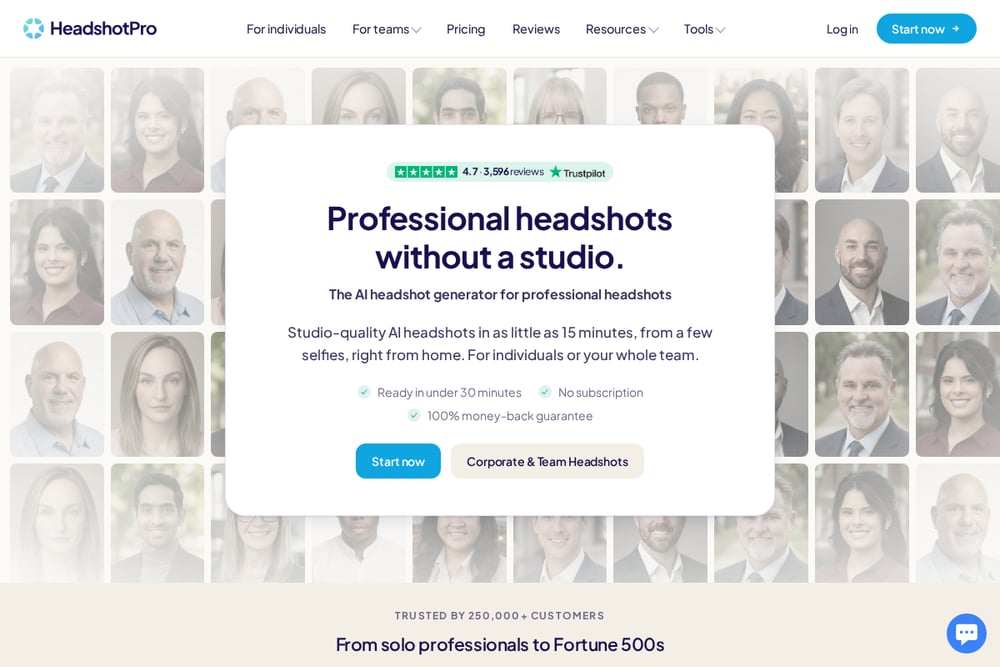 A screenshot of the HeadshotPro website.
HeadshotPro leads with a free HD headshot and no sign-up required. Upload one selfie, and you'll see yourself in multiple professional styles within 5 to 10 minutes. The tool is built for LinkedIn, CVs, and team pages, with real customer results shown on the site. Over 196,000 professionals have used it, according to the company. The free version gives you one strong shot in HD, and the rest stay one click away if you want to unlock more. It's a low-risk way to test AI headshots before committing.
#2 Sitwell: AI headshots & profile photos from your own photos
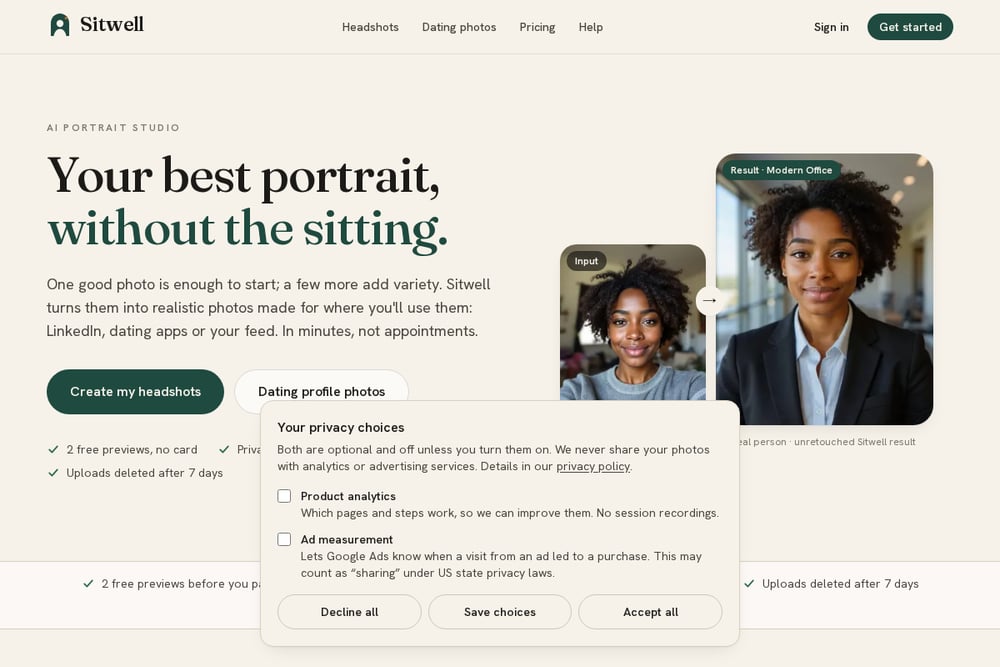 A screenshot of the Sitwell website.
Sitwell is the only tool on this list built equally for LinkedIn and dating apps. You upload a few everyday photos, and it returns realistic headshots and natural profile pictures in minutes. Two free previews require no card, and failed photos are never charged. Privacy is a headline feature: uploads are deleted after 7 days, never used to train AI, and payments run through Stripe. You pick where your photos will go, and Sitwell adjusts the crop and style accordingly. It also offers a 14-day refund on unused credits, which is rare in this space.
#3 GoStudio.ai
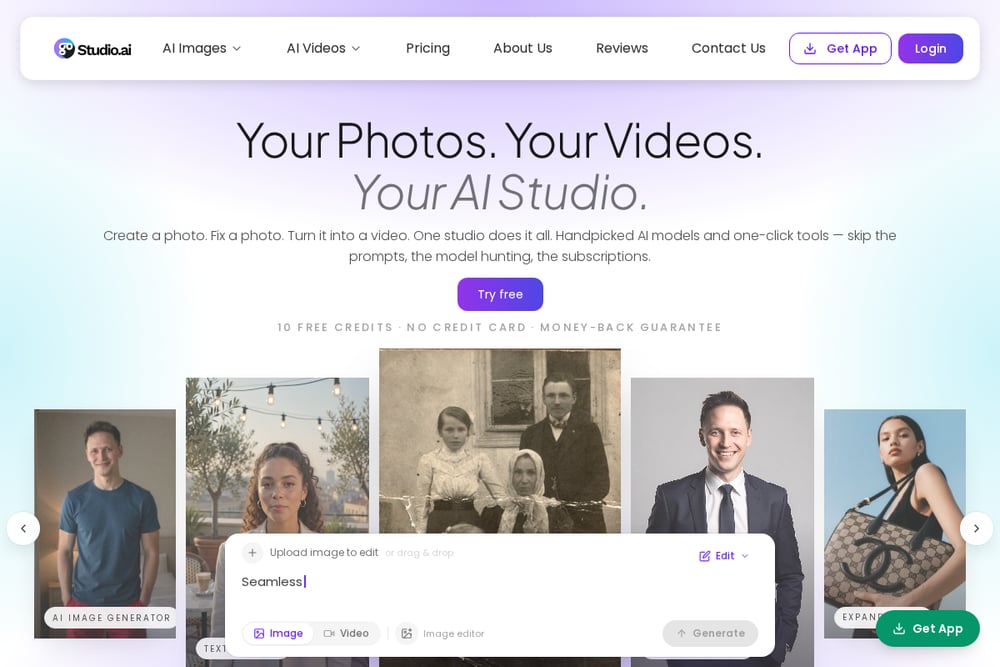 A screenshot of the GoStudio.ai website.
GoStudio.ai turns one selfie into a studio-quality headshot across 20 professional styles. You get 10 free credits when you sign up, no credit card required. Styles include LinkedIn, CEO, Resume, Doctor, Lawyer, Realtor, and Actor, so you can match the look to your role. The tool is powered by Google's latest AI and promises no watermark on downloads. It's a strong pick if you want variety and role-specific options without paying upfront. The free credits let you test multiple styles before deciding.
#4 HeadshotMaster
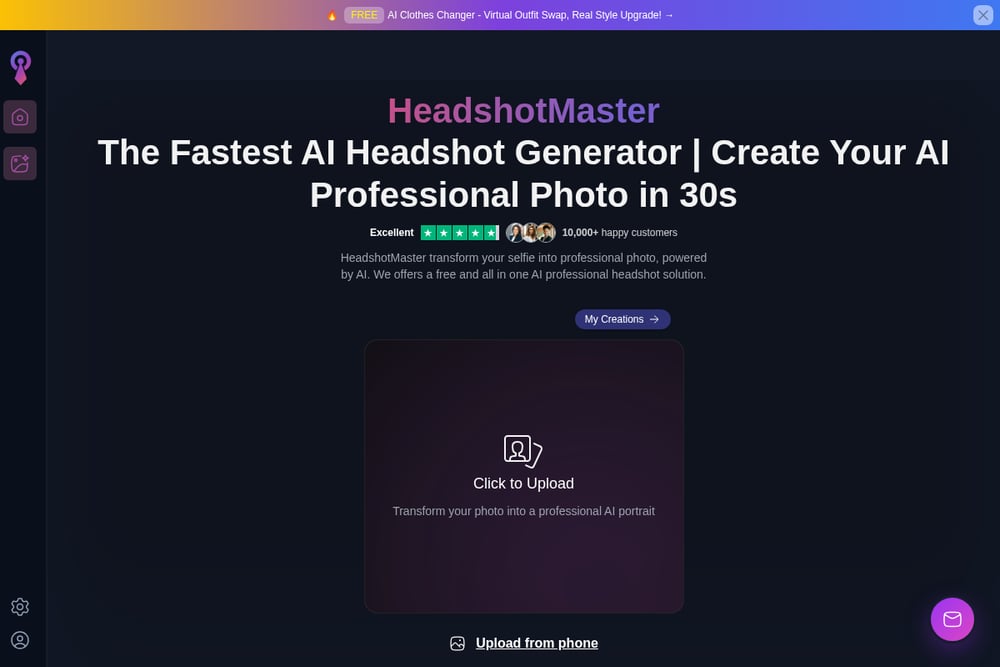 A screenshot of the HeadshotMaster website.
HeadshotMaster markets itself as the fastest AI headshot generator, claiming results in 30 seconds. It covers business, studio, creative, and professional looks for LinkedIn, resumes, team pages, and personal branding. User reviews highlight realistic results and good value compared to a traditional photoshoot. Some users note minor issues with hair details, but most find enough usable images to justify the purchase. The site says your photo is used only to generate your AI headshots. If speed is your priority, this one is worth a look.
#5 Higgsfield
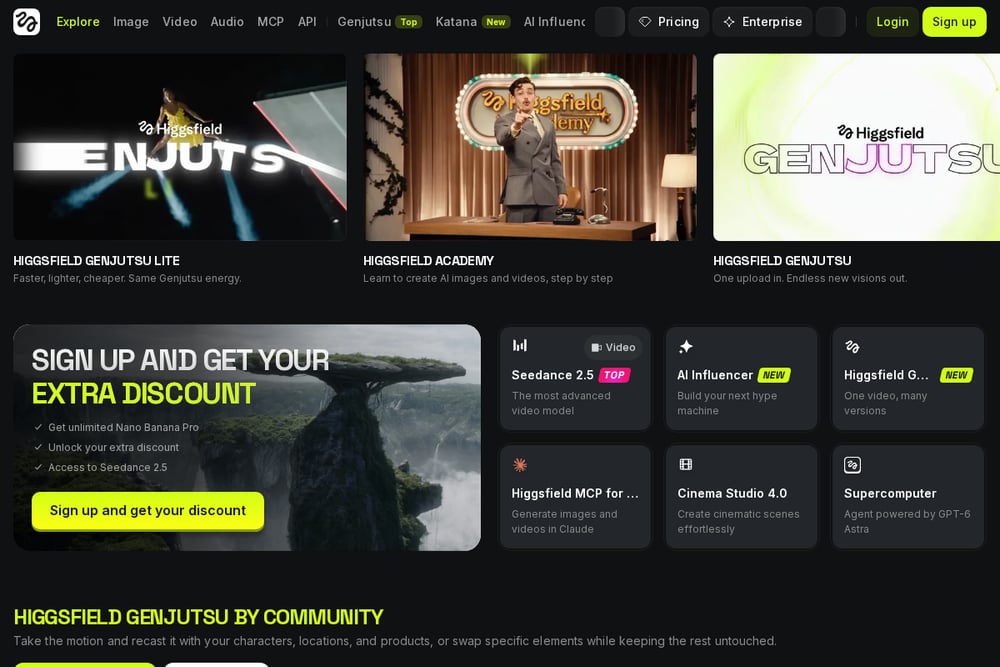 A screenshot of the Higgsfield website.
Higgsfield offers an AI headshot generator that produces studio-quality professional portraits in seconds. Upload a clear selfie or portrait, and the AI preserves your facial features, skin tone, and natural expression. You get studio-grade lighting with soft shadows and clean highlights, plus high-res downloads ready for LinkedIn, company websites, press kits, or social profiles. The tool lets you generate multiple styles from one upload. It's built for professional results and works well if you need press-ready images. The interface is straightforward: upload, generate, download.
How to Choose the Right Tool for You
Start with your primary use case. If you need a LinkedIn headshot and nothing else, HeadshotPro's free HD download is a smart first stop. If you also want dating profile photos, Sitwell is the only tool here built for both. If you're applying to multiple roles and want styles like Doctor or Realtor, GoStudio.ai's 20 styles and 10 free credits give you room to experiment. If speed matters most, HeadshotMaster claims 30-second results. If you need press-ready, high-res images, Higgsfield delivers. Next, check privacy. Sitwell deletes uploads after 7 days and never trains on your photos. Others are less explicit, so read the fine print. Then look at pricing. Free previews and free credits let you test before you pay. Finally, consider input quality. Every tool depends on the photos you provide. Use clear, well-lit, front-facing shots for the best results. No tool can fix a blurry selfie.
Automating Your Headshot Workflow
You don't need a complex workflow to get great headshots. But a simple process helps. Step one: gather 3 to 5 clear, well-lit photos of yourself. Front-facing, no sunglasses, no heavy shadows. Step two: pick your tool based on the criteria above. Step three: upload and generate. Most tools return results in under 10 minutes. Step four: review the free previews or free downloads. Step five: only pay if you find images you'll actually use. Step six: download in high resolution and update your profiles. For LinkedIn, use a square crop with a clean background. For dating apps, choose natural, vertical shots. Sitwell handles both automatically based on where you'll use the photo. If you need multiple styles, GoStudio.ai and Higgsfield let you generate several from one upload. Keep your originals. You may want to try a different tool later.
The Bottom Line
AI headshots have gone mainstream for good reason. You get studio-quality portraits without the studio, the appointment, or the awkward posing. HeadshotPro offers the easiest free entry with one HD headshot and no sign-up. Sitwell is the most versatile, covering both professional and dating photos with strong privacy defaults and free previews. GoStudio.ai gives you the widest style range with 10 free credits. HeadshotMaster is the speed play. Higgsfield is the high-res option for press and professional use. Your best choice depends on where you'll use the photo and how much you value privacy and free testing. Start with a free preview or free download. See the results for yourself. Then decide. That's the smartest way to shop in this category.