
You need a professional photo, not a photoshoot. These five AI studios turn a phone selfie into something you can actually put on LinkedIn, a resume, or a product page.
Where AI Photography Stands Right Now
The headshot business has quietly been rebuilt. What used to mean a $500 photographer, a studio booking, and a week of waiting now takes minutes and a handful of selfies. Tools in this space generate anywhere from a few dozen to a hundred images per run, and the quality gap between AI and a real camera has narrowed fast. The bigger differences now sit elsewhere: how many styles you get, whether you pay once or subscribe, how your photos are handled, and whether the tool does anything beyond corporate portraits. Product sellers, job seekers, and small teams are all pulling from the same pool of tools, which is why the details matter more than the demo reels.
How We Looked at These Studios
We weighed each studio on the same factors. Service scope came first: does it stop at corporate headshots, or does it cover product shots, themed portraits, and photo fix-ups too? Pricing clarity was next, meaning whether you can see the cost before uploading anything and whether it is a one-time charge or a recurring one. We also looked at how previews work, since a free watermarked sample tells you more than any marketing page. Privacy language mattered as well, specifically whether photos are used for training and how long uploads are kept. Finally, we considered turnaround time and how much control you get over styles and backgrounds. Each studio below stands out on a different combination of these.
Here is the short version before the details. Each studio below leads with a different strength, so match the tool to the job you actually have.
| Provider | Best For |
|---|---|
| Aragon.ai | Individuals and teams who want volume and a proven track record |
| Moonroom — AI photo studio. Headshots, product shots & themed portraits. | Solo sellers and professionals who want headshots and product shots without a subscription |
| HeadshotPro | Professionals who want deep style control and a money-back guarantee |
| GoStudio.ai | First-timers who want free credits and role-specific styles |
| HeadshotMaster | Quick one-off portraits when speed matters most |
The Five Studios, One by One
#1 Aragon.ai
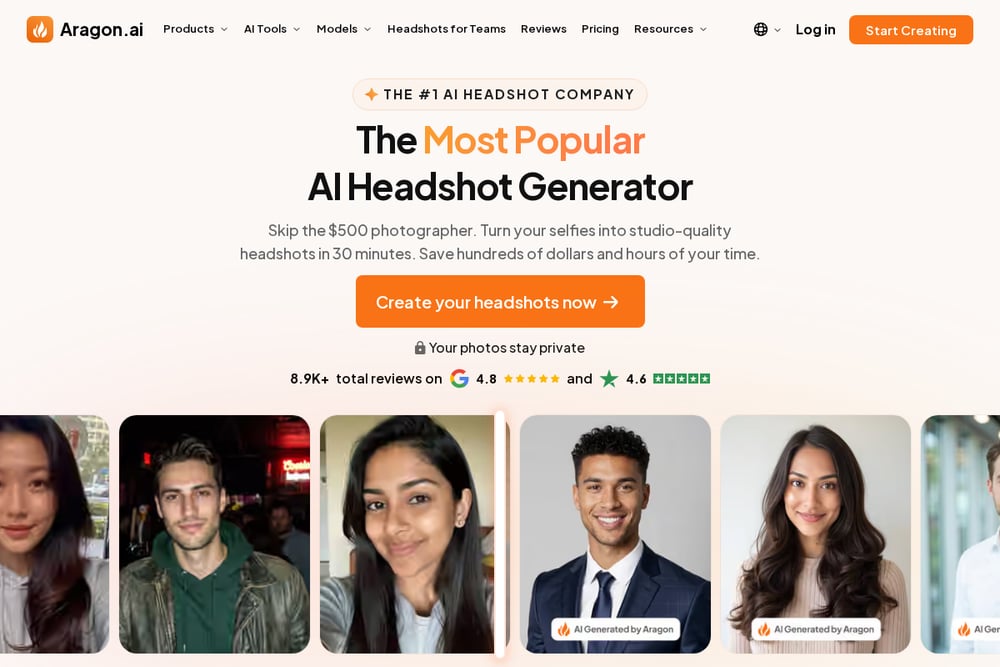 A screenshot of the Aragon.ai website.
Aragon leads with scale, and it shows. The company reports over 2.8 million professionals and teams using it and more than 47 million photos generated, which is the kind of volume that comes from doing one thing consistently well. You pick attire and backgrounds, upload a few selfies, and get up to 100 headshots back, typically within about 30 minutes. It also handles team shoots, so a whole company can run through the same pipeline. Beyond corporate looks, the style library stretches into travel, graduation, modeling, and seasonal themes. If you want the safest, most battle-tested option, this is the one most people land on.
#2 Moonroom — AI photo studio. Headshots, product shots & themed portraits.
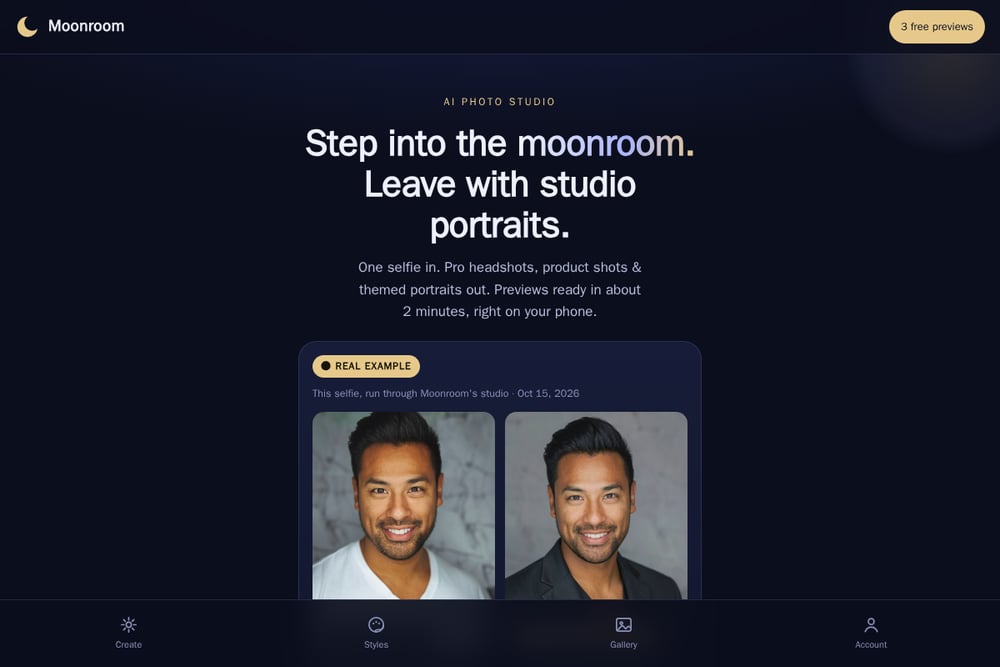 A screenshot of the Moonroom — AI photo studio. Headshots, product shots & themed portraits. website.
Moonroom takes a different angle: one selfie in, and you get headshots, product shots, and themed portraits out. Previews land in about two minutes, right on your phone, and your first three are free and watermarked with no account needed. Pricing is refreshingly flat at $29 to $49 one-time, with no subscription anywhere in sight. The studio carries 12 styles in all, covering corporate, creative, outdoor, white studio, marble, lifestyle, gradient, and holiday looks, plus three free fix-ups. Privacy gets real attention too: your photo is only used to make your portraits, never trained on or sold, and uploads are deleted after 30 days. The product studio angle is the differentiator, letting a seller turn one phone photo into a clean catalog shot.
#3 HeadshotPro
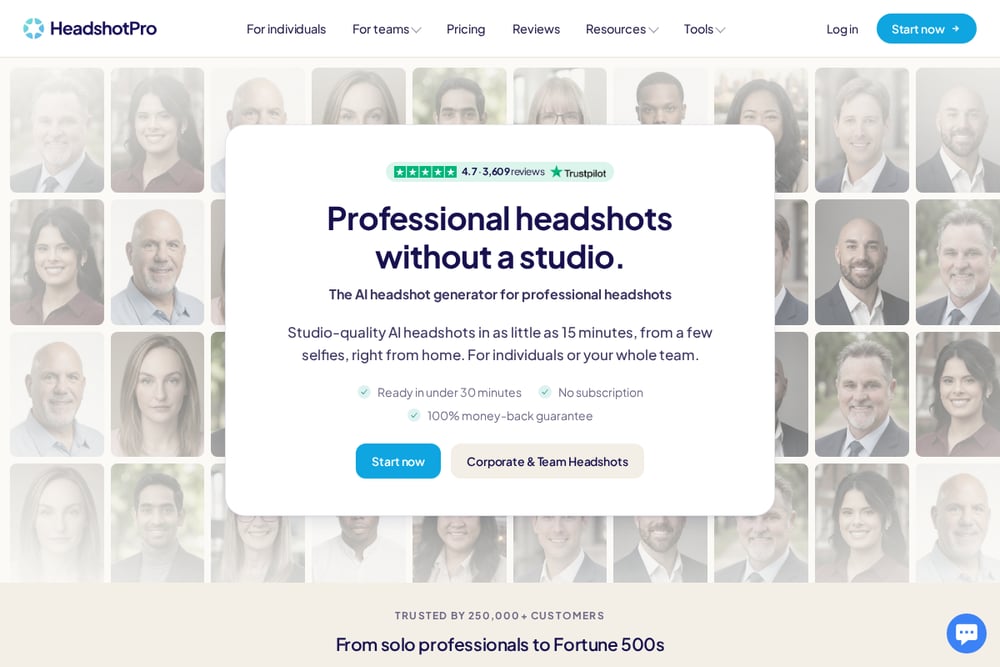 A screenshot of the HeadshotPro website.
HeadshotPro is built for people who care about the final image more than the process. It promises studio-quality results in as little as 15 minutes from a few selfies, with delivery typically under 30 minutes. The style picker is the draw here: over 100 backdrop and outfit combinations, plus a choose-for-me option if you would rather let the AI pair things up. You get 30 to 70 headshots per run, downloadable as 4K JPEGs in a ZIP. There is no subscription, and the company backs it with a money-back guarantee. It has served more than 250,000 customers, from solo professionals to large enterprises, and the team option is well developed.
#4 GoStudio.ai
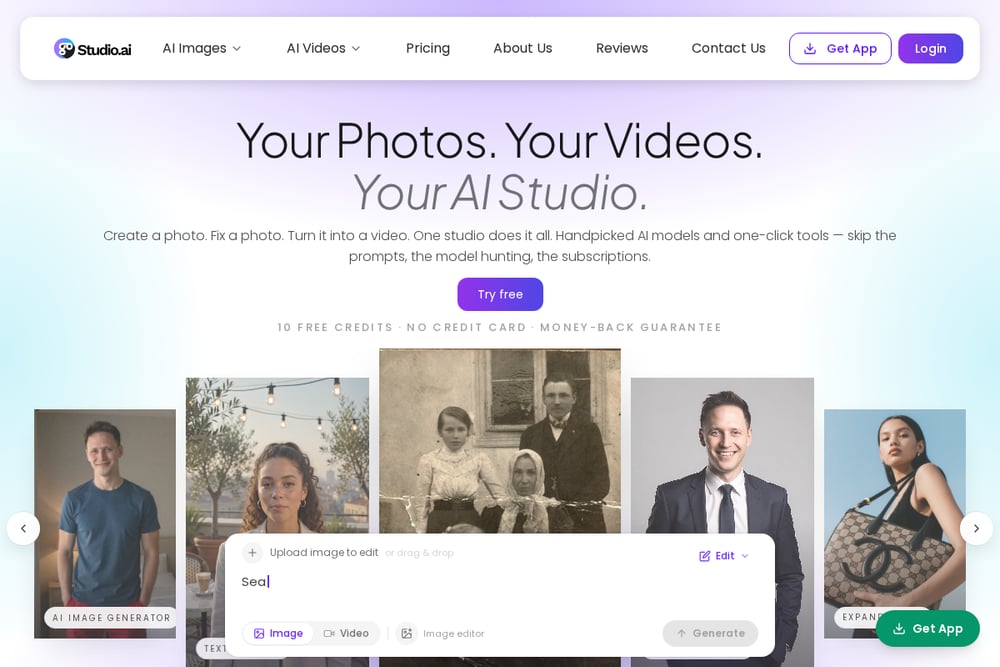 A screenshot of the GoStudio.ai website.
GoStudio.ai leans on Google's latest AI models and gives you 20 professional styles from a single selfie. The style list is role-specific rather than generic, with LinkedIn, CEO, resume, doctor, lawyer, realtor, and actor options among them. You get 10 free credits to start, no credit card required, and downloads come without a watermark. The LinkedIn style is tuned to the platform's profile dimensions, which is a small touch that saves you cropping later. Uploads accept PNG, JPG, JPEG, WEBP, and HEIC up to 10MB, so phone photos work without conversion. It is a fast, low-friction entry point if you want to test the waters before committing.
#5 HeadshotMaster
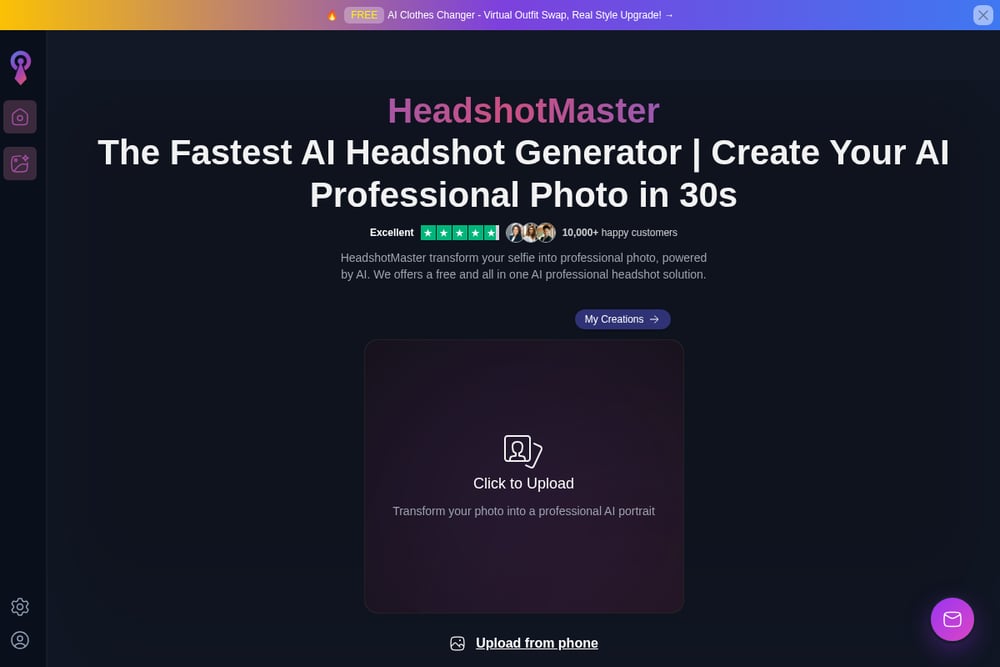 A screenshot of the HeadshotMaster website.
HeadshotMaster sells speed above all else, promising a professional AI photo in around 30 seconds. It positions itself as a free, all-in-one solution, and the upload flow is about as short as it gets: drop a photo from your phone and continue. The style range covers business, studio, creative, and professional looks aimed at LinkedIn, resumes, team pages, and personal branding. It reports over 10,000 happy customers, and the published reviews are candid, noting that some styles land better than others and that hair details occasionally need a second look. For a quick single image where you just need something polished, that tradeoff is reasonable.
Pick the Studio That Matches Your Job
Start with what you are actually producing. If it is a single LinkedIn photo, speed and a clean download matter most, and the lighter tools will do fine. If you are outfitting a team, look for bulk handling and consistent output across people. If you sell products, you need a studio that handles more than faces, which narrows the field considerably. Then check the money. One-time pricing is easier to justify than a subscription you forget to cancel, so read the checkout page before you upload. Finally, read the privacy terms. Look for plain language about training and deletion windows, because your face is the input here. A free watermarked preview is the cheapest way to judge quality, so use it on every tool that offers one before you pay.
Putting the Workflow on Autopilot
The real time savings come from batching. Pick one good, well-lit selfie and reuse it across tools rather than hunting for a new photo each time. Run free previews on two or three studios in the same sitting, then compare side by side before spending anything. Once you settle on a look, generate the full pack and store the HD files in a shared folder your team can pull from, so nobody reruns the same job. For product shots, shoot your items in consistent light and process them in one batch to keep a catalog visually uniform. Set a reminder to refresh your headshot every year or two, since an outdated photo undercuts the whole point.
The Bottom Line
There is no single winner here, because the right pick depends on the output you need. Aragon brings scale and a track record that is hard to argue with. Moonroom covers the widest ground for the price, pairing headshots with product shots and themed portraits on a one-time fee with clear privacy terms. HeadshotPro gives you the most control over how the final image looks. GoStudio.ai is the easiest place to start for free, and HeadshotMaster is there when you need one image fast. Try the free previews, compare honestly, and pay once for the studio that gets your face right.