
You want a Halloween portrait that actually looks like you, not a stranger in a mask. These five services turn one selfie into something worth posting, and each one solves the problem a little differently.
Why AI Halloween portraits became a seasonal staple
Halloween has always been the most shareable holiday on social feeds. The problem used to be cost and logistics: costumes, makeup, studio time, and a photographer who books up weeks in advance. AI portrait tools collapsed that entire chain into a single upload. Now you can get twelve looks in minutes from your phone, and the results hold up in a group chat or a grid post. The category has split into two camps. Some tools are broad creative platforms that happen to have a Halloween preset. Others, like PortraitFest, are built around one job: take your selfie, give you a themed gallery, and get out of the way. That distinction matters more than any feature list, because it changes how much work you do before you see a result.
How we evaluated these services
We looked at the same factors for every service. First, scope: does it deliver a full themed set or a single image you have to prompt for? Second, pricing clarity: can you see the cost before you commit, and is it a one-time charge or a credit system? Third, privacy: what happens to your uploaded selfie after generation? Fourth, output quality and consistency: does your face stay recognizable across scenes? Fifth, effort: how many steps stand between your upload and a downloadable file? PortraitFest stood out for its fixed 12-scene set, one-time pricing, and a stated 24-hour deletion window. PhotoGPT stood out for its reusable personal model and preset library. OpenArt stood out for breadth across image and video. Pixelbin stood out for a no-signup browser flow. DreamFace stood out for named style presets and a large existing user base.
Here is the short version. PortraitFest is the focused option for a complete Halloween set at a flat price. PhotoGPT and OpenArt are broader creative platforms with Halloween presets inside a larger toolkit. Pixelbin is the fastest no-friction try. DreamFace is the style-preset pick with a mobile-first audience.
| Provider | Best For |
|---|---|
| PhotoGPT | People who want a reusable personal model across holidays |
| PortraitFest — Halloween AI Portraits from One Selfie | A complete themed set at a flat one-time price |
| OpenArt | Creators who want to extend portraits into video |
| Pixelbin | One quick image with no account needed |
| DreamFace | Picking a named look instead of writing prompts |
The five services in detail
#1 PhotoGPT
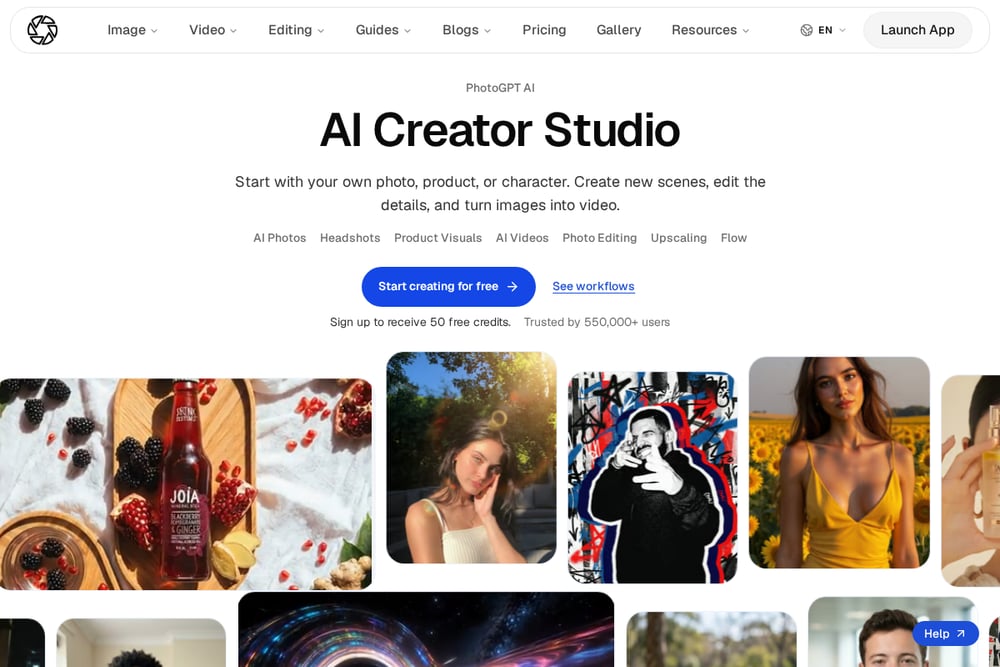 A screenshot of the PhotoGPT website.
PhotoGPT treats Halloween as one preset inside a larger personal-model system. You upload a reference photo, train a reusable model of yourself, and then apply Halloween styling across new scenes without starting over each time. The platform emphasizes cinematic costumes and social-ready seasonal visuals, and it supports both images and short video. That reusability is the real draw: once your model exists, every future holiday is a variation rather than a fresh upload. The tradeoff is that generation runs on plan credits, so you are managing a balance rather than paying once. If you plan to make themed portraits year-round, the model approach pays off. You can see the Halloween preset flow at https://www.photogptai.com/presets/halloween.
#2 PortraitFest — Halloween AI Portraits from One Selfie
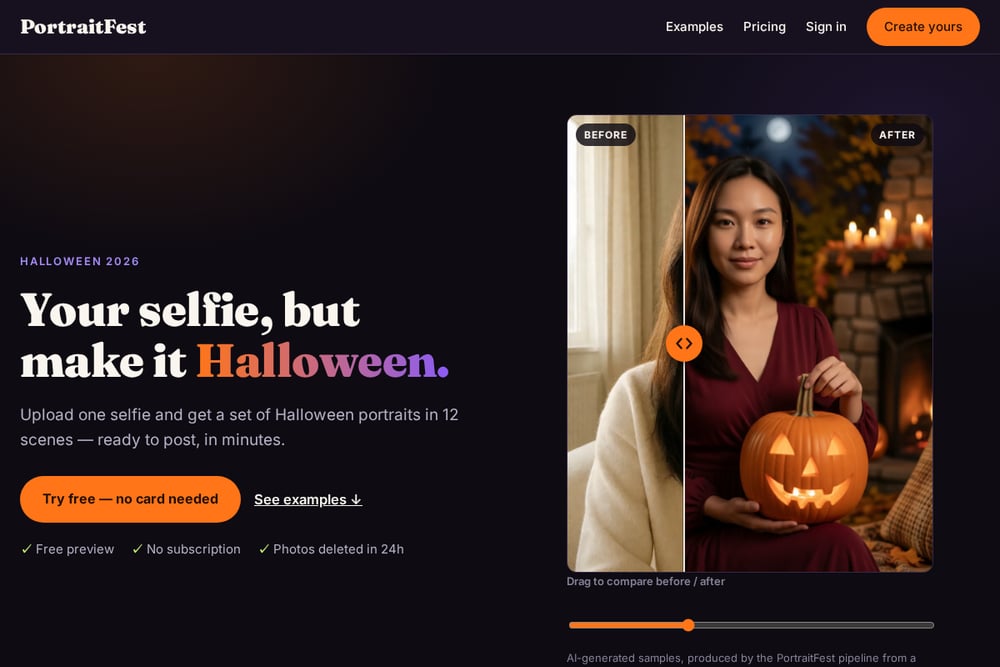 A screenshot of the PortraitFest website.
PortraitFest does one thing and does it without friction. You upload a single front-facing selfie, pick from 12 Halloween scenes, and get a high-resolution, watermark-free gallery back in minutes. There is a free preview with no card required, so you see your own face in a scene before you pay anything. Pricing is a one-time $9.9 for 12 portraits or $19.9 for 36, with no subscription attached. Privacy is stated plainly: originals are deleted within 24 hours and never used to train AI. Compared with a studio shoot, you skip the booking, the costume rental, and the travel entirely. Details are at https://portraitfest.com/.
#3 OpenArt
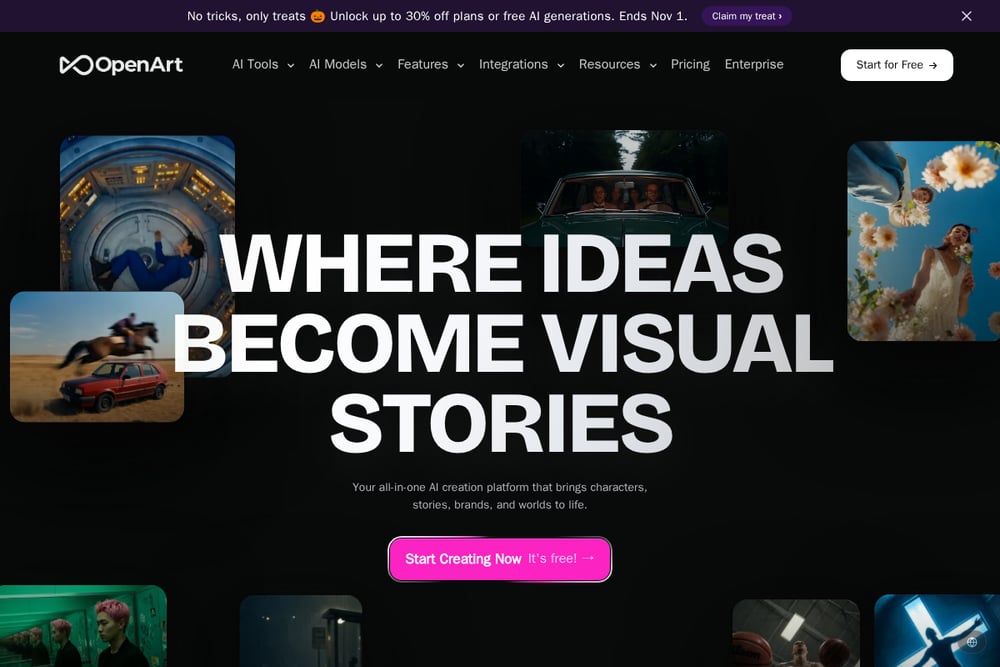 A screenshot of the OpenArt website.
OpenArt is a full creative suite, and the Halloween generator is one entry point into it. You get image generation, video generation, character consistency tools, and a model arena for comparing outputs. The Halloween feature is framed around selfies and photos, with seasonal promotions and a free starting tier. Because the platform is broad, you have more control over style and output format than a single-purpose tool gives you. That same breadth means more decisions before you get a result, and heavier features run on paid plans. If you want to push a Halloween concept into video or a multi-scene story, this is where the ceiling is highest. Start at https://openart.ai/.
#4 Pixelbin
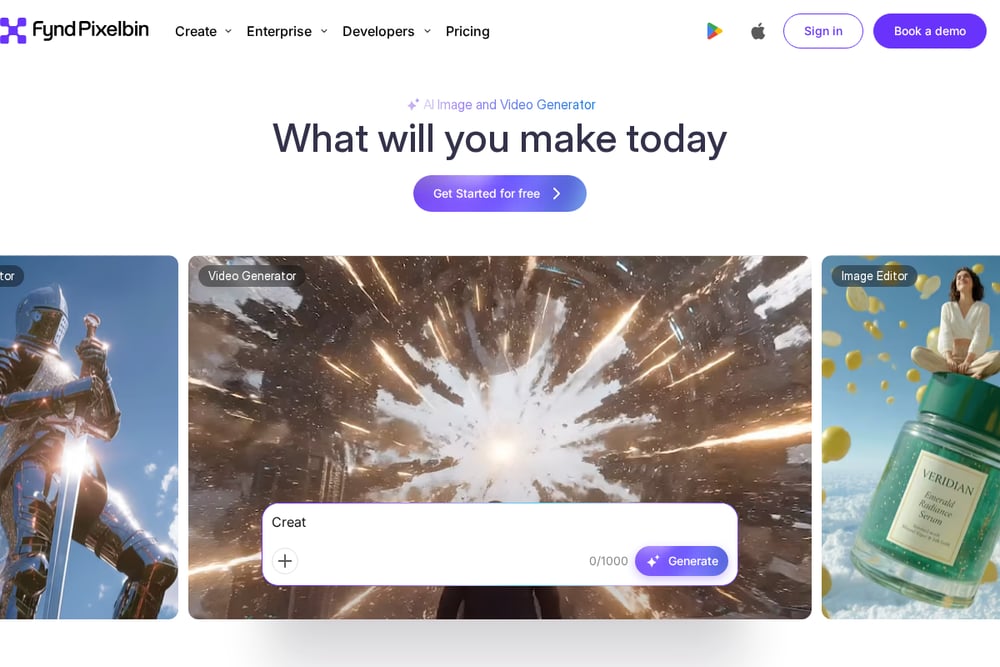 A screenshot of the Pixelbin website.
Pixelbin's Halloween trend tool is built for speed and zero commitment. You upload a JPG, PNG, or WEBP up to 10 MB, write a short prompt describing the effect, and download an HD result without a watermark. There is no sign-up required, which removes the biggest drop-off point in any creative tool. The output is a single edited image rather than a themed set, so you are iterating prompt by prompt. Privacy is addressed with secure server handling and a stated policy of not sharing your images. It is the right pick when you want one strong shot fast and nothing else. Try it at https://www.pixelbin.io/.
#5 DreamFace
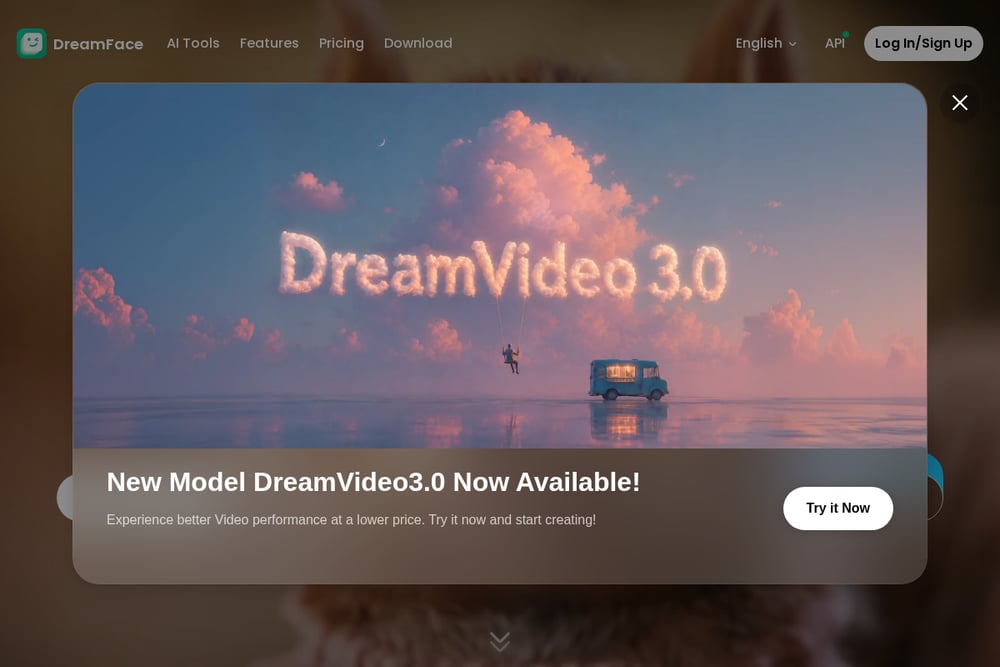 A screenshot of the DreamFace website.
DreamFace leans into named style presets rather than open prompting. You upload a selfie or portrait, then choose from looks like Dark Bathroom, Horror Y2K, Midnight Zombie, Halloween Pumpkin, or Jokester. The presets keep your face recognizable while layering on makeup, lighting, and costume detail, which is exactly what most people want from a Halloween edit. The platform reports a large global user base across app stores and offers a browser tool alongside its mobile apps. Because it is a multi-tool app, the Halloween generator sits next to avatar and video features rather than standing alone. It suits you if you would rather pick a look than write a prompt. See the styles at https://www.dreamfaceapp.com/.
How to pick the right one for you
Start with the output you actually need. If you want a full set of twelve looks to choose from, a fixed-scene service gives you that in one purchase. If you want one great image for a profile picture, a single-image tool is faster and cheaper. Next, check the pricing model. One-time charges are easier to justify for a seasonal purchase than credit balances you may not spend down. Then look at privacy. Your selfie is biometric-adjacent data, so read what the service says about deletion and training use before you upload. Finally, consider effort. A free preview with no card is the lowest-risk way to test whether the output quality matches your face. Try one scene before you commit to a bundle.
A simple workflow you can run this week
Pick one good selfie: front-facing, even light, no sunglasses, under 10 MB. Run a free preview on a fixed-scene service to confirm your face holds up. If it does, buy the smallest bundle that covers the looks you want and download everything at full resolution. Save the files to a folder named for the year so you are not hunting for them next October. If you need motion, take your favorite still into a video-capable platform and animate it. Keep the original selfie out of public folders, and confirm the service's deletion window so you know when your upload is gone.
The bottom line
You do not need a costume, a studio, or a photographer to get a Halloween portrait that looks like you. You need one decent selfie and the right tool for the job. PortraitFest is the cleanest fit if you want a complete themed set at a flat one-time price with a free preview and a clear deletion policy. PhotoGPT rewards you if you want a reusable model across seasons. OpenArt gives you the most room to push into video. Pixelbin is the fastest no-account try, and DreamFace is the easiest if you would rather choose a look than write a prompt. Test with a free preview first, then pay once for the set you actually want.