
You need a flyer by Friday, not a design degree. These five AI flyer makers help you get from blank page to print-ready file without the back-and-forth.
The AI Flyer Market in 2026
Small businesses, event promoters, and solo service providers are the engine of the US flyer economy. They need promo graphics for grand openings, holiday bookings, church events, menu specials, and last-minute sales. In 2026, AI flyer generators have moved from novelty to utility. You describe the job in plain language, and the tool returns a layout with copy, colors, and imagery. The difference now is in the details: whether prices are spelled right, whether files are print-ready, and whether you can preview before you pay. The market splits into two camps. On one side are broad design platforms that bundle flyers with logos, social posts, and websites. On the other are focused tools that do one thing well and charge per design. Your choice depends on how often you publish and how much control you want.
How We Evaluated These Flyer Makers
We looked at the same factors for every tool. Service scope: does it handle flyers only, or also menus, business cards, carousels, and thumbnails? Pricing clarity: can you see the cost before you commit, and is there a subscription? Preview and payment flow: do you see the design before you pay? Output quality: are files HD and ready to print or post? Local fit: does it speak to US small businesses like stylists, restaurants, churches, and event planners? Template depth: are there proven formats for the jobs you actually do? Each tool stood out in different ways. Flyerista stood out for its pay-only-when-you-love-it preview and per-design pricing. Template.net stood out for its massive free template library and no-sign-up entry point. Design.com stood out for its all-in-one brand ecosystem. Venngage stood out for its editable, data-friendly design canvas. AIFlyer stood out for its multi-format prompt box that also makes carousels and short videos.
Here is the quick comparison. Each tool is listed with its strongest use case so you can match it to your workflow.
| Provider | Best For |
|---|---|
| Template.net AI Flyer Generator | Free template-first flyer creation |
| Flyerista · Pro flyers made for you, from $5 | Pay-per-flyer with free preview |
| Design.com AI Flyer Generator | All-in-one brand and flyer creation |
| Venngage AI Flyer Generator | Editable flyers with structured layouts |
| AIFlyer | Multi-format flyers, carousels, and videos |
The Five Flyer Makers in Detail
#1 Template.net AI Flyer Generator
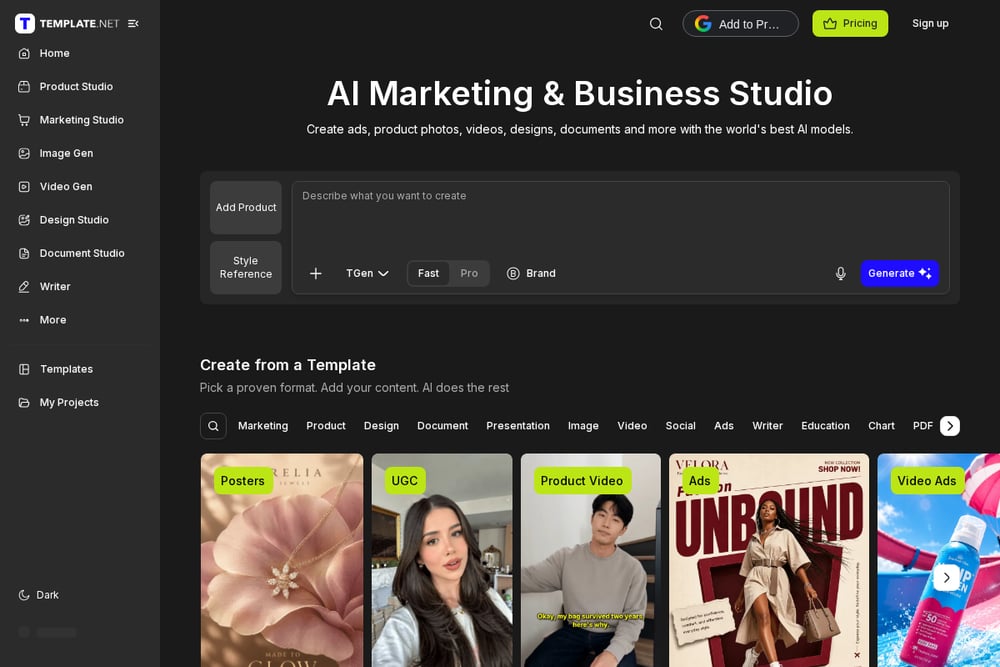 A screenshot of the Template.net website.
Template.net gives you a free AI flyer generator that turns a prompt or voice note into an editable design. You can start from a proven template or let the AI build from scratch. The library covers school events, grand openings, food delivery, gym promos, and more. No sign-up is required to try it, which lowers the barrier for a one-off flyer. It is a strong pick if you want to browse formats first and then let AI fill in the rest. See the generator at https://www.template.net/.
#2 Flyerista · Pro flyers made for you, from $5
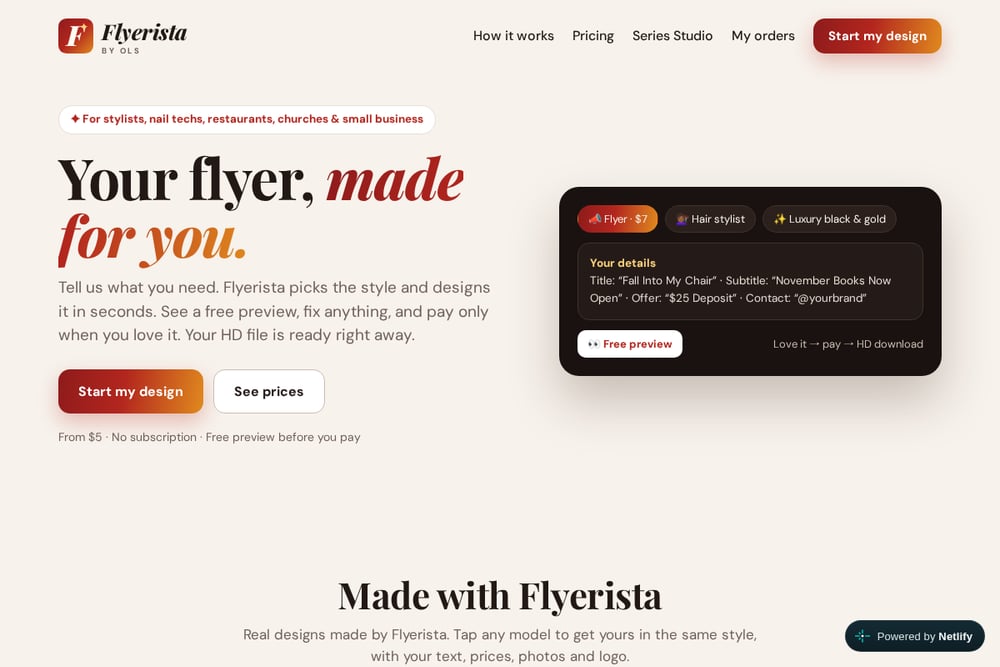 A screenshot of the Flyerista website.
Flyerista is built for stylists, nail techs, restaurants, churches, and small businesses that need a flyer now. You tell it what you need, and it picks the style and designs in seconds. You see a free preview, fix anything, and pay only when you love it. Pricing starts at $5 per design with no subscription, and your HD file is ready right away. The template gallery includes real examples like Fall Into My Chair, Sunday Griot Plates, and Community Thanksgiving Dinner. Visit https://flyerista.com/ to start a design.
#3 Design.com AI Flyer Generator
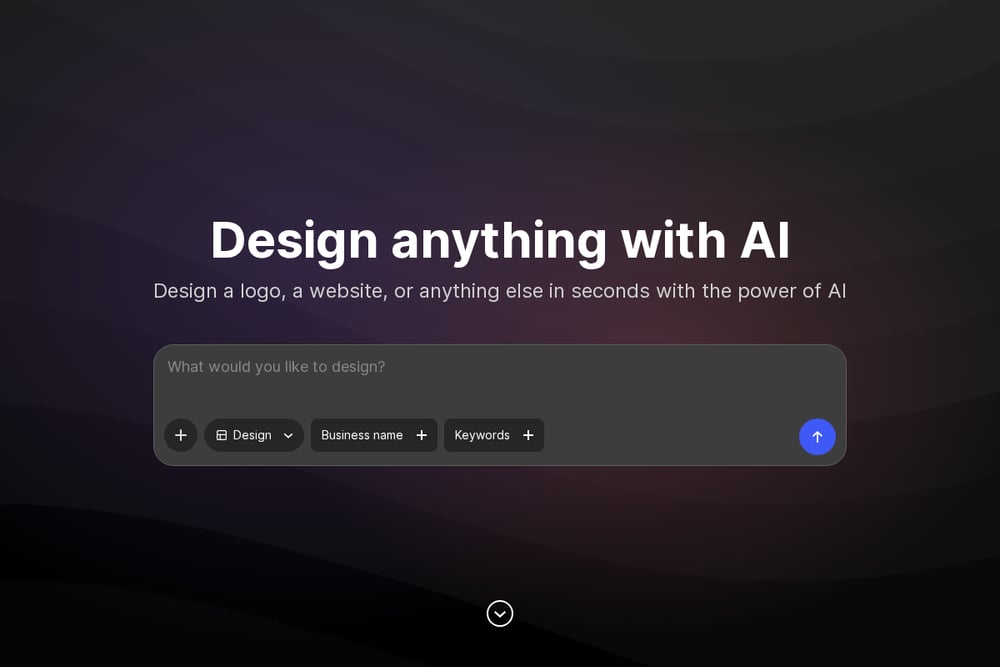 A screenshot of the Design.com website.
Design.com positions its AI flyer generator inside a full brand ecosystem. You can generate flyers, logos, social posts, websites, and more from one account. The platform organizes tools by industry, so barbers, restaurants, real estate agents, and fitness brands see relevant starting points. It is a good fit if you want one login for all your marketing assets. The trade-off is that flyers are one piece of a much larger product. Explore it at https://www.design.com/.
#4 Venngage AI Flyer Generator
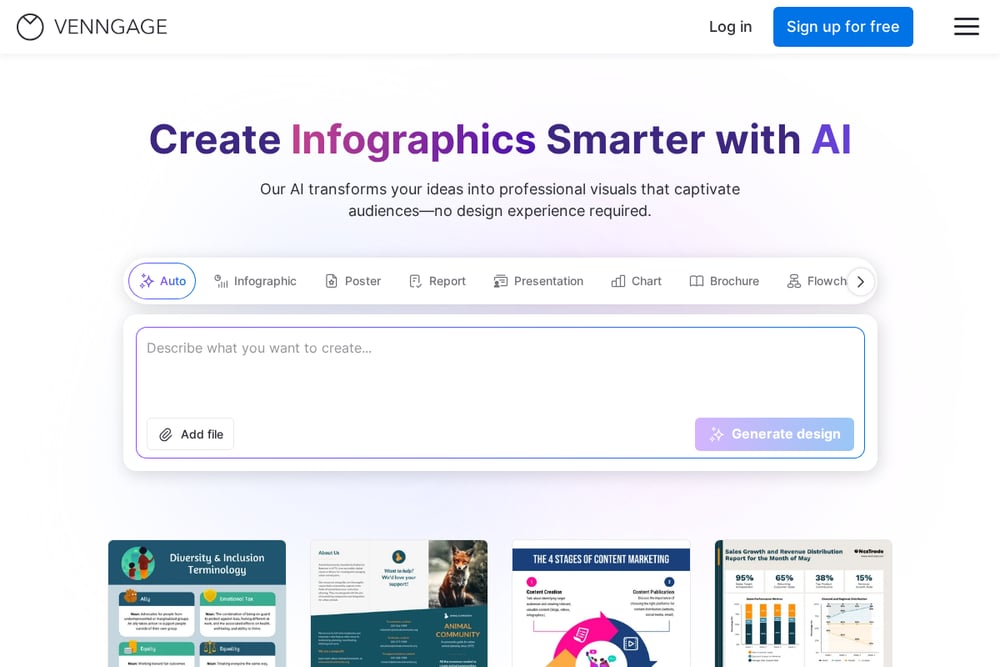 A screenshot of the Venngage website.
Venngage turns event details, promotions, or announcements into a print-ready flyer you can edit in about a minute. You describe what you need, then refine text, images, and layout on a visual canvas. The platform is known for infographics and data-heavy designs, so it suits flyers that need structured sections. Daily free AI credits make it easy to experiment. It is a solid choice if you want more manual control after the AI draft. Try it at https://venngage.com/.
#5 AIFlyer
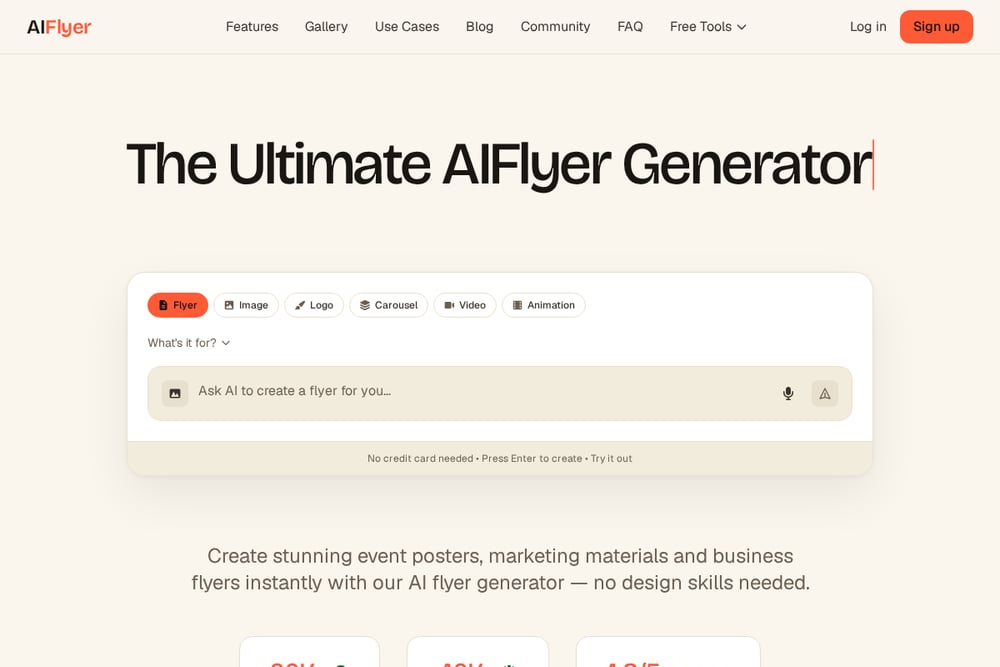 A screenshot of the AIFlyer website.
AIFlyer uses one prompt box to create flyers, carousels, short videos, and logos. You type something like a grand opening for a bakery on Saturday at 9am, and it returns a finished design with headline, details, colors, and photos. You can click anything to change it, or ask the chat to redesign. Exports include print-ready files plus sized versions for Instagram, Facebook, and stories. It is a strong pick if you publish across multiple formats. See it at https://aiflyer.ai/.
How to Choose the Right Flyer Maker
Start with frequency. If you make one flyer a month, a pay-per-design tool keeps costs predictable. If you publish weekly across platforms, a subscription or credit-based platform may fit better. Next, check the preview and payment flow. You should see the design before you pay, especially if you are not a designer. Then look at output. Confirm HD or print-ready files and the social sizes you need. Finally, match the template library to your niche. A church dinner flyer and a barber price menu need different visual language. Pick the tool that already speaks your industry.
A Simple Automation Workflow
You can turn flyer creation into a repeatable system. Step one: keep a brand file with your logo, colors, and contact details. Step two: write a short brief template with title, subtitle, offer, date, and address. Step three: generate a preview in your chosen tool and check spelling and prices. Step four: pay and download the HD file. Step five: export social sizes and schedule posts. Step six: save the winning design as a template for next month. This workflow cuts a two-hour design task to about fifteen minutes.
The Bottom Line
You do not need a design team to look professional. The five tools here cover different needs: free template browsing, pay-per-flyer previews, all-in-one branding, editable structured layouts, and multi-format publishing. Match the tool to how often you publish and how much control you want. Start with a free preview, check the details, and pay only when the flyer is right.