You have two photos and a dance in your head. These five tools turn that into a clip you can post before the coffee goes cold.
Where AI dance video tools stand right now
Photo-to-dance generation has moved from novelty to routine. You upload a still, pick a motion, and get back a short vertical clip in minutes. The category splits into two camps. General-purpose video platforms give you a motion library, reference-video control, and a wide range of styles. Single-purpose sites give you one routine, done well, with a flat price and no learning curve. For most people making social content, the second camp is where the time savings live. You do not want to learn a timeline editor to make an eight-second joke land.
How we looked at these tools
We judged every tool on the same four factors. First, service scope: does it do one thing sharply or many things broadly? Second, pricing clarity: can you see what a clip costs before you upload anything? Third, output fit: aspect ratio, watermark, and clip length for social platforms. Fourth, input demands: how many photos you need and how fussy the tool is about framing. Hop Hop Hop Dance AI stood out for a fixed routine and a stated per-clip price. Kling AI stood out for motion control and reference-video flexibility. Viggle AI stood out for template volume. Somio AI stood out for bundling dance with music tools. Vidu AI stood out for adjustable motion amplitude and duration.
Here is the short version before the detail. Each entry below covers what the tool does, who it suits, and what you get for your money.
| Provider | Best For |
|---|---|
| Kling AI | Creators who want to direct the choreography |
| Hop Hop Hop Dance AI: Two Photos, One 8-Second Clip | Fast, watermark-free clips with zero editing |
| Viggle AI | Riding trending dance templates |
| Somio AI | Dance clips inside a bigger music workflow |
| Vidu AI | Tuning motion intensity and clip length |
The five tools, one by one
#1 Kling AI
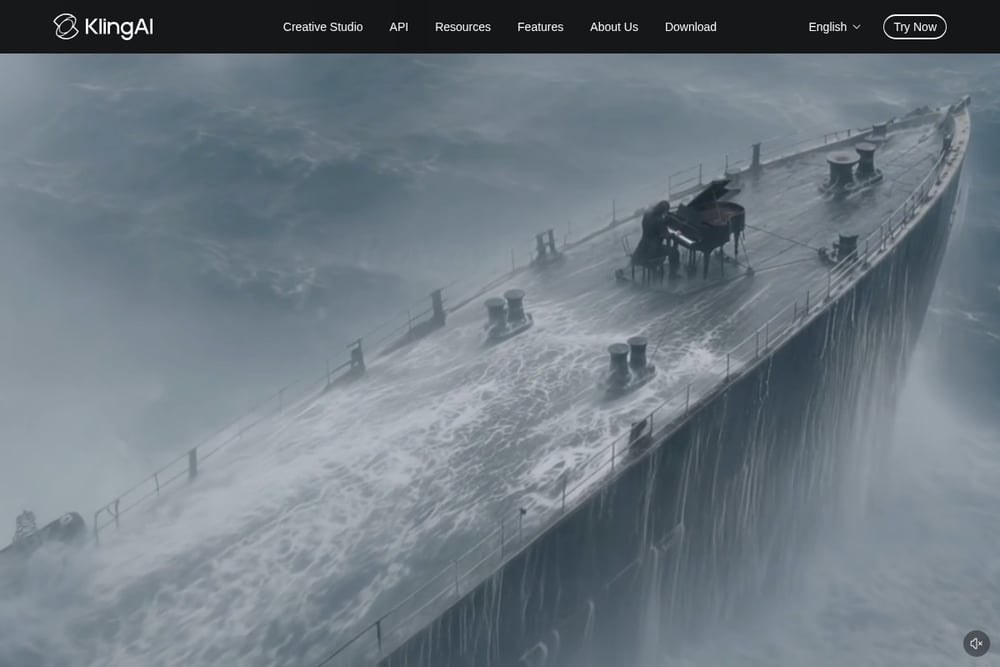 A screenshot of the Kling AI website.
Kling AI treats dance generation as one job among many. You can drive a character with a motion reference, build a move between two poses, or swap a new performer into an existing dance clip. That flexibility matters if you already know the choreography you want. The motion control path keeps facial features stable through spins and occlusion, which is the hard part of this category. It is a broader creative studio, so expect more setup than a single-purpose site. Start with the dance feature page if you want the shortest route in.
#2 Hop Hop Hop Dance AI: Two Photos, One 8-Second Clip
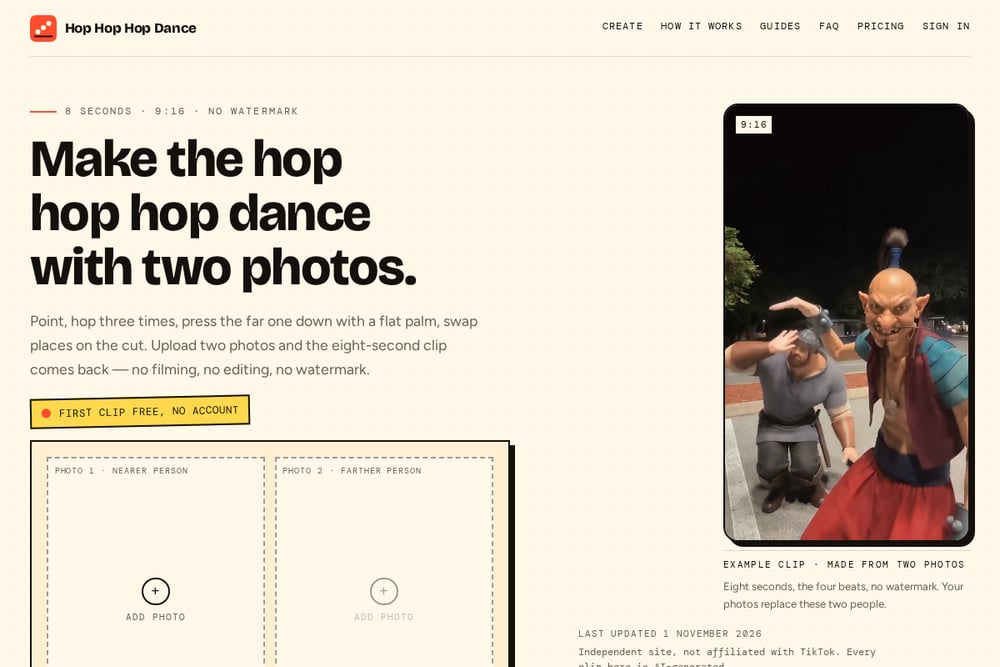 A screenshot of the Hop Hop Hop Dance AI: Two Photos, One 8-Second Clip website.
This is the narrowest tool on the list, and that is the point. You upload two photos, one of the nearer person who presses the palm down and one of the farther person who hops three times, and you get back an eight-second 9:16 clip with no watermark. The routine is fixed: point, three hops, the squash, the swap. You pick a scene such as a hallway, a night street, or a living room, and the camera stays locked. The first clip is free with no account, then each video costs $5.99. The site is an independent operation, not affiliated with TikTok, and it asks that both people be adults who agreed to appear.
#3 Viggle AI
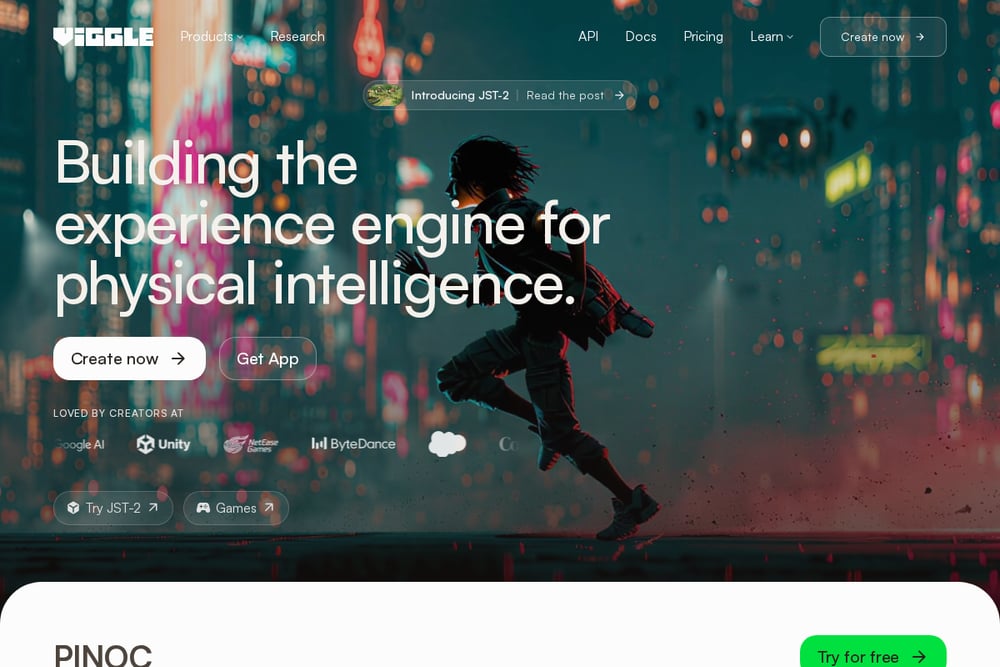 A screenshot of the Viggle AI website.
Viggle AI leans hard into templates. You pick from a large library of dance trends, upload a photo, and the tool maps your face and body onto the dancer. The workflow is three clicks and needs no rigging or editing software. It is built for fandom content and friend-group jokes, and the template volume is the reason to choose it. If you want to ride whatever dance is trending this week, this is the shortest path. The trade-off is less control over the exact beats of the routine.
#4 Somio AI
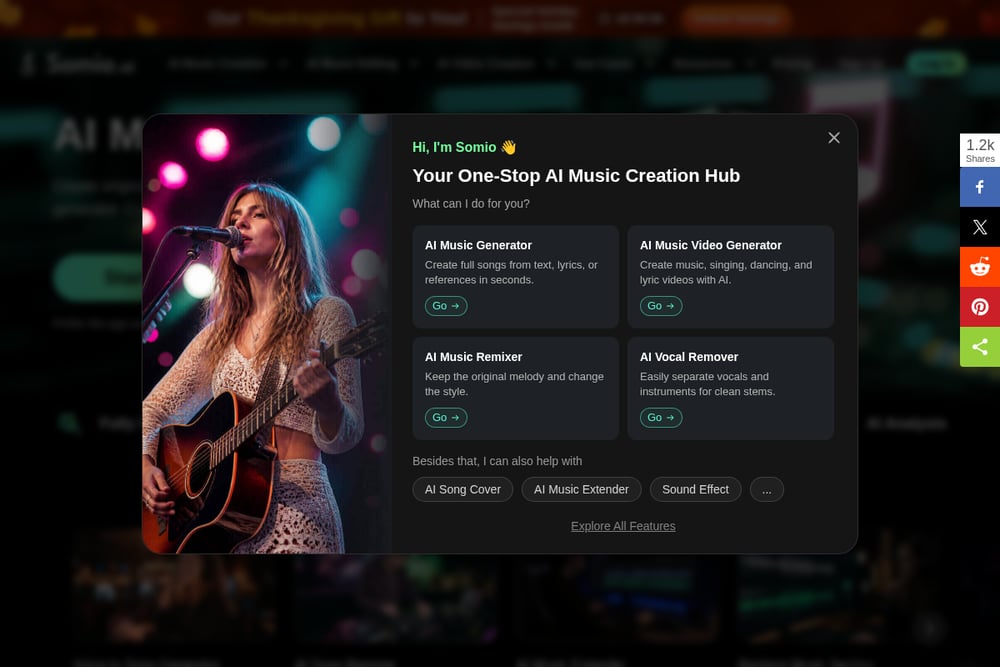 A screenshot of the Somio AI website.
Somio AI puts dance generation inside a wider music and video toolkit. You upload a photo, choose a dance style or a reference video, and optionally add a prompt or pick a model. The output is marketed as watermark-free and HD, which matters if the clip is going anywhere public. Because it sits alongside music video, singing video, and karaoke tools, it suits people building a whole piece of content rather than one clip. The dance feature is one stop in a longer workflow. That is useful if you also need audio or a longer edit.
#5 Vidu AI
 A screenshot of the Vidu AI website.
Vidu AI gives you dials. You can set motion amplitude to auto, small, medium, or large, and choose a duration of four or eight seconds. The tool detects body key points and maps motion onto your still, with an emphasis on character consistency and fewer jerky frames. That control is handy when a routine looks too wild or too stiff on the first pass. It handles people, old photos, anime figures, and fictional characters alike. If you want to tune the feel of the movement rather than accept a preset, this is the one to try.
How to pick the right one for your clip
Start with the routine, not the tool. If you already know the exact dance and want it reproduced faithfully, go with a motion-control platform. If you just want a specific viral bit done cleanly in under a minute, a single-purpose site saves you the setup. Check the price model before you upload. Per-clip pricing is easy to budget; credit systems take more math. Confirm the aspect ratio and watermark policy, because a great clip you cannot post is wasted work. Finally, check the input rules. Some tools want full-body, front-facing photos with good light, and some accept almost anything. Match the tool to the photos you actually have.
A simple workflow you can repeat
Pick your two people and get consent in writing, since every tool here requires adults who agreed to appear. Shoot or collect one clear photo each with face, hands, and feet in frame. Choose your scene and routine, then generate the free or lowest-cost test clip first. Watch the hands and the cut, since those are where AI dance clips usually break. If the motion is too stiff or too wild, adjust amplitude or switch to a reference-driven tool. Once you have a version you like, export at 9:16 and post. Keep the source photos and settings noted so you can regenerate the same look for the next duo.
The bottom line
You do not need a video editor to make a dance clip anymore. You need two photos, a clear idea of the routine, and a tool that matches how much control you want. Reach for a broad platform when you want to direct the choreography. Reach for a narrow one when you want the clip done and posted. Either way, test with the cheapest option first, check the hands, and keep the source photos on file.