Your child can ask an AI anything and get a confident answer in seconds. The real question is whether they learn to question that answer back.
The new AI literacy landscape
AI tools for children have split into two camps. One camp helps kids produce work faster; the other helps them think harder. The second camp is growing quickly as parents and teachers worry that fluent, confident AI answers train children to accept information passively. These platforms use Socratic questioning, fact-checking prompts, and parent dashboards to turn AI from an answer machine into a thinking partner.
How we looked at each platform
We compared each tool on four factors: how actively it pushes a child to question rather than accept AI output, how much visibility parents or teachers get into conversations, how clear the age fit and pricing are, and how well the experience holds a child's attention over time. We also weighed whether the tool is built for home use, classroom use, or both.
Here is a quick look at the five platforms, ordered by how well they balance critical-thinking training with practical use for families.
| Provider | Best For |
|---|---|
| JoySchooler | Parents who want a guided, lesson-anchored AI thinking partner |
| KidsQuestion: teach your child to question AI | Families who want kids to fact-check and challenge AI answers |
| LittleLit | Homeschools and classrooms building broad AI literacy |
| Socrat.ai | Teachers who want students questioning AI in class |
| Askie | Parents who want ready-made critical-thinking exercises |
The five platforms in detail
#1 JoySchooler
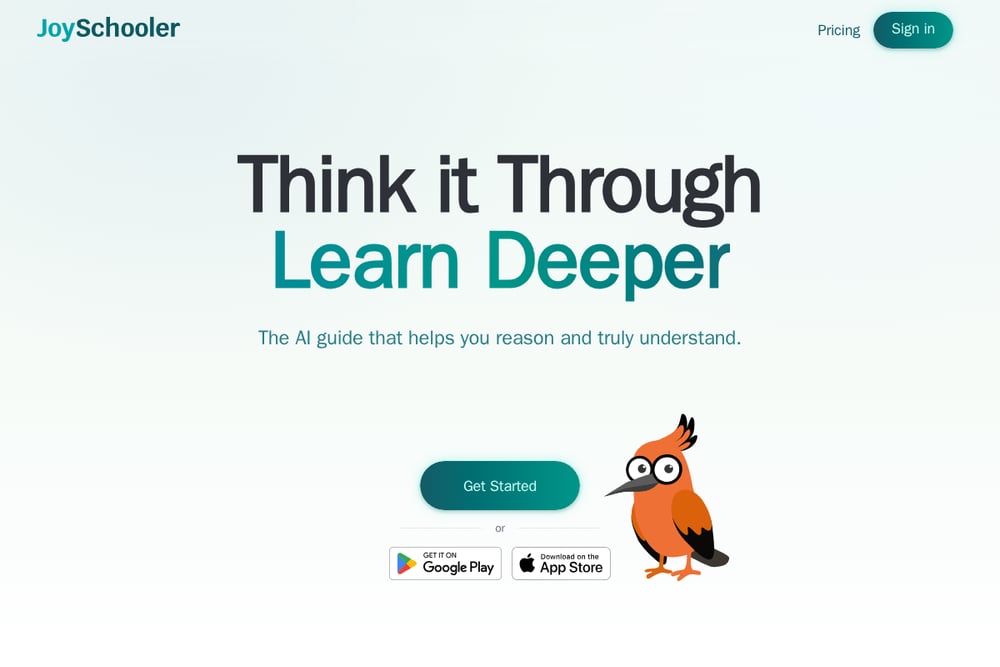 A screenshot of the JoySchooler website.
JoySchooler is a Socratic AI guide that asks the child a guiding question instead of handing over the answer. The design goal is to protect the productive struggle that makes learning stick, so kids move from "what's the answer?" to "let me figure this out." Parents can add children as learners, review conversations, and assign exercises from their own account. The platform keeps conversations anchored to lessons and the child's own questions rather than acting as an open-ended chatbot. It is a strong fit for families who want a structured, thinking-first AI environment.
#2 KidsQuestion: teach your child to question AI
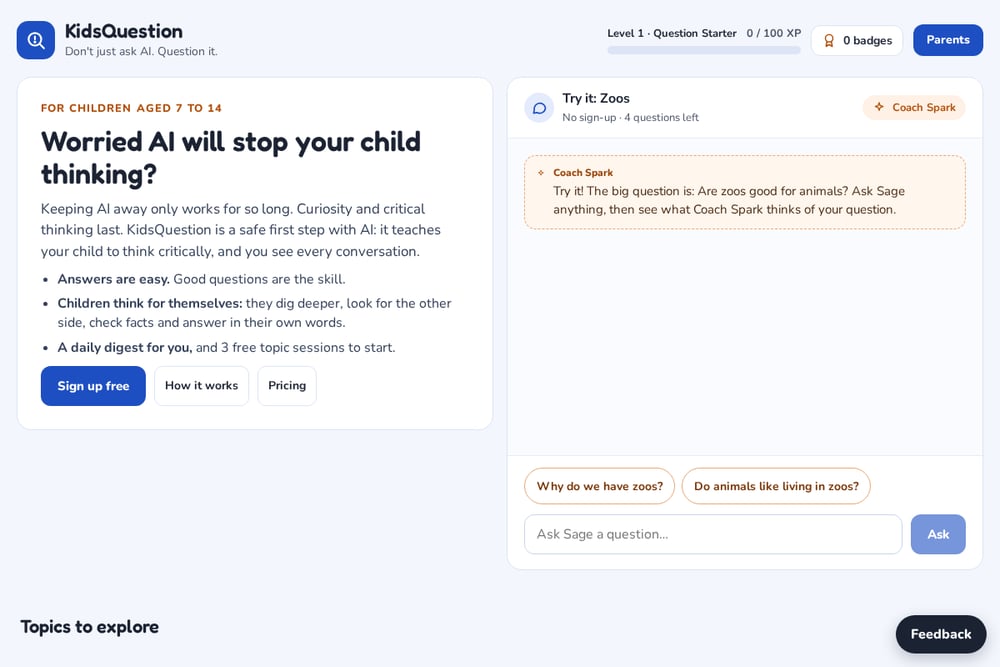 A screenshot of the KidsQuestion website.
KidsQuestion flips the usual AI-for-kids script: children pick a big question, ask Sage the AI helper, and then earn badges for questioning the answer. Coach Spark watches how they ask, rewarding digging deeper, asking what other people think, and checking facts. The question library spans history, science, government, technology, and philosophy, from "Was Nelson Mandela a good person?" to "Should children use AI to help with homework?" Parents see every conversation and can track progress through levels and badges. It is built for ages 7 to 14 and makes critical thinking feel like a game rather than a lecture.
#3 LittleLit
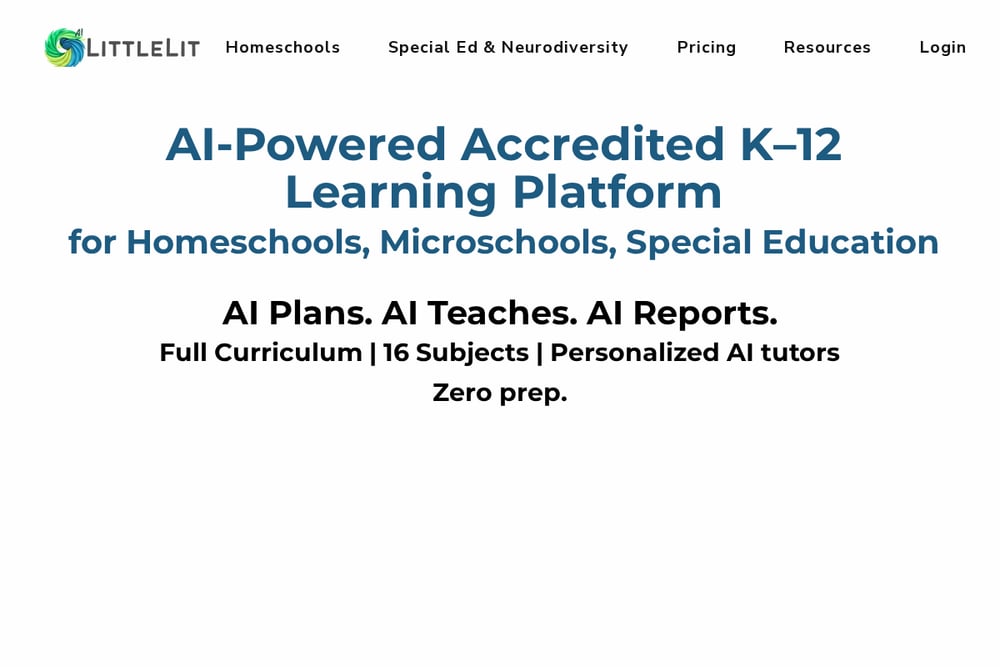 A screenshot of the LittleLit website.
LittleLit takes a broader AI literacy approach for kids in kindergarten through eighth grade. It combines a standards-aligned curriculum with creative projects, AI tutors, and lessons on how AI works and how to use it ethically. The platform is designed for both homeschools and traditional classrooms, with dedicated support for special education and neurodiverse learners. Parents worried about safe AI use get moderated, child-friendly tools and clear guidance on responsible use. It is less about questioning a single AI answer and more about building all-around AI fluency.
#4 Socrat.ai
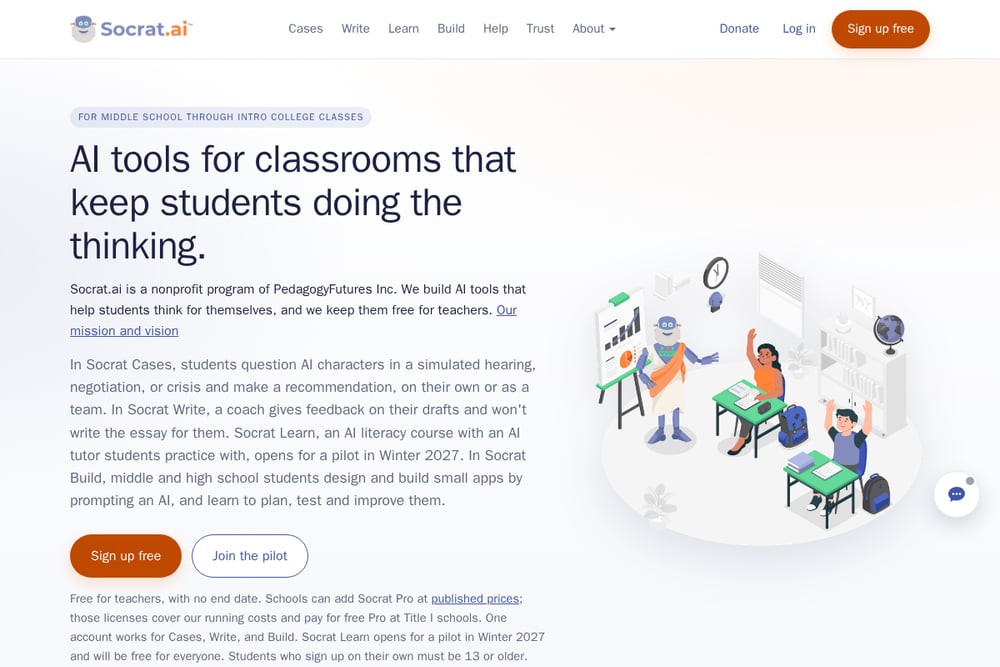 A screenshot of the Socrat.ai website.
Socrat.ai is a nonprofit program of PedagogyFutures Inc. that builds classroom AI tools designed to keep students doing the thinking. In Socrat Cases, students question AI characters in simulated hearings, negotiations, or crises and then make a recommendation. Socrat Write gives feedback on drafts without writing the essay for them, and Socrat Build has students design and test small apps by prompting an AI. It is free for teachers, with paid school licenses funding free access at Title I schools. The focus is middle school through introductory college, so it suits educators more than parents at home.
#5 Askie
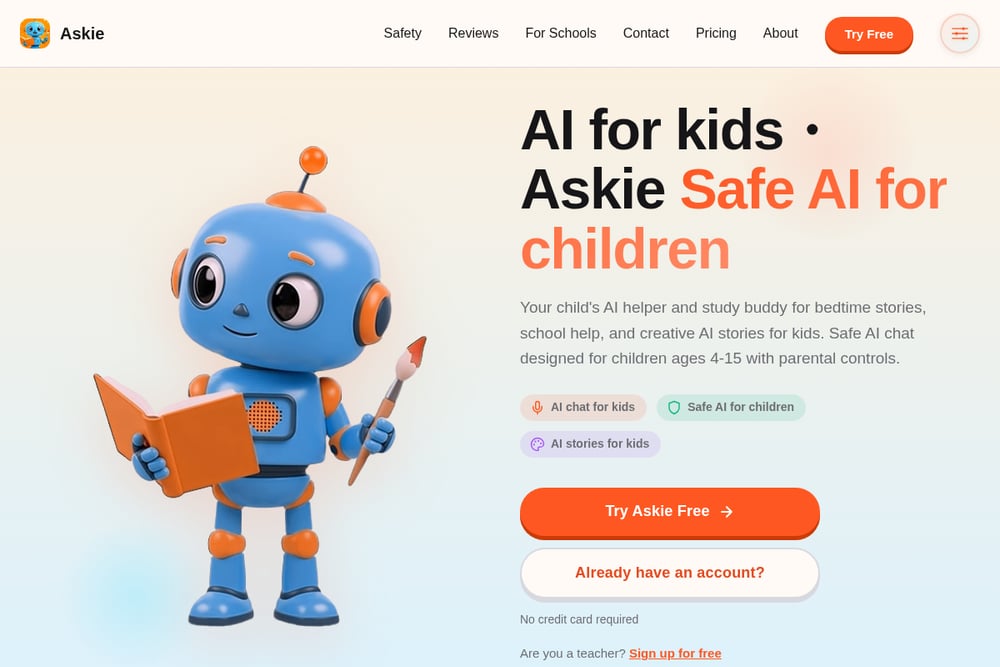 A screenshot of the Askie website.
Askie approaches the problem from the parent-coaching angle, publishing practical exercises that teach kids to treat AI answers as something to examine. Its guidance includes asking a child to check AI claims against what they already know, to ask "how do you know?", to compare answers to differently worded questions, and to notice what is missing. The blog lays out five exercises with goals by age and common mistakes to avoid. It is a useful companion resource rather than a full interactive platform. Parents who want a low-cost way to start conversations about AI reliability will find it approachable.
How to pick the right fit
Start with who will use it. If you are a parent at home, look for a tool with a parent dashboard and a question library your child will actually enjoy. If you are a teacher, prioritize classroom management, free or low-cost access, and lesson alignment. Then check the age range: a platform built for ages 7 to 14 will feel different from one aimed at middle school through college. Finally, decide whether you want a full interactive platform or a set of exercises you can run yourself. Match the tool to the habit you want to build, not the feature list.
A simple weekly routine
Pick one big question each week from a platform like KidsQuestion. Have your child ask the AI, then ask a follow-up that digs deeper. Next, have them check one claim against another source and note what they found. Finish by asking what the AI might have missed. Ten minutes, once a week, builds the habit of questioning rather than accepting.
The bottom line
The best AI tool for your child is the one that makes them doubt the answer a little. JoySchooler leads with structured Socratic guidance, KidsQuestion makes fact-checking a game, LittleLit builds broad AI literacy, Socrat.ai serves classrooms, and Askie gives parents ready-made exercises. Choose based on whether you need a platform, a curriculum, or a conversation starter, and start small.