You have hours of footage and no time to cut it. These five AI clipping studios turn long video into daily shorts, so you can stay visible without living in an editor.
Where AI clipping stands right now
Short-form video is still the cheapest attention you can buy, and the bottleneck is no longer shooting. It is finding the moment, cutting it well, and posting it every single day. A new class of AI tools now watches your long-form footage, pulls the strongest hooks, adds captions and framing, and schedules the output across Instagram, TikTok, YouTube and Facebook. The market splits into two camps: self-serve clipping tools you drive yourself, and done-for-you studios that run the whole loop for you.
How we looked at each studio
We compared these tools on four things: how much of the workflow they actually handle, from intake to publishing; how clear the pricing and trial path is; how well the output matches your existing style and brand; and how useful the extras are, like scheduling, analytics and multi-platform posting. We also weighed who each one fits, since a solo clipper and a five-person agency need very different things.
Here is the short version before the deep dive. Each studio below earns its place for a different reason, so match the pick to how much of the work you want to hand off.
| Provider | Best For |
|---|---|
| OpusClip | Creators who want maximum features with hands-on control |
| influanced: send the footage, we'll handle the rest | Anyone who wants daily posting with zero editing time |
| Vizard.ai | Template-driven clipping for creators and small teams |
| quso.ai | Repurposing plus scheduling in one place |
| Ssemble | Budget-friendly clipping, especially for gaming and streams |
The five studios, one by one
#1 OpusClip
 A screenshot of the OpusClip website.
OpusClip is the name most people hit first, and for good reason. It turns a long video into shorts with animated captions, one-click reframing, and a scheduler that can line up a month of posts in minutes. The 4.0 release adds an AI Producer for polished ready-to-post output, AI B-roll, a thumbnail generator and speech enhancement, so you rarely need to leave the tool. There is also an API and MCP support for teams wiring clipping into agent workflows, plus export to Premiere Pro and DaVinci Resolve. It is the broadest self-serve option on this list, and the free tier makes it easy to test.
#2 influanced: send the footage, we'll handle the rest
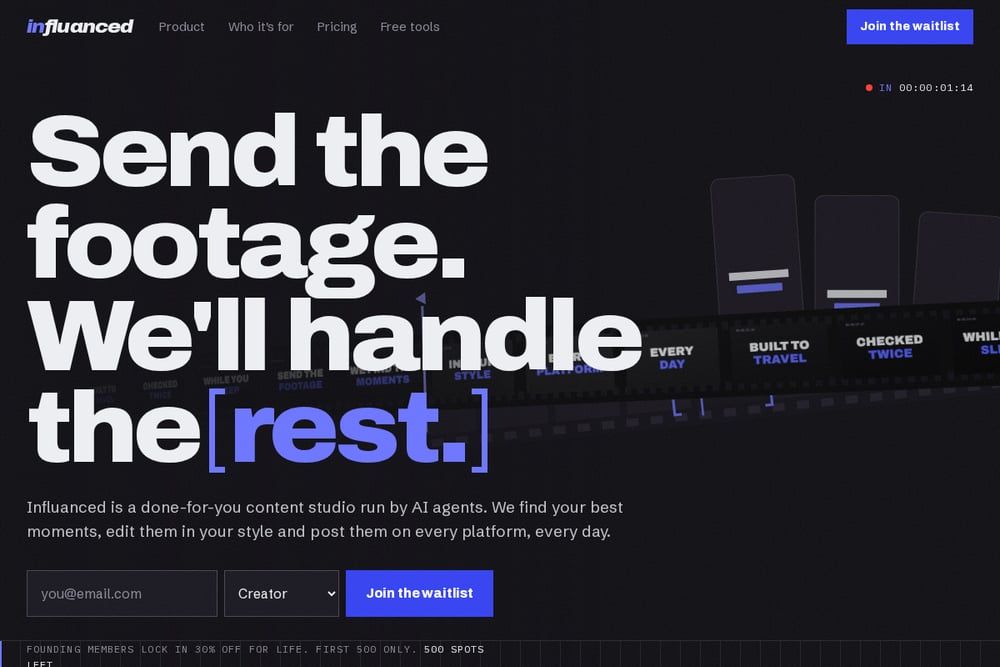 A screenshot of the influanced: send the footage, we'll handle the rest website.
Influanced flips the model. Instead of handing you an editor, it hands you a studio. You connect Google Drive, YouTube or a podcast feed, and that is your only job. Specialist AI agents then watch every minute, mark the moments built to travel, cut them in your style with captions, framing, pace and sound, and post to Instagram, TikTok, YouTube and Facebook when your audience is online. Two checkers have to agree before anything goes live, which is a smart guardrail for a fully automated pipeline. It is built for creators, clippers, agencies and brands, with founding members locking in 30% off for life, and a free Grid score to test the waters.
#3 Vizard.ai
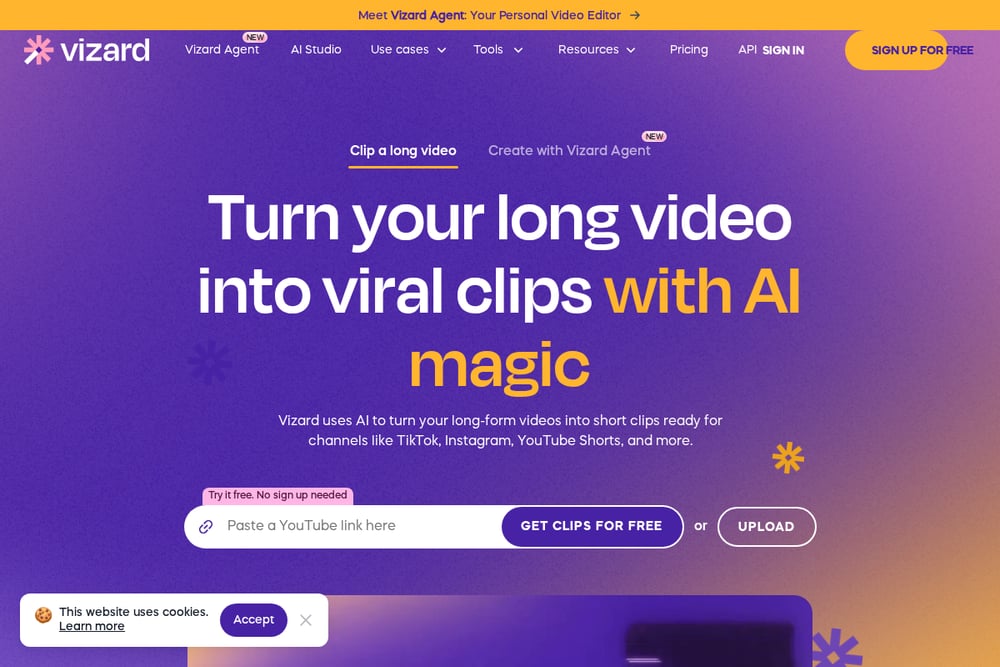 A screenshot of the Vizard.ai website.
Vizard leans hard into templates, and that is its edge. It claims to turn one long video into 30-plus clips in a click, and its Vizard Agent adds a prompt-driven layer on top of the usual clipping. There are 22 templates covering product ads, talking heads, podcasts, tutorials, UGC and more, which helps when you want a consistent look without building it yourself. It is trusted by a very large creator base and offers a no-signup free trial, so the barrier to trying it is close to zero. Teams get a shared workspace for collaboration, making it a solid fit for small content teams.
#4 quso.ai
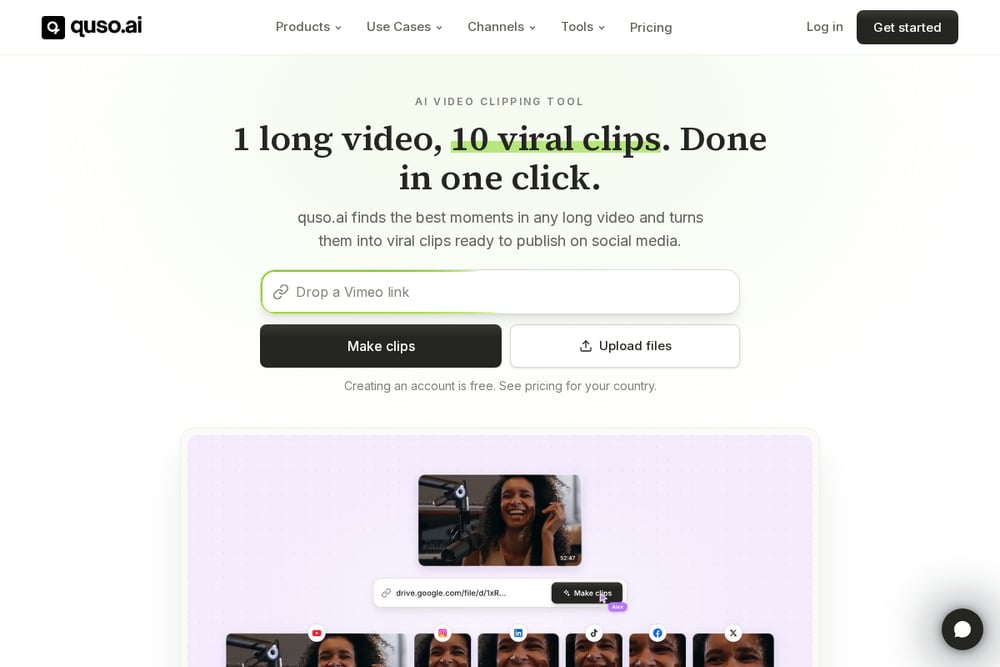 A screenshot of the quso.ai website.
quso.ai is less a clipper and more a content repurposing suite. Its AI Clips Generator finds your best moments, Intelliclips picks what is worth cutting, and filler word removal cleans up the ums and ahs in one click. Where it pulls ahead is the surrounding stack: subtitles in 99 languages, social scheduling across every major platform, a content planner, analytics and AI social captions. If your problem is not just clipping but running a whole social calendar, this covers more ground. It suits marketers, podcasters and social media managers juggling several channels at once.
#5 Ssemble
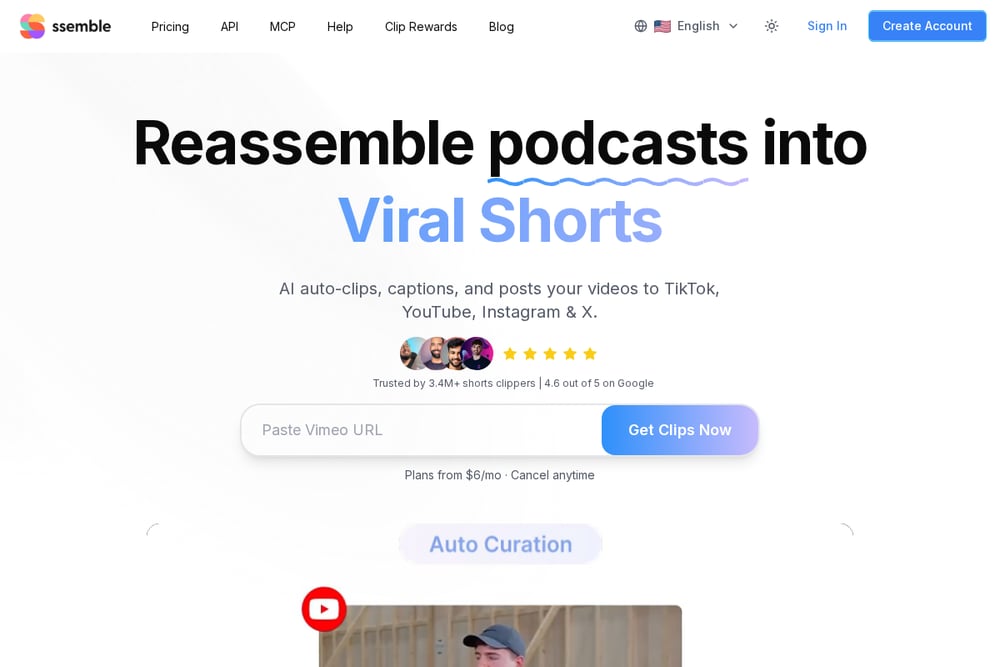 A screenshot of the Ssemble website.
Ssemble is the value pick, with plans starting around $6 a month and a strong track record to back it up. It auto-clips, captions and posts to TikTok, YouTube, Instagram and X, and it is trusted by millions of shorts clippers. The standout feature is Game Mode, which finds the streamer's face cam and stacks it above the gameplay automatically, even with green screens. In September 2026 its users posted over 404,000 clips and pulled 448 million views, which is a real-world signal rather than a marketing claim. If you clip gaming or livestream content on a budget, start here.
How to pick the right one for you
Start with one question: how much of this do you want to do yourself? If the answer is none, go done-for-you and let a studio like Influanced run intake, editing and posting while you sleep. If you want control over every cut, a self-serve tool like OpusClip gives you the deepest feature set. Then check your content type. Gaming and livestreams reward Ssemble's Game Mode, while multi-channel marketers get more from quso.ai's planner and scheduler. Finally, look at your budget and your team size. A solo clipper can start nearly free, while an agency should weigh team workspaces and per-seat costs before committing.
A simple workflow you can run today
Record or publish your long-form piece as usual. Connect the source, whether that is a Drive folder, a YouTube channel or a podcast feed, to your chosen studio. Let the AI mark the strongest moments and cut them in your style with captions and vertical framing. Review the first batch closely so the style trainer learns your taste, then let the scheduler post at your audience's peak hours. Check analytics weekly, feed the winners back in, and let the loop run. The goal is a system where your only job is sending the footage.
The bottom line
There is no single winner here, only the right fit. OpusClip gives you the most control and features, Influanced gives you the most time back, Vizard gives you speed and templates, quso.ai gives you a full repurposing stack, and Ssemble gives you the best value. Pick based on how much you want to hand off, not on a feature checklist. Whichever you choose, the real win is consistency, and any of these five will help you post every day without editing every day.