You have one good photo of your car and a feed full of chase clips you want to be part of. These five tools turn that still image into motion, and each one solves the problem a little differently.
Where AI car video is right now
Car content used to mean a camera crew, a closed road, and a lot of luck. Now a single photo plus a video model can produce a rolling shot, a drift, or a full chase sequence in minutes. The category splits into two camps: broad creative platforms that bundle car presets into a bigger studio, and focused services that do one trend extremely well. Knowing which camp you need saves you both money and time.
How these five were compared
Every tool was looked at on the same factors: how well it preserves your actual car's shape, color, and wheels; what you get for the price and whether that price is stated clearly; output formats and whether sound is included; how much friction sits between upload and download, including sign-up requirements; and how closely the result matches the trend clip you have seen on TikTok. No single factor decides it. A cheap clip that loses your car's identity is worth less than a pricier one that nails it.
Here is the short version before the detail. The list runs from the most trend-faithful output down to the most budget-friendly experimentation, and your pick depends on whether you want a finished viral clip or a sandbox to play in.
| Provider | Best For |
|---|---|
| Higgsfield AI Car Video Generator | Creators who want to direct the scene, not just fill a template |
| Need for Speed AI Video Generator: Your Car in the Chase | Getting the exact TikTok chase trend with your own car, fast |
| Media.io AI Car Video Generator | Marketers who want car clips plus a full editing toolbox |
| Wink AI Car Video Generator | Tinkerers who want to compare multiple AI models in one place |
| CarVideoAI | Testing the waters on a tight budget |
The five, one by one
#1 Higgsfield AI Car Video Generator
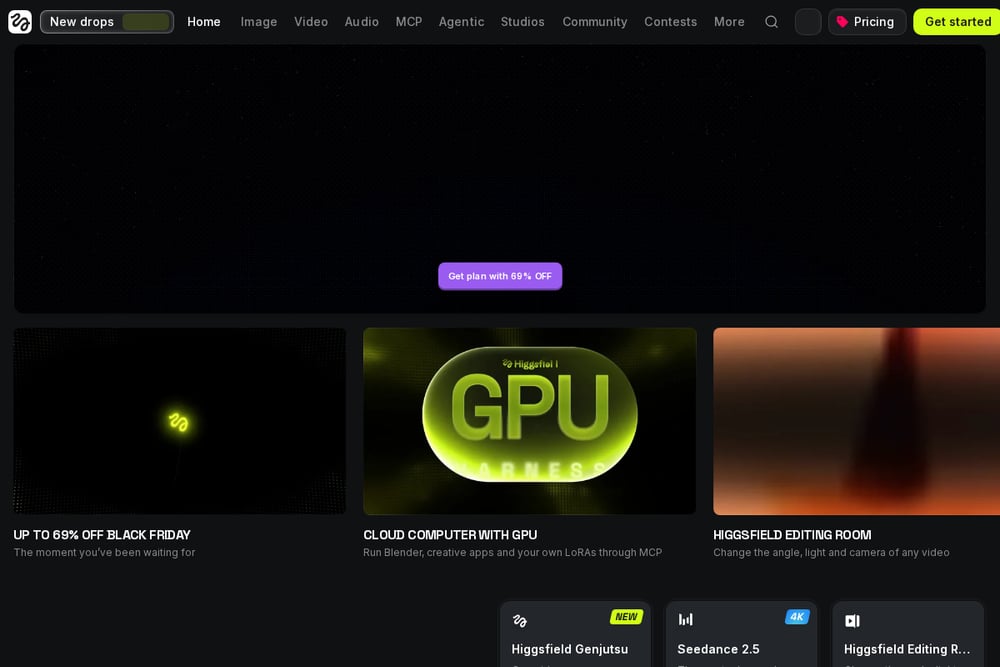 A screenshot of the Higgsfield AI Car Video Generator website.
Higgsfield positions its car generator as a directing tool, not a one-click template. You can start from a prompt or a single car photo and get a rolling shot that stays close to your vehicle's shape and color, with no crew and no closed road. The prompt library is unusually deep, covering UGC-style walkarounds, snowy mountain climbs, and rear chase shots with tail lights and engine audio. It runs on Seedance models and sits inside a much larger studio of image, video, and audio tools. If you want control over the scene rather than a fixed trend, this is the widest canvas on the list. See the generator at higgsfield.ai.
#2 Need for Speed AI Video Generator: Your Car in the Chase
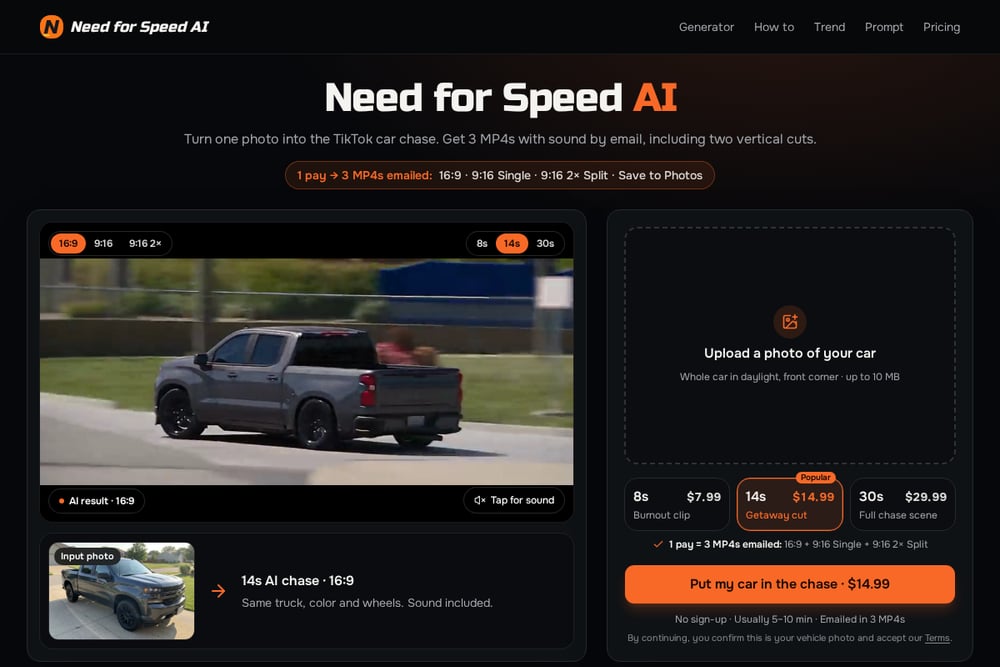 A screenshot of the Need for Speed AI Video Generator: Your Car in the Chase website.
This one does a single job and does it without an account. You upload one daylight photo of your whole car from a front corner, pay per format, and close the tab. Seedance 2.5 rebuilds every camera angle of the real trend clip with your car swapped into each shot, then emails you three MP4s: 16:9 widescreen, 9:16 single, and 9:16 split-screen, all at 720p with trend sound and no watermark. Pricing is $7.99 for 8 seconds, $14.99 for 14 seconds, and $29.99 for 30 seconds, and results usually land in 5 to 10 minutes. The site is upfront that a 30-second video costs about $11 in model time to make, which is why there is no $4 version. That transparency is rare in this space. Details are at needforspeedai.com.
#3 Media.io AI Car Video Generator
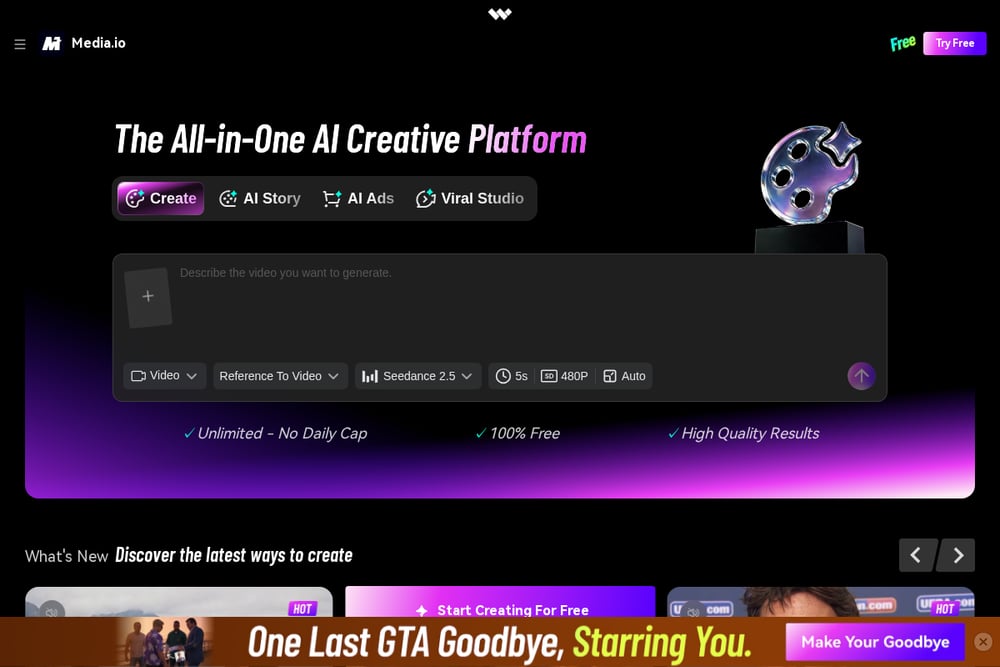 A screenshot of the Media.io AI Car Video Generator website.
Media.io treats car video as one zone inside a full media suite, which is handy if you also need to convert, compress, or edit. You can upload a car photo or start from a prompt, then pick camera moves like low-angle tracking, side rolling shots, slow orbits, or dramatic push-ins. It handles wheel motion, road movement, reflections, and headlights, so a strong still becomes a believable driving scene. Vertical output is built for Reels, Shorts, and dealership promos. The trade-off is that you are working inside a broader platform, so the car-specific workflow is less opinionated than a dedicated service. Explore it at media.io.
#4 Wink AI Car Video Generator
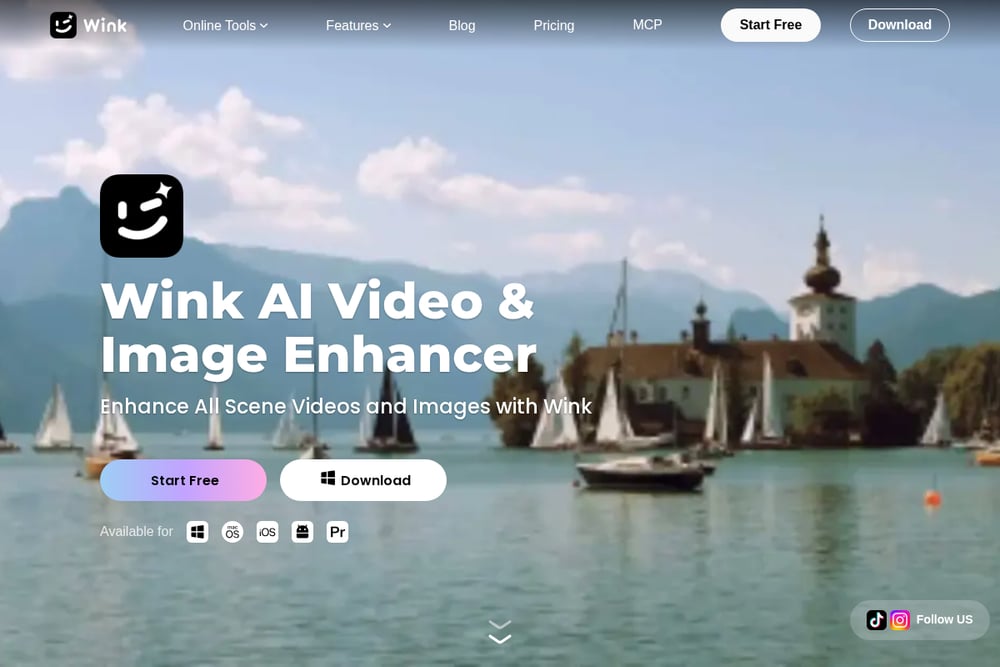 A screenshot of the Wink AI Car Video Generator website.
Wink lets you choose your engine, which is the appeal here. You upload a photo or write a prompt, then pick from Seedance, Kling, Vidu, or Veo depending on the look you want: fast and clean, motion with synced audio, drifts and burnouts, or cinematic reveals with a story. You set duration and ratio, including 16:9, 9:16, and 1:1, then generate and download. There is an image enhancer you can run on the source photo first, which genuinely helps with phone shots. The catch is that you need to sign up or log in before you start. It is a good fit if you like comparing models side by side. Try it at wink.ai.
#5 CarVideoAI
 A screenshot of the CarVideoAI website.
CarVideoAI is the most budget-minded entry point on this list. It offers text-to-image, image-to-image, text-to-video, and image-to-video modes, with a prompt library covering neon JDM night drifts, dealership aerial pans, showroom slow pushes, and supercar mountain-pass reels. Free accounts can generate up to 3-second 540p clips, and paid generations run on a credit system. Aspect ratios include 1:1, 16:9, and 9:16, so vertical social cuts are covered. The output is shorter and lower resolution than the dedicated chase services, but it is a low-risk way to test whether AI car video fits your workflow. See it at carvideoai.com.
Picking the right one for your garage
Start with the output you actually need. If you want the specific chase trend that is already circulating, with your car in every shot and sound baked in, a dedicated service beats a general studio every time. If you want to experiment with angles, lighting, and mood, a broader platform gives you more knobs to turn. Check the price structure before you commit: per-video pricing is easy to budget, while credit systems can hide the real cost per finished clip. Look at whether sound is included or added later, and confirm the aspect ratios match where you post. Finally, weigh the sign-up requirement. If you are making one clip for a single post, a no-account flow removes a real barrier. If you plan to iterate weekly, an account with saved history may be worth the friction.
Turning one clip into a repeatable workflow
The smart play is to build a small pipeline rather than chase one-off videos. Shoot a clean daylight photo of each car from a front corner with the whole vehicle in frame, and keep those files in a folder ready to upload. Generate the vertical cut first, since that is where the reach is, and keep the widescreen version for YouTube and embedded posts. Save every download to a shared drive with the car name and date in the filename so you can compare results across models. If you post regularly, batch your generations in one sitting and schedule the uploads across the week. Track which format and length performs, then put your budget behind the one that earns engagement. That loop, photo to clip to post to review, is where the real speed comes from.
The bottom line
AI car video has moved past novelty into something you can plan around. Higgsfield gives you the most creative range, Need for Speed AI gives you the most faithful version of the trend with the least friction, and Media.io, Wink, and CarVideoAI cover the middle ground between editing suite and experiment lab. Match the tool to the job, keep your source photos clean, and you can produce car content that looks like it had a crew behind it.