You know your team wastes hours on busywork, but you can't fix what you can't measure. These five calculators turn vague frustration into a number you can act on.
Why AI savings calculators are suddenly everywhere
Small businesses are under pressure to adopt AI, but most owners don't know where to start. A calculator is the cheapest first step: it forces you to name the task, estimate the time, and see the dollar figure. The market has responded with a wave of free, browser-based estimators aimed at non-technical operators. Some are lead magnets for consulting or software. Others are genuinely self-serve. The difference matters when you're trying to build a business case without hiring anyone.
How we evaluated these calculators
We looked at five factors. First, scope: does the tool cover a single task or a library of common office jobs? Second, pricing clarity: is the calculator free, and does it push you toward a paid engagement? Third, local fit: are the assumptions and benchmarks relevant to US small businesses? Fourth, actionability: does it give you a next step you can actually take? Fifth, privacy: does your data stay in your browser? Each business below stood out on different combinations of these factors.
Here's a quick comparison of what each calculator offers before we dig into the details.
| Provider | Best For |
|---|---|
| Gravity Automation Savings Calculator | Quick single-task estimates |
| AI Office Kit: which boring office jobs can AI take over? | Small teams mapping multiple office tasks |
| Digitech Systems Automation Savings Calculator | Document-heavy back-office workflows |
| Parix.ai AI Automation Cost Calculator | Budgeting a real automation project |
| TriloAI Automation Savings Calculator | Estimating payback on a build cost |
The five calculators worth your time
#1 Gravity Automation Savings Calculator
 A screenshot of the Gravity Automation Savings Calculator website.
Gravity's calculator is built for speed. You enter how often a task runs, how long it takes by hand, and your loaded hourly cost. It spits back hours and dollars saved per month and per year. The tool is free and requires no signup, and it's clearly designed to funnel you toward Gravity's AI agent platform. That's not a dealbreaker, but know the calculator is a lead magnet. The math is transparent and the interface is clean, which makes it a solid first stop if you want a quick order-of-magnitude estimate.
#2 AI Office Kit: which boring office jobs can AI take over?
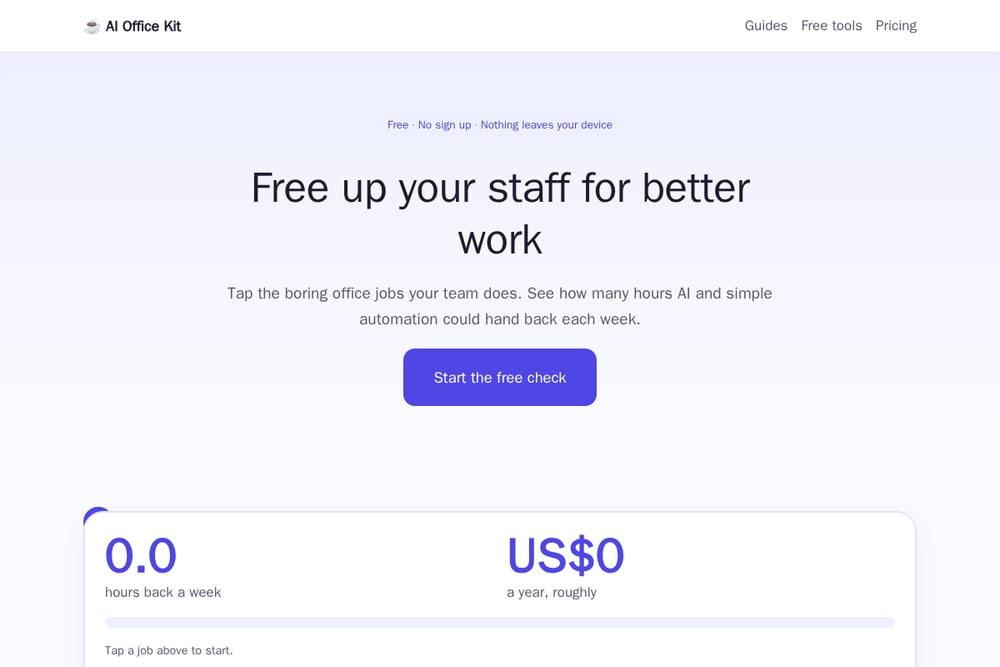 A screenshot of the AI Office Kit website.
AI Office Kit takes a different approach. Instead of one task at a time, you tap the boring office jobs your team actually does, from invoice entry to email triage to meeting notes. The free browser-based calculator then estimates hours and dollars saved per week and per year. Everything runs locally, so nothing leaves your device. The site also provides plain step-by-step guides for implementing AI with tools you already pay for. The estimates are deliberately conservative, assuming AI handles only 30 to 60 percent of each job and that people still check the work. That caution is refreshing in a space full of hype.
#3 Digitech Systems Automation Savings Calculator
 A screenshot of the Digitech Systems Automation Savings Calculator website.
Digitech Systems is an established document management and automation vendor, and its calculator reflects that enterprise background. The tool is positioned around the broader case for process automation, citing that up to 47 percent of work activities can be automated. It's less interactive than the others, more of an educational entry point than a hands-on estimator. That said, if you're evaluating document-heavy workflows like accounts payable or records management, the vendor's domain expertise shows. Use it as a conversation starter with your finance or operations lead.
#4 Parix.ai AI Automation Cost Calculator
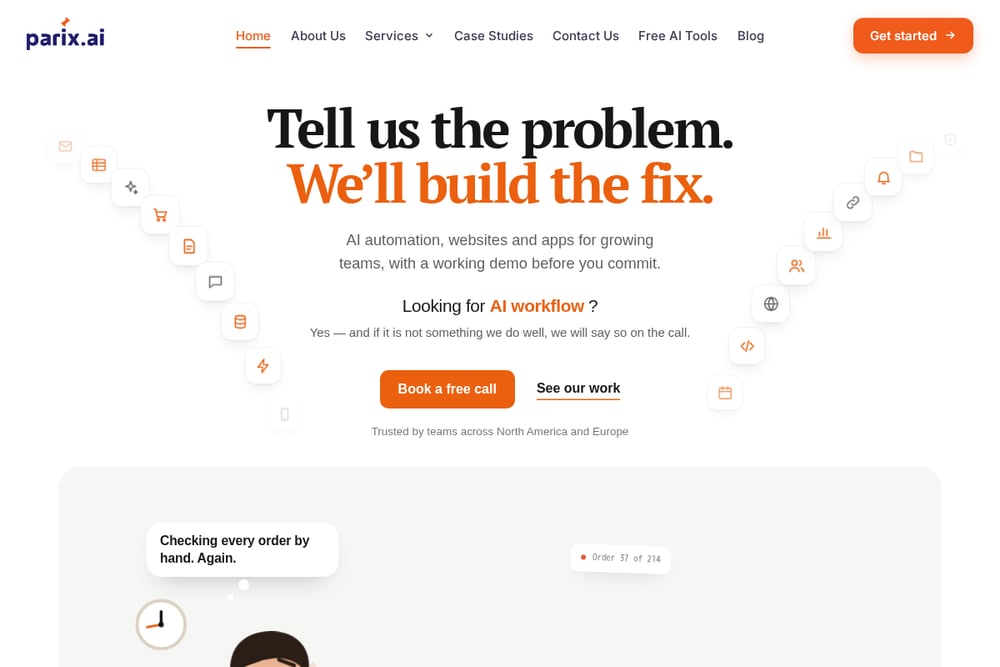 A screenshot of the Parix.ai AI Automation Cost Calculator website.
Parix.ai flips the script. Instead of asking what you'll save, it asks what automation will cost. You input the number of workflows, tools to connect, whether AI is central, and complexity level. The calculator returns an estimated setup cost range, monthly savings, a complexity score, and a payback period. It's aimed at businesses planning a project rather than just daydreaming about one. The benchmarks come from over 200 real automation projects, which adds credibility. If you're ready to budget, this is the most project-oriented tool in the group.
#5 TriloAI Automation Savings Calculator
TriloAI's calculator is simple and transparent. You enter total weekly hours on a task, the share a system could handle, your hourly cost, and optional build and maintenance fees. It returns hours saved per month, staff cost saved, and a payback estimate. The tool explicitly states your numbers are never sent or stored. The catch is the call to action: a free 30-minute consultation. That's fine if you want help, but the calculator itself is a front door to services. Still, the payback math is useful if you're weighing a build cost against ongoing savings.
How to pick the right calculator for your situation
Start with your goal. If you just need a quick number to justify a conversation, Gravity or AI Office Kit will get you there in minutes. If you're mapping a whole team's workload, AI Office Kit's multi-task approach is more useful. If you're budgeting a specific project, Parix.ai gives you cost and payback, not just savings. If you're deep in document workflows, Digitech's framing will resonate with your ops team. And if you want a payback estimate with a human follow-up, TriloAI is built for that. Whichever you choose, treat the output as a starting point, not a promise. Measure before and after.
The bottom line on AI savings calculators
These tools won't automate anything for you. What they will do is give you a defensible number to bring to your team or your boss. That number is the first step toward freeing up hours for work that actually needs a human. Pick one, run your own tasks through it, and see what you find. The best calculator is the one you actually use.
Final thoughts
The AI automation calculator space is crowded, but these five cover the main use cases: quick estimates, multi-task mapping, document workflows, project budgeting, and payback analysis. AI Office Kit stands out for its task-library approach and privacy-first design. Gravity wins on speed. Parix.ai is the most project-ready. Digitech and TriloAI serve narrower but valid needs. Try two or three, compare the outputs, and use the range as your planning baseline.