You have an idea and a deadline, but no animator, no editor, and no budget for a studio. These five services can turn a plain script into a finished animated short you can post today.
The state of AI animated explainer video in 2026
Explainer video used to mean a six-week production calendar and a five-figure invoice. That math has collapsed. AI-driven platforms now handle scripting, scene building, voiceover, music, subtitles, and cover art in a single pass, and the output is good enough for YouTube, TikTok, and internal training decks alike.
The market has split into two camps. On one side sit template-and-timeline editors that give you a large asset library and manual control. On the other sit agent-style tools that take a written idea and return a finished video with almost no intervention. Both are legitimate. The right pick depends on how much of the work you want to keep in your own hands.
What buyers should watch closely is the pricing model. Subscription fatigue is real, and a one-time purchase for a single short is a meaningfully different commitment than a monthly seat license. Language coverage matters too, especially if you publish in English and Spanish for the same audience.
How we evaluated these services
We looked at five factors and applied them evenly across every service on this list.
Service scope. Does the platform stop at animation, or does it carry the project from research and script through voice, music, subtitles, and cover art? The wider the scope, the less you have to stitch together yourself.
Pricing clarity. We favored services where you can see what a single video costs before you commit. Subscription-only models are fine, but they demand more certainty from you up front.
Output style. Some tools lean on stock footage and illustration libraries. Others build original 3D scenes per line of script. Neither is wrong, but the visual result is very different.
Language and localization. How many languages can you publish in, and can you produce multiple versions of the same short without rebuilding it?
Ease of use. How much of the timeline, keyframing, and asset wrangling do you personally have to touch before the video is postable?
Each service below stood out on a different combination of these factors. Shorts3D scored on scope and pricing clarity, with a one-time €39 purchase and a pipeline that runs from idea to cover art. simpleshow stood out on enterprise polish and avatar formats. Renderforest impressed on template breadth. Powtoon held its ground on brand control and character libraries. invideo earned attention for agent-driven scripting and timeline refinement.
Here is the short version. Five services, five different strengths, one decision to make about how hands-on you want to be.
| Provider | Best For |
|---|---|
| simpleshow | Enterprise learning and internal communications teams |
| Shorts3D · AI-made 3D animated shorts | Creators who want a finished 3D short from a single written idea |
| Renderforest | Teams producing high-volume social and promo videos from templates |
| Powtoon | Brand-consistent explainers built from templates and characters |
| invideo | Agent-assisted scripting with timeline-level refinement |
The five services in detail
#1 simpleshow
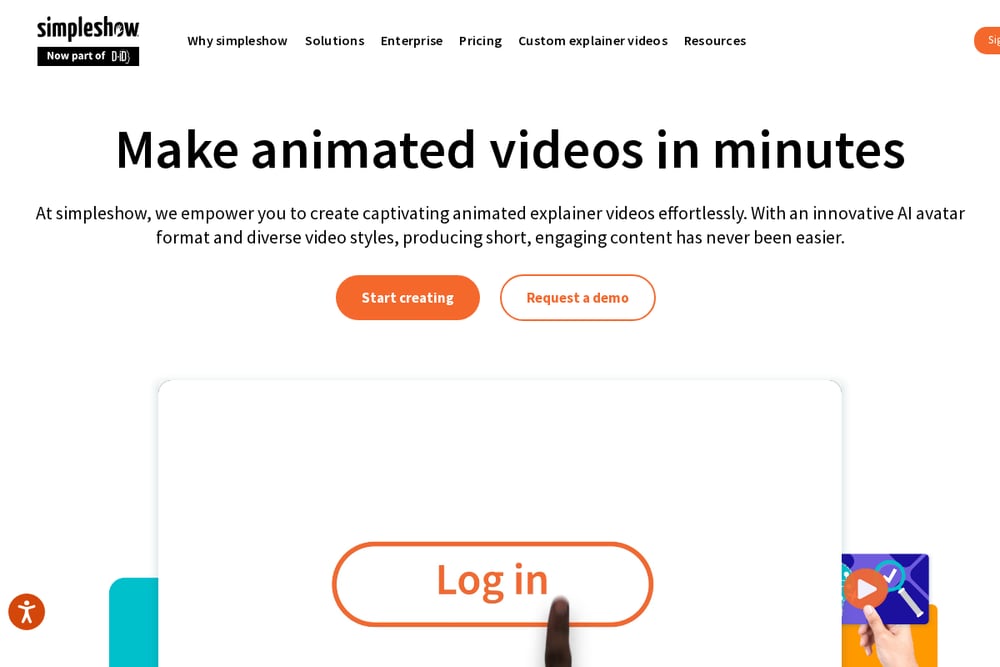 A screenshot of the simpleshow website.
simpleshow has been making explainer videos long enough to know what actually holds a viewer's attention, and it now sits inside the D-ID family with AI avatar technology layered on top. You get a platform that spans AI avatar videos, animated illustration styles, and fully custom formats, which makes it a strong fit for learning and development, internal comms, and compliance training. The methodology is baked in, so you are not starting from a blank canvas wondering where to put the narration. Enterprise teams will appreciate the integrations and API access. If your organization needs a repeatable format across dozens of departments, this is the kind of infrastructure that scales with you.
#2 Shorts3D · AI-made 3D animated shorts
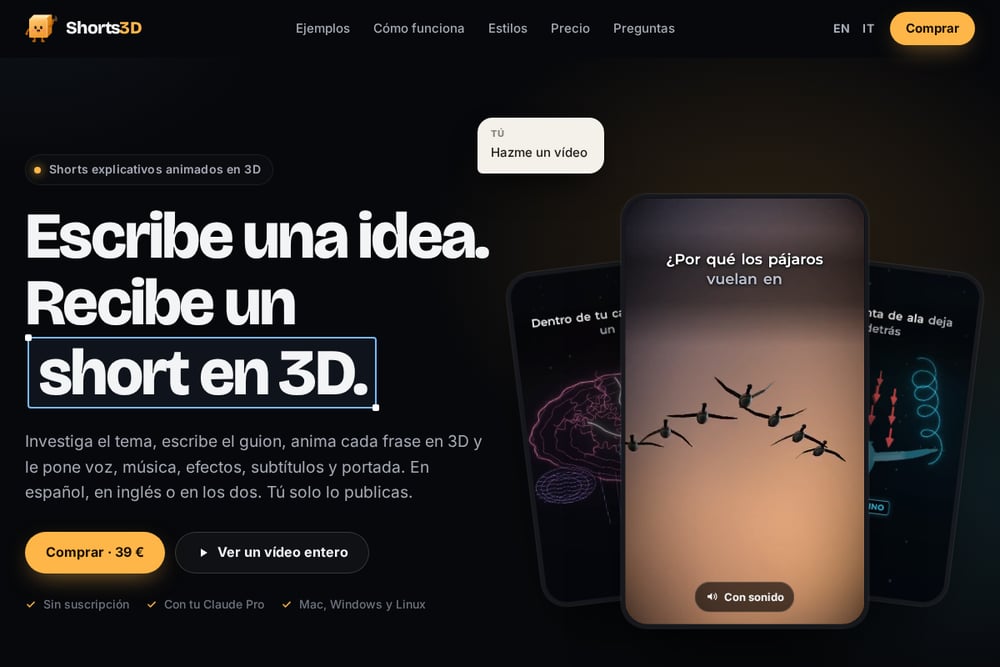 A screenshot of the Shorts3D · AI-made 3D animated shorts website.
Shorts3D takes the most aggressive position on this list: you write an idea, and it returns a finished vertical 3D short with voice, music, sound effects, subtitles, and a cover. It researches the topic, writes the script, and builds a distinct 3D scene for every line, so if the narration mentions fourteen ibises with GPS trackers, you see fourteen ibises with GPS trackers. There are no stock clips and no templates standing in for the actual story. The library is substantial, with 1228 3D models including animated people and animals, four expressive characters that change faces on cue, real maps with actual borders, and day, sunset, or night lighting with wood, marble, concrete, brick, and metal materials. Pricing is a one-time €39 with no subscription, and you can publish in English, Spanish, or both, with six languages supported and several at once. It runs on Mac, Windows, and Linux and uses your Claude Pro account.
#3 Renderforest
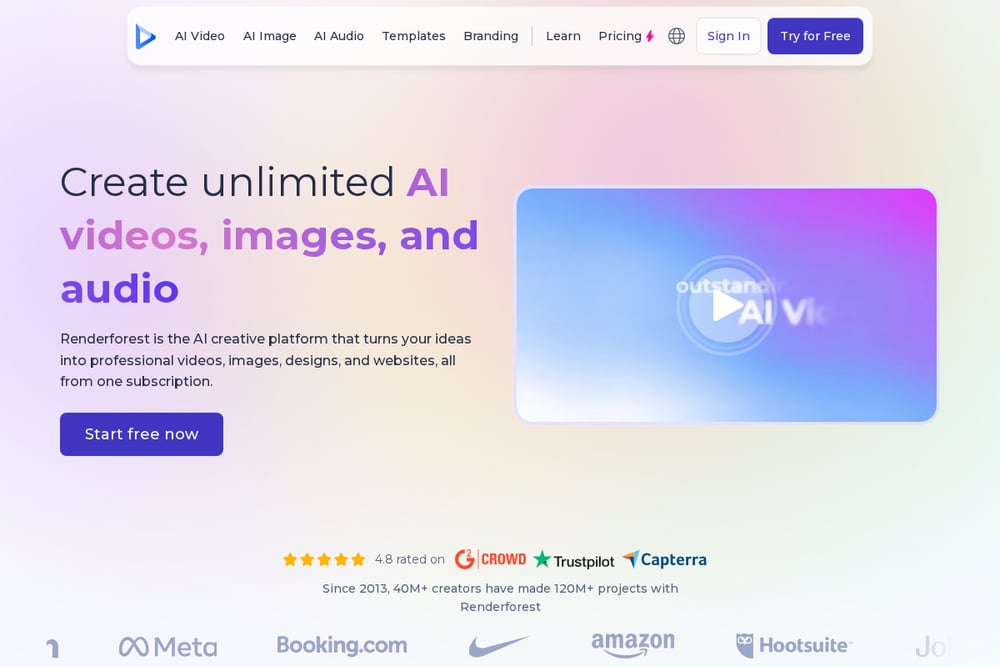 A screenshot of the Renderforest website.
Renderforest is the broadest toolbox of the group, and that breadth is the point. Beyond explainer animations, you get AI video generation, text-to-video, image-to-video, logo animation, music visualization, voice generation, and a website builder under one login. The explainer animation template library is deep, covering product promotion, mobile apps, training, typography, and cartoon styles. If you want to browse until something clicks rather than describe what you want in a prompt, this workflow will feel natural. It is a sensible choice for small teams producing a high volume of varied social and promotional content without hiring a designer.
#4 Powtoon
Powtoon built its reputation on making explainer videos approachable, and 50 million users later that approach still works. The platform leans on professionally designed templates, animated and branded characters, and a large royalty-free media library, so you can assemble something polished without design skills. Brand consistency is a real strength here, with custom fonts, logos, and color palettes you can lock across a whole team. The AI suite covers document-to-video, voiceovers, and lifelike avatars, so the manual assembly can be as light or as heavy as you want. It is a comfortable middle ground between full automation and full creative control.
#5 invideo
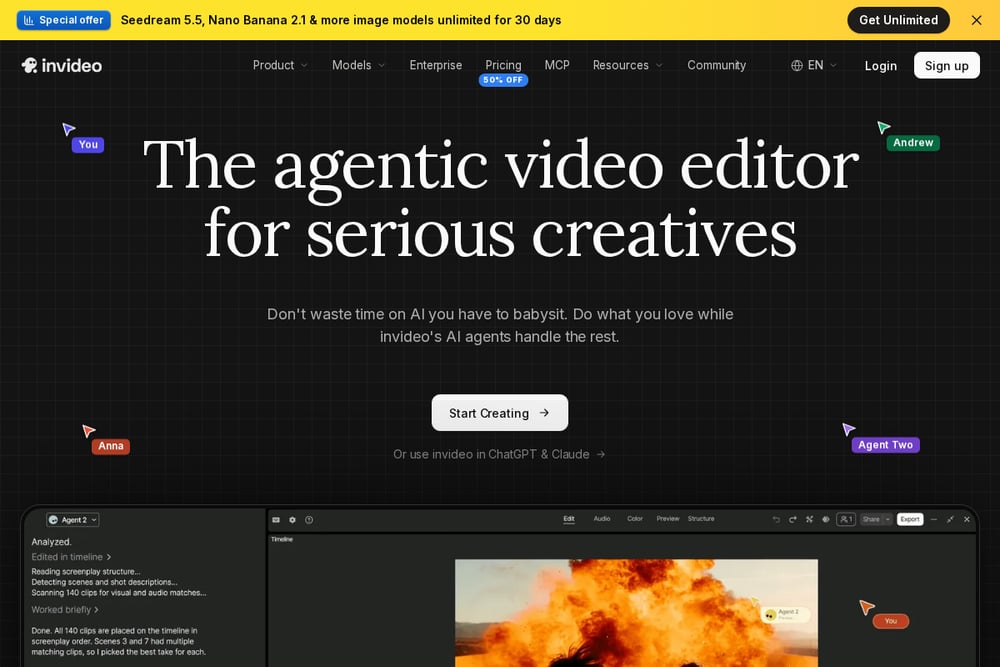 A screenshot of the invideo website.
invideo approaches the problem from the script outward. You hand the agent your key points, and it structures the narrative around the question your audience is actually asking, then shapes scenes, an AI character, and narration around that answer. The timeline is still there when you want it, so you can shorten an introduction, hold on an important screen, or adjust the closing line to match your call to action. Product walkthroughs, service explainers, and onboarding videos are the sweet spots. There is also an MCP integration that lets you generate explainer videos directly from an LLM chat, which is a genuinely useful shortcut if you already work inside one.
How to pick the right one for your workflow
Start with the question of who does the work. If the answer is the tool, look at Shorts3D or invideo. If the answer is you, with the tool as an assistant, Renderforest and Powtoon give you more surface area to shape.
Next, decide how you feel about subscriptions. A one-time purchase for a single finished short is a clean way to test a format before you commit to a monthly line item. If you are producing weekly content across a team, a subscription with shared brand assets usually pays for itself.
Then check your language needs. Publishing the same short in English and Spanish is a common requirement, and not every platform handles multiple simultaneous language versions gracefully.
Finally, look at the visual register you want. Template libraries and stock assets read as polished and familiar. Original 3D scenes built per line of script read as distinctive. Neither is automatically better, but one will fit your channel and one will not.
A simple automation workflow you can run this week
Write your idea as a single paragraph, including the specific detail you want to see on screen. Specificity is what separates a generic video from one that lands.
Generate the short and review the script before you touch anything visual. Fix the facts and the phrasing first, because every downstream scene follows the script.
Produce your language versions in the same pass if the platform supports it, rather than rebuilding the video for a second audience.
Export the cover art and subtitles alongside the video file so your publishing step is a single upload, not three.
Post it, then note which scenes held attention. Feed that back into your next idea paragraph. Two or three cycles of this and your prompts get noticeably sharper.
The bottom line
You no longer need a production budget to publish an animated explainer. You need a clear idea and the right tool for how much control you want to keep.
Shorts3D is the most complete idea-to-finished-short pipeline on this list, with original 3D scenes per line, a one-time price, and multi-language output. simpleshow is the enterprise workhorse. Renderforest and Powtoon give you libraries and brand control. invideo gives you an agent that thinks about structure.
Pick the one that matches your workflow, not the one with the longest feature list. Then post something.