
You set ten alarms, snooze through nine, and still start the day behind. These five AI alarm apps are changing how you wake up.
The AI Alarm Market in 2026
Alarm clocks used to be simple. Now they are smart. AI alarm apps use natural language, voice synthesis, and schedule learning to replace the old beep with something that actually gets you out of bed. The shift is driven by two things: people hate managing multiple alarms, and phone makers finally opened up their alarm frameworks to third-party developers. On iOS, Apple's AlarmKit lets apps behave like system alarms, even when the app is closed. On Android, similar APIs have matured. The result is a wave of apps that talk to you, learn your routine, and update themselves when your schedule changes. The category is still young, but the promise is clear: fewer taps, fewer missed mornings, and a calmer start to your day.
How We Evaluated These AI Alarm Apps
We looked at five factors. First, natural language understanding: can you set an alarm by talking, or do you still tap through menus? Second, schedule intelligence: does the app remember weekdays, weekends, and one-off changes without manual editing? Third, wake-up experience: are the sounds and voices designed to actually wake you, or just annoy you? Fourth, platform fit: does it work reliably on your phone, including silent mode and Focus settings? Fifth, pricing clarity: is the free version useful, and is the upgrade worth it? Each app below stood out in different ways. Dumb Alarm impressed with its conversational scheduling and automatic rescheduling. Wake AI stood out for spoken personal messages. AI Alarm Clock offered a wide gallery of AI voices. Avo integrated your calendar, email, and weather into morning briefings. Braina brought voice-controlled alarms to your PC. No single app wins on every factor. Your best choice depends on how you want to wake up.
Here is a quick look at the five apps, what they do well, and who they are for.
| Provider | Best For |
|---|---|
| Wake AI: Talking Alarm Clock | People who want a spoken reason to wake up |
| Dumb Alarm - Wake Up Smarter with AI | Anyone tired of setting multiple alarms and rescheduling daily |
| AI Alarm Clock: Talking Clock | Android users who want a variety of AI voices |
| Avo - AI Voice Alarm | People who want a morning briefing with their alarm |
| Braina | PC users who want voice-controlled alarms on their computer |
The 5 AI Alarm Apps Worth Knowing
#1 Wake AI: Talking Alarm Clock
 A screenshot of the Wake AI: Talking Alarm Clock website.
Wake AI turns your alarm into a spoken message. Instead of a generic ringtone, you hear a personal note like 'Good morning. Time for your workout.' You can write custom messages for each alarm, choose from built-in voices, or create your own voice. The app uses Apple's AlarmKit, so alarms behave like system alarms and sound even when the app is closed. It also supports Siri shortcuts and a Live Activity countdown while snoozing. If you need a reason to get up, not just a noise, this is a strong pick.
#2 Dumb Alarm - Wake Up Smarter with AI
 A screenshot of the Dumb Alarm - Wake Up Smarter with AI website.
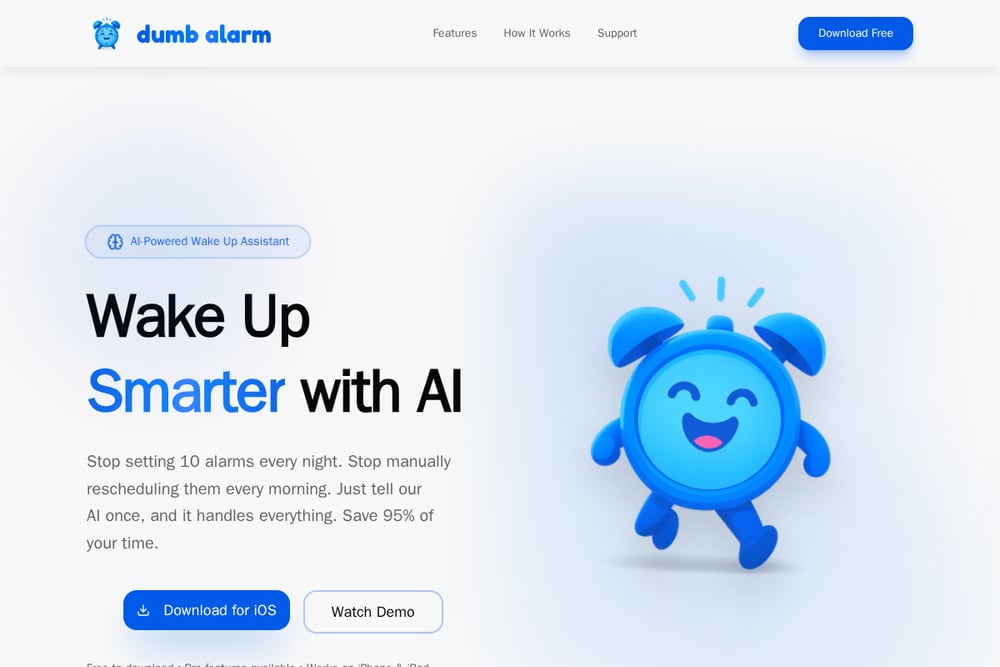
Dumb Alarm is an AI-powered wake-up assistant for iPhone and iPad that lets you set alarms by talking. Say 'wake me at 7am on weekdays' and it handles the rest. The AI remembers your schedule, including weekends and one-time changes, and updates alarms automatically when your routine shifts. No more setting ten backup alarms or manually rescheduling every morning. The app also offers scientifically designed wake-up tones or your own music. It is free to download, with Pro features available. If you want to stop managing alarms and start sleeping better, this is the one to try.
#3 AI Alarm Clock: Talking Clock
 A screenshot of the AI Alarm Clock: Talking Clock website.
AI Alarm Clock focuses on voices. You can choose from AI-generated profiles like calm, energetic, or playful to match your morning mood. The app replaces harsh beeps with natural speech that greets you and reminds you of your day. It is designed to be sleep-friendly, with a clean interface that reduces stress. The alarm is built to ring on time even if your phone is on silent. It works on Android and offers a free tier with premium features. If you want a gentler, voice-first wake-up on Android, this is worth a look.
#4 Avo - AI Voice Alarm
 A screenshot of the Avo - AI Voice Alarm website.
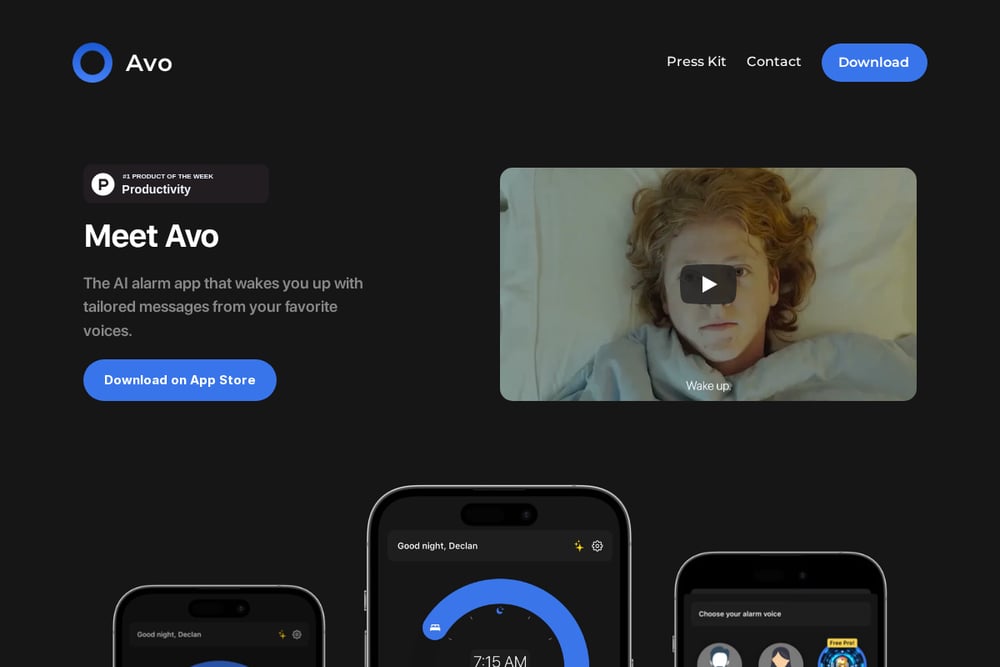
Avo wakes you up with tailored messages from AI voices, including celebrity and movie character impressions. But it goes further: Avo integrates with your calendar, email, weather, and news to give you a morning briefing. No two alarms are the same because the message adapts to your day. You can wake up informed and ready, not just awake. The app is available on the App Store and is aimed at people who want context with their wake-up call. If you like the idea of a personalized morning update, Avo delivers.
#5 Braina
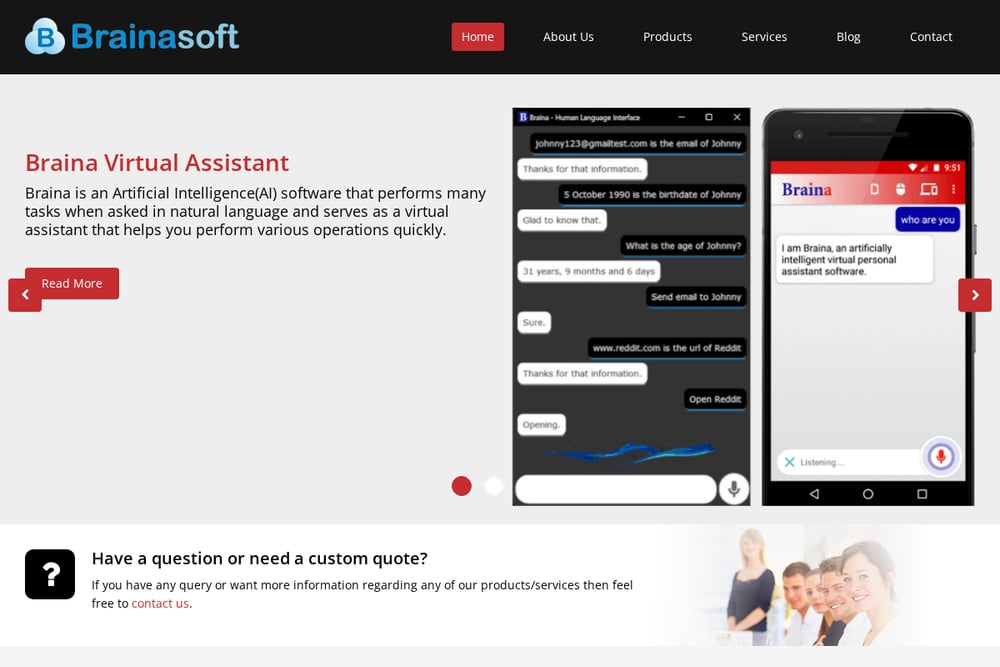 A screenshot of the Braina website.
Braina is not a mobile app. It is a speech recognition assistant for Windows PC that adds voice-controlled alarms and reminders to your computer. You can say 'Set alarm at 6 pm' or 'Remind me to take medicines everyday at 9 am' and Braina handles it. It supports natural language commands, custom ringtones, and even speaks the reminder description. You can also schedule tasks like shutting down your computer at a certain time. If you work at a desk and want hands-free alarm management on your PC, Braina is a practical choice.
How to Choose Your AI Alarm App
Start with your platform. If you are on iPhone, Dumb Alarm and Wake AI are built for iOS and use Apple's alarm framework. On Android, AI Alarm Clock is a native option. If you spend your mornings at a computer, Braina brings voice alarms to Windows. Next, think about what you want from your wake-up. Do you need a spoken message to motivate you? Wake AI and Avo excel there. Do you want your alarm to manage itself as your schedule changes? Dumb Alarm is built for that. Do you want a variety of voices? AI Alarm Clock has you covered. Finally, check the free tier. Most of these apps offer a useful free version, with Pro upgrades for advanced features. Try one for a week and see if your mornings improve.
What to Automate First
The biggest win is schedule automation. Set your recurring alarms once, then let the AI handle exceptions. Tell it about your early meeting, your day off, or your weekend sleep-in. The app should update everything without you touching a menu. Next, automate your wake-up sound. Choose a tone or voice that actually gets you up, and let the app rotate or adapt it. Finally, if you use a briefing app like Avo, connect your calendar and weather so your morning message is ready before you open your eyes. The goal is simple: zero alarm management, every morning.
The Bottom Line on AI Alarms
AI alarm apps are finally delivering on the promise of a smarter morning. You no longer need ten alarms or a nightly rescheduling ritual. Dumb Alarm leads the pack for conversational scheduling and automatic updates, making it the easiest way to stop managing alarms. Wake AI adds a personal spoken touch. AI Alarm Clock offers voice variety on Android. Avo brings your day into your wake-up. Braina serves the PC crowd. Pick the one that fits your platform and your morning style, and you might just start waking up on the right side of the bed.