Your iPad is a design studio waiting to happen. These four course platforms teach architects and interior designers to sketch, model, and render without ever leaving the screen.
The iPad Has Quietly Become the Architect's Sketchbook
Walk into any design studio and you'll see it: an iPad and a Pencil sitting next to the trace paper. Architects and interior designers have moved concept sketching, plan rendering, and even full SketchUp modeling onto tablets, and the training market has grown right alongside them. Online courses now range from free brush packs to multi-week masterclasses with personal feedback. The appeal is simple. You learn at your own pace, you practice on real project types, and you skip the commute. The challenge is picking a teacher whose workflow actually matches yours. Some courses lean on analog sketching habits, others go deep on Procreate, and a few tie everything back to SketchUp and client-ready presentations. The four platforms below each take a different angle on that same promise.
How We Looked at These Four
We compared each platform on the same factors. First, scope: does it cover just one tool, or a full workflow from sketch to model to presentation? Second, pricing clarity: are course prices and session rates visible before you commit? Third, teaching format: self-paced video, live Q&A, small-group workshops, or one-on-one time with the instructor. Fourth, real-world fit: does the material map to actual client projects, scale drawing, and office workflows? Fifth, instructor credibility: published work, student counts, and design practice experience. DWD stands out for pairing a working interior design studio with iPad-based teaching and paid 1:1 sessions. Sketch Like an Architect shines for its free downloadable Procreate and SketchUp files and a large library of sketching brushes. Draw With Gao impresses with a structured six-week Procreate masterclass and thousands of students. iPad for Architects focuses tightly on drawing to scale and hybrid Procreate-to-SketchUp workflows.
Here's a quick side-by-side of what each platform offers, who it suits, and how it teaches. Use it to shortlist before you read the full breakdowns.
| Provider | Best For |
|---|---|
| Sketch Like an Architect | Architects who want sketching skills plus ready-made brushes and assets |
| DWD — Design with Dilawaiz | Designers who want iPad-only workflows plus direct access to a practicing designer |
| Draw With Gao | Beginners who want a guided six-week ramp-up onto the iPad |
| iPad for Architects | Practicing designers who need scale-accurate drawings and CAD-ready workflows |
The Four, One by One
#1 Sketch Like an Architect
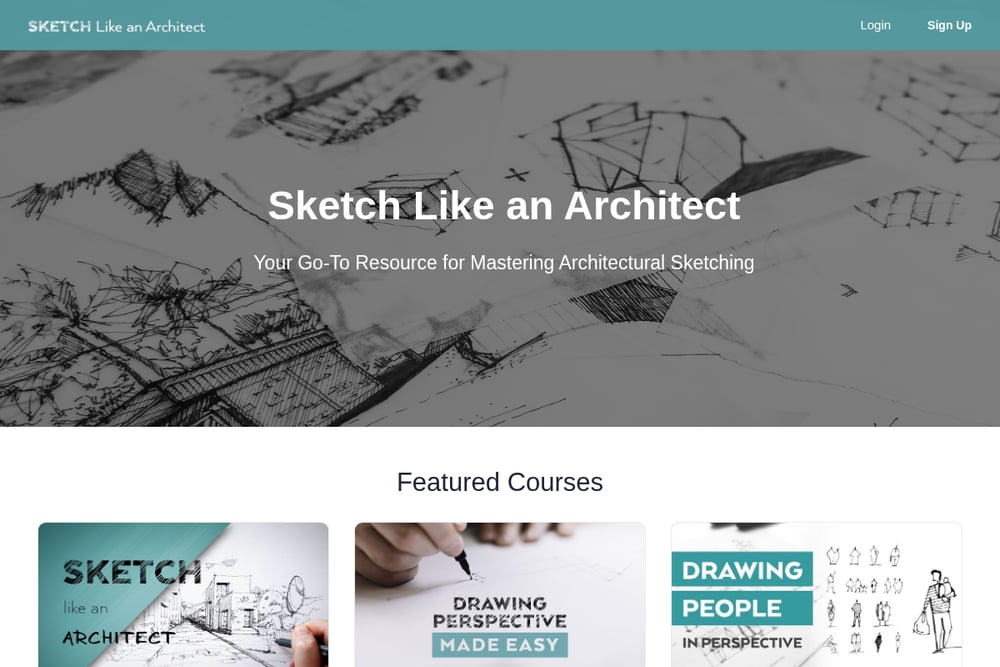 A screenshot of the Sketch Like an Architect website.
David Drazil built this platform around a simple idea: architects communicate better when they sketch well. The Procreate and SketchUp concept development course ships with free downloadable files so you can follow along in the same workspace as the instructor. Drazil is an architect, speaker, and author of three books on architectural sketching, and he has taught more than 12,000 online students. The catalog extends beyond courses into brush sets, stamp libraries, and Morpholio Trace packs, which makes it a one-stop shop for digital sketching tools. If you want to build a visual communication habit, this is a strong place to start.
#2 DWD — Design with Dilawaiz
 A screenshot of the DWD — Design with Dilawaiz website.
Dilawaiz is an architect, interior designer, and educator who runs a working studio, Sile Design Studio, designing spaces remotely for clients in more than 35 countries. That practice feeds directly into the teaching. The SketchUp on iPad course takes you from a floor plan to a presentable view using only an iPad and Pencil, starting at $270, with self-paced lessons and live Q&A. A Procreate for Architects course is in the works, covering hand-rendered plans, sections, and elevations plus a reusable brush and texture set. AI workshops and team training for firms round out the lineup, and 1:1 sessions run $100 for a project consultation or $150 for personal brand development. It's a rare combination of live design work and iPad-first instruction.
#3 Draw With Gao
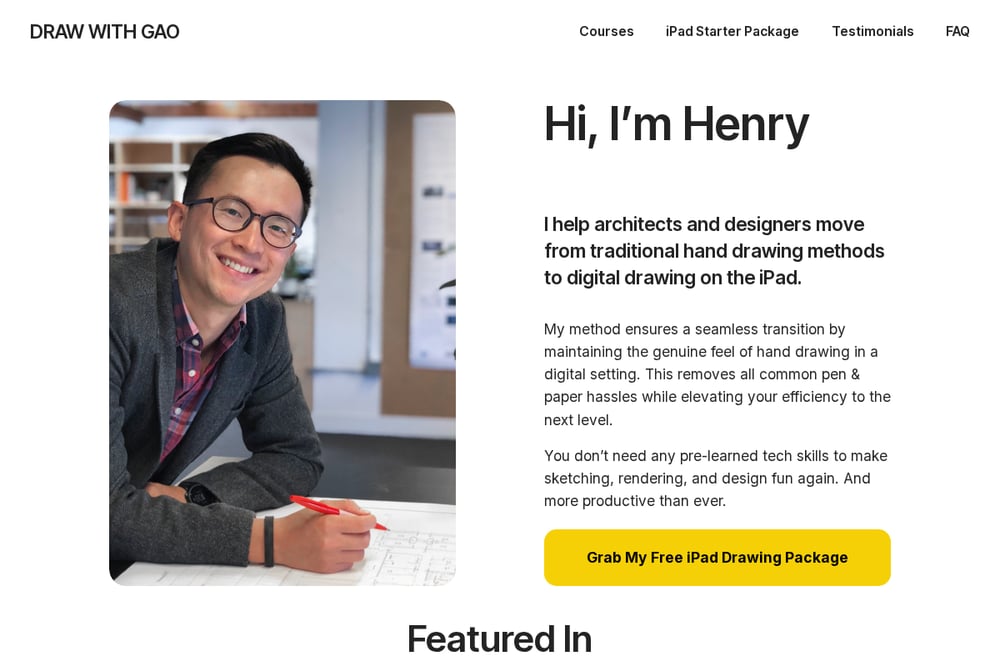 A screenshot of the Draw With Gao website.
Henry Gao's Procreate Masterclass is built as a six-week transition program for architects and interior designers moving to a digital workflow. The pitch is direct: master the iPad and Procreate even if you've never touched one before, with step-by-step feature guidance and individual support. More than 3,500 students have used his methods, and the testimonials emphasize clear video tutorials, generous sharing of his own layered work files, and strong production quality. The course also includes an iPad Starter Package to help you get set up. It's a structured, cohort-style path rather than a pick-and-choose library.
#4 iPad for Architects
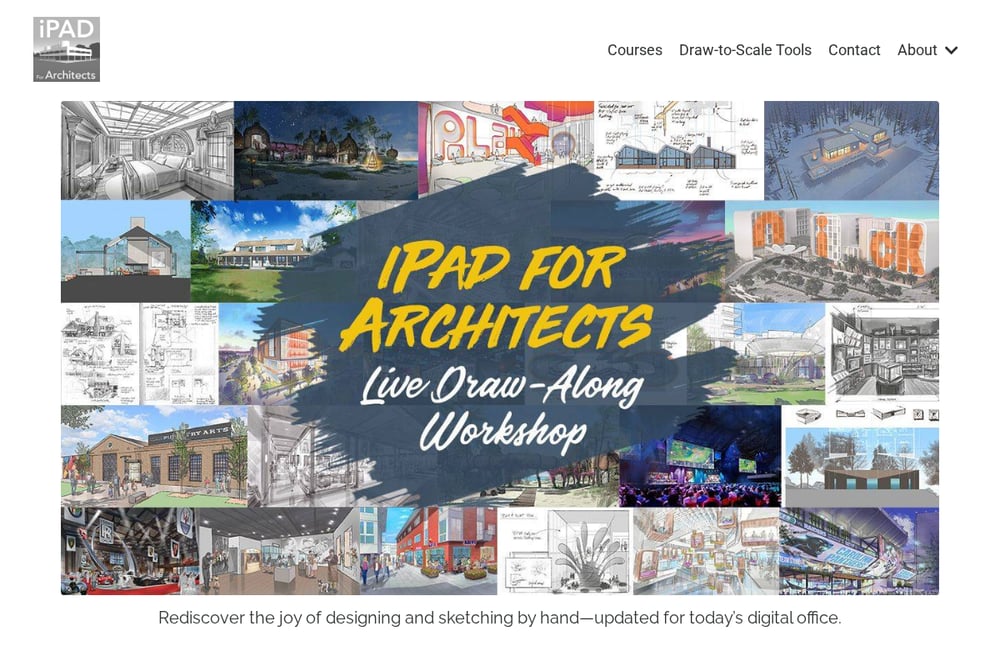 A screenshot of the iPad for Architects website.
This platform's Procreate Accelerator is aimed squarely at professional practice. The focus is drawing to scale with custom templates, rulers, and stencils, then moving sketches into SketchUp or CAD without friction. Lessons cover quick schematic sketching, polished plan and elevation renderings, and hybrid workflows that fit real office deadlines. The framing is practical: turn your iPad into a sketchbook that pays the bills, and share client-ready visuals earlier in the process. A short intro video walks you through the workflow before you register. If scale accuracy and office integration matter most to you, this is the angle to study.
Match the Course to Your Workflow
Start with the tool you actually use. If SketchUp is your daily driver, prioritize a course that models a full interior from floor plan to presentation view, like the one at DWD. If Procreate is where you sketch, look at how deep the brush and texture resources go. Next, decide how much structure you want. A six-week guided masterclass suits beginners who need momentum, while self-paced libraries suit working designers squeezing in lessons between projects. Check pricing transparency before you enroll. Visible course prices and session rates, like DWD's $270 starting point and $100 to $150 one-on-one options, let you budget without a sales call. Finally, weigh instructor credibility. A teacher who still designs for clients brings current, real-world judgment to feedback. If you can, pick a platform that offers live Q&A or direct sessions so you can ask about your own project, not just the demo file.
Where AI Fits Into Your Learning
AI image tools are now part of the architectural workflow, and the smart move is learning where they help and where they don't. Use them early to test moods, materials, and lighting options fast, then switch to SketchUp or Procreate for dimensionally accurate drawings. DWD's AI workshops are built around exactly that boundary, taught live in small groups. A practical routine: generate a few material and light studies, pick the direction that resonates, then model and render it properly on your iPad. Keep your brush sets, templates, and component libraries organized so each project starts faster than the last. The goal isn't to automate design judgment. It's to cut the busywork so you spend more time on the decisions clients pay for.
The Bottom Line
There's no single right course here, only the right fit for how you work. Sketch Like an Architect gives you sketching skills plus a deep bench of brushes and assets. DWD — Design with Dilawaiz pairs a live interior design practice with iPad-first courses and affordable 1:1 access. Draw With Gao offers a structured six-week on-ramp for iPad newcomers. iPad for Architects delivers scale-accurate, office-ready Procreate workflows. Pick the one that matches your tool, your timeline, and your budget, and start drawing this week. Your next client presentation will thank you.