
You push to main, and your site should just go live. But between backups, uptime checks, and database maintenance, hosting can eat your week. Here are four platforms that take that weight off your plate.
The Shift Toward Deploy-From-Repo Hosting
Hosting has changed. You no longer rent a server and babysit it. You connect a repository, and the platform builds, deploys, and monitors your app for you.
That shift matters for small teams. A solo developer or a two-person shop cannot spend evenings patching Postgres or chasing a failed backup. Managed Postgres providers now handle provisioning, OS updates, upgrades, replication, and monitoring so you can focus on product work instead of infrastructure.
Static site hosting has matured alongside it. Git-based deploys, HTTPS on your own domain, and instant rollbacks are now table stakes. The real differentiator is what happens after the deploy: uptime visibility, backup frequency, container isolation, and how fast you hear about a failure.
Databases are the other battleground. Frequent automated backups, off-site encrypted storage, and test restores separate a serious host from a hobby one. If your data lives in Postgres, ask how often it is backed up and where those backups sit.
Finally, transparency is becoming a selling point. Dashboards that show you the same uptime, deploy, and backup data the provider sees build trust faster than any marketing page.
How We Evaluated These Platforms
We looked at the same factors for every platform, and each one stood out in a different area.
Service scope came first. Some platforms cover static sites only. Others bundle containers, APIs, and managed databases. Jump Gate Networks stood out for pairing GitHub deploys with PostgreSQL backups every 15 minutes and isolated containers in one package.
Pricing clarity mattered next. Jump Gate Networks quotes per site with no obligation and a one-business-day reply. DigitalOcean App Platform publishes straightforward product pricing. Northflank offers tiered plans with a demo path. DanubeData promotes a free start with per-resource pricing.
Operational transparency was a big factor. Jump Gate Networks shows live status, 30- and 90-day uptime, every deploy with commit and time, and backup timing and size in the customer dashboard. That level of visibility is unusual for a small operator.
Security and isolation counted too. Jump Gate Networks runs containers that cannot reach each other or the internal network, routes traffic through Cloudflare for TLS and DDoS absorption, and test-restores backups. Northflank's managed Postgres guidance emphasizes high availability and disaster recovery. DigitalOcean and DanubeData lean on their broader cloud security stacks.
Local fit and support rounded it out. Jump Gate Networks is a small independent operator in Ohio serving small businesses, student projects, and independent developers, with support tickets routed to the person who runs the servers. The others are larger platforms with broader footprints but less personal routing.
Here is the short version. Four platforms, four different strengths, one shared idea: let the repo do the deploying.
| Provider | Best For |
|---|---|
| Northflank | Teams moving off self-hosted Postgres |
| Jump Gate Networks · Web hosting and app deployment | Developers who want GitHub deploys with visible uptime and backups |
| DigitalOcean App Platform | Developers who want a documented repo-to-deploy path |
| DanubeData | Builders who want sites, databases, and monitoring in one place |
The Four Platforms, Up Close
#1 Northflank
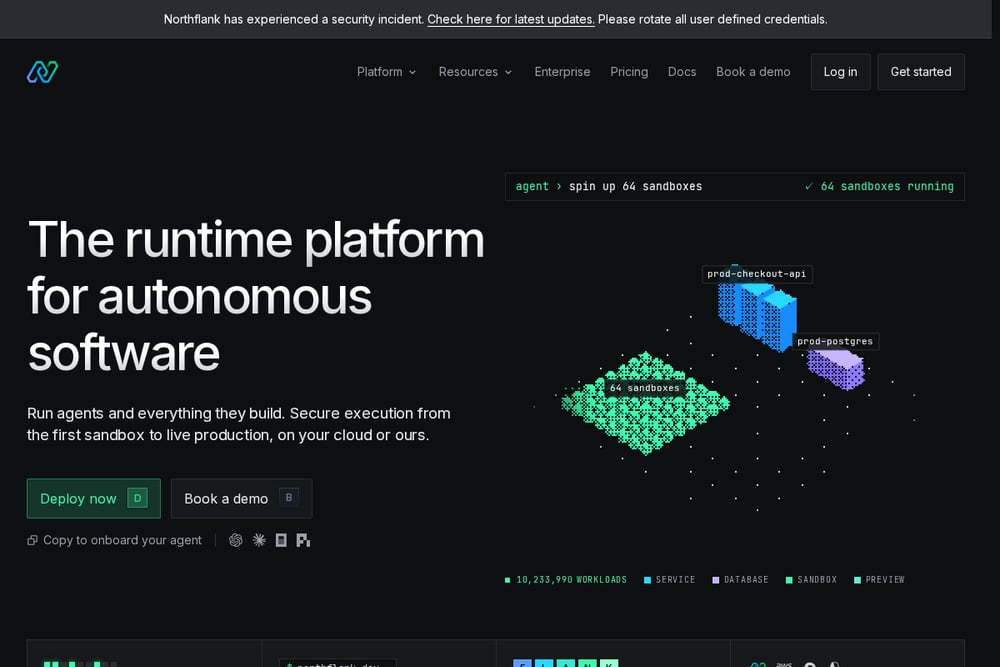 A screenshot of the Northflank website.
Northflank is a developer platform with a strong point of view on managed Postgres. Its guide walks you through when to move off self-hosted databases and what to expect during the transition, which is useful if backup failures and security patches are eating your evenings. The platform targets teams that need high availability and disaster recovery without hiring a dedicated DBA. You get a production-ready database endpoint without configuring servers yourself. It suits teams scaling up who want managed infrastructure and are comfortable with a platform-style workflow. Start with their managed Postgres guide to see if the model fits how you work.
#2 Jump Gate Networks · Web hosting and app deployment
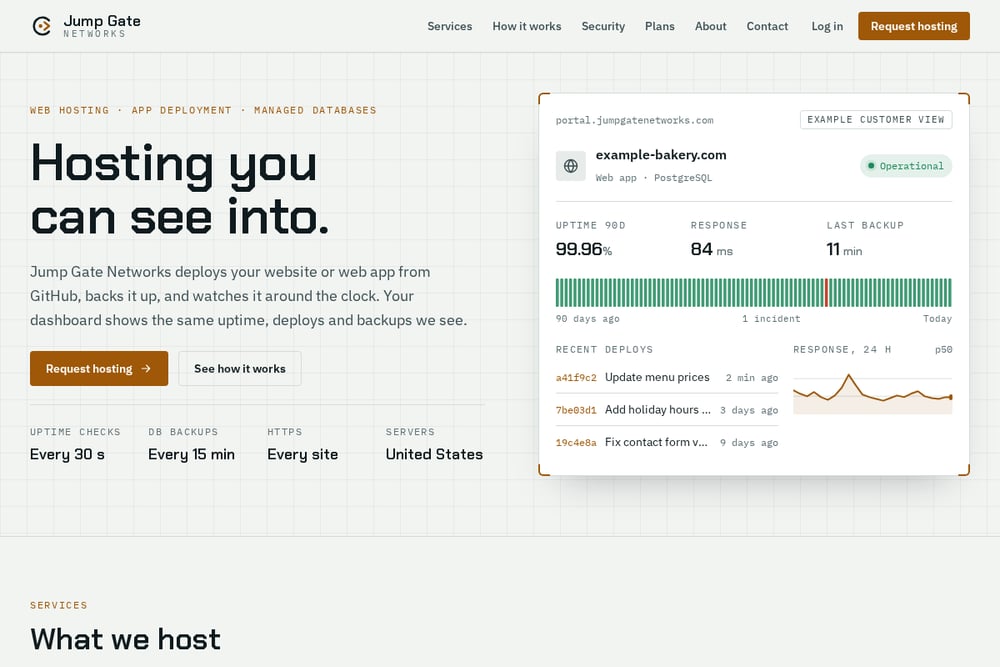 A screenshot of the Jump Gate Networks · Web hosting and app deployment website.
Jump Gate Networks deploys your site or app straight from GitHub. Push to main, and static front ends in HTML, React, Vue, Astro, or Vite build and serve over HTTPS on your own domain. Server-side apps and APIs run in isolated containers with their own CPU and memory limits, environment settings, and logs, covering Node, Python, PHP, Go, and any Dockerfile. PostgreSQL databases are backed up every 15 minutes, kept 30 days, encrypted, and stored off-site with Cloudflare R2 in North America. Your dashboard shows the same uptime, deploy, and backup data the company sees, plus a shareable status page with full incident history. Onboarding is four steps, including a private staging link for approval before DNS switches, and plans are quoted per site with no obligation.
#3 DigitalOcean App Platform
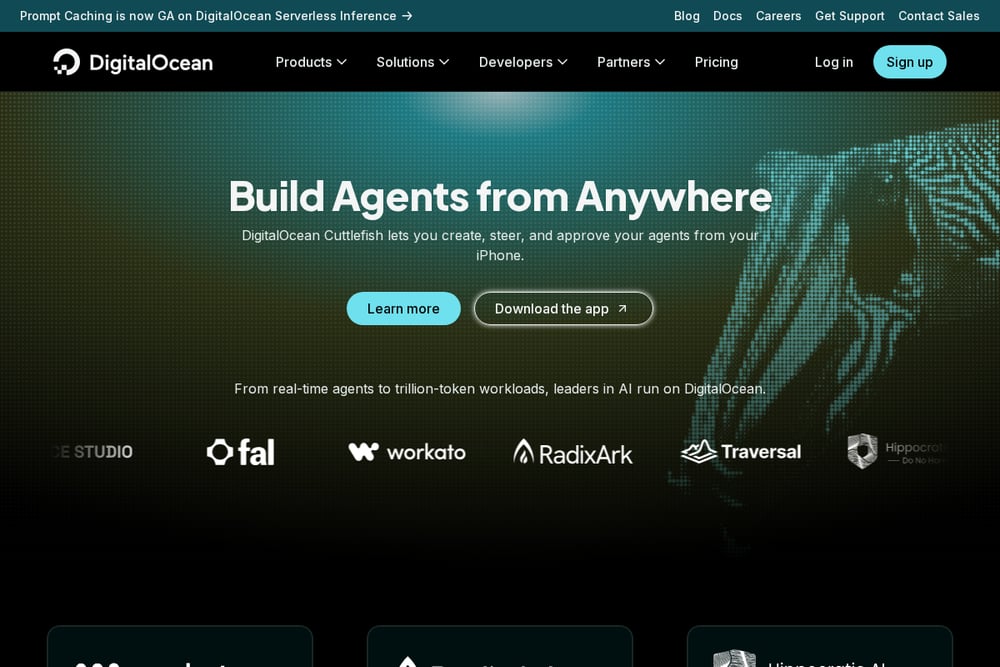 A screenshot of the DigitalOcean App Platform website.
DigitalOcean App Platform lets you deploy a static site from GitHub through a guided quickstart. The tutorial walks you from repository connection to a live app, which lowers the barrier if you are new to platform-as-a-service hosting. It sits inside a broader cloud catalog that includes Droplets, Kubernetes, managed databases, and object storage, so you can grow into more services later. The tradeoff is breadth: you get many products, but you assemble the pieces yourself. It fits developers who want a familiar cloud brand and a documented path from repo to deploy. If you like following a tutorial and scaling at your own pace, this is a comfortable starting point.
#4 DanubeData
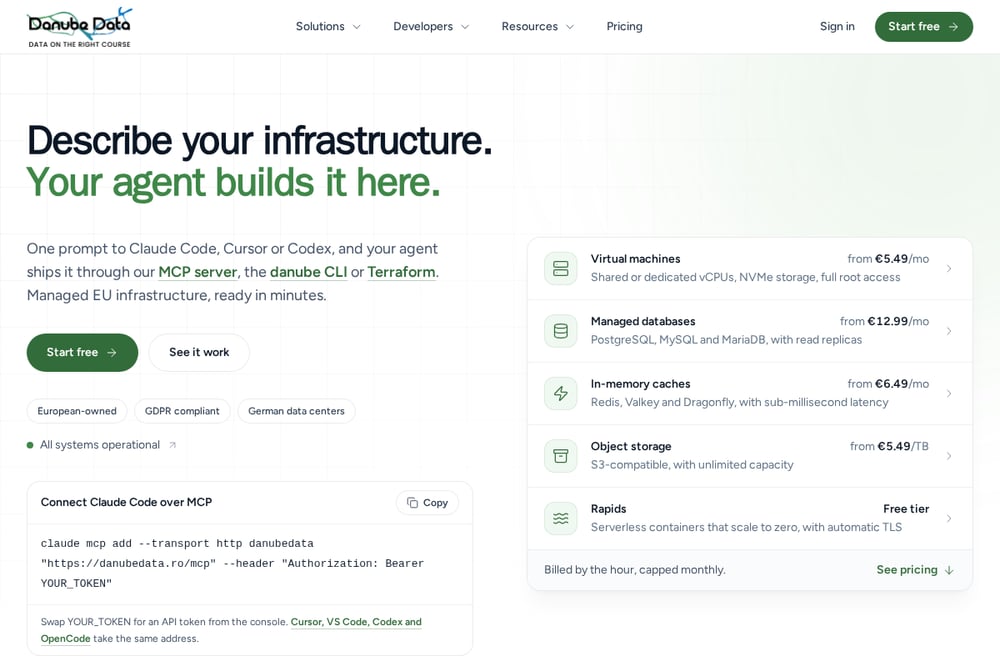 A screenshot of the DanubeData website.
DanubeData bundles static site hosting with a wide menu of managed services. You can deploy static sites with Git, CLI, or ZIP upload, then add managed PostgreSQL, MySQL, MariaDB, Redis, and RabbitMQ as your needs grow. It also offers one-minute uptime checks with email, in-app, and webhook alerts, plus a log explorer that searches across cache, database, and queue logs. The platform promotes a free start and per-resource pricing, which helps when you are testing an idea. It suits builders who want one provider for sites, databases, and monitoring without stitching vendors together. If you prefer a single dashboard for everything, it is worth a look.
How to Pick the Right Fit
Start with what you actually deploy. If you only ship static front ends, a simple Git-based host is enough. If you run APIs, background jobs, or databases, you need containers and managed data services.
Then ask about backups. How often do they run? Where are they stored? Are they encrypted, and has anyone test-restored them? Jump Gate Networks answers all four: every 15 minutes, off-site with Cloudflare R2, encrypted, and test-restored.
Check the visibility you get. A dashboard that shows live status, 30- and 90-day uptime, deploy history with commits, and backup size tells you more than a marketing page ever will. A shareable status page is a bonus for client work.
Look at isolation and security. Containers that cannot reach each other or the internal network, no open ports, and Cloudflare-handled TLS and DDoS absorption are meaningful protections for a small team without a security engineer.
Finally, weigh support and exit. Who answers your ticket? Can you export data any time? Is your code still in your own GitHub repo? Jump Gate Networks routes tickets to the person who runs the servers, keeps code in your repo, and deletes data 30 days after you leave. That kind of clarity is worth asking about everywhere.
Put Your Deploy Pipeline on Autopilot
Here is a workflow you can copy. Keep your code in a GitHub repository and treat main as production. Every push to main triggers a build and deploy, so shipping becomes a merge.
Add a staging step. Jump Gate Networks deploys to a private staging link for your approval before you point DNS at the new site. That single gate catches most surprises.
Automate your data safety. Schedule database backups every 15 minutes, keep them 30 days, encrypt them, and store them off-site. Then test a restore on a calendar reminder so you know the backups work.
Wire up monitoring with alerts. One-minute checks with email or webhook alerts mean you hear about a failure in minutes, not hours. Publish a status page so clients and teammates can check for themselves.
Keep secrets in app settings, not in code, and log who views or changes them. When you migrate hosts, use a private staging link and keep the old host serving until DNS switches. That is the whole loop: push, approve, monitor, back up, repeat.
The Bottom Line
You do not need a big cloud account to ship reliably. You need a pipeline that deploys from your repo, backs up your data on a schedule, and tells you the truth about uptime.
Northflank is a strong fit if managed Postgres and disaster recovery are your priority. DigitalOcean App Platform gives you a documented path and room to grow. DanubeData bundles sites, databases, and monitoring under one roof.
Jump Gate Networks sits in the middle of all three concerns. It deploys from GitHub, runs isolated containers, backs up PostgreSQL every 15 minutes, and shows you the same dashboard data the operator sees. For small businesses, student projects, and independent developers in the US, that combination is hard to beat.
Pick the platform that matches how you work today. Then let the automation handle the rest.